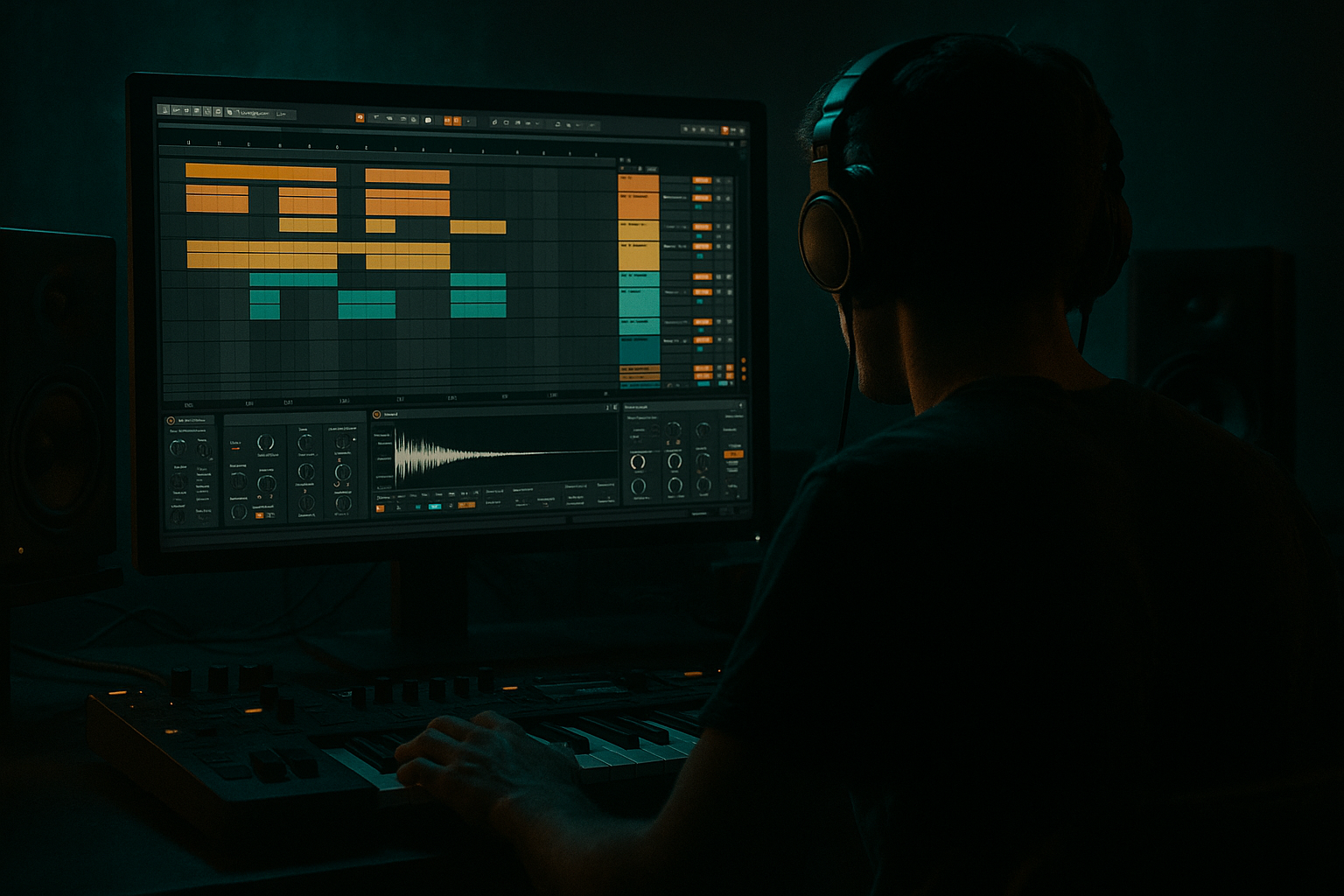
Main tutorial
Lesson Overview
This lesson is about building a Ragga cut route system in Ableton Live 12: a fast, intentional way to move from Session View sketching to a fully arranged DnB / jungle / rollers track in Arrangement View without losing the energy of the original jam.
In real Drum & Bass production, this matters because a lot of the best ideas start as loop-based pressure: a rude ragga vocal chop, a skanking bass call-and-response, a break that suddenly gets cut up, then a drop that mutates every 8 or 16 bars. The problem is that many producers get trapped in Session View improvisation and never turn the idea into a finished track. This workflow solves that by using performance-style clip routing in Session View as the source material, then printing, editing, and automating that material into a hard-hitting arrangement.
For advanced producers, the value is not “how to make a loop.” It’s how to create a route system: a repeatable structure where vocal cuts, drum edits, bass switches, fills, and FX are organized into lanes that can be performed, recorded, and later shaped into a proper DnB arrangement. Think: ragga MC energy over pressure drums, then a clean, DJ-friendly transition into a darker roller drop. That’s the lane.
Why this works in DnB: the genre thrives on contrast, repetition, and micro-variation. Ragga cuts give you immediate identity and tension, while Session View lets you test combinations fast. Arrangement View then turns that performance into a controlled progression with intro, drop, switch-up, breakdown, second drop, and outro. The result feels alive, but still mixable, club-ready, and intentional.
---
What You Will Build
You will build a 4-track route system that starts in Session View and ends as a finished arrangement:
- Drum lane: a break-based loop with layered kick/snare weight, edited fills, and ghost-note movement
- Bass lane: a sub + reese stack with a call-and-response pattern for drop phrases
- Ragga cut lane: chopped vocal phrases, throw-ins, and stop-start cuts routed for performance
- FX / atmosphere lane: impacts, reverse hits, noise sweeps, and short transition atmospheres
- A 16-bar intro with DJ-friendly space
- A 32-bar drop built from Session clips
- At least one ragga cut switch-up that changes the groove without breaking the mix
- A second-drop variation with extra density and movement
- A clean transfer into Arrangement View, with automation, scene-based structure, and mastering-aware headroom
- Intro: filtered breaks, distant ragga snippets, bass hints
- Drop 1: rolling sub, clipped ragga call, punchy break edits
- Mid-section: half-bar vocal dropouts, fill into phrase reset
- Drop 2: heavier bass modulation, denser drum fills, more aggressive FX
- Overfilling the ragga lane
- Letting the sub go stereo
- Using too much delay on every cut
- Arranging without phrase boundaries
- Not recording enough performance passes
- Over-compressing the drum bus
- Ignoring harsh vocal peaks
- Layer a filtered sub-drop under the ragga cut right before the drop hits. Keep it brief, around 1/2 to 1 bar, so it adds pressure without muddying the mix.
- Use reverse vocal pickups into a snare or crash to make the route feel more dangerous.
- Automate Auto Filter resonance subtly on the vocal chop lane to create a nasty squeal on the last word of a phrase.
- Resample the full route performance and chop it back into a new audio lane. This often creates accidental textures and timing quirks that feel more authentic than pristine edits.
- Use Drum Buss on the break return, not just the main drum bus, if you want the top break layer to spit and crack without flattening the main kick/snare.
- Let one bass note ring slightly longer every 8 bars. That micro-variation helps the drop feel alive and more DJ-friendly.
- Narrow the stereo image during the intro, then open it in the drop. This makes the route feel bigger without adding elements.
- Use short, dark reverbs on select ragga chops only. In heavy DnB, too much space can soften the edge, so keep it intentional.
- Build a Session View ragga cut route system as a performance grid
- Use clips, routing, filters, delays, and variation to create tension
- Record your best takes into Arrangement View
- Shape the track with 8- and 16-bar DnB phrasing
- Keep the mix mastering-aware with headroom, mono discipline, and controlled harshness
By the end, you’ll have:
Musically, this should feel like:
---
Step-by-Step Walkthrough
1. Set up your Session View as a performance grid, not a loop graveyard
Start with four audio or instrument tracks:
- Drums
- Bass
- Ragga Cuts
- FX / Atmos
Color-code them and name them clearly. On the Master, leave enough headroom so your loudest jam stays around -6 dB peak before mastering. In Ableton Live 12, use the browser and track colors to keep this fast.
For the drum track, load:
- Drum Rack if you’re building from one-shots
- Or an audio break loop if you’re slicing an amen / think / breakbeat
For the bass track, build with:
- Wavetable or Operator for a sub foundation
- Analog or Wavetable for a reese layer
For the ragga cuts, drag in vocal phrases and short chops. Keep them short: 1/8 to 2 bars. The system works best when the vocal acts like a rhythmic instrument, not a full acapella.
2. Build the ragga cut lane as a route system using clip variations
Create 6–10 vocal clips from the same source:
- Full phrase
- Tail only
- Single-word hit
- Fast repeat
- Half-time throw
- Reversed pickup
In Session View, group these into rows of “routes.” A route is basically a performance path:
- Route A: full phrase → tail → stop
- Route B: chopped repeat → pitched hit → reverse pickup
- Route C: dry word → delay throw → filtered mute
Use clip settings to shape each cut:
- Clip Gain: trim so each vocal lands around drum pocket level
- Transpose: try -3 to -7 semitones for darker ragga tension, or keep one clip at original pitch for contrast
- Warp Mode: usually Complex Pro for vocal phrases, or Beats for percussive shouts
- Launch Quantization: set to 1 Bar for structured switches, or 1/2 Bar for more aggressive skank movement
Add Clip Envelopes for filter throws:
- Auto Filter cutoff sweeps from around 250 Hz up to 6–8 kHz
- Small resonant peaks around 0.7–1.5 can make the cuts bite without sounding cheesy
Why this matters: ragga cuts work in DnB because they provide human tension against machine precision. The vocal’s phrasing creates anticipation, while the grid keeps the drop locked.
3. Design the drum lane for break energy and cut control
Use a break loop or slice one with Slice to New MIDI Track. If you want the classic jungle pressure, layer:
- A chopped break for top-end motion
- A clean kick/snare for body
- Short ghost notes for swing
In Drum Rack or audio clips, focus on:
- Transient control with Drum Buss or Saturator
- Transient shaping by automating clip gain or using Gate for tighter breaks
- Glue with Glue Compressor on the drum bus
Suggested starting point:
- Glue Compressor: 2:1 ratio, 1–2 dB gain reduction on peaks
- Drum Buss: Drive 5–15%, Boom low, then blend carefully
- EQ Eight: high-pass low percussion gently around 25–35 Hz
Keep the drum lane flexible enough to mute certain hits during ragga cuts. This creates pocket. Advanced DnB arrangements often feel bigger because they remove elements at the right moment, not because they add more.
4. Build the bass as a two-layer system: sub discipline + reese movement
For the sub:
- Use Operator with a sine wave, no unneeded stereo, mono only
- Keep the sub notes clean and long enough to support the drop
- Consider subtle note overlap for glide-like phrasing if the bassline needs flow
For the mid-bass / reese:
- Use Wavetable or Analog
- Detune lightly and modulate filter or wavetable position
- Keep stereo only in the mid layer, not the sub
Suggested settings:
- Sub low-pass or filter cutoff: keep fundamental stable, avoid bright harmonics below 120 Hz
- Reverb on bass: usually none on the sub, and very controlled on the reese if used at all
- Saturator on bass bus: drive around 2–6 dB, then match output
Build bass clips in Session View with call-and-response phrasing:
- Bar 1: sub stab + reese hit
- Bar 2: sustain + pause
- Bar 3: variation
- Bar 4: fill or pickup
Use Automation Clips in Session View to mute or open filters. A bassline that answers the ragga cut feels like a conversation, which is very authentic to DnB and jungle.
5. Route the ragga cuts through a controlled FX chain
Put the ragga lane through a processing chain that gives attitude but preserves intelligibility:
- EQ Eight
- Auto Filter
- Saturator
- Echo or Delay
- Optional Reverb on a send, not always inline
Suggested starting points:
- EQ Eight: high-pass around 120–180 Hz to clear low-end clutter
- Saturator: Soft Clip ON, drive just enough to thicken consonants
- Echo: very short throw, around 1/8 or 1/8 dotted, feedback low to moderate
- Reverb: short dark space, decay around 0.6–1.2 s if used
Use sends for larger vocal throws so you can automate the send amount during transition bars. For example, in the last beat before a drop, push a single ragga word into delay, then cut it hard when the bass returns.
This is powerful in DnB because vocal fragments can act like percussive fills. They occupy the same attention space as snare rolls and impacts without stealing low-end room.
6. Perform your Session View route and record the best takes into Arrangement View
Now comes the route system part. Arm the global record and perform your clip launches like a set:
- Start with intro clips muted or filtered
- Bring in drums first
- Add bass on phrase boundaries
- Launch ragga cuts as call-and-response
- Trigger fills and FX at the end of 8- or 16-bar blocks
Record multiple passes. Don’t aim for perfect on the first take. Instead, capture:
- One pass with restrained energy
- One pass with aggressive vocal switching
- One pass with extra fills and drop variations
Then move into Arrangement View and choose the strongest moments from each take. In Ableton Live 12, this is where your Session performance becomes a real track. Use arrangement automation to refine:
- filter opening on the intro
- vocal delay throws
- bass mutes before drop 2
- drum break fill intensity
Advanced move: keep some Session clips live while arranging, then consolidate only after the groove is locked. This avoids over-editing too early.
7. Shape the arrangement into a proper DnB tension curve
A strong structure for this technique:
- 0:00–0:16: filtered intro, ragga texture, low drums
- 0:16–0:32: build with break motion and vocal hints
- 0:32–1:04: drop 1, full route system engaged
- 1:04–1:20: switch-up, bass drops out, vocal cut takes front
- 1:20–1:52: drop 2, heavier variation
- 1:52–2:08: outro with drums and atmosphere for DJ mixing
Use 8-bar phrasing wherever possible. If the track is darker or more underground, let the arrangement breathe. One bar of silence before a brutal drop can hit harder than another crash.
A good musical context example: if the track is sitting around 172 BPM with a murky minor-key bassline, the ragga cuts can punctuate each 4-bar phrase like an MC hyping a sound system set. The drums stay rolling, but the vocal route gives the track its identity.
8. Mastering-aware cleanup: keep the route system loud in feel, not loud in level
Since this lesson sits in the mastering mindset, check your mix decisions before you print the arrangement further.
On the master bus, do not chase loudness yet. Instead:
- Leave peaks around -6 dB
- Check mono compatibility
- Make sure sub and kick aren’t fighting
- Ensure ragga cuts don’t spike harshly around 2–5 kHz
Useful stock tools:
- Utility: mono the sub or narrow stereo on low layers
- EQ Eight: notch harsh vocal resonances if needed
- Glue Compressor: gentle glue on the drum bus or mix bus only if it already feels balanced
- Spectrum: verify that the low end is stable and not overbuilt
If you plan to master later, export a clean pre-master with headroom. For DnB, the arrangement’s punch and clarity are part of mastering. If the route system is cluttered, no amount of limiting will fix it.
---
Common Mistakes
- Fix: treat vocal cuts like drum hits. If every bar is busy, nothing lands.
- Fix: keep the fundamental mono with Utility and confine width to higher bass harmonics.
- Fix: automate delay as a throw, not a constant wash. The impact comes from contrast.
- Fix: build around 8- and 16-bar blocks. DnB club energy depends on readable structure.
- Fix: capture multiple Session View takes. The best route often appears on the second or third pass.
- Fix: aim for punch, not squash. If the break loses snap, back off the Glue Compressor threshold.
- Fix: use clip gain, EQ Eight, and careful saturation instead of just turning the vocal down.
---
Pro Tips for Darker / Heavier DnB
---
Mini Practice Exercise
Spend 10–20 minutes building a micro version of this system.
1. Load one break loop, one sub bass, one reese bass, one ragga vocal chop, and one FX hit.
2. Make 3 vocal route clips:
- full phrase
- chopped repeat
- reversed pickup
3. Make 2 bass patterns:
- one sparse intro version
- one heavier drop version with call-and-response
4. Launch clips in Session View and record a 32-bar performance.
5. In Arrangement View, edit only the strongest 16 bars of that performance.
6. Add just three automation moves:
- Auto Filter opening on the ragga lane
- Delay throw on one vocal hit
- Bass mute or filter dip before the drop
7. Export a rough bounce and listen for:
- sub clarity
- phrase readability
- whether the ragga cuts feel like part of the drum pattern
Goal: make the track feel like a coherent DnB drop idea, not just a loop with vocals.
---
Recap
The core of this lesson is simple:
If you do it right, the ragga cuts won’t feel pasted on — they’ll feel like part of the drum machine, part of the bass conversation, and part of the track’s identity. That’s the difference between a loop and a finished DnB weapon 🔥

