Main tutorial
Lesson Overview
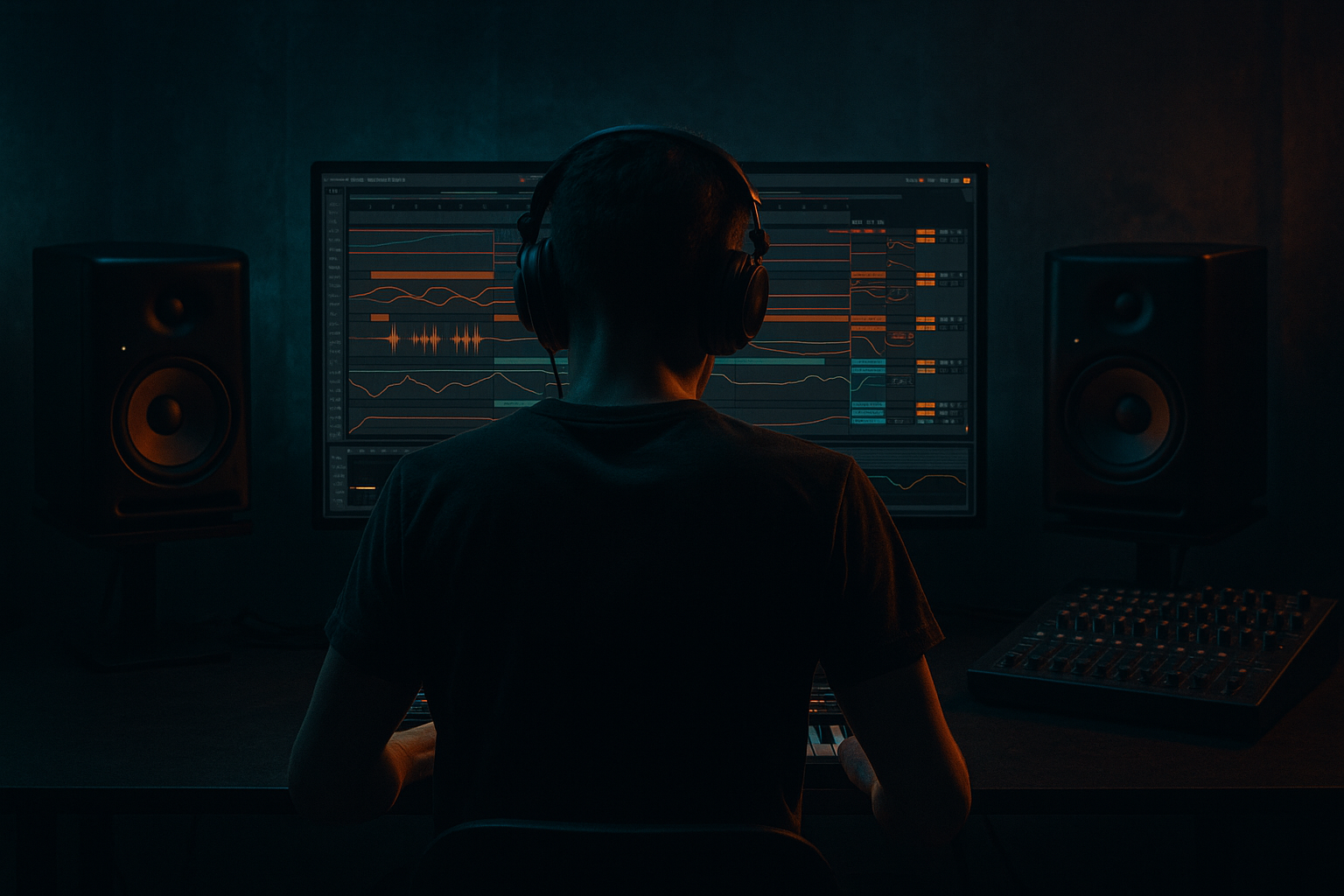
A ragga cut is one of the most effective ways to inject personality, attitude, and dancefloor identity into a Drum & Bass track. In this lesson, you’ll rebuild a ragga-style vocal cut inside Ableton Live 12 using an automation-first workflow — meaning the movement, tension, and impact come mostly from automation, arrangement, and editing choices rather than overloading the project with tons of extra sounds.
This matters because ragga cuts sit beautifully inside DnB when they are used like rhythmic hooks: short vocal phrases, call-and-response hits, delay throws, and little breakdown stabs that create momentum before the drop. In jungle, rollers, darker jump-up, and neuro-influenced DnB, ragga vocals help bridge the space between percussion and bass. They give the track a human voice and a recognizable “reload” energy 🔥
For beginners, this lesson is especially useful because it teaches a professional habit: build the idea first with automation and arrangement, then add processing only where it supports the groove. That keeps your projects cleaner, faster to finish, and easier to mix.
---
What You Will Build
By the end of this lesson, you’ll have a short ragga cut section that works like a real DnB arrangement element:
- a chopped vocal phrase with tight rhythmic repetition
- a delay-throw moment that answers the main vocal hit
- a simple but effective filter movement
- a drop-ready transition with riser energy and impact
- a version that can sit in:
- Using too much vocal content
- Leaving low end in the vocal
- Overusing reverb
- Putting the vocal on top of every drum hit
- Making automation too random
- Forgetting mono compatibility
- Chasing loudness too early
- Use a darker filter start
- Automate silence for impact
- Add grit carefully
- Make the delay dirty, not huge
- Use call-and-response with bass
- Try short break fills under the vocal
- Keep the stereo image disciplined
- Automate a tiny volume lift on the hook
- A ragga cut in DnB works best when it is rhythmic, selective, and automated
- Build the groove first with editing, filtering, delay throws, and arrangement
- Use Ableton stock devices like Auto Filter, EQ Eight, Utility, Compressor, Echo, Reverb, Saturator, and Glue Compressor
- Keep the vocal centered, controlled, and clear of low end
- Make the cut feel alive with call-and-response, phrase automation, and drop-aware spacing
- In DnB, the best ragga vocal parts don’t just decorate the track — they drive momentum and identity 🎛️
- a jungle-style intro
- a roller breakdown
- or a darker 174 BPM drop prelude
Musically, think of it like this: a phrase such as “come again”, “watch it now”, or “pull up” gets sliced into short call-and-response hits, then automated so the sound opens up, dips out, echoes, and snaps back in at key bar lines. This creates that classic ragga-dnb tension where the vocal doesn’t just sit on top — it becomes part of the groove.
---
Step-by-Step Walkthrough
1. Set up a clean DnB project at 174 BPM
Start a new Ableton Live 12 set and set the tempo to 174 BPM. This is the most common starting point for modern DnB, and it helps the vocal phrasing line up naturally with breakbeat energy.
Create a basic structure with these tracks:
- Drum Rack or audio track for breaks
- Sub bass track
- Reese/bass layer track if needed
- Vocal audio track for the ragga cut
- Return track for delay
- Return track for reverb
Keep the session simple. For a beginner, the goal is not to create a huge template — it’s to stay organized enough that automation decisions are easy.
Why this works in DnB: fast-tempo music needs quick arrangement decisions. If your project is cluttered, you’ll overbuild instead of shaping the groove.
2. Choose a short ragga vocal phrase and place it on the grid
Use a vocal sample with attitude and clear consonants. Ragga cuts work best when the phrase has strong rhythm and a recognizable accent. You don’t need a full acapella — just a 1- to 2-bar phrase or even a few syllables.
In the Arrangement View:
- drag the sample onto an audio track
- turn on Warp
- set Warp Mode to Complex Pro for full vocal phrases, or Beats if the sample is chopped and percussive
- align the first strong word to bar 1 or bar 9 depending on whether you want an intro or drop-side phrase
For beginner-friendly phrasing, aim for:
- 1-bar call
- 1-bar response
- or 2-bar loop with variation
If the vocal feels too long, split it into smaller clips with Cmd/Ctrl + E and rearrange the best words into a more rhythmic pattern.
3. Build the first ragga cut pattern with clip editing, not heavy effects
Before reaching for plugins or big processing chains, make the vocal itself work as a rhythmic element. This is the “automation-first” mindset: the arrangement should already feel musical before you polish it.
Use these editing moves:
- slice the clip into 1/4-bar or 1/8-bar chunks
- leave tiny gaps between hits for bounce
- duplicate the strongest word as a hook
- mute weak syllables that clutter the phrase
A simple ragga DnB pattern could be:
- Bar 1 beat 1: “Come…”
- Bar 1 beat 3: “Again…”
- Bar 2 beat 1: “Come again!”
- Bar 2 beat 4: delay throw
Keep the rhythm sharp. Ragga cuts often work because they feel almost like percussion. If the sample is too long, it smears over the break and loses impact.
4. Shape the vocal with Utility, EQ Eight, and basic compression
Add these stock devices on the vocal track:
- Utility
- Use Gain to balance the vocal against the drums
- Keep the vocal centered unless you are intentionally widening effects later
- If the sample is too wide, reduce Width to 0–80%
- EQ Eight
- High-pass around 120–180 Hz to clear low-end mud
- Cut harsh buildup around 2.5–5 kHz if the vocal is edgy
- If needed, gently reduce boxiness around 300–600 Hz
- Compressor or Glue Compressor
- Aim for light control, not heavy squashing
- Ratio around 2:1 to 4:1
- Use only a few dB of gain reduction
Beginner rule: if the vocal sounds weak after clean-up, don’t automatically boost it louder. First check if the arrangement is leaving enough space for it.
For a ragga cut, the vocal should sit in front of the break, not buried inside it.
5. Create an automation-first filter opening for tension
Now comes the core of the lesson: movement through automation.
Add Auto Filter to the vocal track and automate:
- Filter type: Low-Pass
- Start cutoff around 200–500 Hz for a dark intro feel
- Open the cutoff to around 6–12 kHz before the phrase lands
- Use a little resonance if you want more vocal emphasis, but keep it moderate
A useful beginner approach:
- automate the filter closed during the first half of the phrase
- open it on the last word
- close it again after the response
This makes the ragga cut feel like it’s breathing with the drum pattern.
Why this works in DnB: fast music needs contrast. When the vocal opens up right before a drop or switch-up, your ear reads it as tension, even if the sound design is simple.
6. Set up delay throws on a return track
Ragga cuts love echoes. Instead of putting delay on the whole vocal, build a return track so you can control exactly where the echoes appear.
On Return A, add:
- Echo or Delay
- Set time to 1/8 or 1/4 dotted for DnB-style bounce
- Reduce feedback to around 20–45%
- Filter the delay so it doesn’t clutter the low mids
- Optional: add EQ Eight after the delay to roll off low end and tame harsh highs
Then automate the vocal track’s Send A only on selected words:
- “again”
- “pull up”
- “watch it”
- end-of-phrase syllables
A delay throw works especially well at the end of a 2-bar section, where it can bridge into the next bar without needing another vocal sample.
Keep it selective. Too much delay turns a punchy ragga cut into a wash of noise.
7. Add a short reverb space for atmosphere, not size
Ragga cuts in DnB usually sound better when they are slightly dry and direct, with just enough space to feel finished.
On Return B, add:
- Reverb
- Decay around 0.8 to 1.8 seconds
- Pre-delay around 10–25 ms
- Filter out low end inside the reverb if possible
- Keep the wet send subtle
Use this return for:
- intro vocal tail
- transition into a breakdown
- distant echo on a single phrase
A tiny bit of space can make the vocal feel larger without taking away the punch that DnB needs.
If the vocal starts sounding washed out, lower the reverb send first before touching EQ.
8. Automate the vocal into the arrangement like a real DnB switch-up
Now place the ragga cut in a proper arrangement context. A strong beginner arrangement example:
- Bars 1–8: drums + atmosphere + filtered vocal tease
- Bars 9–16: vocal becomes clearer and more rhythmic
- Bars 17–24: first drop-side vocal hook with bass and breaks
- Bars 25–32: strip back the drums and let one delay throw lead into the next section
Use automation to create a mini-story:
- Auto Filter cutoff opening over 4 or 8 bars
- Delay send rising on the final word
- Reverb send increasing at the end of a phrase
- Track volume dips between phrases to create call-and-response
For a roller or darker neuro-style section, keep the vocal more sparse. A few strong phrases are more effective than constant chatter.
Think like a DJ: leave space for the drums and bass to hit.
9. Blend the vocal with the drums and bass using simple balancing moves
The ragga cut should feel like part of the beat, not a separate layer floating on top.
Check these balance points:
- lower the vocal if it masks the snare
- if the sub loses power, cut low end from the vocal more aggressively
- make sure the vocal rhythm complements the break, not fights it
- if the phrase lands on a snare hit, that can be powerful — but only if both sounds remain clear
Use Utility to quickly automate overall vocal level:
- raise the main hook by 1–2 dB
- lower the transitional bits slightly
- keep the mix headroom safe
If you’re using a bassline, make sure the vocal is not masking key midrange movement. In DnB, the bass and vocal often share attention. Arrangement space matters more than volume alone.
10. Resample the strongest section if you want a more authentic cut
Once the phrase, automation, and delay feel good, resample it into a new audio clip. In Ableton Live, this can be done by recording the processed vocal to a new audio track or freezing/flattening if appropriate.
Why resample?
- it locks in the vibe
- it makes the vocal easier to edit like an instrument
- it helps you turn a “sample” into a custom DnB hook
After resampling, you can:
- reverse a tail for a transition
- chop the echo into a fill
- duplicate the strongest hit into the drop
- add tiny volume automation curves for extra movement
This is very useful in jungle and darker rollers where the vocal becomes part of the arrangement’s DNA.
---
Common Mistakes
- Fix: keep only the strongest words or syllables. Ragga cuts are about impact, not full sentences.
- Fix: high-pass with EQ Eight so the sub and kick have space.
- Fix: use short reverb and favor delay throws for movement.
- Fix: leave gaps so the break can breathe. The silence around the cut is part of the groove.
- Fix: anchor changes to 4-bar or 8-bar phrases so the arrangement feels intentional.
- Fix: keep the main vocal centered and only widen effects, not the core phrase.
- Fix: balance the vocal against drums at lower volume first. If it works quietly, it usually works in a club context.
---
Pro Tips for Darker / Heavier DnB
- Begin the vocal under a low-pass around 200–400 Hz, then open it gradually for a more ominous build.
- Pull the vocal down for a half-bar before the phrase returns. In DnB, a sudden gap can hit harder than another layer.
- Use Saturator on the vocal very lightly for attitude. Try Drive around 1–4 dB and keep an eye on harshness.
- Filter the delay so the repeats sit behind the dry vocal. Darker DnB often works better with echoes that feel distant and slightly degraded.
- Let the ragga cut answer the bass phrase, or have the bass drop out for one beat when the vocal lands. This is classic tension design in rollers and jungle.
- A tiny snare drag, ghost note, or break edit behind the ragga cut can make the section feel more alive without crowding it.
- Main vocal centered, effects wider. This protects kick/sub clarity and keeps the drop focused.
- A 1 dB to 2 dB bump on the key phrase can make the cut feel much more confident without overprocessing.
---
Mini Practice Exercise
Spend 10–20 minutes and build this from scratch:
1. Set Ableton Live to 174 BPM.
2. Load a short ragga vocal sample onto an audio track.
3. Chop it into 3 to 5 small clips.
4. Add EQ Eight and high-pass the vocal at around 150 Hz.
5. Add Auto Filter and automate a low-pass opening over 4 bars.
6. Create a delay return with Echo or Delay and send only the final word of each phrase.
7. Arrange the vocal over an 8-bar DnB loop with drums and sub.
8. Make one section feel like a breakdown, and one section feel like a drop lead-in.
9. Resample your best 4 bars.
10. Listen back and ask: does the vocal feel like part of the rhythm, or just an extra sample?
If you finish early, make a second version that is darker by reducing reverb and using a more closed filter curve.
---

