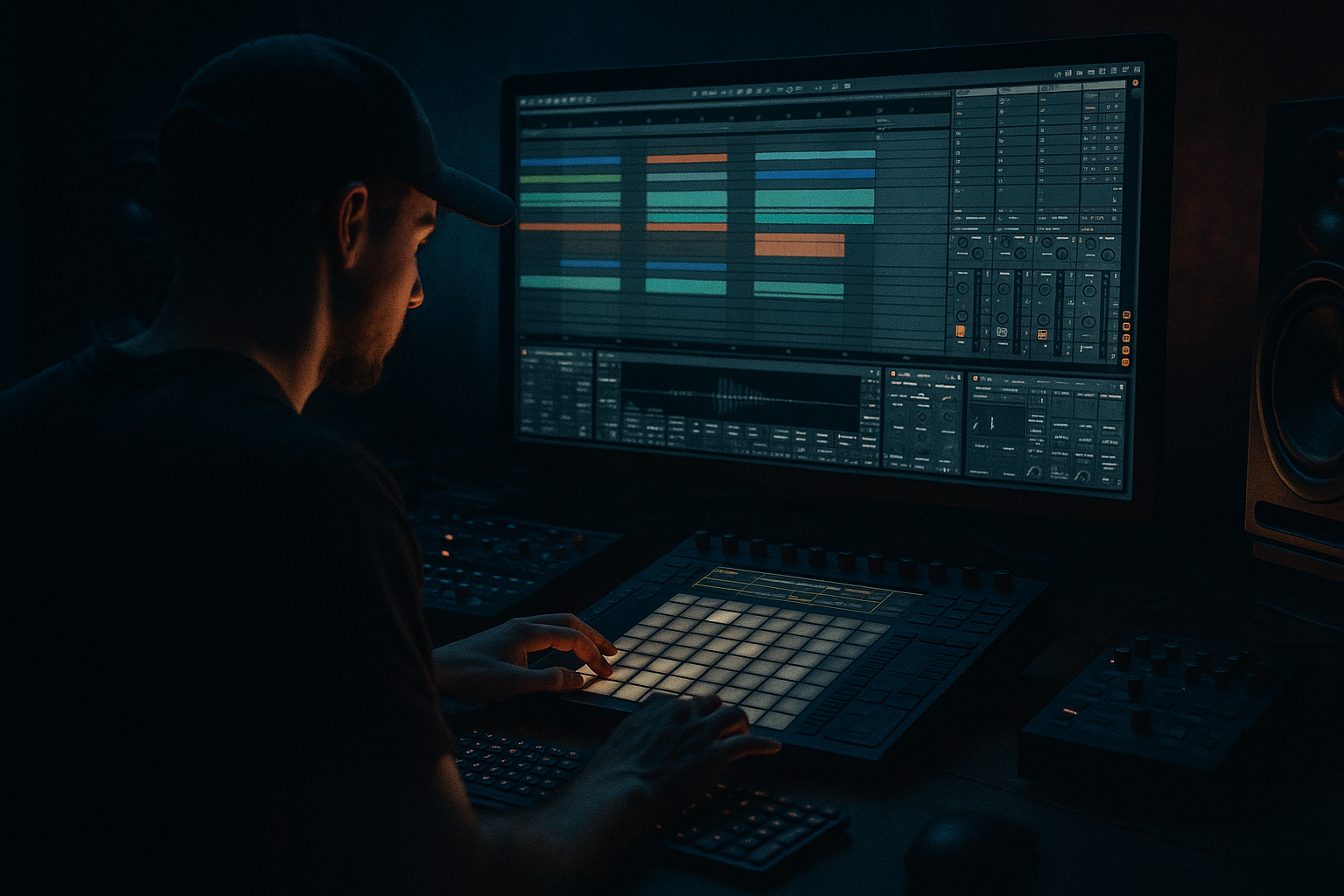
Main tutorial
Pull Jungle Swing for VHS-Rave Color in Ableton Live 12
1. Lesson overview
In this lesson, you’ll learn how to make a bassline that feels like jungle meets VHS-rave: loose, swinging, slightly unstable, and alive — but still controlled enough for modern drum & bass production.
In DnB, basslines often sit in one of two worlds:
- Tight and clinical — neuro, minimal, very locked-in
- Organic and swung — jungle, old-school rave, rollers with character
- Pull: the groove feels like it leans forward and drags you with it
- Jungle swing: the rhythm isn’t perfectly grid-locked
- VHS-rave color: lo-fi movement, slight grit, nostalgic motion
- Ableton Live 12 workflow: using stock devices efficiently 🎛️
- rolling jungle
- breakbeat DnB
- ravey 160–174 BPM material
- dark or nostalgic bass music
- a sub layer for weight
- a mid bass layer for tone and attitude
- swing-based MIDI placement
- filter movement for VHS-style motion
- light distortion/saturation for edge
- sidechain control so it pumps with the drums
- 170 BPM for classic jungle/DnB feel
- You can also try 174 BPM if you want more urgency
- Sub layer = mono, simple sine/triangle
- Mid layer = movement, harmonics, character
- Attack: 0–5 ms
- Decay: short if you want plucks, longer if you want rolls
- Sustain: full or near full
- Release: short to moderate
- No stereo widening
- No heavy distortion
- No reverb
- No chorus
- Oscillator 1: Saw or Square
- Unison: 1–3 voices max
- Filter cutoff: around 200–800 Hz depending on the tone
- Resonance: low to moderate
- Envelope amount: enough to make each note “speak”
- one or two notes per bar
- short repeats
- syncopated accents
- call-and-response phrasing
- Note 1: root note on beat 1
- Note 2: a shorter note before beat 2
- Note 3: a syncopated hit around the “and” of 2
- Note 4: another note leading into beat 4
- 1
- 1e
- 2&
- 3
- 3&
- 4a
- Move some notes slightly late for laid-back feel
- Move some notes slightly early to create urgency
- Don’t overdo it
- drum grid precision
- bassline looseness
- Cutoff
- Resonance
- Drive
- Wavetable position
- Oscillator level
- Saturator drive
- Bars 1–4: darker, closed filter
- Bars 5–8: slightly brighter
- Bars 9–12: add more drive
- Bars 13–16: reduce filter again for tension
- Low-pass the mids if needed
- Keep the fundamental strong
- Remove unwanted resonances
- High-pass around 80–120 Hz
- Cut muddy frequencies around 200–400 Hz if needed
- Add a gentle presence lift if the bass needs more bite
- Drive: 1–6 dB
- Soft Clip: On
- Keep it subtle for sub, stronger for mid layer
- Reduce bit depth lightly
- Add a touch of downsampling
- Don’t destroy the groove
- Use low amounts
- Filter after distortion if needed
- Sidechain input: your kick drum
- Threshold: set to taste
- Ratio: 2:1 to 4:1
- Attack: fast
- Release: timed to the groove, often 50–150 ms
- Leave space where the snare hits
- Let bass notes answer the break
- Avoid fighting with ghost notes in the break
- Make the bass rhythm slightly asymmetrical
- keep the bass shorter
- use fewer notes
- let the groove come from placement, not note density
- you can use more syncopation
- add call-and-response phrases
- use slides or pitch movement
- short passing notes
- note overlaps for glide
- pitch bends on specific hits
- enable glide/portamento
- keep it subtle
- use it on select notes only
- Bars 1–4: filtered intro bass, less harmonic content
- Bars 5–8: full groove enters
- Bars 9–12: add a variation or extra note
- Bars 13–16: strip back briefly, then reintroduce energy
- filter cutoff
- note ending
- distortion amount
- bass octave
- rhythm density
- drums
- atmospheres
- pads or FX
- any lead elements
- Play around D1–G2
- Add occasional octave jumps for impact
- Keep the sub disciplined
- Saturator
- Overdrive
- Roar if you want a more modern distortion option in Live 12
- Redux for grimy digital character
- chop it
- reverse tiny sections
- reverse reverb tails
- resample with effects baked in
- A section version: darker and simpler
- Drop version: brighter, more movement, more attitude
- Version 1: clean and dark
- Version 2: more distorted and ravey
- Version 3: reduced notes, heavier swing
- Start with a strong drum foundation
- Build a clean sub and a textured mid bass
- Program a simple but syncopated MIDI rhythm
- Use Groove Pool or manual note placement for swing
- Add filter automation and light distortion for VHS-style motion
- Keep the low end mono and controlled
- Let the bass and break answer each other like a conversation 🥁
- a specific Ableton Live 12 step-by-step project template
- a MIDI note example in F minor
- or a rack chain for dark jungle bass with exact settings.
This tutorial is about the second world. We’re going to create a bassline that has:
You’ll learn how to build the bassline, program the MIDI, shape the sound, and make it sit properly in a drum and bass arrangement.
---
2. What you will build
By the end, you’ll have a 16-bar bass loop that works for:
The bassline will have:
Recommended tempo:
---
3. Step-by-step walkthrough
Step 1: Set up your project
1. Open Ableton Live 12.
2. Set the tempo to 170 BPM.
3. Create a new MIDI track called Bass.
4. Drop in a drum loop or your own breakbeat so you can hear the bass in context.
- A classic Amen-style break
- A chopped break with ghost notes
- A rolling kick/snare pattern
Why this matters
A swung bassline must be tested against drums. In DnB, a bassline can sound great solo and completely wrong once the break comes in.
---
Step 2: Create a bass instrument chain
We’ll build a simple but strong chain using stock Ableton devices.
Basic chain:
1. Wavetable or Operator
2. EQ Eight
3. Saturator
4. Redux or Overdrive for texture
5. Compressor with sidechain
6. Optional: Utility
---
Step 3: Make the sub layer
If you want clean low-end, split the bass into two layers:
Option A: Use Operator for sub
1. Load Operator.
2. Turn on Oscillator A only.
3. Set Oscillator A to Sine.
4. Keep it mono.
5. Play notes between F1 and G2 depending on your key.
Suggested sub settings
Important
Keep the sub clean:
If you want a little character, use only very light Saturator after the synth.
---
Step 4: Create the mid bass layer
Now make the color layer. This is where the VHS-rave feeling comes in.
Option A: Wavetable setup
1. Load Wavetable on a second MIDI track, or use an Instrument Rack.
2. Choose a waveform with some grit:
- saw
- square
- pulse
- a slightly noisy wavetable
3. Set Filter 1 to low-pass or band-pass.
4. Add a little envelope movement to the filter cutoff.
Suggested Wavetable settings
MIDI note choice
For jungle-style bass, keep the line simple:
---
Step 5: Write a swung MIDI bassline
This is the heart of the lesson.
Start with a 1-bar loop
Put notes on the grid first, then move them slightly off-grid.
Try this concept in F minor or G minor:
Example rhythmic idea
Think like this:
You don’t need perfect notation at first — just create a pattern that feels like it’s pulling forward.
In Ableton’s MIDI editor
1. Draw your notes.
2. Shorten some notes to 1/16 or 1/8 lengths.
3. Leave tiny gaps between notes for groove.
4. Avoid making everything equal length.
Make it swing
Use one or more of these methods:
#### Method 1: Groove Pool
1. Open the Groove Pool.
2. Try a groove like:
- MPC 16 Swing
- MPC 16 Swing 55–60
- a light swing preset from the Groove Pool
3. Drag the groove onto your bass MIDI clip.
4. Adjust Timing and Random lightly.
#### Method 2: Manual push/pull
For jungle swing, the magic is in the balance between:
---
Step 6: Add VHS-rave motion with automation
This is where your bass stops being static.
Automate filter cutoff
1. Add an Auto Filter before saturation or distortion.
2. Automate cutoff over 8 or 16 bars.
3. Keep the movement subtle.
Good automation targets:
Example movement
This creates that “old tape reel getting warmer” feeling 🎞️
---
Step 7: Shape the bass with stock Ableton devices
EQ Eight
Use EQ Eight to clean the sound.
#### For sub layer:
#### For mid layer:
Saturator
Great for making the bass feel more physical.
#### Suggested use:
Redux
Use carefully for grime and digital texture.
Overdrive
Useful for gritty VHS character.
Compressor with sidechain
Sidechain the bass to the kick.
#### Suggested starting points:
The goal is not huge pumping unless that’s the aesthetic. In DnB, you want the bass to breathe with the drums.
---
Step 8: Make the groove feel like jungle
To get true jungle flavor, the bassline should interact with the break.
Use these ideas:
Good DnB practice
If the break is busy:
If the break is simpler:
---
Step 9: Add slides or pitch movement
For extra jungle/rave energy, add subtle pitch expression.
In MIDI
Try:
In instrument settings
If your synth supports it:
This can give the bass that elastic, “pulled from tape” feeling.
---
Step 10: Arrange it like a DnB tune
Now turn your loop into an arrangement idea.
Simple 16-bar structure:
Arrangement trick
Every 4 or 8 bars, change one of these:
That tiny variation keeps the roller moving.
---
4. Common mistakes
1. Making the bass too busy
Jungle swing is not the same as random notes everywhere.
If the bassline has no negative space, it loses its pull.
2. Too much stereo width on the low end
Keep sub frequencies mono.
Use Utility and reduce width or keep the sub layer centered.
3. Over-distorting the sub
The low end should be solid, not fuzzy chaos.
Distort the mid layer more than the sub.
4. Swinging everything equally
If every element swings the same, the groove gets muddy.
Let the drums stay strong and let the bass “lean” around them.
5. Ignoring the kick/snare relationship
In DnB, the bass must respect the drum pattern.
If it masks the snare or kick, the groove collapses.
6. Not testing in a full mix
Always hear the bass with:
Solo lies. The mix tells the truth.
---
5. Pro tips for darker/heavier DnB
If you want this technique to work for darker, heavier drum and bass, try these upgrades:
Use lower harmonic notes
Add aggressive texture, but only on the mids
Use:
Try resonant filtering
A slightly resonant low-pass can make the bass feel like it’s snarling from inside the mix.
Use negative space for weight
Heavier DnB often feels heavier because it is less crowded.
Leave gaps before key drum hits.
Use subtle resampling
Record your bass to audio and:
This is especially effective for gritty jungle and VHS-style breaks.
Make one version darker
Create two versions of the bass:
That contrast gives your tune lift.
---
6. Mini practice exercise
Exercise: build a 2-bar jungle roller bassline
#### Goal
Create a bassline that swings around a breakbeat without overpowering it.
Steps
1. Set tempo to 170 BPM.
2. Build a drum loop with:
- kick on 1
- snare on 2 and 4
- a chopped break or hats for motion
3. Create a bass sound using:
- Operator for sub
- Wavetable for mid texture
4. Write a 2-bar MIDI pattern using only:
- root note
- fifth
- octave
5. Add swing using:
- Groove Pool or manual note shifting
6. Automate filter cutoff over the 2 bars
7. Sidechain the bass to the kick
8. Render or listen and ask:
- Does it feel like it leans forward?
- Does it leave space for the snare?
- Does it sound like jungle, not just a generic bass loop?
Challenge version
Make three variations:
---
7. Recap
To get pull jungle swing for VHS-rave color in Ableton Live 12, remember this:
The big takeaway
In drum and bass, groove is not just about speed — it’s about placement, tension, and restraint.
A bassline with jungle swing feels alive because it doesn’t sit perfectly still. It leans, stutters, pulls, and glows.
If you want, I can also turn this into:

