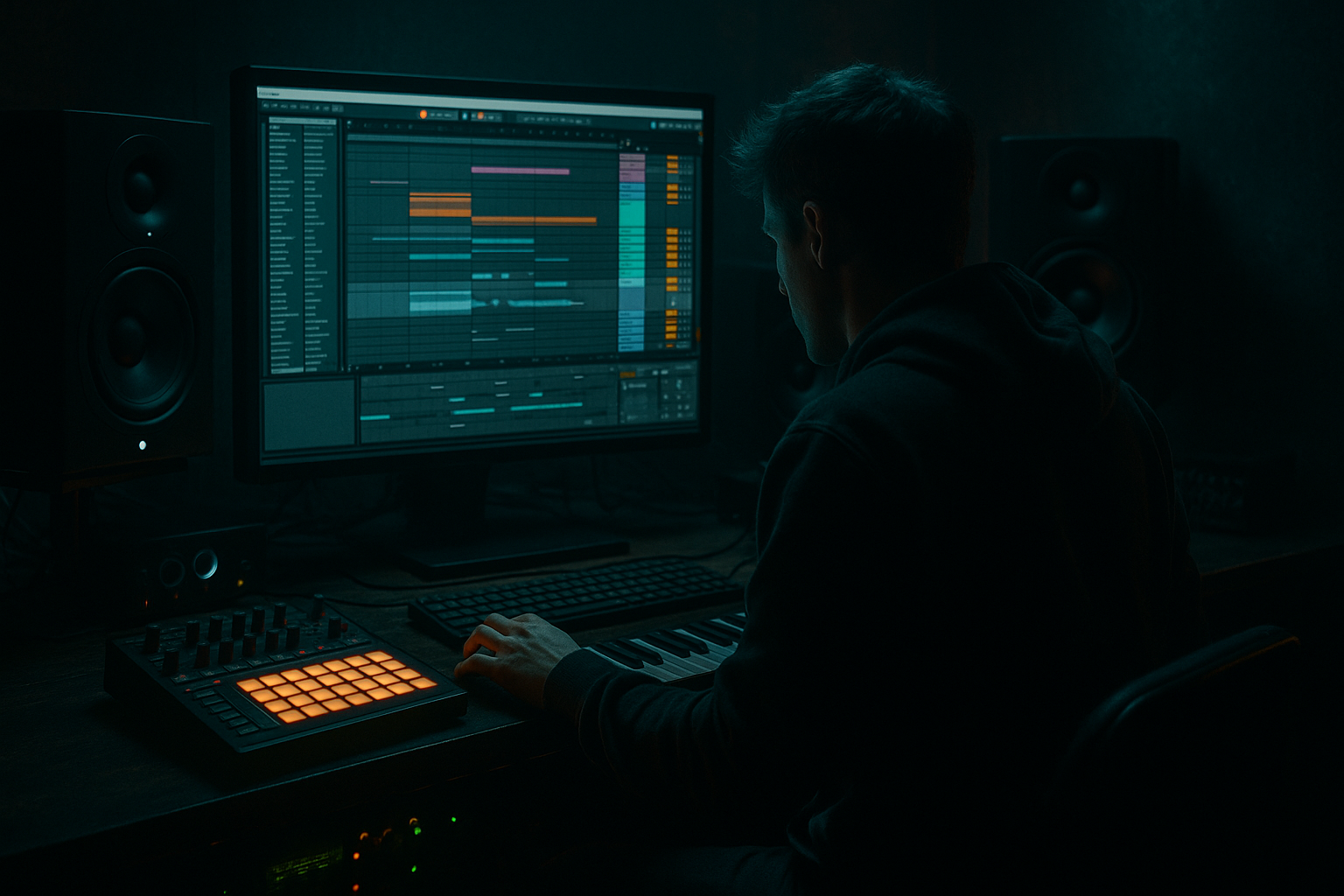
Main tutorial
Lesson Overview
A jungle arp is one of those sounds that can instantly drag a tune into classic DnB territory while still sounding modern if you design it with intention. In this lesson, you’ll build a scratch-made arp in Ableton Live 12 that sits between jungle, rollers, and darker bass music: melodic enough to carry energy, sharp enough to cut through breaks, and controlled enough not to wreck the low end.
This technique matters because in DnB, the arp is rarely just “a melody.” It often acts as:
- a call-and-response with the bassline or drums
- a midrange hook for the drop
- a tension device in intros, build-ups, or switch-ups
- a movement layer that makes sparse arrangements feel alive
- tight and rhythmic
- slightly gritty and broken-up
- midrange-focused with low-end discipline
- animated by filter movement, glide, and delay
- ready to loop in a drop, intro, or break section
- drop hook over breaks and sub
- intro motif with automation
- transition texture between sections
- layer under a reese or bass stab for added motion
- Making the arp too bright too early
- Using too much unison width
- Filling every 16th note
- Letting the arp fight the snare
- Ignoring the sub relationship
- Overusing reverb
- Writing notes that sound generic outside the drums
- Layer a second octave quietly
- Use distortion before delay
- Automate filter movement in 8-bar phrases
- Try call-and-response phrasing
- Resample with a broken tail
- Use Drum Buss lightly on the arp bus
- Sidechain carefully
- Think in layers
- start with a rich but controlled stock synth tone
- keep the pattern rhythmic and loopable
- shape the envelope for pluck and momentum
- use filtering, saturation, delay, and automation to create life
- check mono, low-end separation, and snare space
- resample when you want texture, arrangement flexibility, and darker energy
If you can build your own arp from scratch, you can shape it to fit the tune instead of forcing a preset into your track. That means better control over tone, rhythm, stereo width, and how it interacts with the breakbeat and sub. In dark DnB, that control is everything.
---
What You Will Build
By the end, you’ll have a 16th-note jungle-style arp built from Ableton stock devices, designed to sound:
The sound will work as a:
We’ll build it in a way that still leaves space for the kick, snare, break edits, and sub weight — because in proper DnB, the arp should support the groove, not fight it.
---
Step-by-Step Walkthrough
1. Set the musical and rhythmic frame first
Start by setting your project to a DnB-friendly tempo, usually 170–174 BPM. For this lesson, aim for 174 BPM if you want a more classic jungle energy, or 172 BPM if you want slightly more room for a heavier roller feel.
Create a new MIDI track and load Wavetable or Operator. For this lesson, Wavetable is ideal because it gives you quick control over tone and movement while staying fully stock.
Before programming the arp, decide the musical role:
- If it’s a drop arp, keep it short, punchy, and rhythmically repetitive.
- If it’s for an intro or breakdown, you can let it breathe with longer release and more reverb.
Choose a simple scale center that works in darker DnB, like:
- F minor
- G minor
- D# minor
A dark minor key helps the arp sit naturally with typical jungle bassline tension.
2. Design the raw oscillator tone
In Wavetable, start with a strong, harmonically rich source.
Good starting point:
- Oscillator 1: Basic Shapes or a saw-like wavetable
- Oscillator 2: another saw or a slightly different harmonic wavetable
- Unison: 2–4 voices maximum
- Detune: keep it modest, around 5–12%
You want a tone that is bright enough to speak through breaks but not so wide that it sounds glossy and EDM-like.
Suggested settings:
- Osc 1 level: 0 dB
- Osc 2 level: -6 to -12 dB
- Filter: low-pass 12 or 24 dB
- Filter cutoff: around 200 Hz to 2.5 kHz depending on how bright you want the arp to be
- Envelope amount: moderate, so each note has a bite
Keep the raw patch fairly plain. The movement comes later.
Why this works in DnB: a clean harmonic source gives you room to shape aggression with distortion, filtering, and rhythmic MIDI instead of relying on a preset that already has too much character baked in.
3. Write a simple arpeggiated MIDI pattern
Create a 1-bar or 2-bar MIDI clip and program a tight 16th-note pattern. For jungle and rollers, the rhythm matters as much as the notes.
Start with a minimal note set:
- Root
- Minor third
- Fifth
- Octave
- Optional 7th or 9th for tension
Example in F minor:
- F
- Ab
- C
- F (octave)
- Eb as a passing tension tone
Useful pattern ideas:
- 1-bar loop: root → fifth → minor third → octave → repeat
- 2-bar loop: first bar repeats a stable motif, second bar adds a passing note or octave jump
- Use rests on a few 16ths so the pattern breathes with the drums
In Ableton Live 12, you can work fast by duplicating the clip and nudging notes rather than overcomplicating the harmony. Keep the arp loopable and strong on its own.
A good intermediate rule: if the pattern sounds cool by itself but disappears with drums, it’s probably too busy. If it locks with the groove immediately, you’re on the right track.
4. Lock the arp to the drum pocket
This is where the sound becomes DnB instead of just “a fast synth pattern.”
Open the clip and adjust note placement so the arp sits around the break groove:
- Put some note starts slightly ahead of the beat for urgency
- Keep the important notes landing cleanly on the grid
- Leave gaps where the snare or ghost hits need space
If you’re using a classic break loop, test the arp against:
- snare on 2 and 4
- ghost notes
- kick lead-ins
- hat jitter
A good approach is to make the arp accent the offbeats while the drums drive the main momentum. That creates forward motion without cluttering the kick/snare relationship.
If the arp feels stiff, add a small amount of Groove from Ableton’s Groove Pool — but keep it subtle. Try:
- MPC 16 Swing 54–56
- or a light break-derived groove at 10–20% timing
Don’t over-shuffle it. In darker DnB, too much swing can make the whole drop feel lazy.
5. Shape the envelope for a punchy, percussive attack
Open the AMP envelope in Wavetable and make the arp behave more like a rhythmic instrument than a pad.
Suggested starting point:
- Attack: 0–5 ms
- Decay: 150–350 ms
- Sustain: 30–70%
- Release: 60–180 ms
If you want a more classic jungle stab feel, shorten the decay and release:
- Decay: 120–200 ms
- Release: 50–100 ms
If you want a more liquid-but-dark motion layer, keep the release slightly longer:
- Decay: 250–450 ms
- Release: 150–250 ms
Then use the filter envelope to give each note a little snap:
- Attack: 0 ms
- Decay: 100–250 ms
- Amount: enough to open the filter noticeably on each hit
This creates that “pluck” that helps the arp poke through a dense drum arrangement.
6. Add motion with Ableton stock modulation and effects
Now make the arp feel alive.
In Wavetable:
- assign an LFO to filter cutoff
- set rate to 1/4 or 1/8 synced
- keep depth subtle, around 5–20%
Add a bit of Unison movement only if it still stays focused in mono. If it gets smeary, reduce spread or turn it off.
After Wavetable, build a stock effects chain:
- Saturator
- Drive: 2–6 dB
- Soft Clip: on
- Use it to thicken the upper mids without flattening the envelope
- Auto Filter
- Use for extra automation and tone-shaping
- Sweep slowly in breakdowns or sharply in fills
- Echo
- Time: 1/8, 1/8 dotted, or 1/4
- Feedback: 15–35%
- Filter out low end from the repeats
- Add some modulation if you want jungle haze
- Utility
- Use Width control to tame stereo if needed
- Keep the low-mid arp core more centered
If you want a dirtier edge, add Pedal or Drum Buss lightly:
- Drive: low to moderate
- Crunch: subtle
- Boom: generally off for an arp like this, unless you want a special effect
The goal is character without turning the arp into fuzzy mush.
7. Resample for texture and control
This is a very DnB move: once the arp is working, resample it to Audio and treat it like material.
Create an audio track and record:
- the dry arp
- then a second pass with effects printed in
- maybe a third pass with filter automation
Why this matters:
- You can chop the audio into fills
- You can reverse slices for transitions
- You can freeze a specific tone that worked well
- You can stack layers without CPU strain
After resampling, try:
- cutting a 1-bar loop into 2- or 4-bar phrases
- reversing the last hit before a drop
- placing a short reverb tail into the gap before the snare
For jungle and darker rollers, resampling helps you make the arp feel like part of the arrangement, not just a synth on repeat.
8. Automate for arrangement movement
A great arp in DnB rarely stays static from start to finish.
Automate a few key things:
- Filter cutoff
- Echo feedback
- Reverb dry/wet
- Saturator drive
- Stereo width
- Transpose or octave jumps
Arrangement example:
- Intro: low-pass the arp and keep it narrow
- Pre-drop: open the filter and increase delay
- Drop 1: tight and dry with the drums
- Switch-up: automate octave up or add a variation every 8 bars
- Breakdown: push more reverb and delay for atmosphere
A common jungle move is to make the arp answer the snare fills. For example, every 4 or 8 bars, let the final arp note stretch wider or hit a higher octave. That creates a sense of escalation without needing a new sound.
This is also where the arp becomes arrangement glue: it connects bass sections, break edits, and FX sweeps into a coherent phrase.
9. Check the mix against the bass and drums
Put your sub, kick, snare, and break into the project and check the arp in context.
Important checks:
- Keep the arp above the sub region
- Use EQ Eight to high-pass around 120–250 Hz depending on the sound
- If the arp is harsh, gently tame 2.5–5 kHz
- If it’s fizzy, control 8–12 kHz
In DnB, the arp should not steal energy from:
- the snare crack
- the break transient
- the sub’s fundamental
Try putting Utility on the arp and switch to mono for a quick reality check. If the sound collapses completely, you may have too much stereo motion or phasey unison. Keep the core focused, then widen only the higher layers if needed.
A good test: mute the drums for a second, then bring them back. If the arp still feels musical but suddenly makes the groove more exciting, you’ve built it well.
---
Common Mistakes
- Fix: start with a filtered tone and open it up with automation instead of leaving it harsh from the beginning.
- Fix: reduce detune, narrow the stereo field, or keep the stereo effects only on higher frequencies.
- Fix: leave gaps. In jungle and rollers, space makes the groove hit harder.
- Fix: carve a little space around the snare’s presence zone and make sure note accents don’t mask the backbeat.
- Fix: high-pass the arp properly and check it in mono so it doesn’t muddy the low end.
- Fix: use reverb mostly for transitions or breakdowns. Keep the drop arp tighter and more immediate.
- Fix: make sure the arp has a strong loop and a clear role in the arrangement, not just a scale run.
---
Pro Tips for Darker / Heavier DnB
- Add a high octave layer at low volume to increase urgency without crowding the mix.
- A little Saturator before Echo makes the repeats feel more aggressive and gritty.
- Dark DnB loves long-range tension. Open slightly over 8 bars, then reset on the switch.
- Let the arp answer the bassline every 2 bars, or let the last bar of a phrase drop out so the drums breathe.
- Record the arp with a delay tail, then chop the tail into a fill. That gives you a haunting jungle-style transition.
- A tiny amount of Drive or Crunch can make the arp feel more glued to the break, but don’t overdo the Boom.
- If the arp is masking the kick or sub, use a gentle Compressor sidechain keyed from the kick. Keep it musical, not pumpy unless the track calls for it.
- One dry, rhythmic arp for the drop; one wetter, filtered version for the intro; one resampled texture for fills. That’s a modern DnB workflow.
---
Mini Practice Exercise
Spend 10–20 minutes making three arp variations from the same source patch.
1. Build one basic minor arp in Wavetable at 172–174 BPM.
2. Create a 1-bar loop using only 4–5 notes.
3. Duplicate the clip twice and make these versions:
- Version A: dry, tight, drop-ready
- Version B: filtered and delayed for breakdowns
- Version C: distorted and resampled for fills
4. Add a simple drum loop or break and check which version best supports the snare and sub.
5. Automate one parameter only:
- cutoff
- delay feedback
- or octave jump
6. Render the best variation to audio and cut one 1-bar fill from it.
Goal: by the end, you should hear how the same arp can serve three different jobs in a DnB arrangement.
---
Recap
A strong jungle arp in Ableton Live 12 is built from simple notes, tight rhythm, controlled tone, and purposeful movement. The key is to design it so it works with the drums and bass, not against them.
Remember the essentials:
If you get the arp working in the pocket with the break, you’ve already got one of the most usable DnB sound design tools in your arsenal.

