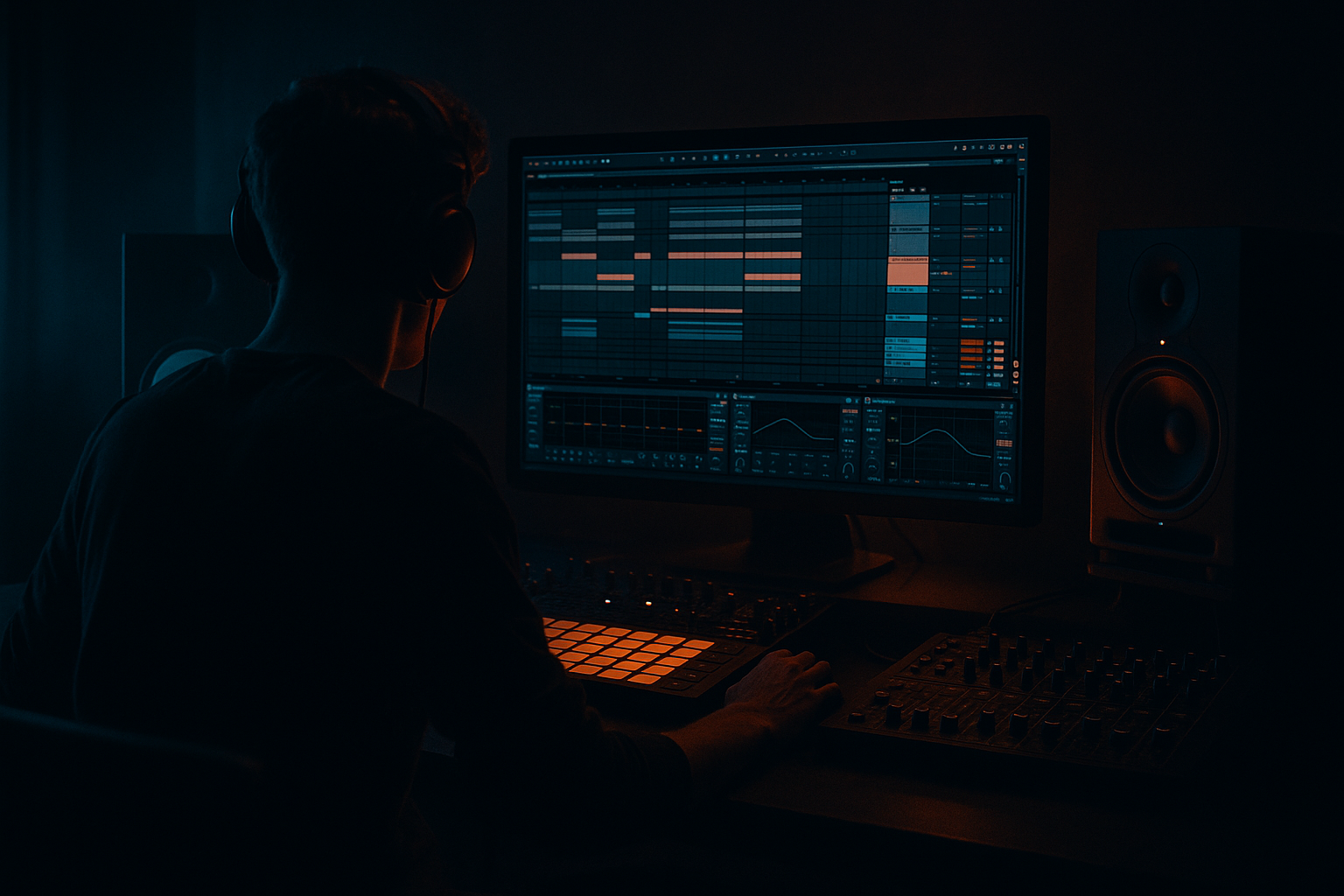
Main tutorial
Lesson Overview
A wobble bass is one of the fastest ways to give a DnB tune motion, menace, and that unmistakable oldskool pull. In 90s-inspired jungle and darker drum & bass, the bass doesn’t just sit there holding notes — it feels like it’s breathing, chewing, and talking back to the drums. This lesson shows you how to build a simple, effective bass wobble in Ableton Live 12 using stock devices, then shape it so it sounds right for jungle/roller energy rather than modern polished EDM wobble.
The goal here is not to make a huge festival bass. It’s to make a gritty, controlled, low-end movement that works under chopped breaks, amen-esque energy, and dark atmospheric sections. You’ll learn how to create the wobble, route it properly, automate movement, and keep the sub clean while the mid bass gets character.
Why this matters in DnB: in a fast genre, bass movement has to create excitement without muddying the break. A wobble pattern can fill space between snare hits, answer the drums in call-and-response phrasing, and drive tension into the next phrase. When done well, it adds life without stealing the groove.
What You Will Build
You’ll make a compact, oldskool-style bass patch in Ableton Live that includes:
- a clean sub layer holding the bottom end
- a mid-bass layer with controlled wobble movement
- filter automation for that classic pulled, dark motion
- saturation and drive for grime
- optional resampling so the bass can be edited like an audio break
- a short 4- or 8-bar phrase that feels ready for a jungle or darker DnB drop
- Making the wobble too wide in stereo
- Using too much filter resonance
- Letting the mid-bass go too low
- Overusing distortion
- Making every note the same length
- Ignoring the breakbeat
- Use slower wobble rates for menace
- Automate a low-pass close before a drop
- Layer a tiny amount of noise or texture
- Keep the top end rough, not bright
- Use small call-and-response phrases
- Resample and chop
- Check mono regularly
- Split the bass into sub + mid-bass for cleaner DnB low end.
- Use Auto Filter to create the wobble motion.
- Shape the bass with MIDI note lengths and call-and-response phrasing.
- Add light Saturator drive for grit and character.
- High-pass the mid-bass so the sub stays clean and mono.
- Automate filter movement and resample the bass for more authentic jungle-style editing.
- Always check how the bass works with the breakbeat, because in DnB the groove lives in the interaction.
By the end, you should have a bassline that can sit under a chopped breakbeat at around 160–174 BPM, with enough motion to feel alive but still enough low-end discipline to work in a mix.
Step-by-Step Walkthrough
1. Set up a simple DnB-friendly bass track
Create a new MIDI track and load Wavetable or Operator. For beginners, Operator is especially friendly because it can make a solid sub and a gritty mid tone without much complexity.
Start with a single note held for one bar so you can hear the wobble clearly while you design it. If you’re working at 170 BPM, this gives you plenty of room to hear how the movement interacts with the drums.
Suggested starting point:
- Operator: sine wave for the sub foundation
- Wavetable: basic saw or square-based patch if you want a dirtier mid layer
- Leave the amp envelope fairly short if you want a more percussive roller feel
Why this works in DnB: the bass has to support the break, not fight it. Starting with a simple sustained note helps you hear the groove of the wobble before you add complexity.
2. Build the sub first, then the wobble on top
The biggest beginner mistake is making one patch do everything. In DnB, especially darker styles, it’s much easier to split the job into two layers:
- Sub layer: pure, centered, mono low end
- Mid layer: the wobble, movement, grit, and character
In Ableton Live, create two MIDI tracks:
- Track 1: Operator for sub
- Track 2: Wavetable or another Operator instance for mid bass
On the sub track:
- Use a sine wave
- Keep it mono
- Low-pass if needed, though a sine already stays clean
- Keep notes simple and mostly root-based
On the mid-bass track:
- Use a saw or pulse/square-style source
- Add movement with a filter and LFO
Concrete settings:
- Sub note range: around C1–C2
- Mid bass can sit one octave above the sub or at the same pitch if it’s filtered properly
- Keep the sub dry and clean; do not overdrive it yet
3. Create the wobble movement with Auto Filter
For a beginner-friendly wobble in Ableton, use Auto Filter on the mid-bass track. This is the simplest way to get the classic moving bass feel.
Load Auto Filter after your synth, then:
- Choose Low-Pass mode
- Set Drive to around 10–30%
- Start the Frequency relatively low, around 150–400 Hz, depending on the note and tone
- Set Resonance modestly, around 10–25% for a darker tone
Now create movement:
- Click the LFO section in Auto Filter
- Turn it on
- Set rate to 1/8 or 1/4 for a simple oldskool wobble
- Adjust the Amount so the filter opens and closes clearly without sounding overdone
For a more authentic 90s-inspired feel, keep the motion a little slower and chunkier than modern liquid movement. A 1/8 wobble at 170 BPM can feel locked and purposeful; a 1/4 wobble feels heavier and more menacing.
Why this works in DnB: the filter is acting like a rhythmic phrase. Instead of extra notes, you’re creating motion through tone, which is ideal when drums are already busy.
4. Shape the wobble rhythm with MIDI note lengths
Oldskool bass movement is not just sound design — it’s phrasing. In the MIDI clip, make the bass line speak in short bursts rather than one endless drone.
Try this beginner-friendly pattern:
- Hold a root note for 1 bar
- Then leave a half-beat gap
- Then answer with a shorter note
- Repeat across 4 or 8 bars
Example arrangement idea:
- Bars 1–2: sustained note under the break
- Bar 3: short response note
- Bar 4: pause or fill
- Bars 5–8: repeat with a slightly different ending
This call-and-response approach is classic in jungle and roller writing because the drums get space to breathe between bass phrases. It also creates tension before the drop or before a drum fill.
Practical tip:
- Keep some notes shorter than the full bar
- Let a few notes overlap slightly to create smoother movement
- Use silence as a tool; in DnB, gaps can feel heavier than constant notes
5. Add grit with Saturator, but keep it controlled
To get that darker oldskool edge, place Saturator after the filter on the mid-bass layer. This gives the wobble more bite and makes it cut through drum breaks.
Suggested starting settings:
- Drive: 2 to 6 dB
- Soft Clip: On
- Output: Lower it to compensate
- If needed, try Analog Clip character by pushing it gently
You want enough harmonic content to hear the bass on smaller speakers, but not so much that it turns fuzzy and loses low-end definition.
If the wobble gets too bright, add EQ Eight after Saturator:
- Cut a little around 2.5–5 kHz if the upper mids get harsh
- Use a gentle low-pass if it sounds too modern or shiny
This is especially useful for 90s-inspired darkness, where the bass should feel raw, not glossy.
6. Control the low end with EQ and routing
The sub and mid-bass should not compete. In Ableton, use EQ Eight on the mid-bass layer to remove unnecessary lows.
Suggested EQ move:
- High-pass the mid-bass around 80–120 Hz
- Adjust by ear so the kick and sub have space
- Keep the sub layer untouched or nearly untouched below that area
If your drums and bass are on separate groups, route them cleanly:
- Drum Group
- Bass Group
- FX Group
Then place a gentle Glue Compressor on the Bass Group only if needed, with very light gain reduction, just to steady the movement. Don’t squash the life out of it.
Beginner rule:
- Sub stays mono and clean
- Mid-bass provides the attitude
- Let the kick and break own the transient energy
7. Automate the filter for tension and drop design
A wobble bass becomes much more musical when you automate it. In dark DnB, movement should evolve across the phrase instead of staying identical from start to finish.
Try automating in the Arrangement View:
- Filter frequency opening over 4 or 8 bars
- Resonance slightly increasing before a drop
- Wobble rate changing from 1/8 to 1/16 for a more urgent moment
- Saturator drive increasing in the final bar of a phrase
A practical arrangement example:
- Bars 1–4: bass stays darker and more filtered
- Bars 5–6: filter opens a little
- Bar 7: wobble becomes more active
- Bar 8: quick stop or filter close before the next section
This kind of automation gives you that “pull” feeling — the bass seems to lean into the drums and then retreat. That’s a classic tension technique in jungle and dark rollers.
8. Resample the bass to edit it like an old break
One of the best beginner-to-pro moves in Ableton is to resample your own bass. This is very useful in DnB because it lets you cut, reverse, and rearrange bass movement like you would with drums.
Do this:
- Create a new audio track
- Set its input to Resampling or the bass group
- Record 4 or 8 bars of your wobble
- Convert it into audio
Once it’s audio, you can:
- Cut out the strongest wobble hits
- Add tiny gaps before snare hits
- Reverse short sections for tension
- Add fades to smooth transitions
This works especially well in jungle-inspired arrangements where bass and drums feel chopped together rather than perfectly looped.
Why this works in DnB: resampling turns the bass into performance material. Instead of leaving everything static, you can edit the bass like a rhythmic element, which is very much part of classic drum & bass workflow.
9. Blend with the breakbeat and test the groove
Now place your bass under a drum loop or break edit. You want the bass wobble to feel like it’s answering the snare and riding the swing of the break.
Listen for:
- Does the bass hit too hard on the kick?
- Does it leave enough room for ghost notes?
- Does the wobble accentuate the backbeat or blur it?
If the drums feel small, reduce the bass drive or shorten note lengths. If the bass feels weak, slightly open the filter or increase Saturator drive a touch.
Helpful workflow move:
- Loop a 4-bar section
- Tweak only the bass until it locks with the break
- Then move on to arrangement
Keep comparing against the reference energy you want: 90s jungle usually feels raw and slightly loose, while darker rollers are tighter and more controlled.
10. Add one simple FX move for atmosphere
Since this lesson is about FX, add one tasteful transition effect to make the wobble feel like part of a bigger scene.
Use Auto Filter, Echo, or Reverb very lightly on a return track:
- Send only a small amount of the mid-bass to the effect
- Keep the effect short and dark
- Use it on the last note before a drop or switch-up
A good beginner effect move:
- Duplicate the final bass note
- Put a Reverb send on it
- Automate a low-pass or the return level
- Let it smear into the next phrase
This gives you a dark wash without turning the bass into mud. In DnB, FX are best when they support the rhythm, not when they cover it.
Common Mistakes
- Fix: keep the sub mono and make the mid-bass only slightly wide, or leave it centered. DnB low end should stay focused.
- Fix: reduce resonance if the wobble whistles or becomes harsh. Dark bass should feel heavy, not piercing.
- Fix: high-pass the wobble layer around 80–120 Hz so the sub stays clean.
- Fix: use Saturator in small amounts first. If the bass sounds crunchy but loses weight, back off the drive.
- Fix: vary note lengths and leave space. DnB basslines need phrasing, not just looping.
- Fix: always check how the bass interacts with snare hits, ghost notes, and kick placement. The groove comes from the relationship, not the bass alone.
Pro Tips for Darker / Heavier DnB
- Try 1/4 or even synced dotted values for a heavier, dragging feel.
- Faster rates can work too, but older dark DnB often feels more deliberate.
- A quick filter close in the last half-bar creates tension and makes the return hit harder.
- In Wavetable or Operator, add a subtle noisy component very quietly to make the bass feel more worn and analog.
- For oldskool darkness, a slightly filtered, slightly dirty mid-bass usually works better than a super shiny sound.
- A bass answer on bar 2, then silence on bar 3, can feel heavier than constant movement.
- The moment the bass feels good, bounce it and edit it. That’s often how you get the most authentic jungle-style movement.
- Flip to mono or use Utility to test the bass. If it collapses badly, simplify the widening and keep the low end centered.
Mini Practice Exercise
Spend 10–20 minutes making a 4-bar dark wobble phrase:
1. Load Operator on one MIDI track for the sub and Wavetable or a second Operator for the mid-bass.
2. Write a single root-note bassline in C minor, D minor, or F minor.
3. Add Auto Filter to the mid-bass and set the wobble to 1/8.
4. Add Saturator with about 3 dB drive and Soft Clip on.
5. High-pass the mid-bass with EQ Eight around 100 Hz.
6. Program the notes so bar 1 is longer, bar 2 has a short response, bar 3 has a pause, and bar 4 ends with a filter move.
7. Loop it against a breakbeat and make 2 tiny automation changes:
- one filter opening
- one drive increase
8. Resample the result and cut out one section to create a small fill or transition.
Goal: finish with one bass loop that sounds like it belongs in a dark jungle or oldskool DnB drop, even if it’s simple.

