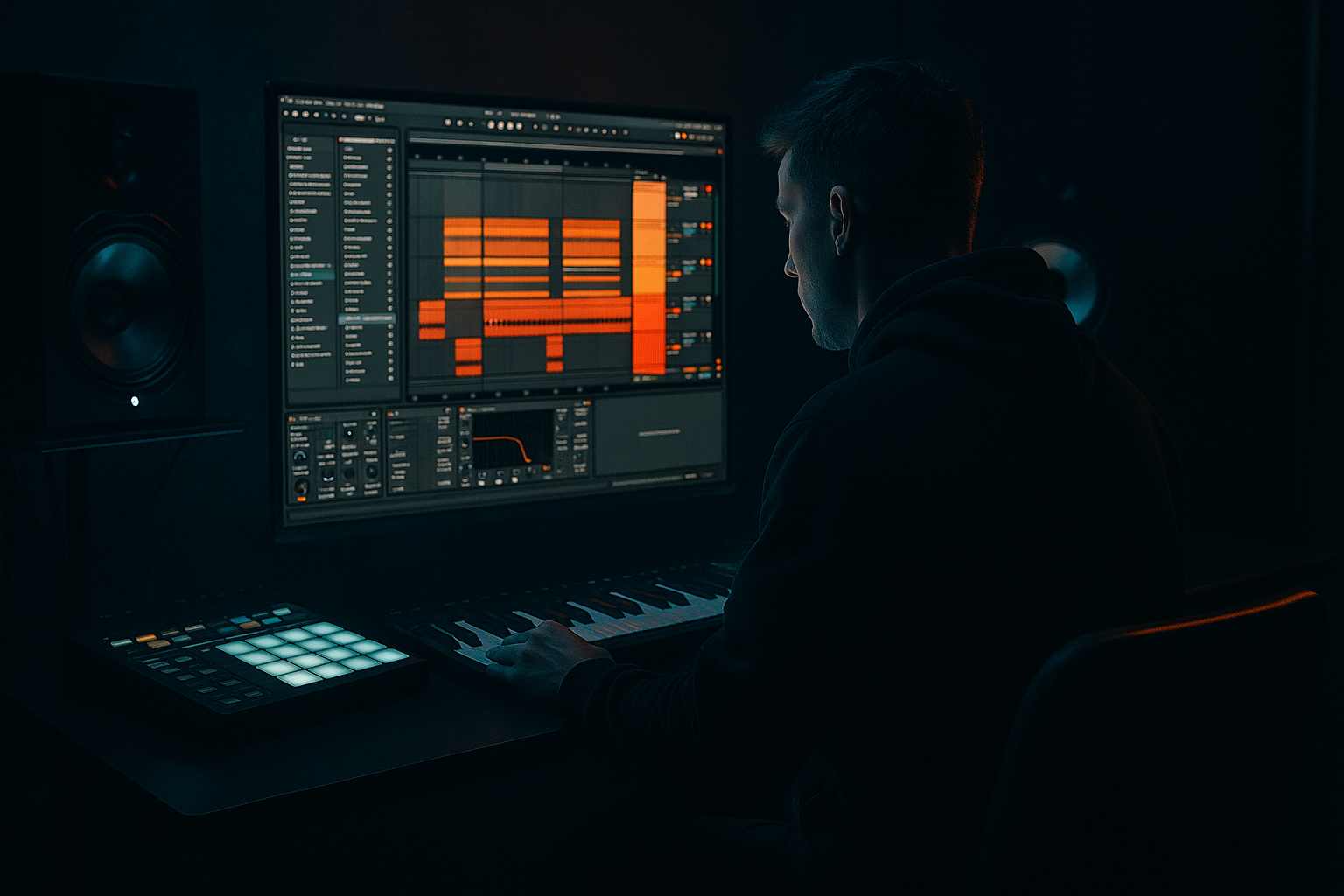
Main tutorial
Pitch a Reese Patch with Jungle Swing in Ableton Live 12 🎛️🥁
1. Lesson overview
In this lesson, you’ll learn how to take a Reese bass patch and make it feel like it has jungle swing and pitch movement in Ableton Live 12.
This is a core Drum & Bass skill because a good Reese doesn’t just sound wide and heavy — it moves, breathes, and locks into the break. In jungle and DnB, pitch motion can make a bassline feel more aggressive, more alive, and more musical.
By the end, you’ll know how to:
- build a simple Reese bass using stock Ableton devices
- add pitch movement in a controlled way
- make the bass groove with jungle-style swing
- shape it so it works in a DnB mix
- arrange it into a rolling 8- or 16-bar loop
- a detuned unison synth layer
- a sub layer for weight
- pitch automation on the Reese movement
- swinged rhythm placement to give it that jungle bounce
- basic filtering, saturation, and sidechain for mix clarity
- rolling liquid / deep DnB
- jungle-influenced rollers
- dark halftime-to-fast switch-ups
- old-school-inspired bassline movement 🕶️
- Saturator
- Auto Filter
- EQ Eight
- add Chorus-Ensemble
- or use Utility to control width
- Operator
- EQ Eight
- Utility
- Low-pass or simple sine
- No unneeded effects
- Volume lower than the Reese layer, but present enough to anchor the track
- leave room for the kick and snare
- avoid filling every 16th note at first
- think in call and response
- note on beat 1
- short note before beat 2
- a syncopated hit after the snare
- a longer note into the last 1/8 or 1/16
- Move some notes slightly late
- Keep others right on the grid
- This gives a human, rolling feel
- Drag a swing groove into the Groove Pool
- Try a light swing amount
- Apply it subtly to the bass MIDI clip
- Shorten some notes
- Extend others
- This creates a bouncy, musical phrasing
- Turn on Glide/Portamento
- Keep it subtle
- Use short note overlaps to trigger the slide effect
- small pitch rise before the snare hit
- quick downward drop at the end of a phrase
- 2-note answer phrase with a pitch bend up on the second note
- automated filter + pitch combo for tension buildup
- bars 1–2: stable bass
- bars 3–4: slightly more pitch motion
- bars 5–6: more aggressive pitch rise
- bars 7–8: a small fill or drop before the loop resets
- Don’t let the bass constantly fight the snare on 2 and 4
- Use bass hits that support the kick pattern
- Place some notes just after the drum hits for a laid-back push
- Leave holes for chopped break energy
- Let the bass answer the break
- Use off-beat stabs
- Keep some notes shorter than you think
- Let one note sustain into the next bar occasionally for tension
- more note length variation
- a little swing
- fewer notes, not more
- Saturator
- Auto Filter
- EQ Eight
- Compressor
- Utility
- Use Compressor on the bass
- Sidechain input from the kick
- Use a fast attack and medium release
- Keep it subtle if you want the bass to stay heavy
- Bars 1–4: stripped-back groove, only foundational bass movement
- Bars 5–8: add pitch bends and extra syncopation
- Bars 9–12: introduce a higher Reese layer or filter opening
- Bars 13–16: fill, stop, or reverse-style tension before the drop repeats
- one extra note
- one pitch rise
- one filter open
- one rest before the restart
- Keep the sub mono
- Check the bass in mono regularly
- Keep pitch motion controlled
- Use short slides for impact
- Leave gaps for drums
- Don’t overprogram the bassline
- Separate the layers
- EQ them carefully
- Use saturation in stages
- Compare with bypass often
- Build around the root note of your track
- Use minor keys for darker vibes
- open the filter slightly during fills
- close it for tension before drops
- Operator noise
- a filtered sample
- a metallic texture
- automate a quick pitch dip
- or use a short note that falls downward
- Version A: clean and sparse
- Version B: more pitch movement
- Version C: darker and more distorted
- build the Reese from saws or a similar detuned source
- keep the sub separate and mono
- use short notes, overlap, and glide for pitch movement
- place notes with swing and space so the break can breathe
- use saturation, EQ, and filtering to shape the tone
- arrange in 4- or 8-bar sections for real track energy
- a beginner Ableton project template
- a MIDI pattern example
- or a follow-up lesson on resampling the Reese into jungle chops 🎚️
---
2. What you will build
You’ll create a 2-layer Reese bass with:
This is ideal for:
---
3. Step-by-step walkthrough
Step 1: Set your project up for DnB tempo
1. Open Ableton Live 12
2. Set the tempo to 170 BPM
- For modern DnB, anywhere from 170–174 BPM works well.
- For a more classic jungle feel, try 165–172 BPM.
3. Set your grid to 1/16 for editing bass notes cleanly.
4. Load a drum break or simple kick/snare loop so you can hear the bass against the groove.
Tip: If you already have a breakbeat, leave it running while building the bass. Jungle swing is all about how the bass interacts with drums.
---
Step 2: Build the Reese patch with stock Ableton devices
You can build a Reese using Wavetable or Analog. Wavetable is great for beginners because it’s flexible and clear.
Option A: Wavetable Reese
1. Create a new MIDI track.
2. Load Wavetable.
3. Choose a basic waveform:
- Oscillator 1: Saw
- Oscillator 2: Saw
4. Detune the oscillators slightly:
- Osc 1: center
- Osc 2: detune just a little, around +7 to +12 cents
5. Set unison if needed:
- Use 2–4 voices
- Keep Spread moderate, not extreme
6. Turn on a low-pass filter:
- Filter type: LP24 if available
- Start cutoff around 200–500 Hz
- Add a touch of resonance if you want bite
Add movement
Insert these stock devices after Wavetable:
- Drive: 2–6 dB
- Turn on Soft Clip
- Use a Low-Pass or Band-Pass
- Map an LFO or automate the cutoff later
- Cut unnecessary low-mids if muddy
- High-pass the Reese layer carefully, but do not remove the sub from the separate sub layer
Optional wider texture
If you want the Reese to feel more classic and wide:
- keep it subtle
- use a low amount of dry/wet, around 10–20%
Important: Keep your sub separate. A Reese layer should usually handle mid-bass character, not sub weight.
---
Step 3: Make a clean sub layer
Create a second MIDI track for the sub.
1. Load Operator or Analog
2. Use a sine wave or very clean triangle-like tone
3. Play the same notes as the Reese
4. Keep it mono
- Use Utility and set Width = 0% if needed
5. Roll off any extra highs with EQ Eight
Suggested sub chain
Settings
DnB rule: If the sub is messy, the whole bassline loses power.
---
Step 4: Write a jungle-style bass phrase
Now we’ll make the rhythm feel like it belongs in a jungle or rolling DnB track.
Start simple
In the MIDI editor, write a 1-bar or 2-bar loop.
Use short notes with some space:
Example rhythmic shape
Try something like:
In jungle, the bass often works because it pushes and pulls against the break, not because it’s constant.
Make it feel more “swung”
You can create swing in a few ways:
#### Method 1: Note placement
#### Method 2: Groove Pool
#### Method 3: Note length variation
Best beginner approach: Start with manual note movement before using heavy groove settings.
---
Step 5: Add pitch movement to the Reese
This is the core of the lesson: making the Reese feel like it has pitch swing and motion.
Method A: Use MIDI pitch automation in the clip
1. Open the MIDI clip.
2. Add bass notes in your main phrase.
3. Use pitch bends if your instrument supports it, or automate device parameters if not.
4. If using Wavetable/Operator, assign a macro or map a pitch-related control.
Method B: Create pitch slides with overlapping notes
For a more jungle-style effect:
1. Write two notes close together
2. Overlap them slightly
3. If the synth supports glide/portamento, enable it
4. Set glide time short, around 30–80 ms
This makes the bass sound like it’s “leaning” into the next note.
In Wavetable:
DnB-friendly pitch movement ideas
A practical move
Create an 8-bar loop and automate:
This helps the bass feel like it’s evolving instead of repeating flatly.
---
Step 6: Make the bass groove with the break
A jungle swing bassline works best when it leaves room for the drums.
Check these rhythm relationships:
Good DnB approach
Try this workflow
1. Loop 2 bars of drums
2. Place a bass note every few hits
3. Listen for clashes with snare accents
4. Shift notes until the groove feels locked
If the bass feels rigid, it usually needs:
---
Step 7: Shape the sound with a practical device chain
Here’s a simple, effective stock Ableton chain for the Reese layer:
Reese chain
1. Wavetable
2. Saturator
3. Auto Filter
4. EQ Eight
5. Compressor or Glue Compressor
6. Utility
Suggested settings
- Drive: 3–6 dB
- Soft Clip on
- Low-pass cutoff automated or moved by clip envelope
- Cut muddy low-mids around 200–400 Hz if needed
- Remove harshness around 2–5 kHz if it gets buzzy
- Light control only
- Avoid crushing the bass too much
- Use to check mono compatibility and width
Sidechain
For DnB, sidechain the bass to the kick if needed:
---
Step 8: Arrange it like a real DnB loop
A loop is not enough — you want it to feel like the start of a track.
Basic 16-bar arrangement idea
Arrangement trick
Duplicate your loop and make small changes every 4 bars:
That’s how you avoid a loop that sounds too static.
---
4. Common mistakes
1. Making the Reese too wide
A super-wide bass can sound impressive soloed but weak in a mix.
2. Using too much pitch movement
A little glide is powerful. Too much makes it sound messy or off-key.
3. Filling every space
Jungle groove needs breathing room.
4. Letting sub and Reese clash
If both layers cover the same frequency area, the low end gets cloudy.
5. Too much distortion
A bit of grit is great. Too much kills clarity.
---
5. Pro tips for darker/heavier DnB 🔥
Tip 1: Tune the Reese to the track
A Reese sounds heavier when it’s in key.
Tip 2: Automate the filter, not just volume
For dark DnB, movement comes from tone as much as level.
Tip 3: Layer a noisy top with intention
Add a very quiet layer of:
This helps the bass cut through on smaller speakers.
Tip 4: Use pitch drops for impact
At the end of a phrase:
This is especially effective before a snare fill.
Tip 5: Resample your bass
Once you have a good loop:
1. Record or bounce it to audio
2. Chop the best hits
3. Re-arrange them into new rhythmic patterns
This is very jungle-friendly and often sounds more organic than MIDI alone.
---
6. Mini practice exercise
Goal
Make a 2-bar Reese bassline with pitch movement and swing.
Exercise steps
1. Set tempo to 172 BPM
2. Create:
- one Reese synth track
- one sub track
3. Write a 2-bar MIDI phrase
4. Add at least:
- 4 short notes
- 1 slide or overlapping note
- 1 note that lands slightly off-grid for swing
5. Apply:
- Saturator
- Auto Filter
- EQ Eight
- Utility on the sub
6. Loop it with a drum break and listen
Challenge version
Make 3 variations:
Then compare which one grooves best with the break.
---
7. Recap
You now know how to build a jungle-swing Reese bass in Ableton Live 12 using stock devices and practical DnB workflow.
Key takeaways:
If you want, I can also turn this into:

