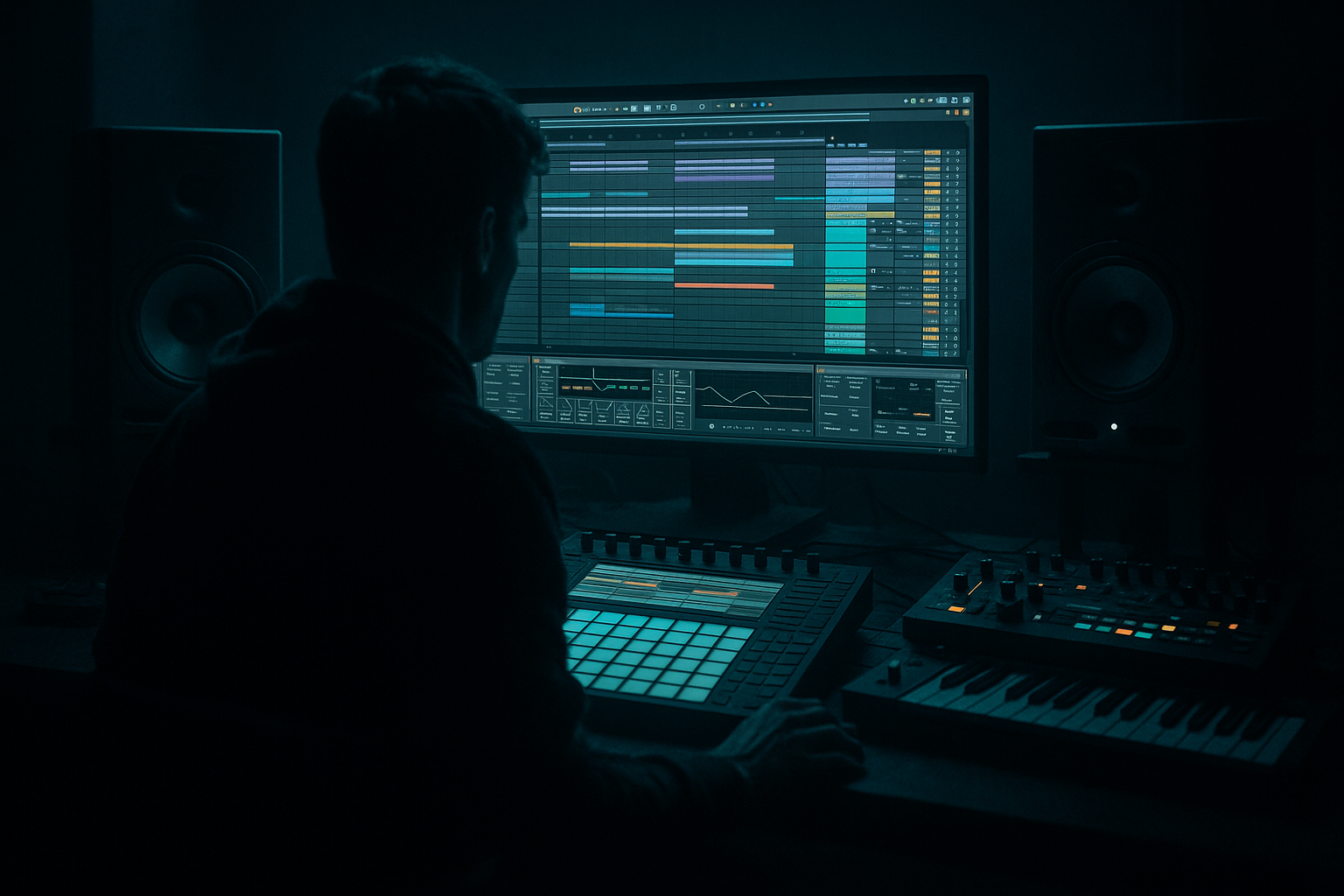
Main tutorial
Lesson Overview
This lesson is about building a percussion layer stack with crunchy sampler texture for oldskool jungle / DnB inside Ableton Live 12. The goal is to take a clean drum break or programmed percussion and turn it into something that feels aged, aggressive, and alive without losing punch. This is the kind of layer that sits under your main break, adds midrange bite to the groove, and helps your drum section cut through on club systems.
In DnB, especially jungle-inspired and darker rollers, percussion is not just “extra hats.” It is part of the forward motion. A textured layer can:
- glue break edits together,
- add grit to sparse drum programming,
- support transitions into drops and switch-ups,
- and give your track that unmistakable worn-tape / sampler / warehouse energy.
- a short chopped break texture for oldskool movement,
- a gritty sampler-style top layer with crunch and aliasing character,
- and a controlled parallel dirt bus that adds energy without destroying transients.
- dusty mids,
- crunchy transient edges,
- controlled stereo width,
- and enough character to work under a sub, reese, or neuro bassline.
- a 16-bar DJ-friendly intro with filtered percussion,
- a drop section where the main break is supported by texture layers,
- or a 2-bar turnaround fill before a switch-up.
- Over-layering too many percussion sounds
- Letting crunchy layers fight the snare
- Destroying transients with too much processing
- Ignoring mono compatibility
- Making the groove too rigid
- Using too much reverb
- High-pass the dirt, not the weight
- Use Drum Buss carefully on the texture layer
- Combine sampler crunch with filtered movement
- Print the ugly moments
- Use call-and-response with bass
- Think in DJ mix terms
- Mono-check the bus
- Build percussion in roles: body, crunch, sparkle.
- Use Simpler, Saturator, Drum Buss, EQ Eight, and Utility to shape oldskool sampler character.
- Keep the groove human with velocity and micro-timing.
- Process on a bus and use parallel dirt for weight without losing punch.
- Resample and re-slice to get authentic jungle-style movement.
- Automate texture across sections so the layer works as part of the arrangement, not just a loop.
Why this matters: classic jungle often sounds exciting because the drums feel layered, chopped, and slightly unstable. That instability is not a mistake — it is part of the vibe. By using Ableton’s stock tools smartly, you can create a crunchy percussion layer that feels like it came from an old hardware sampler, but still sits cleanly in a modern mix.
This is also a very useful DJ Tools approach: you can build intro and outro percussion layers that keep energy moving without overloading the low end, making your track easier to mix in and out of other DnB records.
What You Will Build
You will build a three-part percussion layer that combines:
The result will sound like a tight, syncopated jungle percussion bed with:
Musically, this could sit under:
Think of it as the layer that makes your drum programming feel like it has history.
Step-by-Step Walkthrough
1. Choose the source material with the right attitude
Start with one of these:
- a chopped old drum break,
- a single percussion loop,
- rimshots, shakers, bongos, metal hits, or conga fragments,
- or a resampled section from your own drum loop.
For oldskool jungle vibes, a break with some natural room tone or compression artifacts works especially well. If you are starting from a clean loop, don’t worry — you will add the wear yourself.
In Ableton Live, drag the source into a new audio track and warp it only if needed. For drum loops, use:
- Warp mode: Beats
- Preserve: Transients
- Transient loop mode: Off or very short
If the loop is already in time, avoid over-warping. Too much correction can kill the raw swing that makes jungle feel human.
2. Slice the break into a playable percussion layer
Right-click the audio clip and choose Slice to New MIDI Track. Use:
- Slicing preset: Built-in
- Slice by: Transient or 1/8 notes if the source is very steady
Ableton will create a Drum Rack with Simpler-loaded slices. This is the perfect starting point for a crunchy sampler-style layer because you can re-sequence the fragments with intent.
Now create a simple 1- or 2-bar MIDI clip and place slices where you want texture, not necessarily where the original break hit. Focus on:
- offbeat hits,
- ghost notes,
- micro fills before bar ends,
- and little syncopated stutters around the kick/snare grid.
In DnB, this is where the groove gets personality. The aim is not full rhythmic complexity at once — it is controlled movement that supports the main break.
3. Turn the slices into a dirty sampler texture
Open the Simpler on one of the more interesting slices and shape it like a vintage sampler hit.
Suggested starting settings in Simpler:
- Mode: Classic
- Voices: 1 for tight one-shot behavior
- Warp: Off if you want pure old-school behavior
- Start/End: trim tightly around the transient
- Filter: On, low-pass around 8–14 kHz if the slice is too sharp
Then introduce crunch with Ableton stock devices placed after Simpler:
- Saturator
- Drive: 3–8 dB
- Soft Clip: On
- Analog Clip if you want a harder edge
- Drum Buss
- Drive: 5–20%
- Crunch: 5–30%
- Boom: keep low or off unless you want extra body
- Transients: +5 to +20 for attack, or negative values if the slice is too spiky
- Erosion
- Mode: Noise or S&H
- Frequency: around 2–8 kHz
- Amount: subtle, often 5–20%
This creates the crunchy sampler texture that feels like an old machine choking slightly on the sample — very on-brand for jungle and darker DnB.
4. Build the percussion stack with three roles
Make three layers and assign them different jobs:
- Layer A: body
- A filtered break slice or low-mid percussion hit
- Keep it narrow and mostly mono
- Its job is to keep rhythm and weight
- Layer B: crunch
- The resampled/dirty Simpler layer
- Focus on midrange texture and transient grit
- This is the “vintage sampler” personality
- Layer C: sparkle
- Light hats, shakers, vinyl noise, or a tiny foley tick
- High-passed aggressively, usually above 300–600 Hz
- This gives air and helps the groove read on smaller systems
In Ableton, you can combine these inside a single Drum Rack or keep them on separate tracks routed to a bus. For intermediate workflow, a Drum Rack is fast for editing, while separate tracks make mix decisions easier.
If you want a classic jungle approach, keep the rhythm simple but let the layers differ in character. For example:
- Body hit on the main backbeat subdivisions
- Crunch layer with ghost notes just before the snare
- Sparkle layer doing offbeat motion and tiny fills
5. Shape the groove with timing and velocity, not just notes
The groove in jungle/DnB comes from timing relationships. Select the MIDI clip and use Ableton’s Groove Pool with a subtle swing source, or manually nudge certain notes.
Good starting points:
- Swing amount: 54–58% feel, if using a groove template
- Velocity range for ghost notes: roughly 20–65
- Stronger accent notes: 90–115
Important: do not quantize everything hard. If the layer is too perfect, it fights the break and the bassline. A slightly late ghost note can make the whole bar feel heavier.
For a darker roller, keep the percussion layer a bit more mechanical. For an oldskool jungle vibe, let a few notes “lean back” just enough to imply sampler slop.
Why this works in DnB: the genre often uses a strong grid, but the most exciting drum programming comes from tiny offset events. Those tiny timing differences create propulsion without cluttering the sub-bass pocket.
6. Process the layer on a dedicated drum bus
Route all percussion layers to a return or group track called something like DRUM TEX BUS. This lets you shape the entire layer as one instrument.
Good stock device chain on the bus:
- EQ Eight
- High-pass around 120–250 Hz depending on the layer
- Cut mud around 250–500 Hz if needed
- Tame harshness around 3–7 kHz if the crunch gets sharp
- Glue Compressor
- Ratio: 2:1 or 4:1
- Attack: 3–10 ms
- Release: Auto or 0.1–0.3 s
- Aim for just 1–3 dB of gain reduction
- Saturator or Drum Buss
- Use lightly for cohesion, not destruction
If you want extra attitude, create a parallel return with heavier processing:
- Pedal for distortion character
- Saturator with more drive
- Redux very subtly for sample-rate texture
- Then blend it underneath the clean layer
This parallel dirt approach is extremely useful in DnB because you preserve transient clarity while still getting grit and urgency.
7. Use automation to make the layer feel arranged, not looped
Don’t leave the texture static for the whole track. In DnB, percussion layers often evolve over 8- or 16-bar phrases.
Automation ideas:
- Auto Filter cutoff
- Start low-passed in the intro, open into the drop
- Reverb send
- Very short throws before transitions
- Saturator drive
- Increase slightly into fills or switch-ups
- Drum Buss transients
- Raise for a section where the drums need more attack
- Erosion frequency
- Move subtly for metallic motion
A strong arrangement example:
- Bars 1–8: filtered crunchy layer with reduced highs for intro tension
- Bars 9–16: open the texture, add ghost hits and a snare pickup
- Drop: full body layer plus the crunchy sampler texture
- Bar 17 or 33: remove the sparkle layer for a breakdown-style contrast
This keeps the percussion useful as a DJ tool too. The track can breathe on the mixdown, then slam back into full texture when needed.
8. Resample the layer once it feels right
When the percussion stack starts working, resample it to audio. This is very useful for jungle and oldskool DnB because it lets you commit to the sound and then edit the audio as if it were a break from a sampler.
In Ableton:
- Create a new audio track set to Resampling or route from the percussion bus
- Record a few bars of the processed layer
- Chop the audio with Arrangement view or Simpler again
Once resampled, try:
- reversing tiny hits,
- shortening some slices,
- duplicating a crunchy transient before a snare,
- or removing one note every 2 bars to create breath.
This is a classic DnB workflow move: process, print, reslice, recontextualize. It tends to produce more character than endlessly tweaking the original loop.
Common Mistakes
- Fix: assign roles. One layer for body, one for crunch, one for air. If all three do the same thing, the groove gets muddy.
- Fix: carve space with EQ Eight around the snare’s main crack zone, often 180 Hz–250 Hz for body overlap and 2–5 kHz for harshness conflict.
- Fix: use parallel distortion or keep one clean-ish layer underneath. DnB needs punch, not just noise.
- Fix: keep low percussion and body hits mono. Check the bus in Utility with Width at 0% for the low elements if needed.
- Fix: vary velocities, shift ghost notes slightly, and use small automation changes. Jungle thrives on motion.
- Fix: use short room or plate tails, or only send tiny throws on fills. Long reverb can smear fast DnB drums immediately.
Pro Tips for Darker / Heavier DnB
- Let your sub and kick remain clean. Put the grit in the mids and upper mids where it adds aggression without eating headroom.
- A little Crunch can make the layer feel like a sampler being pushed hard. Too much turns it into fizz, so start low and compare bypass often.
- Auto Filter moving from around 300 Hz up to 2–4 kHz across an 8-bar phrase can make a layer feel alive and ominous.
- If a resampled percussion slice has a nice crackle or clipped transient, keep it. In darker DnB, that kind of imperfection reads as energy.
- Let the percussion layer busy up when the bassline leaves space, then thin it out when the reese or growl answers. That contrast makes both feel stronger.
- For intros and outros, keep a version of the percussion layer with less low-mid clutter and more top-end motion. That makes it easier for DJs to blend tracks cleanly.
- Crunchy stereo textures can sound huge in headphones but collapse on club systems. Make sure the core rhythm still hits when summed to mono.
Mini Practice Exercise
Spend 10–20 minutes building a jungle percussion texture from scratch:
1. Pick one break or percussion loop.
2. Slice it to a Drum Rack in Ableton.
3. Program a 2-bar MIDI pattern with:
- 4–6 body hits,
- 4–8 ghost/crunch notes,
- and a few high-passed sparkle hits.
4. Add Simpler, Saturator, and Drum Buss to the crunch layer.
5. Create a parallel dirt return with heavier saturation and blend it under the clean stack.
6. Automate an Auto Filter sweep over 8 bars.
7. Resample 4 bars of the final result and re-chop one small fill.
Goal: by the end, you should have a percussion layer that could work under a bass drop or as a DJ-friendly intro texture.
Recap
If it feels slightly worn, slightly unstable, and still hits hard — you’re in the right zone.

