Show spoken script
Title: Percussion Density Control by Section in Drum and Bass (Beginner, Ableton Live)

Alright, let’s talk about one of the biggest secrets behind professional-sounding drum and bass drums: percussion density control by section.

When people say a track “rolls” or a drop “hits huge,” a lot of the time it’s not because the drums are louder. It’s because the drums are arranged with intention. The intro holds back. The build adds pressure. The drop adds layers. Then the track breathes again with a variation. That push and pull is density.

So in this lesson, you’re going to build a simple drum and bass drum arrangement in Ableton Live, and the main goal is to make the energy changes obvious just from your drums. Even if the bass is muted. Even if you’re listening quietly.

First, quick definition. Percussion density is how busy your drums feel over time. Not just how many sounds you have, but how many rhythmic events are happening, how layered the groove feels, and how much space you leave.

And here’s the mindset that will carry you: think in layers you can add and remove. You’re not writing “one drum loop.” You’re writing a core groove plus options.

Step zero: set up your session like a drum and bass session.

Set your tempo to around 172 to 175 BPM. Let’s use 174. Meter is 4/4.

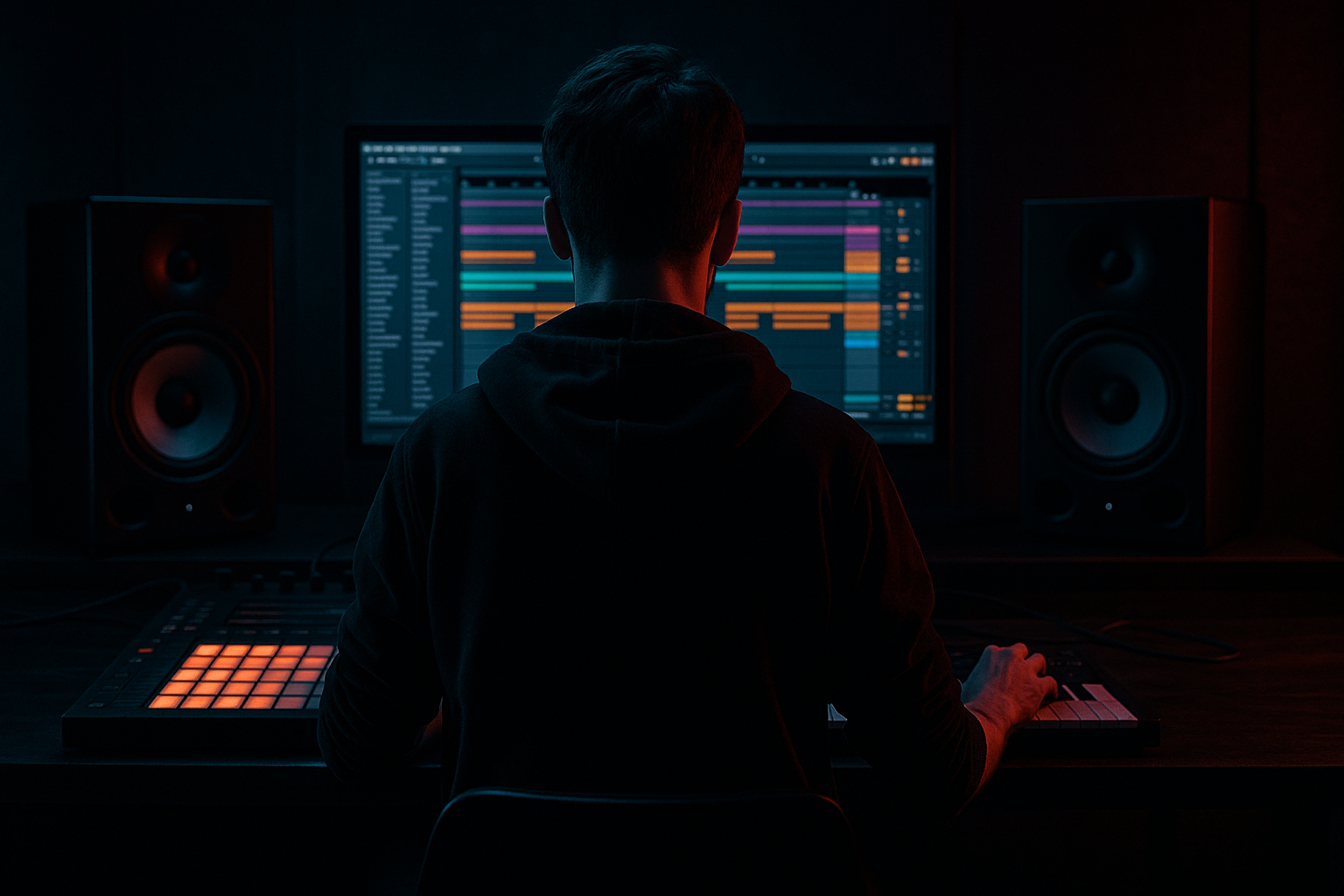
Now go to Arrangement View and create a DRUMS group, and inside it make tracks or lanes for Kick, Snare, Hats, Perc or Break, and FX or Fills. If you want to be extra organized, add a separate drum bus later, but for now the DRUMS group is your control center.

Do yourself a huge favor: drop locators across the top that say Intro, Build, Drop, Variation, Outro. This makes arranging density way faster, because you’re always thinking in sections, not in endless looping.

Now Step one: build the core groove. This is your density anchor. It’s the part that stays recognizable when everything else comes and goes.

Create a MIDI track, load a Drum Rack, and load a kick on C1 and a snare on D1.

Program your classic DnB backbone: snare on beats 2 and 4. In Ableton terms, that’s the 2 and the 4 of the bar. Make that snare feel confident. That’s the spine.

Now put your kick around it. A simple starting point: kick on beat 1, and then add a second kick somewhere that creates forward motion, like around the “and” area in beat 2. Don’t worry about copying an exact pattern. The real instruction here is: make it feel like it wants to roll into the snare, not crash into it.

Quick processing tip, beginner-friendly: put EQ Eight and maybe a touch of Saturator on the individual kick and snare inside the Drum Rack chain. On the kick, if it sounds boxy, lightly dip somewhere around 250 to 400 hertz. On the snare, if it sounds muddy, dip a bit around 200 to 500, and if it needs snap, a gentle lift in the 3 to 6k area can help. Then Saturator, Soft Clip on, and tiny drive, like one to four dB. Tiny moves. In drum and bass, one dB is a big personality change.

Next, add your closed hat pulse. This is the propulsion.

You can keep it in the Drum Rack or put it on its own track. Program steady eighth notes. Just that steady tick tick tick is already half the genre.

Then, optional but very useful: add a little swing using Groove Pool. Something like Swing 16-55, but keep the amount low, like 10 to 20 percent. And here’s a teacher note: in DnB, your snare usually stays pretty central and stable. If anything gets a bit loose, it’s your hats or break texture, not your main snare.

Now Step two: create density layers. This is where the fun starts, because now you’re building things you can switch on and off per section.

I want you to imagine four “density lanes,” like you’re organizing traffic.
Lane one is Backbone: kick and snare.
Lane two is Pulse: hats and shakers.
Lane three is Texture: break loops, foley, noise hats.
Lane four is Accents: ghost notes, fills, one-shots, ear candy.

In calmer sections, you might only run one or two lanes. In the peak, you can bring in all four, but not necessarily all at once, and not necessarily at full volume.

Layer one: ghost snares.

Duplicate your snare or add a second snare sample that’s quieter and maybe a bit dirtier. Program light hits just before the main snare. So if your snare lands on 2 and 4, put a little hit a sixteenth note before those. And keep their velocities low. Think 20 to 50 velocity, while your main snare might be 90 to 120.

Ghost snares create motion without needing a new sound. It’s density through detail.

Layer two: ride or shaker.

Add a ride or shaker pattern, usually eighth notes or sixteenth notes in the drop. This is top-end lift. But it can also destroy your mix if you’re not careful.

So immediately put an Auto Filter or EQ on it and high-pass it. Usually somewhere around 300 to 600 hertz. You do not need low mids in a ride. Let it live in the top. If it’s harsh, don’t just turn it down. Also consider filtering a bit or controlling transients later.

Layer three: break loop texture.

Create an audio track, drop in a break. Warp it. Try Beats mode with Preserve set to Transients for a classic chopped feel, or Complex Pro if you want smoother stretching. Then high-pass it with EQ Eight, maybe around 150 to 250 hertz. The point is: the break is glue and swagger, not the thing that replaces your kick.

And here’s a pro-feeling beginner move: right-click the break clip and choose Slice to New MIDI Track, slicing by transients. Now you can literally delete slices in calmer sections. That’s density control in a super visual way.

Layer four: percussion hits, aka ear candy.

Pick a few one-shots like rim clicks, metallic ticks, foley taps, short toms. Place them sparingly. Like, one little moment every two bars. If you put them everywhere, they stop being special and they start being clutter.

Layer five: fills.

Make one or two fill ideas and keep them on their own track or in an FX and Fills lane. A little snare roll, a break chop, a reverse crash into the drop. Fills are punctuation. They’re not meant to run the whole sentence.

Now Step three: control density by arrangement. This is the “DnB ladder.” This is where beginners level up fast.

We’re going to build a short arrangement, something like 32 to 64 bars.

Intro: low density.

In the intro, tease rhythm without giving away the whole kit. A great approach is filtered break plus light hats. Keep backbone elements minimal. Often you’ll even hold the kick back, depending on the style.

Remove or reduce ghost snares, ride, and extra percussion.

Automate an Auto Filter opening over 8 bars on the break. Start with the cutoff fairly low, like around 600 hertz, and slowly open it up into the several-kilohertz range. Don’t get stuck on numbers; use your ears. You’re just revealing more detail over time.

Build: medium density.

Now add expectation. Bring in a slightly louder hat, maybe introduce a second hat pattern, or start a snare build that goes from half-bar hits to quarter notes to eighth notes as you approach the drop.

And a nice trick: do a couple of reverb throws on snare hits near the end of the build. Keep it short. Something like 0.8 to 1.4 seconds decay, and automate the dry/wet so it only blooms on one or two hits. Drum and bass is mostly dry, so when you do add space, it feels like a special effect.

Drop: high density, but controlled.

Now the full groove arrives. Bring in full kick and snare, ghost snares, ride or shaker, and the break layer, still high-passed so it doesn’t fight the low end. Add ear candy in a few places.

And I need you to remember this sentence: density comes from events, not loudness. You do not need every layer at max volume. In fact, if you do that, the drop will feel smaller because you’ve flattened the depth.

Variation: reduce then re-add. This is the reset.

A lot of beginners forget this, and their drop becomes eight or sixteen bars of constant maximum intensity. That causes listener fatigue, and ironically it makes the drop feel less heavy.

So for four bars, remove something important like the ride, or simplify the hats, or pull the break down. Then bring something new or reintroduce the layer. You can change ghost-snare phrasing, swap the break texture, or add a new call-and-response perc.

Here’s a specific technique: the negative space bar. In the middle of the drop, pick one bar every eight bars where you mute a key top layer like the ride or break texture for just one bar, then bring it back. That one bar of space makes the next bar feel like it gained density, even if nothing new was added.

Outro: deconstruct.

Strip layers out in a DJ-friendly way. Remove the kick first or remove the break first, and filter down to hats and FX. The goal is a clean exit, not a confusing new section.

Now Step four: set yourself up for fast density moves with groups and macros. This is a major workflow win in Ableton.

Select your drum tracks and group them. On the DRUMS group, add an Audio Effect Rack.

Now create a few macros that basically become your “density performance controls.” For example:
A Density low-pass filter macro mapped to an Auto Filter cutoff on the group, or even just on your top layers.
A Top Mute macro mapped to a Utility gain for hats and rides.
A Break Amount macro mapped to a Utility gain on the break track.
A Ghost Level macro mapped to the ghost snare Utility gain.

The reason this is so powerful is you can record automation like a performance. You can ride density like an instrument. And it keeps your arrangement from becoming a messy maze of tiny volume edits everywhere.

Now Step five: keep it clean, because density without mix control becomes mush.

Quick frequency rules.
Kick and sub own the low end. Almost everything else gets high-passed.
Hats and percussion often get high-passed somewhere between 200 and 600 hertz.
Break layers often get high-passed around 150 to 300.

Use EQ Eight with gentle slopes. You’re not trying to destroy the sound, just keep lanes separate.

Next, transient control. If hats or breaks start blurring together, try Drum Buss on the hat or break bus. Use a little drive, like 2 to 6, and adjust the Transients. If it’s dull, add transients. If it’s spiky and annoying, reduce them. And generally, keep Boom off for hats and breaks.

If your top end is harsh, Multiband Dynamics can gently tame the high band. Think small. One to three dB of reduction, not ten.

And space control: DnB is mostly dry. Reverb is seasoning, not soup. If you use reverb for glue, keep it short, like 0.4 to 0.9 seconds, and filter the reverb so there’s no low mud and not too much brittle air.

Now a couple common mistakes to avoid, because these are the big ones.

First mistake: intro is as dense as the drop. If you do that, your drop can’t feel like it arrives. Always hold something back.

Second mistake: adding density by turning things up. That’s not density, that’s just louder. Density is usually more rhythmic information, better placement, and better contrast.

Third mistake: too many layers living in the 200 to 600 hertz zone. That’s where mud lives. Mud makes drums feel smaller.

Fourth mistake: constant sixteenth-note hats everywhere. Save the super-busy tops for peaks, otherwise you get fatigue.

Fifth mistake: no mid-drop reset. Even heavy rollers need a breath.

Now, extra coaching: if you’re unsure whether to add a layer, ask yourself, is this filling a new rhythmic role? Like offbeats, syncopation, call-and-response. Or is it just duplicating something I already have? If it’s duplicating, it’ll usually sound noisy instead of exciting.

Also, micro-timing is a density tool. You can make a part feel busier without adding notes by nudging hats or break slices slightly, like five to fifteen milliseconds. Keep kick and snare mostly locked. If things start sounding frantic, tighten timing before you add more layers.

And velocity contour matters. If your hats are all the same velocity, it sounds like a machine gun. Try a one-bar contour like strong, medium, weak, medium, then repeat. That alone can make your groove feel more alive and “intentional,” which is a form of density that doesn’t clutter the mix.

Now let’s do the mini practice exercise.

Make a 16-bar loop that contains full drop drums: kick, snare, hats, ghosts, ride, break.

Duplicate it out to a 64-bar arrangement.

Then enforce density levels:
Bars 1 to 16, intro: remove ride and ghosts, filter the break.
Bars 17 to 24, build: add hats and a snare build.
Bars 25 to 40, drop: full density.
Bars 41 to 48, variation: remove ride and simplify hats for four bars, then re-add.
Bars 49 to 64, outro: strip layers and filter down.

Then record one automation pass using your DRUMS macros. One pass. Don’t over-edit it to death. You’re training your instincts for energy control.

Here’s your goal: when you press play from the start, you should feel the energy stepping up and down clearly, even at low volume. If you can hear the difference between intro, build, drop, and variation just from the drums, you’re doing it right.

Quick recap.
Build a core groove first: kick, snare, hats.
Create density layers: ghosts, ride or shaker, break texture, perc hits, fills.
Arrange like drum and bass: hold back, build, drop, reset with a variation, then outro.
Control density fast with groups, macros, and automation.
Keep punch with EQ, transient control, filtering, and minimal reverb.

If you tell me what lane you’re aiming for, like liquid, jump-up, neuro, or jungle, I can suggest a specific density map for each section and which layers should be always-on versus special-occasion.