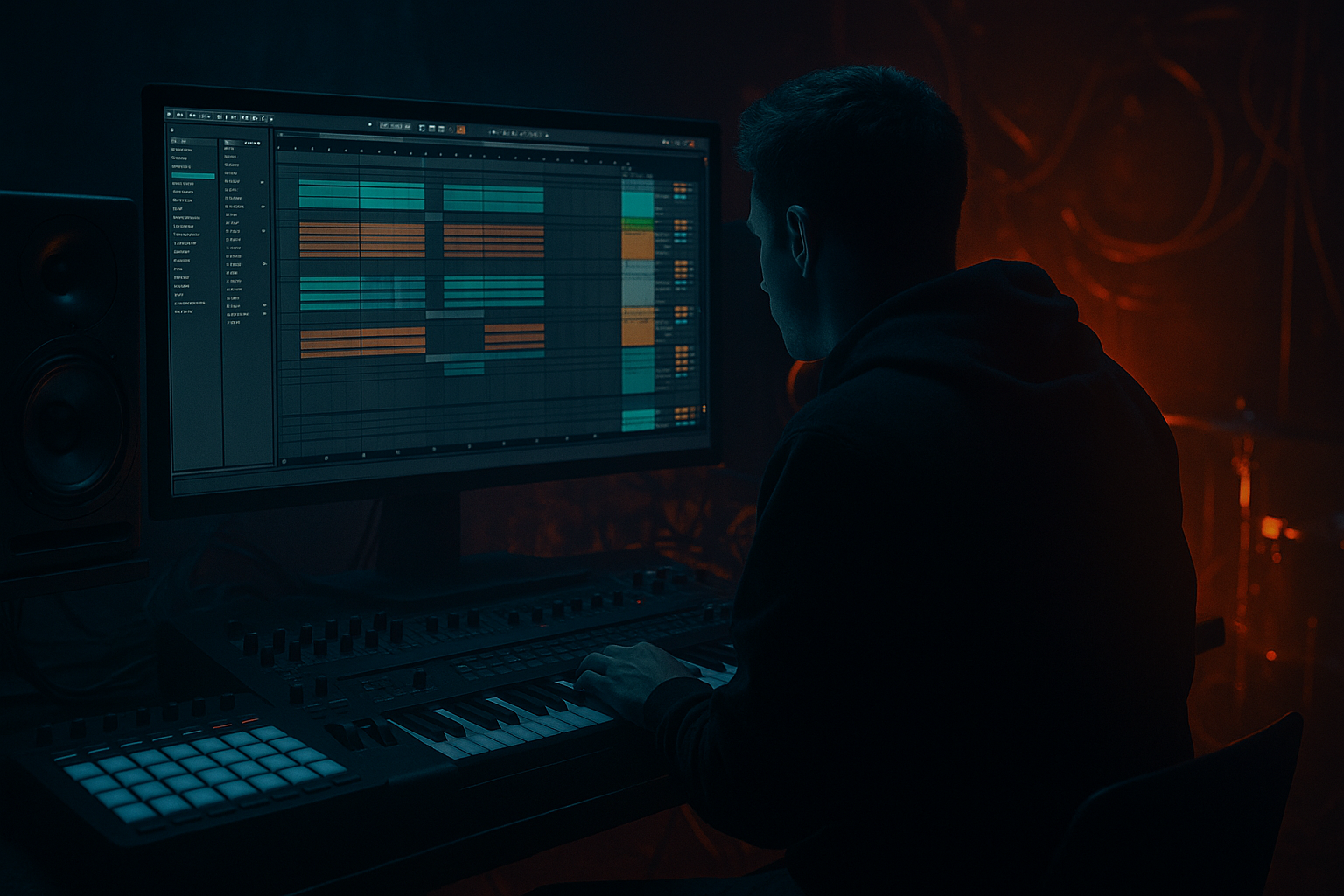
Main tutorial
```markdown
Outro Design for Mixing (DnB) in Ableton Live 12
Advanced Arrangement Lesson ⚡️🥁
1. Lesson overview
A great drum & bass outro isn’t “just fading out”—it’s a DJ-friendly, mixable structure that still feels musical and intentional. In this lesson you’ll design an outro that:
- Gives DJs clean bars to blend
- Keeps energy rolling without clutter
- Creates a clear emotional downshift
- Translates well on club systems (sub discipline + clean tops)
- Bar 1–16: Full groove but simplified (less mid-bass chaos, controlled fills)
- Bar 17–32: “DJ mix zone” (kick+snare+hat groove with minimal bass variation)
- Bar 33–48 (optional): Sparse ending or “tease” element (vocal stab / reese tail / atmos)
- Bar 49–64 (optional): Utility tail (clean drums + filtered bass or sub only)
- A clean Outro Group with automation lanes clearly labeled
- Return tracks for reverb/delay throws
- Master-safe energy reduction (no sudden LUFS cliff)
- Optional DJ tools: 8-bar beat loop, clean 16-bar drum loop, filtered bass tail
- Macro 1: Bass LPF → Auto Filter freq on Bass Group
- Macro 2: Drum Dirt → Drum Buss Drive on Drum Group
- Macro 3: Reverb Send → Return A send (selected elements)
- Macro 4: Delay Throw → Return B send (vocal/lead stab)
- Macro 5: Top Roll-off → EQ Eight high-shelf on Drum Group
- Macro 6: Width Down → Utility Width on Music/Atmos Group
- Macro 7: Sub Level → Utility Gain on Sub track
- Macro 8: Master Safety → Limiter Ceiling or Glue threshold (light touch)
- Kick + Snare: stay consistent for at least 16 bars
- Hat pattern / ride: can thin out gradually
- Sub: steady but can filter down or simplify notes
- Mid-bass / reese: reduce motion early to make space for the incoming track
- FX / fills: fewer surprise transients (keep the grid clean)
- Keep full drums, but:
- Drum Group:
- Bass Group:
- Pull back mid-bass layer or resample it thinner:
- Reduce crash/impact frequency (save one final hit for bar 17 if desired)
- Keep: kick + snare + tight hats
- Simplify: bass becomes sub + minimal mid, or sub-only for the last 8 bars
- Keep arrangement predictable:
- Kick steady
- Snare on 2 and 4 (or DnB half-time feel if your tune uses it—be consistent)
- Hats: choose one “timekeeper” (closed hat 1/8 or shaker)
- Bass: sub notes only, lowpassed and level-stable
- Either:
- Auto Filter LP24:
- If your reese is wide, automate Utility Width:
- EQ Eight high shelf:
- Hybrid Reverb
- EQ Eight after reverb
- Echo
- At end of bar 16 or 32, spike send for 1 beat, then pull it back.
- End of bar 16: micro fill (1/2 bar)
- End of bar 32: maybe a bigger fill, then back to grid
- Add a Gate on a break layer to tighten tails:
- Too much new content in the outro: new lead riff at bar 25 = DJs hate it.
- Bass gets more complex instead of simpler: outro should reduce motion.
- Reverb not filtered: low-end reverb bloom ruins mix clarity.
- Random fills every 2 bars: makes beatmatching and blending chaotic.
- Hard mute with no transition: if you remove an element, do it on a phrase boundary and support it with a small FX cue.
- “Weight stays, aggression leaves.”
- Use Roar (Ableton stock) on reese/mid-bass during earlier outro bars, then automate it down:
- Add a lowpassed industrial texture (atmos track) that survives into the last 16:
- For neuro/techstep vibes, automate Utility Gain on mid-bass down by `1–3 dB` across 16 bars instead of muting abruptly.
- Use sidechain discipline in the outro:
- Build phrase-based reduction (8/16/32 bars)
- Maintain kick/snare grid for DJ alignment
- Simplify bass into stable sub + filtered mid
- Use filtered returns (Hybrid Reverb/Echo) for tasteful cues
- Automate tops down, width down, chaos down—not just volume down
We’ll build a 32–64 bar outro with stems that progressively strip down, plus mix-out cues and smart transition FX using Ableton Live 12 stock devices.
---
2. What you will build
A modern rolling DnB outro (example: 174 BPM) with:
Deliverables inside Ableton:
---
3. Step-by-step walkthrough
Step 0 — Setup + reference (2 minutes)
1. Set loop over your intended outro length (start with 32 bars).
2. Drop a reference DnB track into an audio track (disable Warp if needed).
3. Identify their mix-out structure:
- When does bass simplify?
- When do tops thin out?
- Is the last 16 bars “drums only”?
Ableton tip: Add Locator markers:
`Outro Start`, `DJ Zone`, `Tail`, `End`.
---
Step 1 — Build an “Outro Control” macro rack (fast, pro workflow) 🎛️
Create a MIDI track named `OUTRO CTRL` (no instrument needed).
1. Add Audio Effect Rack (yes, on a MIDI track—this is just for macros).
2. Map key parameters from groups to macros using Map Mode.
Suggested Macros (map these across groups):
This lets you “play” the outro like a performance, then fine-tune automation.
---
Step 2 — Identify your mix-critical elements (DnB priorities)
For DJ-friendly outros, treat these as “structural pillars”:
Rule of thumb: In the last 16 bars, avoid new complicated fills every 2 bars. DJs want predictability.
---
Step 3 — Create a 32-bar outro template (arrangement recipe) 🧱
At 174 BPM, use this structure:
#### Bars 1–8: “Still rolling”
- Remove one busy percussion layer (e.g., extra break ghost hits).
- Reduce bass automation complexity (freeze LFO movement a bit).
Devices & settings:
- Drum Buss: Drive `2–5`, Crunch `0–10`, Boom `0–10` (keep controlled)
- EQ Eight: gentle dip `-1 to -2 dB @ 300–500 Hz` if it’s boxy
- Auto Filter: LP24, Drive `2–6`, start around `18–20 kHz` (fully open)
#### Bars 9–16: “Start clearing the runway”
- Option A: mute the mid layer entirely on bar 9
- Option B: Auto Filter LP slowly down to `4–8 kHz`
Nice move: Replace complex bass phrase with a 2-bar repeating simpler pattern.
#### Bars 17–32: “DJ Mix Zone” (the money zone)
- No unexpected stop-start edits
- No massive uplifter that implies a drop
Concrete setup (common in DnB outros):
Stock chain suggestion (Bass Sub track):
1. EQ Eight
- HP @ `20–25 Hz` (steep)
- Optional small dip `-2 dB @ 50–80 Hz` if it’s booming
2. Saturator
- Soft Clip ON
- Drive `1–4 dB` (just enough to translate)
3. Glue Compressor
- Attack `10 ms`, Release `Auto`, Ratio `2:1`, GR `1–2 dB`
#### Optional Bars 33–48: “Tail / Atmos”
- A clean drum loop continues (minimal), or
- Drums stop and you leave texture + vinyl noise + reverb tail (more cinematic)
If your track is made for DJs, keeping drums running longer is usually better.
---
Step 4 — Clean transitions with automation (the professional polish) ✍️
Now automate the “exit energy” without sounding like a lazy fade.
#### A) Bass filtering + stabilization
On the Bass Group:
- Start at ~`18 kHz` (open)
- Over 16 bars, move down to `2–6 kHz`
- `120% → 70%` over the last 16 bars
This reduces phasey low-mid smear and makes incoming track sit better.
#### B) Top-end management (anti-hiss & DJ blend clarity)
On Drum Group:
- Start `0 dB @ 10 kHz`
- Move to `-2 to -5 dB` by the last 8 bars
This creates space for the next track’s cymbals without killing groove.
#### C) Reverb/delay throws (tasteful, not messy) 🌫️
Make throws land on snare fills or a vocal stab near bar boundaries (e.g., end of 8/16/32).
Return A (Reverb) with stock devices:
- Algorithm: Plate or Hall
- Decay `2.5–5.5 s`
- Pre-delay `20–40 ms`
- HP @ `200–350 Hz`
- LP @ `8–12 kHz`
This keeps your reverb from clouding the mix-out.
Return B (Delay):
- Time: `1/4` or `1/8D`
- Feedback `20–40%`
- Filter: HP `250 Hz`, LP `6–10 kHz`
- Modulation low/subtle
Automation move:
#### D) Controlled drum fill strategy (DnB-specific)
Do fills that announce a section, not fills that ruin mixability:
Use Drum Rack or audio slices:
- Threshold until it snaps clean
- Short Release (so the groove doesn’t smear)
---
Step 5 — Make the outro “DJ-proof” (practical checks) ✅
1. Check last 16 bars in solo drums: does it groove without bass? It should.
2. Check sub stability:
- Put Spectrum on the master, watch 40–80 Hz.
- Avoid “random sub spikes” from automation.
3. Mono check:
- Utility on Master: Width `0%` briefly.
- If low end disappears, your bass layering is too wide or phasey.
4. Leave space:
- Keep a predictable transient pattern so a DJ can align kicks/snares.
---
4. Common mistakes
---
5. Pro tips for darker/heavier DnB 🖤
Keep sub weight steady while you remove harsh mid layers and busy tops.
- Start: Drive moderate, more harmonics
- End: reduce Drive / Mix so the outro becomes cleaner for blending
- Auto Filter LP around `2–4 kHz`
- Keep it quiet (`-20 to -30 dBFS`)—it’s mood, not lead.
- Keep your sidechain compressor active on bass so the kick stays readable for DJs mixing in.
---
6. Mini practice exercise (15–25 minutes) 🧪
1. Take one of your finished drops and duplicate the last 32 bars.
2. Create a DJ Mix Zone:
- Bars 17–32: only Kick, Snare, one Hat, Sub (simple pattern)
3. Add Hybrid Reverb return and make two throws:
- One at end of bar 16
- One at end of bar 32
4. Automate:
- Bass LPF: `18 kHz → 4 kHz` over 16 bars
- Drum top shelf: `0 dB → -3 dB` over last 8 bars
5. Bounce a quick test export and listen while imagining a second track entering:
- Does your outro invite another tune, or does it fight it?
---
7. Recap
A strong DnB outro is a functional mix tool that still sounds like music:
If you want, tell me your sub style (pure sine, distorted, 808-ish) and whether your tune is liquid/rollers/neuro/jungle—I can suggest a specific 64-bar outro blueprint and macro map tailored to it.
```

