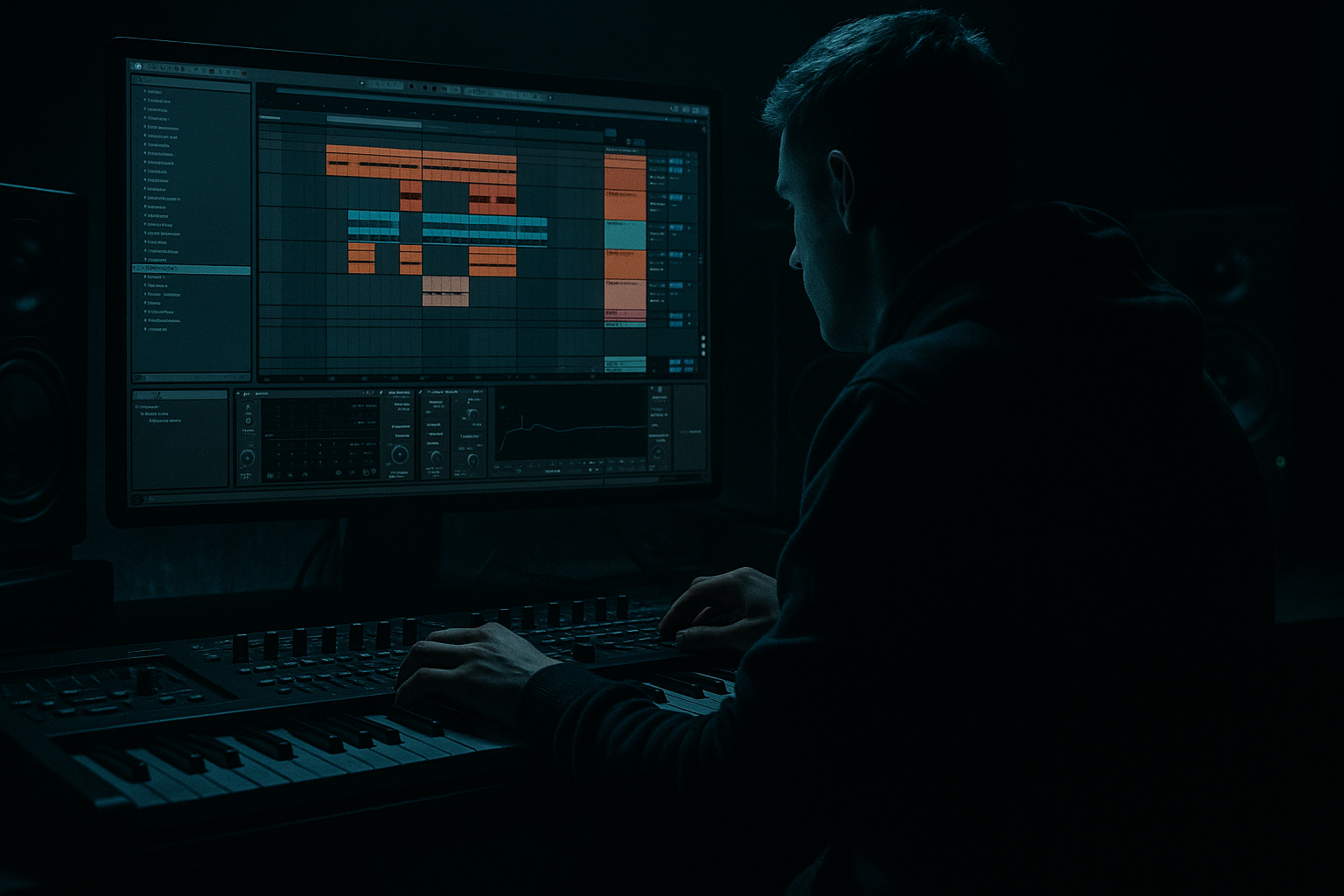
Main tutorial
Lesson Overview
Oldskool subsine build is one of those classic DnB edit techniques that can make a track feel instantly more alive, more intentional, and more “played,” even if the core bassline is simple. In this lesson, you’ll build a bass element in Ableton Live 12 by combining a clean sub foundation, a sine-based movement layer, and then resampling that performance into editable audio for chops, fills, reverses, and drop variation.
This matters in Drum & Bass because the low end is not just a static sustain — it’s part of the arrangement language. In rollers, jungle, and darker halftime-influenced DnB, a subsine build can act like a tension ramp before the drop, a response to the drums, or a stealthy way to add motion without cluttering the mix. Done well, it gives you:
- a more musical sub identity
- better control over bass phrasing
- quick edit-friendly material for drop switch-ups
- a cleaner route to gritty, oldskool energy without overdesigning
- a mono sine sub layer with a few note choices that support a jungle / roller-style groove
- a resampled audio version of that bass with movement, filtering, and saturation printed in
- a set of edits: chops, reverse tails, stutters, and drop prep slices
- an arrangement-ready bass phrase that can be used for:
- Making the sub too complex
- Resampling before the sound is already working
- Using too much stereo on low end
- Over-slicing the audio into random bits
- Distorting the actual sub too hard
- Ignoring the breakbeat
- Too much low-mid buildup
- Add a parallel distortion layer by duplicating the resampled bass, high-passing it, and driving it harder with Saturator or Overdrive. Keep the sub track clean underneath.
- Use Auto Filter automation to make the bass feel like it’s inhaling before a drop, especially in 2-bar pre-drop phrases.
- For a grittier oldskool edge, resample the bass twice: once clean, once after saturation. Blend them instead of committing to one texture.
- Try a tiny pitch drop on the last note of a phrase to create classic tension. Even a subtle move can feel huge in a roller.
- Use Utility to automate width on the printed edit layer only. Keep the low sub centered, and let the upper grit open up slightly on fills.
- If you want more neuro-ish darkness without losing the oldskool character, layer a very quiet, band-limited noise or filtered texture above the sub edit — not as a main voice, just as edge.
- Build contrast: one bar more active, one bar sparse. In heavier DnB, restraint often makes the next edit hit harder.
- Build the bass as a clean sine-based sub first
- Add movement with light saturation, filtering, and phrasing
- Resample once the performance feels good
- Slice the resample into musical edits for DnB arrangement use
- Keep the sub mono, the character layered, and the phrasing tied to the break
- Use the edits to create tension, drop impact, and oldskool jungle/roller energy without muddying the mix
The key idea is simple: make a solid sine/sub bass phrase, perform automation and texture moves in real time, then resample that output into audio so you can edit it like you would an old-school cut-up. That workflow is very DnB: make it, print it, slice it, bounce it, re-use it.
Why this works in DnB: the sub is strongest when it’s stable enough to hit hard, but dynamic enough to feel intentional. Resampling lets you keep the best parts of a moving bass performance while turning them into arrangement material. That’s huge for edits, especially when you want DJ-friendly structure, call-and-response, or a half-bar bass turn that lands with impact.
What You Will Build
By the end of this lesson, you’ll have a practical oldskool-style DnB bass edit setup in Ableton Live 12:
- a 16-bar intro build
- a 2-bar pickup into the drop
- a call-and-response bass phrase under breakbeats
- a darker reese-style layered variation if you want more aggression
Musically, think of the result like an oldskool bassline that starts clean and sine-heavy, then becomes a playable audio part with controlled grit and rhythm. It should sit under chopped breaks without fighting the kick and snare, and it should leave room for bass-drum interplay.
Step-by-Step Walkthrough
1. Set up a focused DnB edit session
Start a new Ableton Live 12 set and set your project around a typical DnB tempo: 172–174 BPM for rollers/jungle, or 170–176 BPM if you want room to push harder later. Place a drum loop or your own break on one track so you can hear how the bass interacts with the groove.
Create three tracks:
- MIDI Track 1: Sub
- Audio Track 2: Resample
- Audio Track 3: Edit Returns / FX Print if you want extra variations later
Put a utility on the master or your bass bus for checking mono later. Keep headroom from the start — aim for your bass bus peaking around -8 to -6 dBFS while writing.
For an oldskool edit workflow, keep the session looped over 2 or 4 bars. That short loop forces you to make usable phrases instead of endless programming.
2. Program the sub sine foundation with proper DnB phrasing
On the MIDI Sub track, load Operator. Use a simple sine-based patch:
- Oscillator A: Sine
- Turn off extra oscillators or keep them silent
- Filter: optional, but keep it open for now
- Amp envelope: fast attack, short decay if you want plucky movement, or longer release if it’s a smoother sustain
Start with a bassline that supports the break rather than competing with it. In DnB, good sub phrasing often follows the snare accents and leaves space for kick/break interplay. Try a 1-bar or 2-bar pattern with notes that move around the root and fifth, like:
- bar 1: root, octave jump, root
- bar 2: dominant or passing note, back to root
Two useful starting choices:
- Sub tone: keep the note range around C1 to G1 depending on key
- MIDI note lengths: try 1/8 to 1/4 notes, then shorten some notes for bounce
Keep it mono. Use the bass like a foundation, not a stereo effect.
3. Add movement with simple stock devices, not overprocessing
After Operator, add Saturator and EQ Eight. This gives the sine enough harmonics to survive in a DnB mix without making it fuzzy everywhere.
Suggested starting points:
- Saturator: Drive 2 to 6 dB, Soft Clip on
- EQ Eight: high-pass only if needed on non-sub layers; for the actual sub, avoid cutting the fundamental unless you know why
If you want a more oldskool feel, add Auto Filter after Saturator and automate it subtly. A low-pass sweep can create tension before a resampled edit. Keep it modest:
- Cutoff range: roughly 150 Hz to 1.5 kHz for a build texture layer
- Resonance: low to moderate, around 10–25%
Why this matters in DnB: a clean sine alone can sound too naked in a busy roller or jungle arrangement. Tiny harmonic enhancement helps the sub translate on smaller systems, but you still keep the low end focused.
4. Write the movement as an edit, not just a loop
This is where the lesson leans into Edits. Don’t just loop a bass note and call it done — create a mini-performance. Use MIDI note lengths, velocities, and silence as arrangement tools.
Try this approach:
- Place a 1-bar bass phrase
- Leave at least one short gap for the snare or break accent
- Add a quick pickup note just before the next downbeat
- Use a tiny note offset or shorter note on the last hit to create a pull into the next bar
If your break is active, let the bass answer it. For example:
- kick-heavy bar: lower bass activity
- snare lead-in: one short sub note or slide-like movement
- drop bar: slightly more aggressive note placement
In oldskool jungle and roller workflows, bass edits often feel like they’re “speaking” to the drums. That call-and-response feel is what makes the phrase memorable.
5. Print the bass to audio using resampling
Now commit the moving bass to audio so you can edit it like a sample. On your Audio Track 2, set the input to Resampling. Arm the track and record your 2- or 4-bar bass pass.
This is the point where the workflow becomes powerful:
- you preserve the performance
- you can slice transients and note edges
- you can reverse, duplicate, or rearrange phrases
- you can keep the best “oldskool” imperfections
Make sure the recording captures your automation and saturation. If you automated Auto Filter or a Utility gain move, that should be printed too. That printed motion is the raw material for edits.
If your resample clips too hard, lower the source track slightly or reduce Saturator Drive. You want controlled density, not flattened sub.
6. Slice the resampled audio into playable edits
Once recorded, drag the audio clip into a new audio track or duplicate it within the same track. In Ableton Live 12, use Slice to New MIDI Track if you want drum rack-style chopping, or manually slice in Arrangement View for finer control.
For this lesson, stay arrangement-focused:
- cut the clip at downbeats, offbeats, and interesting note tails
- create micro-edits of 1/8, 1/16, or even 1/32 if the material supports it
- reverse one tail section to create a subtle pull into the next phrase
A useful oldskool approach is to create 3 edit types from the same resample:
- main hit: full bass note
- pickup: shortened note or reversed tail
- fill: quick repeat or stutter of the last part of the phrase
Keep fades tight to avoid clicks. Ableton’s clip fade handles and proper zero-crossing placement help here. Don’t overdo the slicing just because you can — the best edits are still musically connected to the original bass phrase.
7. Shape the resampled bass with clip gain, warping, and simple FX
On the resampled audio, use clip gain and basic processing to make the edits sit properly with the drums. You usually don’t need aggressive warping for bass unless you’re intentionally time-stretching a special effect. If the timing is already tight, keep Warp off or use it sparingly.
Suggested tools:
- Utility for gain control and mono checking
- EQ Eight to remove any unwanted low-mid buildup
- Saturator for a final touch of bite
- Auto Filter for a build-up or transition sweep
Parameter suggestions:
- high-pass any non-sub edit layers around 25–40 Hz if needed
- cut muddy low-mid energy around 180–350 Hz if the bass clouds the break
- if you want more attack, add a small boost around 700 Hz–1.5 kHz on an edited texture layer, not on the true sub
Important: keep the actual sub layer clean and let the printed edits be the character layer. In DnB, low-end separation matters more than “big sounding” solo bass.
8. Arrange the edits into a believable drop or switch-up
Now build a mini arrangement. A solid oldskool DnB structure could be:
- 8 bars intro: filtered drums + hint of bass atmosphere
- 4 bars build: resampled bass edits appear in fragments
- 2 bars pre-drop: tighter chops, reverse tail, tension automation
- 8-bar drop: main bass phrase + answer edits on bar 4 or 8
Use the edits intentionally:
- bar 1–2: establish main bass
- bar 3: silence or minimal response
- bar 4: fill or stutter into the next phrase
- last half-bar before drop: reversed slice or filtered riser from the resample
This is very effective in DnB because the drums are already fast and dense. Your bass edit doesn’t need to be busy every moment — it needs to be placed. A well-timed gap can hit harder than constant movement.
9. Blend the bass with drums using bus discipline
Put your bass elements through a Bass Group and manage them together. Use Glue Compressor lightly if needed, but don’t squeeze the life out of the sub. If you compress, aim for a gentle 1–2 dB of gain reduction just to steady the edited material.
Check:
- kick and sub aren’t fighting on the same hits
- the snare still dominates the midrange
- bass edits don’t overpower ghost notes in the break
- mono compatibility is solid
In a darker DnB context, the break should feel like it’s driving the bass, not being buried by it. If your sub steals the groove, reduce note lengths or move the bass away from the kick transients.
Common Mistakes
- Fix: keep the true sub simple and let the edits carry the movement.
- Fix: get the MIDI phrase and balance right first, then print it.
- Fix: keep the sub mono; if you want width, use higher-frequency edit layers only.
- Fix: slice to musical points — downbeats, pickups, phrase endings.
- Fix: distort a printed texture layer, not the core low-frequency sine.
- Fix: shape bass gaps around snare hits and ghost notes so the groove breathes.
- Fix: use EQ Eight to clean the 180–350 Hz area if the bass gets boxy.
Pro Tips for Darker / Heavier DnB
Mini Practice Exercise
Spend 10–20 minutes making one 4-bar subsine build loop.
1. Load Operator and create a sine sub phrase in C minor or F minor.
2. Write a 1-bar bassline with at least one rest.
3. Add Saturator and Auto Filter, then automate a subtle movement over 4 bars.
4. Resample the phrase to audio.
5. Slice the audio into at least 4 edits:
- one full hit
- one pickup
- one reverse tail
- one stutter or repeat
6. Arrange those edits into a 2-bar pre-drop leading into a final hit.
7. Check in mono and trim any low-end clash with the kick or break.
Goal: make it sound like a usable DnB edit, not just an audio experiment.

