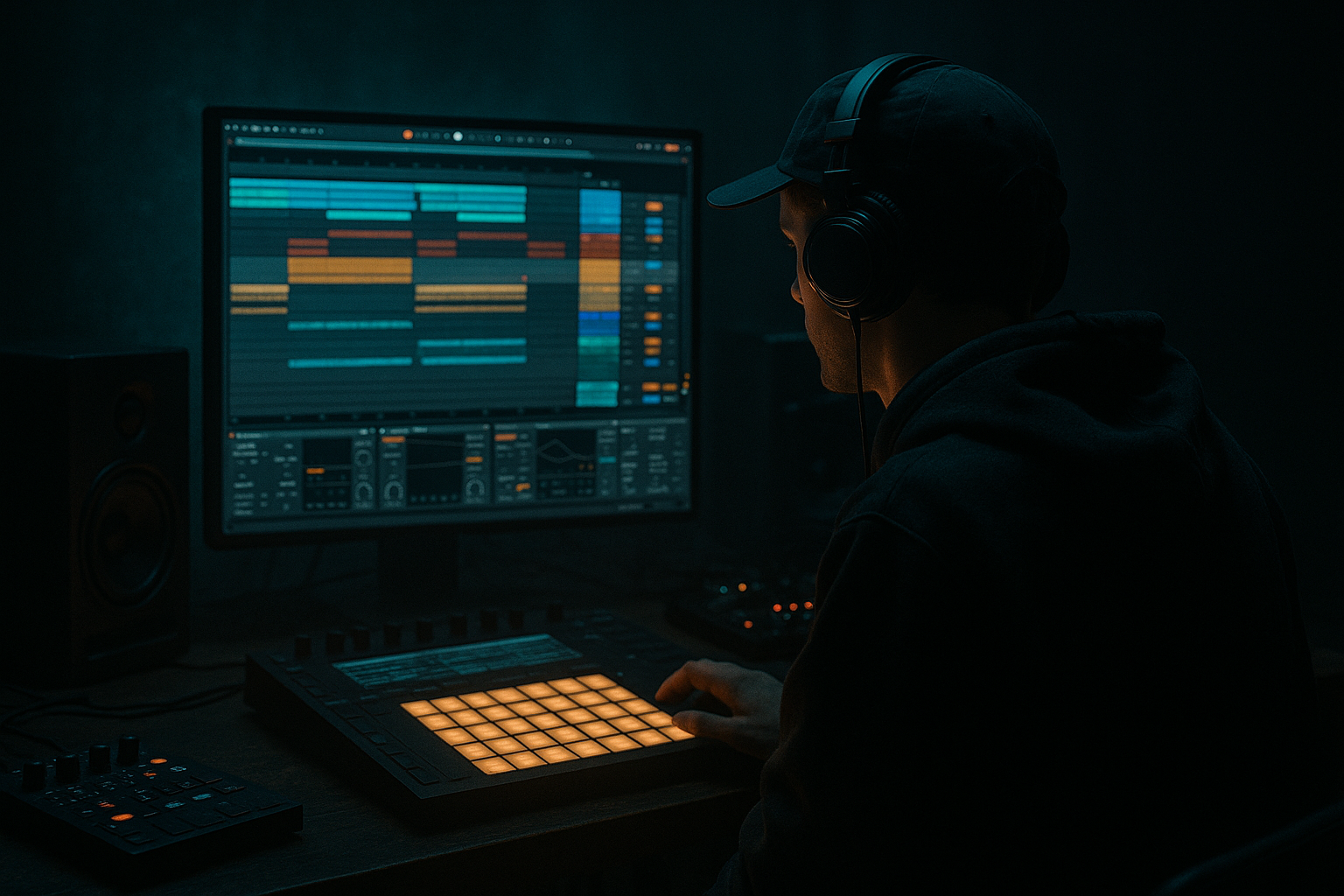
Main tutorial
Lesson Overview
Oldskool jungle break rolls are one of the fastest ways to make a DnB track feel alive, urgent, and unmistakably “DJ tool” ready. In this lesson, you’ll learn how to take a classic break, ghost the missing energy with tight edits and velocity nuance, then arrange it in Ableton Live 12 so it works as both a groove element and a mix utility. The goal is not just to make a busy drum loop — it’s to build a roll that can drive transitions, fill 8- or 16-bar phrases, and create tension before a drop without sounding random.
This technique matters because jungle and DnB drums are not just loops; they are phrased percussion systems. The best rolls feel like the track is breathing: the break opens up, gets pushed by ghost notes, then snaps back into the main groove. That’s especially useful in darker rollers, oldskool-inspired jungle, neuro-leaning drums, and any track that needs a strong DJ-friendly spine. In Ableton Live, you can do this cleanly using stock tools like Simpler, Drum Rack, Saturator, Glue Compressor, EQ Eight, Drum Buss, Auto Filter, and utility routing for resampling and arrangement.
Why this works in DnB: the rhythm creates forward motion even when the bassline is held back. A well-made ghosted break roll adds subconscious momentum, so your drop feels bigger without needing constant fills or heavy melodic activity.
What You Will Build
By the end, you’ll have a tight oldskool jungle break roll built from a sampled break, with:
- Ghosted snare and hat detail that fills the gaps between main hits
- Controlled velocity and transient shape so the break feels human, not robotic
- A rolled 1/16 or 1/32 passage that can lead into a drop or switch-up
- DJ-tool-style intro/outro versions for mixing and phrase control
- A second “heavier” version with resampling, saturation, and filtered tension for darker sections
- Making every ghost too loud
- Over-editing until the break loses feel
- Too much low end inside the break
- Using heavy compression instead of good arrangement
- Letting hats dominate the top end
- No phrase structure
- Resample through saturation in layers: record a clean roll, then duplicate it and drive one version with Saturator or Drum Buss for parallel grime.
- Keep the sub disciplined: use Utility on the bass bus to collapse low frequencies to mono. The roll can be wide in the highs, but the sub should stay centered.
- Use short reverb only on ghost details: send tiny amounts of the ghost snare to Hybrid Reverb or Reverb with short decay so the groove feels deeper without washing out the mix.
- Automate band-limited tension: band-pass the roll during build sections, then open it at the drop. This makes the return feel bigger.
- Layer a tight synthetic snare under the break: use a short Operator or sampled snare layer to reinforce the backbeat while keeping the break’s identity.
- Think in responses, not constant density: if the bassline is active, simplify the roll. If the bassline is sparse, let the ghost notes speak more.
- Use clip gain, not just bus processing: level the edited hits first so the bus chain works musically instead of fighting level imbalance.
- Check mono early: jungle breaks often sound huge in stereo but weak in mono if the mix is too dependent on wide transient tricks.
- Start with a strong break, then slice or edit it for control.
- Ghost notes are the secret: use low velocities, subtle timing shifts, and clear hierarchy.
- Shape the groove with Drum Buss, Glue Compressor, and EQ Eight, but don’t over-process it.
- Resampling is key for fast arrangement and authentic movement.
- Arrange the roll in phrases so it works as a DJ tool: intro, build, fill, drop.
- Keep bass interaction clean, mono-compatible, and rhythmically intentional.
Musically, this could sit before a drop in an 8-bar build, or act as a 2-bar turnaround every 16 bars in a roller. Think classic jungle energy: break fragments, fast hats, snare ghosts, and a little grit — but arranged with modern clarity so it hits hard in a club mix.
Step-by-Step Walkthrough
1. Choose a break with the right attitude
Start with a classic break sample that already has character: Think Amen-style energy, Think, Funky Drummer, or any crisp oldskool-style break with a strong snare body and lively ghosting potential. In Ableton Live, drag the break into a new audio track and listen for:
- A snare with midrange crack
- Hats that are present but not too brittle
- A kick that can be cut or layered under a sub later
If the break is too washed out, use EQ Eight to clean it before editing:
- High-pass around 30–40 Hz to remove rumble
- Small cut around 250–400 Hz if it feels boxy
- Gentle shelf or narrow boost around 6–9 kHz if you need more snap
Keep the break dry at this stage. You’re making a skeleton first.
2. Warp and slice the break for control
Set Warp on and choose a sensible warp mode:
- For a full drum loop, try Beats mode
- Start with transient preservation around 80–100%
- If the break is stretching poorly, shorten the segment or slice it instead of forcing it
For more precise roll editing, right-click the clip and use Slice to New MIDI Track. In Ableton Live 12, this makes it easy to trigger break fragments inside a Drum Rack. Map key hits to:
- Main kick
- Main snare
- Ghost snare hit
- Hat tick
- Open break tail
This is the fastest way to create a proper DJ-tool break roll because you can rearrange hits without cutting the audio into tiny pieces manually.
3. Build the core groove first, then ghost it
Program a simple 1- or 2-bar foundation before adding fast notes. The core should usually contain:
- A clear backbeat snare
- A grounded kick placement
- A few hats or break tails for motion
In MIDI or audio clip editing, lay out the main hits first. Then add ghost notes around the snare and hat lanes:
- Ghost snare hits at very low velocity between main snares
- Tiny hat taps leading into the snare
- Short pick-up hits before the downbeat of the next bar
Good starting velocity ranges:
- Main snare: 105–127
- Ghost snare: 20–55
- Hat ghosts: 15–45
The goal is contrast. If every hit is loud, the roll stops feeling like a jungle phrase and starts feeling like clutter.
4. Use Ableton velocity, timing, and groove to make it breathe
Open the MIDI clip and use velocity to shape the hierarchy. In jungle and DnB, velocity isn’t just dynamics — it’s groove design. Push the main snare slightly louder, then let the surrounding ghosts taper away.
Add micro-timing changes:
- Pull some ghost hats a few milliseconds late for laid-back pressure
- Nudge one or two pre-snare hits slightly early to create forward pull
- Avoid making every ghost equally spaced
If you want a more authentic swing, try Ableton’s Groove Pool:
- Use a light MPC-style groove or a break-derived groove
- Amount around 10–25%
- Keep timing variations subtle so the roll stays tight enough for modern DnB
This is one of the biggest “why it works” moments in DnB: the listener hears a dense drum phrase, but the micro-variation prevents it from feeling looped or flat.
5. Shape the drums with Drum Buss, Glue Compressor, and EQ Eight
Now give the roll some attitude without killing the transients.
On the drum bus, try this chain:
- EQ Eight first for cleanup
- Drum Buss for punch and harmonics
- Glue Compressor for cohesion
- Optional Saturator after for extra density
Starting points:
- Drum Buss Drive: 5–15%
- Drum Buss Boom: very subtle, around 5–12%, or off if the break already has low-end
- Glue Compressor: attack 10–30 ms, release Auto or 0.1–0.3 s, ratio 2:1
- Aim for only 1–3 dB of gain reduction on peaks
Don’t over-compress the ghosts. You want them to remain “under the main hit,” not flattened into the same volume. If the break starts losing snap, back off the compressor and let the edits do the work.
6. Resample the roll for a more authentic oldskool texture
One of the best DJ-tool workflows in Ableton is to resample your own break edits. Route the drum bus to a new audio track set to Resampling, then record 4 or 8 bars of the edited roll.
Why do this?
- It commits the groove so you can arrange faster
- It creates a single audio performance that feels more “played”
- It lets you re-cut the roll in audio for extra variations
After resampling, use the audio clip like a performance element:
- Slice one bar into smaller parts
- Reverse a ghost tail before a fill
- Add tiny fades to each cut so it stays clean
If the resampled clip feels too static, automate a Auto Filter with a low-pass move:
- Start around 8–12 kHz
- Close to 2–4 kHz before the drop
- Add mild resonance if you want the cutoff to “speak”
7. Arrange the roll as a DJ tool, not just a loop
This is where the lesson becomes useful in a real track. Build the roll in phrase shapes:
- 1-bar intro tease: sparse ghost hits and filtered break fragments
- 2-bar build: more snare pickups and hat density
- 4-bar lead-in: increasingly active rolls, with a final fill
- Drop entry: cut the roll sharply or let it slam into the first full bar
For a typical DnB arrangement, try this:
- Bars 1–8: stripped intro with filtered drums
- Bars 9–16: break rolls gradually fill space
- Bars 17–24: drop or first section with main drums and bass
- Bars 25–32: switch-up with a new roll variation
- Final 2 bars before a new section: denser ghost note run or a snare build
Keep the roll DJ-friendly by leaving space for mixing:
- Intro/outro sections should not be overly full
- Leave at least one or two bars of simpler percussion for cueing
- Use contrast so DJs can beatmatch and phrase-match cleanly
8. Add bass interaction so the roll locks into the track
Even though this lesson is about drums, the roll needs to sit with the bassline. Jungle and DnB drums live or die on drum-bass interplay.
Use this approach:
- Keep the sub mono and clean with Utility on the bass bus
- Sidechain the bass lightly to the kick/snare if needed
- Leave pockets in the roll where the bass can breathe
For a reese or darker bassline, arrange call-and-response:
- Roll fills the spaces between bass stabs
- Main snare lands just before a bass answer
- Ghost hits run under sustained bass notes to create urgency
If your bass is very dense, reduce the midrange of the break around 300–800 Hz a little so the snare and bass don’t fight. That creates a cleaner, heavier drop without losing the jungle feel.
9. Create two versions: clean and heavy
Make one version of the roll that is cleaner for arrangement and one that is dirtier for impact.
Clean version:
- Less saturation
- More transient clarity
- Better for intros, breakdowns, and DJ-friendly sections
Heavy version:
- Duplicate the drum bus
- Add Saturator with Drive around 2–6 dB
- Try Auto Filter with a band-pass or low-pass sweep
- Use Redux very subtly if you want more brittle, digital crunch
Blend the heavy version underneath the clean one rather than replacing it. That way you retain groove definition while adding weight and grime.
10. Automate the transition so the roll lands hard
The final step is making it feel arranged, not just programmed.
Useful automation ideas in Ableton Live:
- Open a low-pass filter over 4 or 8 bars, then snap it open at the drop
- Increase Drum Buss drive slightly only in the final 2 bars
- Automate reverb send on a last snare ghost for a tail into the next phrase
- Use a short reverse cymbal or impact on the final bar, but keep it tasteful
A strong oldskool jungle phrase often works like this:
- Bars 1–2: minimal groove
- Bars 3–4: ghost note build
- Final half-bar: snare roll or hat climb
- Drop: immediate full groove with bass entry
In darker DnB, the transition should feel like tension being pulled tight, not like a festival riser exploding everywhere.
Common Mistakes
Fix: lower ghost velocities into the 20–55 range and compare against the main snare.
Fix: keep some natural timing variation. Jungle energy comes from controlled irregularity.
Fix: high-pass the break gently and let the bass/sub own the bottom.
Fix: if the roll needs more energy, add or move hits before smashing it harder.
Fix: tame 8–12 kHz with EQ Eight or soften bright layers with a mild filter.
Fix: arrange the roll in 2-, 4-, or 8-bar movements so it supports the DJ mix and the drop.
Pro Tips for Darker / Heavier DnB
Mini Practice Exercise
Spend 10–20 minutes making one 4-bar jungle roll and one 2-bar DJ-tool transition.
1. Load a classic break into Ableton Live and slice it to a Drum Rack.
2. Program a 1-bar base groove with a strong snare on the backbeat.
3. Add at least 6 ghost hits across the bar using velocities between 20 and 55.
4. Duplicate the bar into 4 bars and change at least 2 hits each bar so it evolves.
5. Add Drum Buss and EQ Eight on the drum bus.
6. Resample 4 bars of the result to audio.
7. Make a filtered intro version and a full-energy version.
8. Create a final 2-bar phrase with a snare pickup, one reversed tail, and a hard cutoff into the drop.
Goal: by the end, you should have a roll that feels like it could live in a real jungle or rolling DnB arrangement, not just a loop in isolation.

