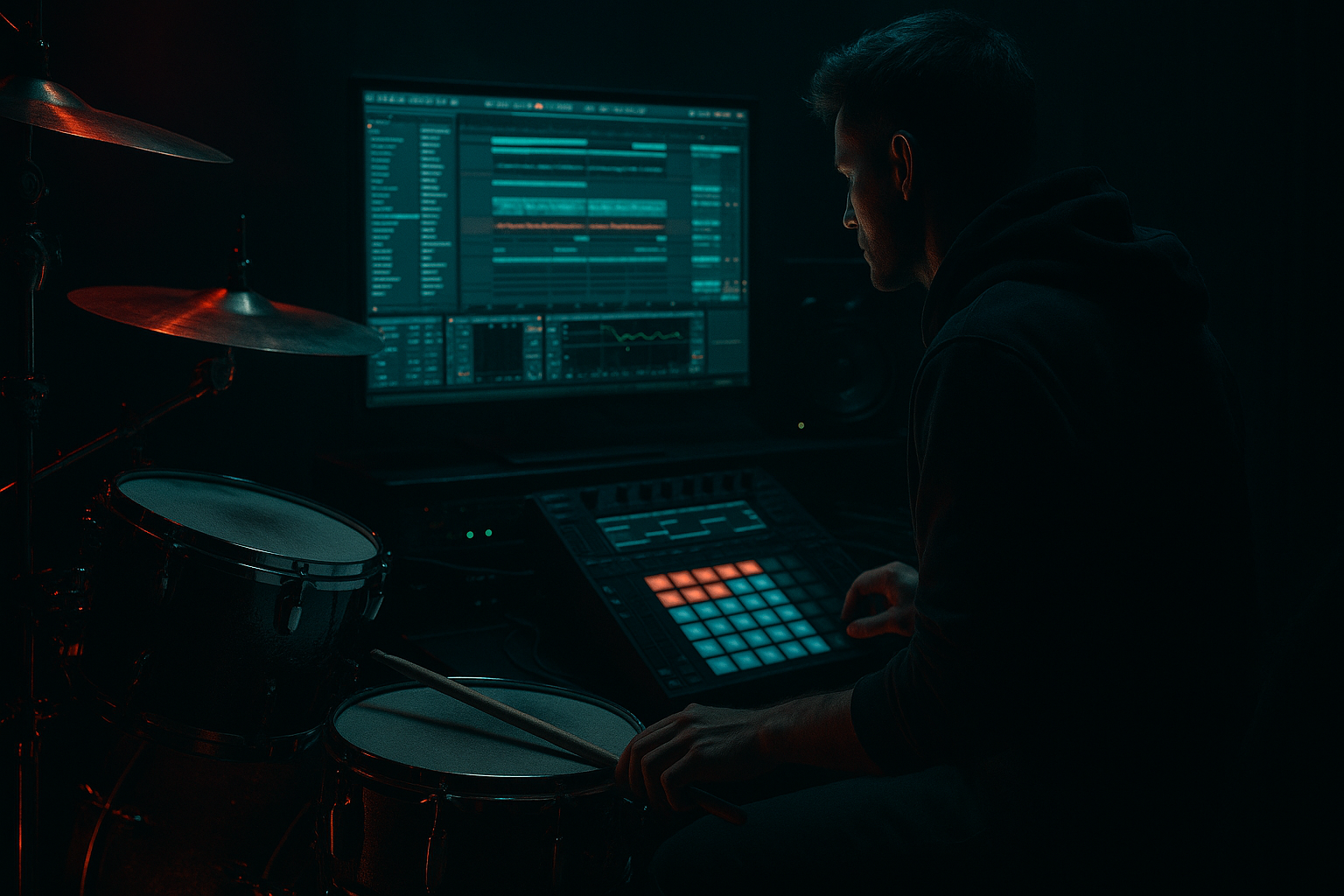
Main tutorial
Oldskool Fill Design Playbook (Crunchy Sampler Texture) in Ableton Live 12
Skill level: Intermediate
Category: Vocals (we’ll treat vocal chops like rhythmic fill material) 🎤🥁
---
1. Lesson overview
Oldskool jungle/DnB fills are rarely “new sounds”—they’re clever recontextualizations of tiny bits of audio: vocal shouts, rave stabs, room noise, breaths, crowd vox… then mangled through a sampler and resampled until they feel like part of the break. In this lesson you’ll build a repeatable fill workflow that delivers:
- Fast, musical vocal-based fills that sit like drums
- Crunchy sampler vibe: 12‑bit-ish, aliasing, grit, pitch wobble
- Fills that lead into drops without cluttering your mix
- One Drum Rack containing:
- A device chain for sampler texture:
- A fill arrangement recipe for the last 1 bar / 2 beats before a phrase change (classic jungle move) 🧨
- Single words: “hey”, “listen”, “come”, “rewind”, “selecta”, “oi”
- Shouts/crowd vox
- Breath, tongue click, consonants (“t”, “k”, “ch”) for percussive fills
- Your own recording (phone mic is fine—grit helps!)
- A vocal sample pack you own
- Spoken word snippets (make sure you clear rights for releases)
- Add EQ Eight:
- Consolidate a clean region: select → Cmd/Ctrl + J
- Bits: try 8–12 (start at 10)
- Downsample: 2–6 (start at 4)
- Dry/Wet: 25–50%
- Mode: Analog Clip (great for oldskool bite)
- Drive: 3–8 dB
- Turn on Soft Clip
- Optional: adjust Output to match level (don’t let loudness trick you)
- Filter type: Band-Pass (12 dB or 24 dB)
- Freq: 600 Hz – 4 kHz (sweep to taste)
- Resonance: 0.8–1.4
- Optional subtle movement: enable LFO
- Drive: 5–15%
- Crunch: 5–20%
- Boom: Off or very low (fills can muddy quickly)
- Transients: push a little if it needs cut
- Tracing Model: 2–4
- Drive: low to moderate
- Amp Envelope
- Turn on Snap if you hear clicks at slice boundaries.
- Put vocal pad in a Choke Group with any other fill pads (like noise hits) so they don’t overlap messily.
- Bar 1 beat 3–4 (or last half-bar):
- Keep velocities varied (human sampler feel):
- Try MPC 16 Swing (subtle, 10–20%)
- Beat 4: vocal chop “HEY”
- Immediately after: short noise tick (ghost hit)
- Final hit: pitched-down “hey” or vowel tail
- Add a second Drum Rack pad: noise/foley in Simpler
- High-pass it (EQ Eight) at 1–3 kHz, short decay
- Keep it quiet, just for grit
- EQ Eight: low-pass around 8–12 kHz if harsh
- Tiny high shelf dip if needed
- 16-bar phrases, with fill/variation at bar 15–16
- Small fills at bar 7–8 for movement
- Put your biggest fill 1 bar before a drop.
- Put micro-fills every 8 bars (1/2 bar max).
- Make sure the snare on 2 & 4 (or main backbeat) remains dominant.
- Master or drum bus high-pass automation in the last 1/2 bar (subtle)
- Reverb throw on one vocal hit only (see next step)
- Overfilling the fill: Too many hits kills the groove. Leave air.
- No band-limiting: If your vocal is full-range and bright, it won’t sound oldskool—filter it.
- Harsh bitcrush: Redux at 100% wet + low bits can become fizzy and fatiguing. Blend it.
- Ignoring choke groups: Overlapping vocal tails turn into mud fast at 174 BPM.
- Fighting the snare: If the fill masks the snare transient, it will feel smaller—not bigger.
- Pitch down the vocal slices in Simpler (Transpose -3 to -12) for menace.
- Use Auto Filter BP around 1–2.5 kHz with moderate resonance for “telephone threat” tone.
- Add Roar (Live 12 stock) subtly:
- Layer a very quiet metal hit or “industrial tick” under the vocal for aggression.
- Sidechain the fill slightly to the kick/snare with Compressor:
- You turned vocal chops into oldskool DnB fills by treating them like drum hits.
- The “hardware” vibe came from a simple but powerful chain:
- The real sauce is resampling and arrangement discipline: fills are short, placed on phrase boundaries, and don’t steal the backbeat.
- Reverb “throws” on single hits keep it hype without washing the groove. 🎤➡️🌫️
We’ll do it using Ableton Live 12 stock devices (plus your own samples).
---
2. What you will build
A complete “Oldskool Fill Rack” you can drop into any DnB project:
- A main vocal chop slot (Simpler)
- A ghost-layer for grit/transient (noise/foley)
- A reese-callout optional layer (short bass vocal response)
- Redux (bitcrush) + Saturator (drive) + Auto Filter (band-limit)
- Vinyl Distortion (optional) + Drum Buss (punch)
Target tempo: 170–176 BPM.
---
3. Step-by-step walkthrough
Step 0 — Prep your context (so the fill “belongs”)
1. Set your project to 174 BPM.
2. Have a basic loop running:
- Kick + snare pattern (2-step or break-based)
- Hats/shakers
- Bassline (rolling reese or sub)
3. Choose a fill location:
- Classic: last 1 bar before the drop, or bar 16/32 for phrase transitions.
DnB rule: the fill must announce the next phrase but not steal the snare’s job.
---
Step 1 — Choose/record vocal source that cuts
You want short, characterful material:
Where to get it:
Quick cleanup (Audio track):
- High-pass around 120–200 Hz
- Optional: small dip 300–500 Hz if boxy
---
Step 2 — Turn it into a playable instrument (Simpler in Drum Rack)
1. Create a MIDI Track → drop in a Drum Rack.
2. Drag your vocal audio onto a pad → it loads into Simpler.
3. In Simpler:
- Mode: Slice (best for oldskool stutters)
- Slicing: Transient (start here), then adjust sensitivity
- Playback: Trigger (more “sampler”) or Gate (tighter, rhythmic)
Timing feel tip: Old jungle fills often feel slightly “draggy” or “pushed” depending on vibe—don’t quantize everything to 100%.
---
Step 3 — Build the crunchy sampler texture chain (stock devices)
On the Simpler pad chain, add devices in this order:
#### A) Redux (the “12-bit-ish” crunch)
You’re aiming for grit without turning it into sand.
#### B) Saturator (glue + harmonics)
#### C) Auto Filter (band-limit = “came from hardware”)
- Rate: 1/8 or 1/16
- Amount: tiny (we’re talking texture, not wobble)
#### D) Drum Buss (snap + body)
#### Optional E) Vinyl Distortion (if you want “rave tape”)
This can get harsh fast—use sparingly. 🎚️
---
Step 4 — Make it fill-shaped: envelopes, choke groups, and tails
Old fills work because they’re short and intentional.
In Simpler:
- Attack: 0–5 ms
- Decay: 100–250 ms (for quick chops)
- Sustain: 0% (often)
- Release: 30–120 ms (avoid clicks)
In Drum Rack:
- In Drum Rack, set Choke value same for related pads (e.g., Choke = 1)
---
Step 5 — Design 3 classic oldskool fill patterns (DnB-ready)
Create a 1-bar MIDI clip (or 2-beat clip). Use the sliced pads/notes from Simpler.
#### Pattern 1: “Stutter ramp” (last 2 beats before drop) 🔥
- Start with 1/8 chops → then 1/16 → end with 1/32 roll
- Down-up-down accents, not all equal
Ableton trick:
Use Note Repeat (MIDI editor) or manually draw. Then apply Groove Pool:
#### Pattern 2: “Call & response” (vocal + noise ghost)
Layering:
#### Pattern 3: “Tape-stop fakeout” (oldskool DJ tease vibe)
You can do this without third-party plugins:
1. Duplicate the vocal audio to an Audio Track (resample if needed).
2. Add Shifter (stock):
- Mode: Pitch
- Automate Pitch downward quickly (e.g., 0 to -12 or -24 semitones over 1/4–1/2 bar)
3. Add Auto Filter and sweep cutoff down with it.
Use this right before a drop—classic “rewind energy” moment.
---
Step 6 — Resample the fill like hardware (this is the secret sauce)
Oldskool texture often comes from multiple generations.
1. Create a new Audio Track called `FILL_RESAMPLE`.
2. Set its input to Resampling.
3. Solo your fill (or just play that section) and record 1–2 bars.
4. Now treat the resampled audio like a break hit:
- Warp mode: Beats (Preserve: 1/16 or 1/8, Transients)
- Or try Texture for weird grain (small grain size)
Then add a final gentle band-limit:
This resampling step is what makes it feel “printed,” not like pristine MIDI.
---
Step 7 — Place the fill in arrangement (DnB phrasing)
Oldskool DnB loves predictable phrase structure:
Placement guidelines:
Automation that sells it:
---
Step 8 — Vocal “throw” reverb (clean but oldskool)
Instead of washing the whole fill, throw reverb on one moment.
1. Create a Return Track A: `VoxVerb`
2. Add Hybrid Reverb:
- Algorithmic or Convolution (either works)
- Decay: 0.8–1.6s
- Pre-delay: 10–25 ms
- High-cut: 6–10 kHz
3. On your vocal fill track, automate Send A:
- Only on the final hit of the fill
Optional: Put Redux after the reverb on the return for grimy rave-space. 😈
---
4. Common mistakes
---
5. Pro tips for darker/heavier DnB
- Choose a distortion type like Tape or Overdrive
- Keep Mix around 10–30%
- Use filtering inside Roar to avoid harsh top
- Sidechain from your drum bus
- Ratio 2:1
- Attack 5–15 ms, Release 50–120 ms
- Just 1–3 dB reduction—keep it tight.
---
6. Mini practice exercise (15 minutes) 🧪
1. Pick one vocal word (“HEY”).
2. Create three 1-bar fills:
- A) stutter ramp (8ths → 16ths → 32nds)
- B) call & response (vocal + noise tick)
- C) tape-stop fakeout (Shifter pitch automation)
3. For each fill:
- Use the same chain: Redux → Saturator → Auto Filter → Drum Buss
- Resample it to audio
4. Place them:
- Fill A at bar 16
- Fill B at bar 8
- Fill C right before the drop
5. Bounce a quick 32-bar preview and listen on low volume:
- Does the fill still read clearly?
- Does it hype the transition without masking the snare?
---
7. Recap
Redux → Saturator → Auto Filter (band-limit) → Drum Buss, plus optional Vinyl/Roar.
If you want, tell me your subgenre target (jungle, rollers, jump-up, techstep) and the type of vocal you’re using, and I’ll suggest exact fill rhythms and a ready-to-save Drum Rack macro layout for it.

