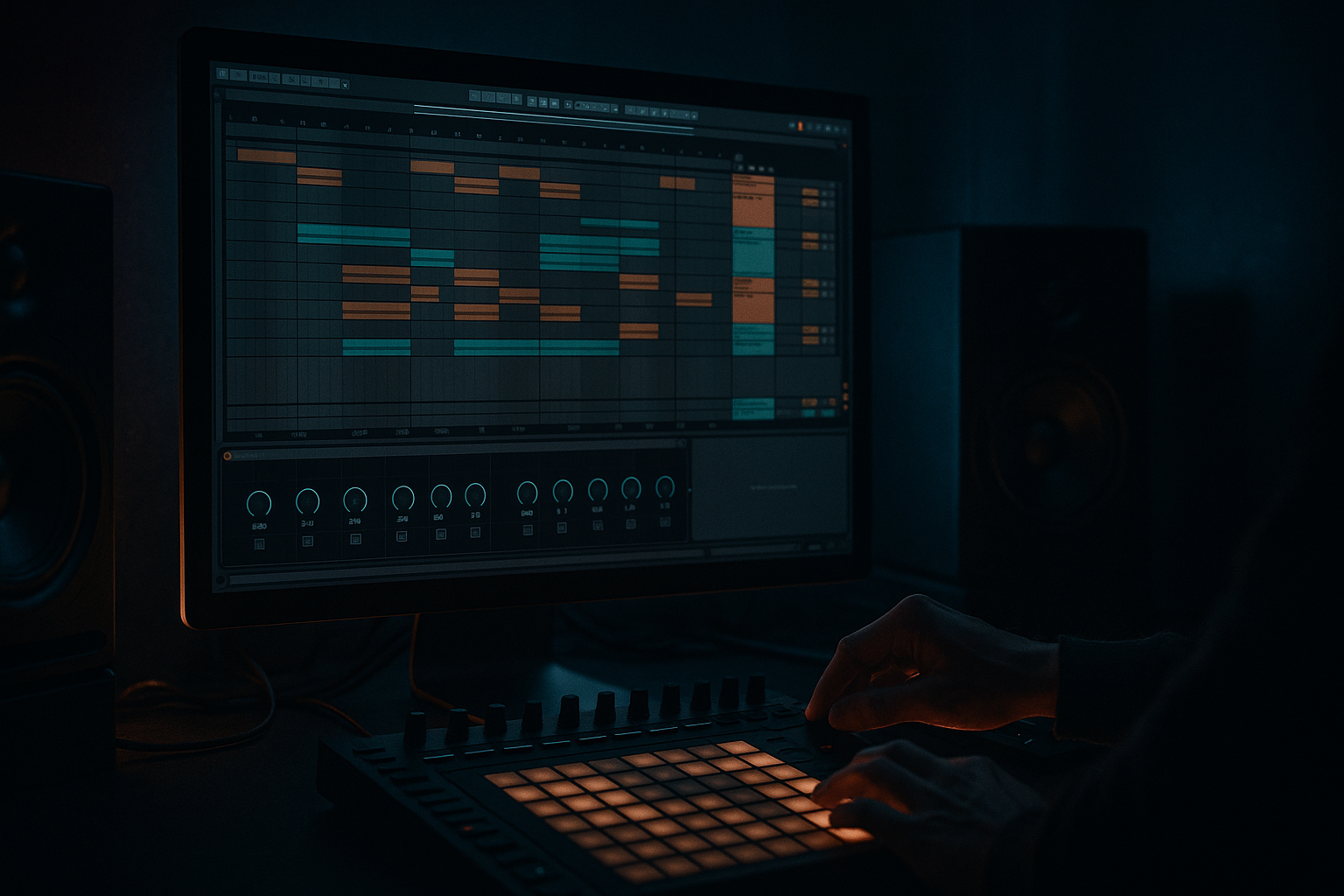
Main tutorial
Offset Oldskool DnB Chop with DJ‑Friendly Structure in Ableton Live 12
(Advanced Sound Design + Arrangement for jungle/rolling DnB) 🔥
---
1. Lesson overview
Oldskool/jungle chops hit hardest when they push and pull against the grid—tiny timing offsets, micro-swing, and “late” ghost hits that feel human but still mix cleanly for DJs. In this lesson you’ll build a classic chopped break workflow where:
- Your break feels offset + alive (that vintage “drag”)
- Your arrangement stays DJ-friendly (predictable 16/32-bar phrasing, clean intros/outros)
- Your processing chain enhances grit and glue without destroying transients 🎛️
- A break chop Instrument Rack that:
- A DJ-ready arrangement skeleton:
- A dark/rolling DnB mix approach that keeps break texture but leaves room for bass
- Place warp markers only on major hits (kick/snare), not every transient.
- You want “mostly stable,” not robotic.
- Turn on the grid: 1/16
- Use nudge for micro timing:
- Typical oldskool offsets:
- Set break track delay to +5 to +15 ms for laid-back feel
- Or -5 ms to make it bite and lead the groove
- Intro: 32 bars
- Drop 1: 64 bars
- Mid breakdown / switch: 16–32 bars
- Drop 2: 64 bars
- Outro: 32 bars
- Keep kick presence consistent in the intro/outro (even if filtered), so beatmatching feels stable.
- Avoid crazy fill edits in the last 8 bars before a drop unless it’s intentional and still counts cleanly.
- Every 16 bars: swap 1–2 slices (classic re-chop)
- Add a 1/8 or 1/4 stop right before a phrase change (bar 32, 64, 96…)
- Use Auto Filter automation:
- Create an Audio Track → set input to Resampling
- Record 16–32 bars of your best chop loop
- Then do audio edits (reverse hits, tiny fades, re-trigger stutters)
- Make the break “late,” make the bass “on-time”
- Use Roar as a tone shaper, not just distortion
- Layer a tight modern snare under the chopped break
- Create a “Noir Air” top layer
- Make fills with “negative space”
- You built a slice-based break chop that keeps oldskool groove by combining:
- You wrapped it in a DJ-friendly structure (32/64/16/64/32) with locators and predictable phrasing
- You used stock devices (EQ Eight, Drum Buss, Roar, Glue, Utility) plus parallel processing to get authentic jungle/DnB weight without wrecking transients 🎚️
We’ll do it with stock Ableton Live 12 devices and a structure you can repeat on any break.
---
2. What you will build
You’ll end up with:
- slices an oldskool break (Amen/Think/Funky Drummer style)
- lets you offset timing in a controlled, musical way
- has “tight” vs “draggy” macro control 🎚️
- 32-bar intro (mix-in friendly)
- 64–96 bar main section with variation
- 32-bar outro (mix-out friendly)
---
3. Step-by-step walkthrough
Step 0 — Session setup (do this first)
1. Tempo: set to 170–174 BPM (start at 172).
2. Global Groove Pool: open Groove Pool (Cmd/Ctrl+Alt+G). We’ll use it later.
3. Warp mode defaults:
- For breaks: Beats warp is usually best.
- In Clip View, set Warp Mode: Beats, Preserve: Transients, and start with Envelope: 40–60 (controls transient shaping).
---
Step 1 — Choose and prep the break (clean slicing starts here)
1. Drag your break sample onto an Audio Track.
2. In Clip View:
- Enable Warp
- Right-click → Warp From Here (Straight) on the first downbeat
- Make sure it loops perfectly for 1 bar or 2 bars (oldskool often feels best at 2 bars)
3. Consolidate the perfect loop region: select exact loop → Cmd/Ctrl+J.
Pro workflow tip:
If the break is messy, do a quick manual warp pass:
---
Step 2 — Slice to MIDI (the classic chop foundation) ✂️
1. Right-click the consolidated break clip → Slice to New MIDI Track…
2. Settings:
- Slice By: Transient (or 1/16 if the break is too soft)
- Create one slice per: Transient
- Slicing preset: Built-in → Slice (we’ll customize)
3. Ableton creates:
- A Drum Rack with slices
- A MIDI clip with the original rhythm mapped
Now you can rearrange hits, but we’re going further: intentional offset without losing DJ structure.
---
Step 3 — Build “Offset Feel” control (microtiming that still slams) ⏱️
We’ll do two layers: (A) clip-level groove + (B) targeted micro offsets.
#### A) Groove Pool swing (global feel)
1. In Groove Pool, load a groove:
- Try MPC 16 Swing 55–59 or any subtle shuffle groove.
2. Drag groove onto the break MIDI clip.
3. In Groove settings (bottom panel):
- Timing: 10–25% (don’t overdo it)
- Velocity: 0–15% (optional)
- Random: 2–8% (adds life)
4. Commit only if you want it baked: right-click groove → Commit.
For advanced control, keep it uncommitted so you can automate groove amount later.
#### B) Targeted micro-offsets (oldskool “drag” on purpose)
This is where the sauce is.
1. Open the break MIDI clip (from Slice to MIDI).
2. Decide your “anchor” hits:
- Keep snare on 2 and 4 (or classic jungle placements) pretty solid
- Offset ghost notes, hats, and little pre-snare ticks
Practical method (fast + repeatable):
- Select a note → Alt + Arrow Left/Right (moves by current grid)
- For micro: set grid to 1/64 (or turn off fixed grid and use very small nudges)
- Ghost snares: late by 5–15 ms
- Hats: early by 3–8 ms (creates urgency)
- Extra kicks: late by 5–10 ms (adds “drag”)
Ableton-specific trick:
Use the Track Delay (mixer section) to offset the entire chopped break layer:
This is insanely useful when layering with tight drum hits.
---
Step 4 — Add “DJ-Friendly” structure (clean mix-in/out, no surprises) 🎚️
We’ll build a template structure that DJs love. Use Locator markers aggressively.
#### Recommended DnB structure (classic + practical)
- minimal drums (tops only / filtered break), no heavy bass
- full break + bass
- variation, space, FX
- heavier variation / extra edits
- strip bass, keep drums clean for mix-out
#### Implementation steps
1. Go to Arrangement View.
2. Set Loop Brace to 32 bars and sketch:
- Intro (bars 1–33)
- Drop 1 (33–97)
- Switch (97–129)
- Drop 2 (129–193)
- Outro (193–225)
3. Add Locators: Intro / Drop / Switch / Drop 2 / Outro.
DJ-friendly details:
---
Step 5 — Sound design chain (make it oldskool + punchy without killing dynamics) 🧪
Put this chain on your break Drum Rack track (or on a Break Group bus).
#### Suggested stock device chain (in order)
1. EQ Eight
- HP filter at 25–35 Hz (remove rumble)
- Small dip 250–400 Hz if boxy
- Gentle shelf 8–12 kHz if you need air (careful with harshness)
2. Drum Buss (grit + knock)
- Drive: 5–15%
- Crunch: 0–10% (for oldskool bite)
- Damp: adjust to tame top harshness
- Boom: 20–40 Hz only if your break needs body (often keep low to avoid bass clash)
3. Roar (dark saturation + movement) 😈
- Mode: Tube or Bass (depending on break)
- Drive: keep moderate (you want texture, not fuzz soup)
- Use Filter inside Roar:
- Low cut around 80–120 Hz if bass is separate
- Modulate slightly for life:
- LFO to Drive or Filter at very low depth
4. Glue Compressor (gel the edits)
- Attack: 3–10 ms
- Release: Auto or 0.1–0.3s
- Ratio: 2:1 or 4:1
- Aim for 1–3 dB gain reduction on peaks
- Optional: Soft Clip ON (subtle)
5. Utility
- Mono the lows if needed:
- Bass Mono: 120 Hz (use the Bass Mono switch)
- Gain stage: keep headroom
#### Parallel “smash” bus (for authentic jungle aggression) 💥
1. Create a Return Track: “Break Smash”
2. Put:
- Saturator (Soft Clip ON, Drive 6–12 dB)
- Compressor (fast attack, medium release, heavy GR)
- EQ Eight (HP at 150–250 Hz, boost 2–5 kHz a touch)
3. Send break to it at -18 to -8 dB send (taste)
This keeps the main break punchy while adding gnarly energy underneath.
---
Step 6 — Variation without ruining mixability (edits that still DJ well)
Your goal: make the break evolve every 8/16 bars, but keep major “phrase edges” predictable.
Go-to variation moves:
- Intro: low-pass slowly opening
- Switch: band-pass sweep for tension
Ableton trick: Resample your chop edits into audio
Audio editing often sounds more “authentic” than endless MIDI tweaking.
---
4. Common mistakes
1. Over-warping the break
Too many warp markers kills the natural groove. Warp the anchors, not every transient.
2. Offsetting the snare too much
In DnB, snare placement is sacred. Offset ghosts/hats more than main backbeats.
3. No headroom after saturation
Drum Buss + Roar + Glue can clip fast. Use Utility gain trim and aim for clean peaks.
4. DJ-unfriendly intros
If your intro has no stable pulse (or random fills), it’s harder to mix. Keep 32 bars clean.
5. Bass fighting the break lows
If you’re running a big reese/sub, high-pass the break more aggressively (often 100–150 Hz).
---
5. Pro tips for darker/heavier DnB 🖤
Set break Track Delay to +8 ms, keep bass tight. The pocket becomes huge.
A gentle drive + filtering + subtle modulation can make the break feel alive and haunted.
Keep it low in the mix; it’s there to restore consistency after heavy chopping.
Duplicate break → high-pass at 6–10 kHz → saturate → short room reverb → tuck in quietly.
This adds that crisp darkness without harsh mids.
Instead of adding more hits, remove one key hit before the drop, then slam back in.
---
6. Mini practice exercise (20–30 minutes)
1. Pick a 2‑bar classic break loop.
2. Slice to MIDI and create two versions:
- Version A (Tight): no groove, minimal offsets
- Version B (Draggy): groove timing 20% + micro-offset ghosts late 10 ms + track delay +8 ms
3. Arrange both into a DJ structure:
- 32 intro (filtered)
- 64 drop
- 16 switch (stop + FX)
- 64 drop 2
- 32 outro
4. Export both drops (audio) and A/B:
- Which one feels more “oldskool”?
- Which one hits harder on a big system?
---
7. Recap
- Groove Pool swing + intentional micro-offsets
- Track Delay for macro pocket control
If you want, tell me what break you’re using (Amen/Think/etc.) and whether your bass is a sub+reese or modern foghorn, and I’ll suggest exact HP/LP points and a tighter “pocket recipe” for that specific combo.

