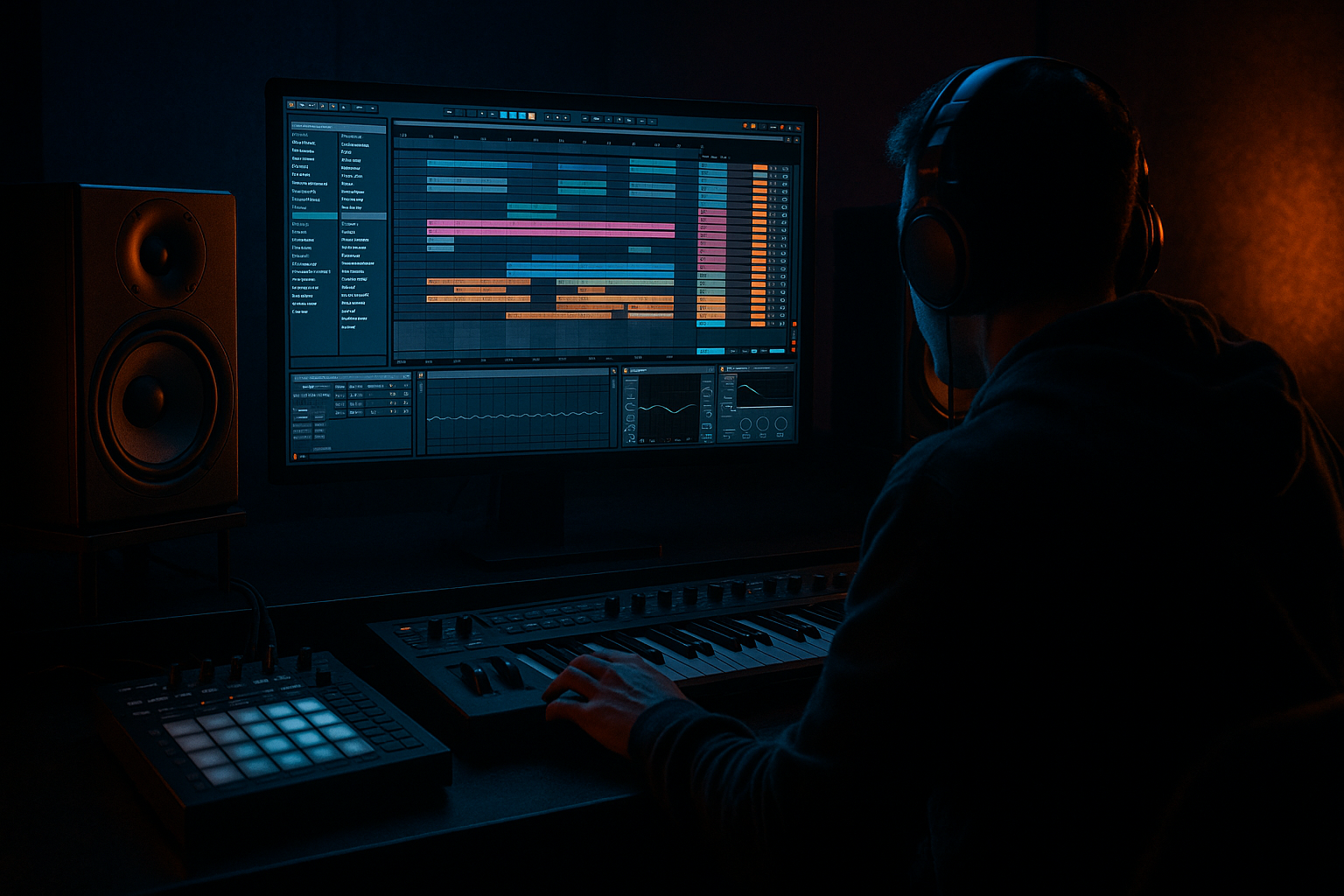
Main tutorial
Moonlit Jungle Masterclass: Subsine Build in Ableton Live 12 🌙🥁
1. Lesson overview
In this lesson, you’ll build a subsine-style bass layer for drum and bass / jungle in Ableton Live 12.
A subsine is a pure or nearly pure sine-wave sub bass that supports the groove without cluttering the low end. In DnB, that means:
- deep, clean fundamental weight
- tight response under fast breakbeats
- controlled movement for rolling basslines
- enough character to survive on smaller systems without losing the sub
- a subsine bass instrument built in Ableton Live 12
- a clean MIDI bassline that works with jungle / rolling DnB drums
- a device chain for sub control and translation
- a variation system for fills and phrase changes
- an arrangement-ready approach for drops, breaks, and tension builds
- a classic Amen-style break
- rolling kick-snare patterns
- darker halftime or neuro-influenced DnB foundations
- Set your project to 172–174 BPM for classic drum and bass
- For jungle, 160–175 BPM also works depending on feel
- If you’re making a heavier modern tune, 174 is a great default
- Set grid to 1/16 for writing bass MIDI
- Keep your drums locked to a tight groove first
- Leave enough headroom on the master: aim for -6 dB peak while building
- Load Operator
- Turn on Oscillator A
- Set waveform to Sine
- Turn off or mute other oscillators
- Set pitch envelope off
- Set filter off or open fully
- Set Voices to 1 for a mono sub
- Set Glide/Portamento to taste:
- Make sure the sub is in tune with your key
- If your tune is in F minor, a lot of the weight may sit around F1, F0, C1, etc.
- Use a tuner or piano roll reference if needed
- Attack: 0–5 ms
- Decay: medium to long depending on note length
- Sustain: around 0 dB or slightly lower
- Release: 40–120 ms
- root-note hits on the main kick/snare accents
- syncopated notes between drums
- call-and-response with the break
- small pickup notes leading into the next bar
- Bar 1
- Bar 2
- Keep notes mostly short to medium length
- Don’t overlap bass notes unless you want glide behavior
- Use velocity variation even on sub notes if your instrument responds to it
- If the groove feels stiff, shift a note or two slightly ahead/behind the grid
- enable Legato
- set Glide/Portamento to around 20–50 ms
- ensure notes overlap slightly if necessary
- into the downbeat of bar 2
- at the end of a phrase before the drop repeats
- between root and fifth jumps
- on a low pickup note before the snare
- Band 1: High-pass only if necessary, set very gently around 20–25 Hz
- Remove any unnecessary rumble below the musical fundamental if it’s eating headroom
- If the sub feels boxy or cloudy, cut slightly around 120–250 Hz
- Leave the actual sub fundamental intact
- Device: Saturator
- Mode: Soft Sine or Analog Clip
- Drive: start around 1–4 dB
- Keep Output compensated so you’re not fooled by loudness
- If needed, use Dry/Wet around 20–50%
- laptops
- club systems
- headphones
- phone speakers for rough checks
- Insert Compressor
- Enable Sidechain
- Choose the kick as input
- Set Threshold to taste
- Ratio: 2:1 to 4:1
- Attack: 1–10 ms
- Release: 50–150 ms
- Add Utility
- Set Width to 0% for a fully mono sub
- If the bass chain has harmonics or layering, keep the pure sub in mono and process upper layers separately
- Track 1: pure sine sub
- Track 2: copy of the MIDI
- deep fundamental from the sine
- audible movement from the harmonic layer
- leave space for the ghost notes
- place bass hits around snare stabs
- use short notes between sliced break hits
- answer the drum phrase instead of constantly filling it
- line sub hits up with the kick
- allow brief holes before snare accents
- use syncopation to avoid monotony
- loop 2 or 4 bars
- mute the bass and listen only to drums
- then unmute and place notes where the groove needs weight
- don’t write bass while staring at the piano roll only — listen to the drums
- Filter cutoff on a gentle low-pass or band-pass layer
- Saturator drive
- Glide time
- Volume for phrase shaping
- Wavetable position if you’re using Wavetable instead of Operator
- increase drive slightly before a drop
- shorten release for busier drum sections
- add a tiny bit more glide in the second phrase
- automate a low-pass on the harmonic layer for tension
- Intro: filtered hint of the bass, or no sub at all
- Build: tease the bass rhythm using top harmonics only
- Drop 1: full subsine pattern
- Breakdown: sub drops out or simplifies
- Drop 2: variation with extra glide or octave hits
- extra note inversions
- a few longer sustained notes
- syncopated answer notes
- a slightly dirtier harmonic layer
- pure sub
- mid-bass harmonics
- modulated top layer
- record the bass to audio
- chop and rearrange
- reverse small pieces
- automate fades into new hits
- lower the harmony to root and minor second tension notes
- keep the sub stable while the upper layer moves
- use very restrained distortion instead of bright effects
- a pure sine sub in Operator
- sidechain compression from the kick
- one harmonic layer with Saturator
- at least one glide transition
- one variation in bar 4
- Keep the sub mono
- Use no more than 4 different notes
- Leave at least one rest in each bar
- Make the bass answer the drums, not overpower them
- start with a clean sine in Operator
- shape it with ADSR, EQ Eight, Saturator, and Utility
- keep the sub mono and disciplined
- write basslines that lock with the drum groove
- use glide and automation for movement
- arrange with variation, tension, and resampling
- a rack-ready Ableton device chain
- a MIDI pattern example for jungle
- or a second lesson on adding a reese layer above the subsine 🔥
This is an intermediate workflow, so we’ll go beyond “just drop a sine wave on a track” and build a musical, mix-ready sub chain with movement, resampling, and arrangement logic. ⚡
---
2. What you will build
By the end, you’ll have:
We’ll make a bassline that sits well under:
---
3. Step-by-step walkthrough
Step 1: Set up your project for DnB
Before sound design, get the session behaving like a DnB track.
Tempo
Warp/clip grid
Why this matters
Fast drums plus sub-only bass can get muddy quickly if your session is too loud or too loose. DnB low end needs discipline.
---
Step 2: Create the bass instrument
We’ll build a simple but powerful instrument using stock Ableton devices.
#### Device chain
1. MIDI Track
2. Operator or Wavetable
3. EQ Eight
4. Saturator
5. Compressor or Glue Compressor
6. Optional: Utility
7. Optional: Limiter only for safety while designing
---
Step 3: Build the sine sub in Operator
Why Operator?
It’s one of the best stock tools for clean subs in Live because it’s fast, stable, and precise.
#### Operator settings
- 5–30 ms for subtle movement
- up to 80 ms if you want sliding jungle-style notes
#### Tuning
#### Envelope shape
For a tight DnB sub:
This gives a smooth but controlled note tail, preventing clicks while keeping the low end tight.
---
Step 4: Write a basic rolling MIDI pattern
A subsine works best when it feels like part of the drum groove, not just a long drone.
#### Start with these musical ideas:
#### Example 2-bar DnB bass rhythm
Try a pattern like this in 4/4 at 174 BPM:
- beat 1: root note
- “and” of 1: short pickup note
- beat 2: sustained note
- beat 3: root or fifth
- beat 4: short fill note
- beat 1: octave or root
- beat 2: rest
- beat 2.5: short syncopated note
- beat 3: sustained note
- beat 4: note leading back to bar 1
#### MIDI tips
DnB rule of thumb:
The bass should lock with the drums but not imitate them too literally.
---
Step 5: Add controlled glide and movement
Sliding notes can make the bass feel alive, especially in jungle and darker rolling DnB.
#### In Operator
If you want glide:
#### Use glide musically
Good places for glide:
Keep the glide subtle. Too much and it starts sounding like a cheesy trap lead instead of a serious DnB low end.
---
Step 6: Shape the sub with EQ Eight
Even a sine sub can benefit from cleanup and translation shaping.
#### EQ Eight settings
#### Important
Do not boost the sub heavily.
In DnB, more low end is not always better. You want clarity, not just size.
---
Step 7: Add harmonics with Saturator
A pure sine is clean, but on systems that don’t reproduce deep lows well, it can disappear.
#### Saturator settings
#### Goal
You’re not trying to distort the sub into audibility.
You’re adding small harmonic overtones so the bass reads on:
For darker DnB, a little harmonics go a long way. 😈
---
Step 8: Control the low end with compression
A sine sub is naturally consistent, but DnB arrangements often need the bass to breathe with the kick and snare.
#### Option A: Compressor sidechained to kick
This creates room for the kick without making the sub disappear.
#### Option B: Use Utility for mono control
This is standard practice in DnB:
sub mono, top wider.
---
Step 9: Layer a “subsine-plus” version for translation
If your track is meant to hit hard on club systems and streaming playback, consider a second layer.
#### Layer idea
- higher octave or same octave
- add Saturator
- EQ Eight high-pass around 120–180 Hz
- maybe Roar or Overdrive very lightly if you want grit
This gives you:
Be careful not to let the upper layer mask the sub.
---
Step 10: Make it groove with the drums
This is where the bassline becomes DnB.
#### With a jungle break
#### With a rolling kick/snare pattern
#### Workflow suggestion
---
Step 11: Automate subtle movement
A static sine can feel too plain if the bassline runs for long sections.
Useful automation targets in Ableton Live:
#### Example automation moves
Keep automation subtle. In DnB, the groove does most of the talking.
---
Step 12: Arrange the bass for a real track
A good subsine works as part of an arrangement, not just as a loop.
#### Suggested arrangement structure
#### Common DnB arrangement trick
In the first drop, keep the bassline relatively clear.
In the second drop, add:
This helps the tune evolve without losing its identity.
---
4. Common mistakes
1. Too much sub volume
A sine bass can feel huge in solo but destroy the mix fast.
If the kick vanishes or the limiter is working too hard, it’s too loud.
2. Stereo widening the sub
Never widen the true sub layer.
Keep the fundamental mono. Width belongs to the upper harmonic layer.
3. Overlapping low notes
Too much overlap can create muddy glide behavior and unstable tuning.
Be intentional with note length.
4. Too much saturation
If the sub starts sounding fuzzy or loses pitch definition, back off the drive.
5. Writing bass without the drums
DnB basslines need to groove with the drum arrangement.
A bassline that sounds great in isolation can fail against a busy break.
6. Ignoring arrangement changes
A looped subline for 8 bars straight will become stale fast.
Add variation every 4 or 8 bars.
7. Letting the sub fight the kick
If the kick is punchy and the sub is sustained, use sidechain or note spacing to avoid collision.
---
5. Pro tips for darker/heavier DnB
Use octave discipline
For heavy darker DnB, keep most sub notes in the lowest useful octave range.
Don’t drift too high unless it’s a deliberate transition or fill.
Combine clean sub with controlled grime
A really strong modern bass often has:
The sub should stay simple while the character sits above it.
Use call-and-response phrasing
A dark rolling bassline often works best when the first half of the bar asks a question and the second half answers it. Very jungle. Very effective.
Resample your bass
Once you like the groove:
In Ableton, this is easy and powerful. Resampling often creates more character than endlessly tweaking the synth.
Use transient space wisely
Let the kick and snare define the track’s physical energy.
The bass should support the movement, not flatten it.
Dark tone tip
If you want a more ominous feel:
---
6. Mini practice exercise
Exercise: Build a 4-bar rolling subsine bassline
#### Your task
Create a 4-bar loop at 174 BPM with:
#### Constraints
#### Challenge variation
After the first version is working:
1. duplicate the MIDI
2. change only the rhythm, not the notes
3. listen to how groove changes with spacing alone
That’s a huge DnB lesson right there. Rhythm often matters more than note choice. 🎧
---
7. Recap
You’ve now built a practical subsine bass workflow in Ableton Live 12 for drum and bass / jungle:
If you want the bass to feel truly alive in a DnB track, remember this:
> The best sub in drum and bass is not the loudest sub — it’s the one that moves the track forward while staying invisible in the right way.
If you want, I can also turn this into:

