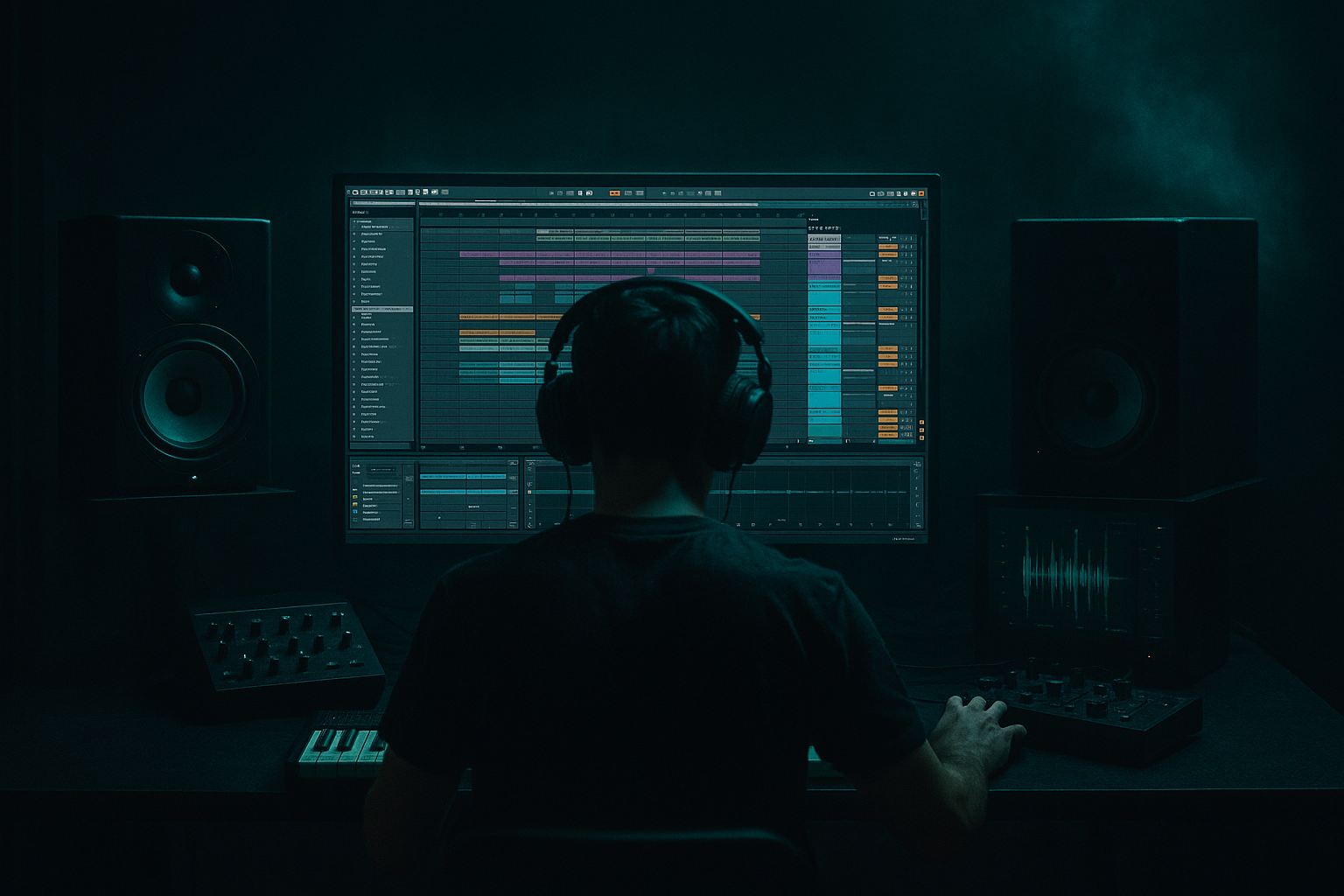
Main tutorial
Moonlit Jungle: Breakbeat Stack for VHS‑Rave Color in Ableton Live 12 (DnB Edits) 🌙📼
1. Lesson overview
In this lesson you’ll build a classic jungle/DnB breakbeat stack that feels moonlit, hazy, and VHS‑rave colored—but still hits hard in a modern rolling mix. The goal is to combine:
- Clean, punchy one-shots (kick/snare) for consistent impact
- A chopped break layer for groove and ghost notes
- A “VHS” texture layer (warble, saturation, noise, stereo smear) for vibe
- Tight kick + snare + hats for modern consistency
- Amen / Think / Funky Drummer style break (or any crunchy break) chopped and shaped
- Warble, hiss, saturation, subtle chorus, “old rave tape” glue
- 2‑step/rollers energy and forward motion
- Keep your FOUNDATION doing the main kick/snare.
- Use the sliced break for ghosts, fills, and shuffle, not for primary punch.
- On the break Drum Rack, add Groove Pool groove (e.g., MPC swing) at 10–25%.
- Or manually nudge a few slices slightly late for that “human drag.”
- HP at 120–200 Hz (start 150) to keep sub clean for your bass
- Small dip around 300–600 Hz if it muddies the snare body
- Gentle shelf down above 12–14 kHz if it gets fizzy
- Drive 2–8 (to taste)
- Transients: +10 (bring out snap)
- Damp: 10–30% (tames brittle highs)
- Attack: 3–10 ms
- Release: Auto or 0.1–0.3 s
- Ratio: 2:1
- Aim for 1–3 dB gain reduction
- Add Shaper (or LFO via Modulation in Live 12) to modulate:
- HP at 20–30 Hz (clean rumble)
- Tiny dip if needed around 250–350 Hz
- Ratio 2:1
- Attack 10 ms
- Release Auto
- GR: 1–2 dB on peaks
- Drive 1–4
- Boom 0–5 (careful—bass lives here)
- Ceiling -0.8 dB
- Only catching occasional spikes
- Start with VHS TEXTURE only
- Automate Auto Filter LP from ~3 kHz up to 9 kHz
- Bring in BREAK quietly, then FOUNDATION last
- Kill VHS TEXTURE abruptly (mute or automate Utility gain down)
- Let FOUNDATION + BREAK hit clean on the drop
- At bar 15–16 (or every 16 bars):
- Hybrid Reverb
- Send small amounts from snare and VHS TEXTURE, not kick
- Echo
- Letting the break layer carry the sub: HP your break around 120–200 Hz so your bass stays clean.
- Too much VHS processing on the main drum bus: keep lo‑fi on a separate layer so the punch stays modern.
- Over-warping artifacts: if the break sounds phasey or crunchy, switch warp mode (Beats vs Complex Pro) and re-check transients.
- Stereo’ing the low end: if VHS chain widens lows, add EQ Eight HP before widening or use Utility Bass Mono (below ~120 Hz).
- No contrast in arrangement: if everything is always “taped,” nothing feels special. Automate the vibe in/out.
- Parallel smash bus:
- Snare menace:
- Kick-bass relationship:
- Controlled distortion:
- Darkness = less top:
- FOUNDATION = consistent punch (modern DnB impact)
- BREAK = groove, ghosts, and jungle attitude (slice + shape)
- VHS TEXTURE = moonlit haze (warble, saturation, hissy width) 📼
- Bus glue lightly; keep sub clean; automate contrast for real “rave tape” energy
All inside Ableton Live 12, using mostly stock devices and a workflow you can reuse on any track.
---
2. What you will build
A 3–5 layer drum system:
1) Foundation Drums (One‑shots)
2) Break Layer (Groove + attitude)
3) VHS Color Bus (Lo‑fi movement + tape vibe)
4) (Optional) Ride/Top Loop Layer
You’ll end with a Drum Bus that’s easy to automate for intros, drops, and edits.
---
3. Step-by-step walkthrough
Step 0 — Session setup (DnB-friendly)
1. Set tempo to 172–176 BPM (start at 174 BPM).
2. Create these tracks:
- MIDI Track: `FOUNDATION DRUMS` (Drum Rack)
- Audio Track: `BREAK`
- Audio Track: `VHS TEXTURE`
- Return Tracks: `A - ROOM`, `B - TAPE SPACE` (optional but useful)
- Group: Put FOUNDATION + BREAK + VHS into a group called `DRUM BUS`
🎯 DnB mindset: Foundation gives impact, break gives swing, VHS gives world-building.
---
Step 1 — Build the Foundation Drum Rack (modern punch)
1. On `FOUNDATION DRUMS`, load a Drum Rack.
2. Add:
- Kick (tight, short)
- Snare (body + crack)
- Closed hat (fast tick)
- Ride or open hat (optional)
3. Processing suggestions (stock):
- On Kick pad:
- EQ Eight: HP at 25–30 Hz, small dip around 250–400 Hz if boxy
- Drum Buss: Drive 2–5, Boom 0–10 (subtle), Transients +5 to +15
- On Snare pad:
- Saturator: Soft Clip ON, Drive 2–6 dB
- EQ Eight: HP 100–140 Hz, boost 180–220 Hz for body (if needed), boost 3–6 kHz for crack
- On Hat pad:
- Auto Filter HP around 400–800 Hz, tiny resonance for sparkle
✅ Tip: Keep the foundation dry and controlled. Let the break and VHS layers do the messy magic.
---
Step 2 — Load and warp the break (preserve groove)
1. Drop your break onto `BREAK` (Amen, Think, etc.).
2. In Clip View:
- Warp: ON
- Set Seg. BPM correctly (tap/guess then adjust)
- Warp Mode:
- Start with Complex Pro (safer for full break)
- For crisp transients, try Beats with:
- Preserve: Transients
- Envelope: 10–30 ms
3. Right-click the clip → Slice to New MIDI Track…
- Slicing preset: Transient
- Create: Drum Rack
Now you have the break as playable slices. This is where the jungle editing happens.
---
Step 3 — Program a “rolling jungle” pattern with break slices
In the sliced break MIDI track:
1. Create a 2-bar MIDI clip.
2. Start with a classic DnB skeleton:
- Snare hits typically on beat 2 and 4 (in 4/4 at 174)
3. Add break flavor:
- Use ghost snare slices just before 2 and 4
- Use kick fragments to create syncopation
- Add little shuffle hats from the break
Workflow trick:
🎛️ Groove control:
---
Step 4 — Tighten with transient shaping + EQ (make room for bass)
On the `BREAK` track (or the break rack group), add:
1) EQ Eight
2) Drum Buss
3) Glue Compressor (optional)
✅ You’re aiming for controlled chaos: groove and grit without eating the low end.
---
Step 5 — Create the VHS texture layer 📼 (the “moonlit” sauce)
This is the secret: a separate layer dedicated to vibe.
#### Option A: Duplicate your break and “ruin it nicely”
1. Duplicate `BREAK` → rename to `VHS TEXTURE`
2. On `VHS TEXTURE`, do this chain (stock-focused):
Device Chain (recommended order):
1) EQ Eight
- HP 250–400 Hz (this is texture, not punch)
- Gentle dip 2–5 kHz if harsh
2) Saturator
- Mode: Analog Clip or Soft Sine
- Drive 4–10 dB, Soft Clip ON
3) Redux (subtle!)
- Downsample: 1.2–2.5
- Bit Reduction: keep high (like 10–12 bits) if you want “tape-ish” rather than “8-bit”
4) Chorus-Ensemble
- Amount: 10–25%
- Rate: 0.15–0.40 Hz (slow drift)
- Width: 120–200% (but watch mono compatibility)
5) Auto Filter
- LP around 6–10 kHz
- Add a tiny resonance
- Map cutoff to a Macro for “tape muffling”
6) Utility
- Width 120–160%
- Gain adjust so it sits behind the main drums
#### Add the “tape wobble” movement:
- Chorus rate slightly
- Filter cutoff slightly
- Utility width subtly
Keep modulation small—think mood lighting, not seasickness.
---
Step 6 — Bus the stack (glue without flattening)
Group FOUNDATION + BREAK + VHS into `DRUM BUS`.
On `DRUM BUS`, try this chain:
1) EQ Eight
2) Glue Compressor
3) Drum Buss
4) Limiter (safety, not loudness)
🎯 Goal: The stack feels like one “instrument” but still breathes.
---
Step 7 — Arrangement ideas (edits that feel like jungle/DnB)
Here are quick, genre-rooted moves:
#### A) Intro “moonlit tape” (8–16 bars)
This creates that “found footage rave” vibe.
#### B) Drop impact trick (1 bar before drop)
The contrast makes the drop feel bigger without extra loudness.
#### C) Classic 2-bar fill
- Use the sliced break rack to do a quick snare roll / rearrange
- Add 1/8 or 1/16 retrigs on a hat slice
- End with a reverse crash or short reverb tail (Return track)
---
Step 8 — Returns for space (rave room without washing the drums)
Create returns:
Return A – ROOM
- Algorithmic / Room
- Decay 0.4–0.9 s
- HP in reverb EQ around 300–600 Hz
Return B – TAPE SPACE
- Time: 1/8 dotted or 1/4
- Feedback: 10–25%
- Filter: HP 400 Hz, LP 6–8 kHz
- Modulation: low to medium
This keeps the kit “in a place” without smearing transients.
---
4. Common mistakes
---
5. Pro tips for darker/heavier DnB 🖤
Create a return with Overdrive → Glue Compressor (hard) → EQ and send BREAK/FOUNDATION lightly. Blend for aggression.
Add a short metallic layer (rim/foley) to snare, then Saturator + tiny Room reverb.
Keep kick short (sub 80–120 ms tail) so the rolling bass owns the low end.
Put Roar (if available in your Live 12 suite) or Saturator on VHS layer only; automate Drive during fills.
Low-pass the VHS texture to 6–9 kHz, and let a clean hat/ride provide the crispness.
---
6. Mini practice exercise (20–30 minutes) 🎯
1. Pick one break (Amen/Think).
2. Build the 3-track stack: FOUNDATION, BREAK (sliced), VHS TEXTURE (duplicate).
3. Program a 16-bar loop:
- Bars 1–8: lighter (less VHS, fewer ghosts)
- Bars 9–16: denser (more ghosts + one fill)
4. Automate:
- VHS Auto Filter LP cutoff (intro → open)
- VHS Utility gain (dip right before drop)
5. Export a bounce of just drums and listen on low volume:
- Can you still hear the groove?
- Does the snare still punch through?
---
7. Recap ✅
If you want, tell me what break you’re using (Amen/Think/etc.) and whether your target is liquid, deep, or neuro-leaning, and I’ll suggest a specific 2-bar MIDI slice pattern + exact macro mappings for the VHS chain.

