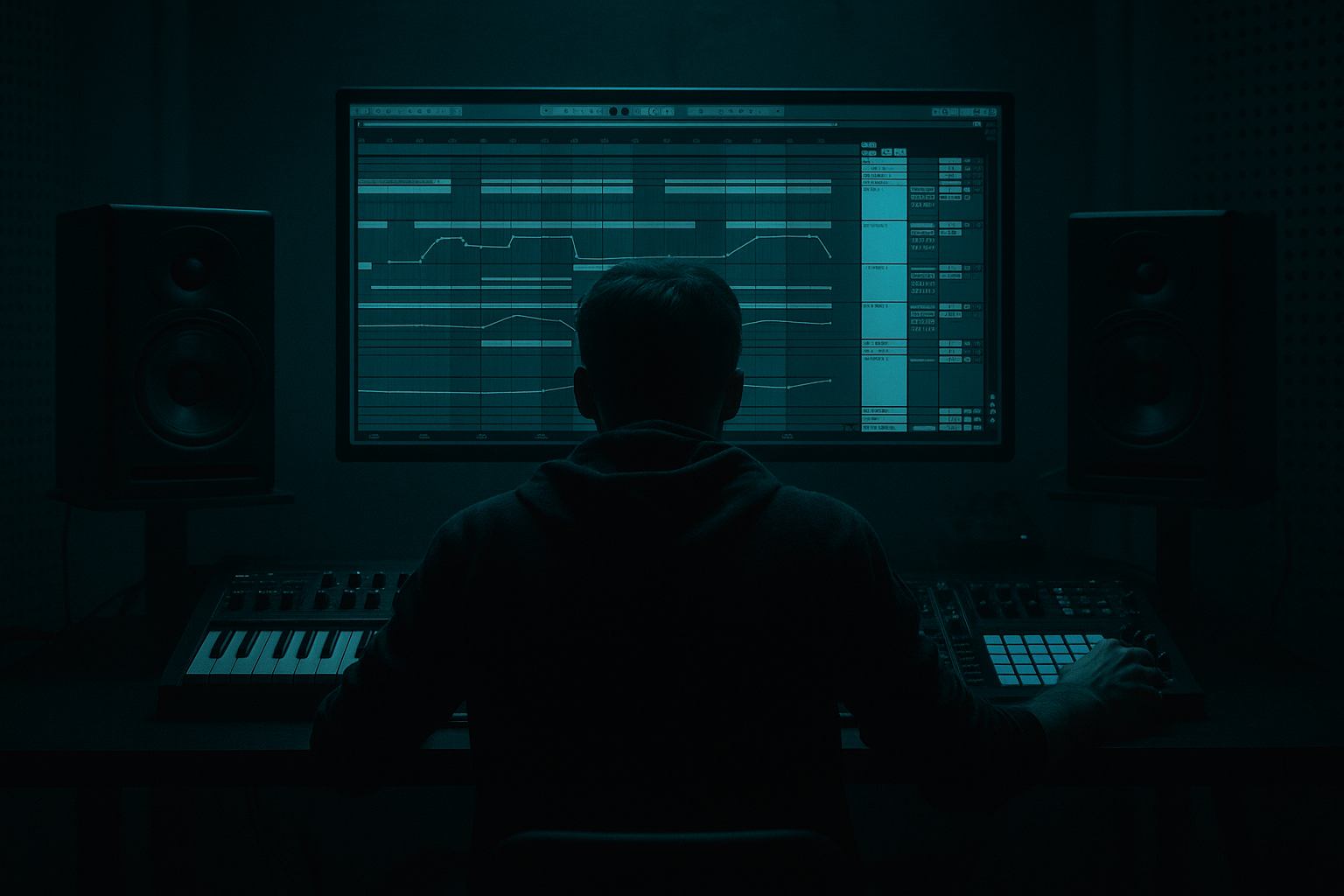
Main tutorial
Modulate an Oldskool DnB Breakbeat Using Session View → Arrangement View in Ableton Live 12 🥁⚡
Skill level: Advanced
Category: Breakbeats (DnB/Jungle)
---
1. Lesson overview
In oldskool jungle and rolling DnB, the break isn’t just a loop—it’s a living performance. The fastest way to get that “constantly evolving but still locked” energy in Live is:
- Build multiple breakbeat variations in Session View (like a DJ juggling breaks + edits)
- Use clip modulation (envelopes, follow actions, per-clip device control) to create movement
- Record your performance into Arrangement View and then “tighten” it into a final structure
- One classic break (Amen / Think / Hot Pants style) chopped and warped
- Several Session clips: clean, ghosted, filtered, stuttered, re-pitched, re-sequenced
- Modulated processing using stock devices:
- A recorded Arrangement that feels like a DJ/producer hybrid “break science” take 🔥
- Mixer → Track Volume (micro dynamics, ghosting)
- Mixer → Send A (momentary dub throws)
- Auto Filter → Frequency / Resonance
- Saturator → Drive
- Utility → Gain / Width
- Redux → Downsample (for occasional grit)
- Transpose (Clip) (classic pitch dives)
- Clip Envelope → Mixer → Track Volume
- Add Auto Filter (if not already) before saturation
- Clip Envelope → Auto Filter → Frequency
- Clip Envelope → Clip → Transpose
- Optional: switch warp mode to Re-Pitch for this clip only (very characterful but changes timing feel—use carefully)
- 0:00–0:32 Intro (HP filter, sparse chops)
- 0:32–1:04 Build (more hats/ghosting)
- 1:04 Drop (full break + chops)
- 1:04–1:52 A section
- 1:52–2:08 Fill / turnaround (stutter, pitch dip, reverb throw)
- 2:08–2:56 B section (different clip set)
- 2:56–3:28 Outro / DJ-friendly
- Consolidate the best 8/16-bar chunks: select → Cmd/Ctrl+J
- Use fades to avoid clicks on edits
- Keep fills short (often 1 bar is enough)
- Resample the Drum Bus to a new audio track:
- Now you can do micro-edits:
- Warping “close enough”: breaks must lock. One bad transient = floppy groove.
- Over-modulating everything: if every clip has heavy filter + pitch + crush, nothing feels special.
- Too much bus compression: destroys transients and makes breaks feel small.
- Relying on Beat Repeat for all fills: it screams “plugin,” not “chopper.” Use it as spice.
- Not phrase-aware launching: DnB lives in 8/16-bar logic—respect it.
- Parallel distortion (Return track):
- Controlled metallic edge:
- Clip-based “air removal” for drops:
- Add darkness with space, not mud:
- Heavy roll trick (micro swing):
- Session View is your break modulation playground: clip envelopes + follow actions = controlled movement.
- Arrangement View is your commitment zone: record the performance, then carve it into a DnB structure.
- Use stock devices strategically:
- The goal is rolling continuity with intentional edits—classic jungle energy with modern control 🥁⚙️
This lesson is about using Session as a modulation/performance engine, then committing the best moments into Arrangement for a proper DnB arrangement.
---
2. What you will build
You’ll create a breakbeat performance system that outputs an evolving oldskool DnB drum track:
- Drum Rack / Simpler (for chops)
- Auto Filter, Saturator, Redux, Corpus
- Glue Compressor, Drum Buss, Limiter
- Beat Repeat (sparingly), Shaper (if you use M4L), Auto Pan (for movement)
---
3. Step-by-step walkthrough
Step 0 — Session setup for DnB speed (do this first)
1. Set tempo: 172–176 BPM (start at 174).
2. Global quantization: 1 Bar (top-middle of Live).
3. Create these tracks:
- A: Break Main (Audio)
- B: Break Chops (MIDI) (Drum Rack / Simpler)
- C: Break FX Return (Audio Return) (for dubby send hits)
- D: Drum Bus (Group) (group A + B)
Why: Track A gives continuous “oldskool loop glue.” Track B gives surgical edits and reprogramming.
---
Step 1 — Import and warp the break properly (oldskool accuracy)
1. Drop your break into Track A (Audio).
2. In Clip View:
- Warp: ON
- Warp mode: Complex Pro (safer for full break) or Beats (tighter transient control)
- Set Seg. BPM close to original if known, then warp to project tempo.
3. Right-click the clip → Warp From Here (Straight) if the first downbeat is correct.
4. Zoom in: ensure the first kick transient is exactly on 1.1.1.
5. For jungle-tight behavior:
- Warp mode: Beats
- Preserve: Transients
- Envelope: ~20–40 (lower = tighter chops)
DnB reality check: If your break “leans,” everything downstream (bass, hats, edits) will feel wrong. Spend time here.
---
Step 2 — Create Session variations (the “modulation engine”)
Duplicate the break clip 8–12 times in Session View on Track A (Cmd/Ctrl+D) and name them like:
1. `A1 Clean`
2. `A2 Ghosted`
3. `A3 HP Filter Sweep`
4. `A4 LP Filter + Drive`
5. `A5 Stutter (1/16)`
6. `A6 Half-time bar`
7. `A7 Pitch dip`
8. `A8 Reverb throw bar`
Now set each clip’s Clip Envelopes to create modulation per clip.
#### Clip Envelope targets to use (powerful + stock)
In each clip (Clip View → Envelopes):
---
Step 3 — Build a clean, punchy processing chain on Track A (stock-only)
On Track A, add this device chain (in order):
1. EQ Eight
- HP at ~25–35 Hz (remove rumble)
- Small dip 200–350 Hz if boxy
- Tiny shelf up 8–12 kHz if dull (careful: old breaks can get fizzy)
2. Saturator
- Mode: Soft Sine or Analog Clip
- Drive: 2–6 dB
- Turn on Soft Clip
3. Glue Compressor
- Attack: 3 ms
- Release: Auto
- Ratio: 2:1
- Aim for 1–3 dB GR
4. Drum Buss
- Drive: 5–15 (taste)
- Boom: OFF (usually; let your sub handle lows)
- Transients: +5 to +15 for snap
- Damp: adjust to avoid harshness
Important: Keep this chain relatively stable; your clips will do the modulation.
---
Step 4 — Make “ghosted” and “movement” clips with clip envelopes 🎛️
#### A2 Ghosted (classic rolling feel)
- Draw dips on off-beats or between snare hits (1–2 dB dips)
- Keep snares consistent; ghost the in-between energy
#### A3 High-pass sweep (energy lift)
- Type: HP12
- Drive: 2–5
- Sweep from ~120 Hz → 600–1kHz over 1–4 bars
- Keep resonance low (0.7–1.2) for musical sweeps
#### A7 Pitch dip (oldskool tape vibe)
- Quick dip -2 to -5 semitones for one beat before the snare, or last 1/2 bar of a phrase
---
Step 5 — Add Break Chops track (MIDI) for surgical edits
1. Create Track B (MIDI).
2. Drag the same break into Drum Rack:
- Right-click break → Slice to New MIDI Track
- Slice preset: Transient (best for breaks)
- Create one 1–2 bar MIDI clip as your base pattern
3. Tighten slices:
- In each Simpler pad: set Fade In tiny (~1–5 ms) to avoid clicks
- Tune certain hits if needed (classic jungle pitch variation)
Advanced DnB move: Use Track A as “glue loop,” Track B as “editor hands.”
---
Step 6 — Create Scene-based performance logic (Follow Actions = controlled chaos) 🎲
This is the secret sauce: Follow Actions help you generate variation without random nonsense.
1. In Session View, create Scenes like:
- Scene 1: “Intro Filtered”
- Scene 2: “Main Roll”
- Scene 3: “Variation”
- Scene 4: “Fill/Turnaround”
2. For Track A clips, open Launch box (clip launch settings):
- Follow Action: set to 1 bar or 2 bars
- Action A: Next
- Action B: Other
- Probability: 70/30 (or 80/20 for safer)
3. For “Fill” clips (A5 stutter, A6 halftime), set:
- Follow Action time: 1 bar
- Action: Prev (so it returns to the main roll)
This yields classic jungle DJ juggling energy with predictable structure.
---
Step 7 — Performance-record to Arrangement (the commitment phase) 🎥➡️🎛️
Now you “play” the break like an instrument.
1. Hit Arrangement Record (top transport).
2. Launch Scenes and clips for 3–5 minutes:
- Keep it musical: 16-bar phrases, occasional fills, filter lifts, drop moments
3. When done, stop recording.
4. Press Tab to go to Arrangement View.
You now have a long performance. Next step: edit into a DnB arrangement.
---
Step 8 — Turn the recorded take into a tight DnB structure
In Arrangement View, make markers (locators) like:
Tightening workflow:
---
Step 9 — Glue A + B together with bus processing (DnB cohesion)
Group Track A and B into Drum Bus group (Track D). On the group:
1. EQ Eight
- gentle cleanup, keep sub clear for bass
2. Glue Compressor
- slow-ish attack 10 ms, release Auto, ratio 2:1
- GR: 1–2 dB (don’t crush)
3. Limiter (safety, not loudness)
- Ceiling: -0.3 dB
- Aim for minimal limiting
Optional: sidechain the Drum Bus to the sub/bass depending on your bass design philosophy. In many jungle/oldskool vibes, you let drums lead and carve bass around them.
---
Step 10 — Print “modulation moments” to audio (for ruthless control) 🧱
Once you love a section:
- Create Audio Track → set input to Resampling
- Record the drop section
- reverse 1/16 hits
- slip edits
- re-trigger snare tails
- chop and re-order for that classic “break surgery” sound
This is how you move from performance → signature break.
---
4. Common mistakes
---
5. Pro tips for darker/heavier DnB 🖤
- Return A: Saturator (Analog Clip, 8–15 dB) → EQ Eight (band-limit 200Hz–8kHz) → Glue Comp
- Send small amounts from break on key moments for grit without killing the main transients.
- Add Corpus subtly on snares (on chop rack or bus), tune to the key-ish zone (often 150–250 Hz for body or 400–800 Hz for ring).
- Make a pre-drop clip with Auto Filter LP down to 6–10 kHz, then slam back to full bandwidth at the drop. Instant perceived loudness jump.
- Use Echo on a Return with HP filter engaged, short feedback. Send only snare hits occasionally (clip envelope to Send).
- Use Groove Pool (classic MPC-ish swing) lightly on chops, but keep the main loop straighter. This creates a push-pull that feels nasty.
---
6. Mini practice exercise (20–30 minutes)
1. Choose one break (Amen/Think style).
2. Build 8 Session clips on Track A:
- clean, ghosted, HP sweep, LP drive, stutter, halftime, pitch dip, send-throw
3. Set Follow Actions for 4 of them:
- 2 bars, Next/Other 80/20
4. Create a 2-bar chop pattern on Track B (Slice to MIDI).
5. Record a 2-minute performance into Arrangement.
6. Edit into:
- 16-bar intro
- 32-bar drop section
- 16-bar turnaround with one strong fill
7. Bounce (resample) the drop and do 3 micro-edits (reverse hit, re-trigger, slip edit).
Deliverable: a “living” break arrangement that evolves like jungle, not like a static loop.
---
7. Recap
- Auto Filter and Saturator for character
- Glue Compressor/Drum Buss for cohesion and punch
- Clip envelopes for musical, phrase-based modulation
If you want, tell me which break you’re using (Amen, Think, etc.) and whether your target is 90s jungle, techstep, or modern neuro-roller, and I’ll suggest a clip set + modulation map tailored to that vibe.

