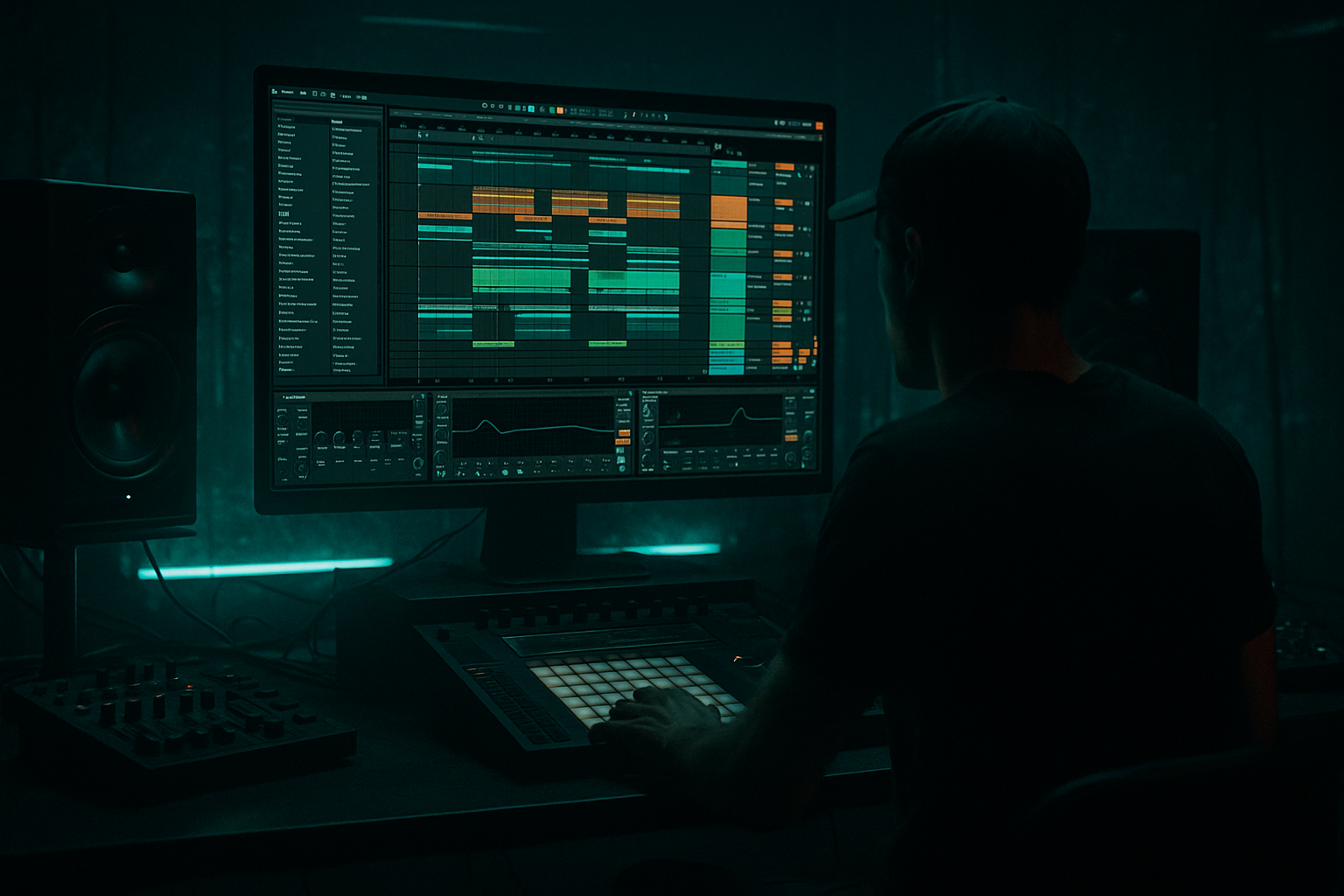
Main tutorial
Lesson Overview
This lesson is about building a Midnight Amen-style oldskool DnB jungle arp in Ableton Live 12: a sharp, hypnotic, slightly haunted melodic riff that sits above breaks and bass without stealing the low end. In a real DnB track, this kind of arp usually lives in the intro, breakdown, pre-drop lift, or as a periodic hook inside the drop. It’s not there to “play chords” in the generic sense — it’s there to create motion, tension, and identity while keeping the tune DJ-friendly and functional.
Musically, this technique matters because oldskool jungle has a very specific emotional code: sampled-break energy, minor-key tension, repetitive motifs, and a sense that the music is always about to tip over the edge. Technically, the arp gives you a way to add rhythmic pitch movement without cluttering the drums or fighting the sub. If you do it right, the arp feels like a signature detail that makes the track instantly recognisable, not just another layer.
This works especially well for dark jungle, atmospheric rollers, oldskool-influenced DnB, and stripped-back club tracks where the arrangement needs movement without modern overproduction. By the end, you should be able to build an arp that sounds contained, moody, slightly ragged in a controlled way, and arranged so it actually contributes to the tune instead of just looping endlessly.
What You Will Build
You will build a 32-bar MIDI arp phrase that sounds like a midnight jungle motif: minor, urgent, slightly detuned, with a short rhythmic pattern that locks to breaks and leaves room for the bass. It should feel like a sampled-age melodic fragment updated for Ableton Live 12 — not glossy trance, not busy synth arpeggiation, but a gritty, tunnel-like phrase with enough movement to survive a full arrangement.
The finished part should have:
- a dark, narrow-to-medium stereo character
- a tight rhythmic pulse that supports the break instead of smearing it
- enough filter and amplitude movement to stay alive over 8–16 bars
- a role as a hook, tension layer, or breakdown-to-drop connector
- a mix state that is already close to usable, with low-end cleaned out and harshness under control
- Let the arp “lean” into the snare gap, not sit on top of it. In darker DnB, the strongest melodic hooks often land around the spaces between backbeats. That keeps the track heavy while still musical.
- Use octave control like arrangement design. Keep the intro arp one octave lower or darker, then lift it later for tension. Even a single octave move can make the second section feel like a real upgrade without adding more notes.
- Resample a clean pass and a dirtier pass. One pass can be more filtered and controlled, while another can be more saturated or delayed. Blend them selectively. This gives you underground character without destroying definition.
- Create menace with note endings, not only with tone. A short release, abrupt cutoff, or tiny gap before the last note can make the phrase feel more sinister than extra distortion would.
- Keep the sub area sacred. If the arp needs weight, give it midrange presence and harmonic grit instead of fundamental energy. Let the bass own the real low end.
- Use second-drop evolution sparingly but decisively. In a heavy tune, the second drop can flip the arp into a new ending note, a higher octave answer, or a chopped audio variation. Small change, big payoff.
- If the riff feels too clean, degrade the repetition rather than the source. Automate filter movement, add slight velocity variation, or print the part and micro-edit a few repeats. That keeps the line alive without turning it into mush.
- Use only one stock synth and up to three stock effects
- Write a 1-bar or 2-bar motif
- Keep the note count to five notes or fewer
- Make one version darker and one version brighter, then choose only one
- High-pass the sound so it does not compete with the sub
- a filtered intro version
- a more open drop version
- one small variation in bar 9 or 13
- Does the arp still feel strong when the drums come in?
- Can you hear the snare clearly through it?
- Does the second 8 bars feel like a lift instead of the same loop again?
Success sounds like this: when the drums and bass come in, the arp should feel like a ghostly musical engine driving the groove forward, not like a lead synth floating on top of the track.
Step-by-Step Walkthrough
1. Start with the groove context before the sound
Put your kick, snare, and a basic break pattern in place first. Do not design the arp in isolation. In oldskool DnB, the arp only works if it sits against a believable drum pocket. A simple starting point is a 170–174 BPM project with a classic break chopped or looped, plus a solid snare on 2 and 4. Leave room for the riff to answer the drums rather than constantly fill every gap.
Make an empty MIDI track and decide where the arp belongs in the arrangement: intro, 8-bar buildup, breakdown, or between drum phrases. If you’re aiming for a Midnight Amen feel, place it where the listener can hear the motif clearly before the drop, then let it reappear in the drop as a remembered hook.
Why this matters in DnB: jungle and oldskool DnB rely on recognisable motifs that can survive break edits and bass movement. If the rhythmic context isn’t established first, the arp will likely sound too synthetic or too “dance music loop” rather than like part of a broken-beat record.
2. Build the synth voice with a stock Ableton chain
Use Wavetable, Analog, or even Operator if you want a more nasal oldskool edge. A practical starting chain is:
- Wavetable: use a saw-leaning or pulse-leaning tone, keep unison modest
- Auto Filter after the synth
- Saturator
- Echo or Reverb very lightly, if needed
For a darker jungle arp, start with:
- oscillator blend leaning toward saw or pulse
- unison 2–4 voices, detune kept subtle
- filter cutoff somewhere around 300 Hz to 2 kHz depending on brightness
- resonance moderate, not whistling
- amp envelope attack 0–10 ms, decay 150–400 ms, sustain low to medium, release 50–150 ms
If you want more oldskool grit, keep the waveform plain and let saturation do the character. If you want a slightly more cinematic midnight tone, choose a darker wavetable and use the filter as the main expressive control.
A versus B decision point:
- A: plainer oscillator + more saturation = rougher, more “sampled,” better for raw jungle energy
- B: richer oscillator + gentler saturation = smoother, more modern, better if the arp needs to feel polished but still dark
3. Write the arp as a short, repeatable motif
In the MIDI clip, build a phrase that is one bar or two bars long, then repeat it with variation across 8 or 16 bars. Keep the note count low enough that the pattern breathes. A strong oldskool arp often works with 3–5 notes more than with a full chord run.
Use a minor tonality and keep the interval logic simple:
- root
- minor third
- fifth
- octave
- optional flattened second or seventh for tension, depending on the key
A common mistake is writing a melody that is too “complete.” For this style, the phrase should feel like a fragment that invites repetition. If the riff is memorable after two bars but not overly elaborate, you’re in the right zone.
What to listen for: the loop should already feel like it has a pulse even before any processing. If it sounds like a random arpeggiated chord, simplify it until the contour is obvious.
4. Set the rhythmic identity with MIDI placement and note length
Tighten the arp rhythm so it interlocks with the break. Instead of placing notes evenly on every 16th all the time, try a pattern with small gaps and syncopation. For example, use a 1-bar pattern with notes landing on:
- beat 1
- the “and” of 1
- beat 2
- the “e” or “and” of 3
- a pickup into bar 2
Shorten note lengths so the envelope can articulate each hit clearly. A good working range is 1/16 to 1/8 note lengths, depending on tempo and sound. If the arp feels too smooth, shorten the notes. If it feels too chopped, lengthen the tail slightly or soften the envelope release.
What to listen for: the arp should lock to the break’s bounce without masking the snare crack. If your snare loses impact, the arp is probably occupying too much midrange on the same beats.
5. Shape the tone with filter motion, not constant brightness
Put Auto Filter after the synth and automate cutoff across the section. Start the loop darker than you think, then open it gradually. A practical range is:
- intro or breakdown: low cutoff, around 200–700 Hz equivalent feel
- pre-drop lift: opening toward 1.5–4 kHz
- drop re-entry: either slightly open or quickly modulated for impact
Keep resonance controlled. Too much resonance turns this kind of arp into a whistle that fights the vocal or break top. A touch of resonance can add “plink,” but the main movement should come from cutoff automation and envelope shape.
If you want extra motion, use LFO modulation in Wavetable or automate filter cutoff in 2-bar phrases. In oldskool jungle, the best movement is often macro-scale phrasing, not constant wobble.
Why this works in DnB: fast drums and sub bass already provide plenty of motion. The arp should add directional energy so the ear hears a change in section, not a constant stream of texture.
6. Add grit and presence with a controlled stock processing chain
A strong stock chain for this style is:
Wavetable / Analog → Auto Filter → Saturator → EQ Eight → Echo (light)
Or, if the source is already bright and you want to tame it:
Wavetable / Operator → EQ Eight → Saturator → Auto Filter
Suggested moves:
- Saturator Drive: try a modest amount first, then increase until the arp gains edge without fizzing out
- EQ Eight: high-pass around 120–250 Hz to clear sub clutter; dip harshness around 2.5–5 kHz if it gets spiky; if needed, trim a little low-mid mud around 250–500 Hz
- Echo: short, tempo-synced delay with low feedback, filtered so it doesn’t wash the groove
If the arp is meant to feel more vintage, let the saturation clip the peaks slightly. If it’s supposed to sit cleaner in a modern mix, keep the saturation more restrained and use EQ to carve space.
Stop here if the sound is already fighting the kick/snare. Fix the arrangement and tone before adding more layers. More processing will not solve a part that is rhythmically too dense.
7. Check the arp against drums and bass before going any further
Turn on the full drum loop and bassline while the arp plays. This is the real test. In DnB, a melodic part that sounds huge in solo can become useless the moment the kick and bass arrive.
Check these things:
- Does the arp leave enough space for the snare crack?
- Does it clash with the bass notes in the same octave?
- Can you still hear the break ghost notes and hats?
- Does the hook feel like it’s driving the track, or is it just filling up air?
What to listen for: if the groove suddenly feels smaller with the arp on, the part is too wide, too bright, or too busy. The solution is usually less note density, narrower stereo, or a darker filter setting — not more volume.
8. Choose your stereo strategy carefully
For this style, keep the core of the arp relatively focused. If the part contains important rhythmic information, it should translate well in mono. You can still add width, but do it with intent.
Two valid approaches:
- Option 1: mostly mono/narrow arp with subtle delay width
- better for heavy drum sections
- cleaner with bass
- more authentic if you want the arp to feel like an old sample fragment
- Option 2: wider arp with controlled top-end spread
- better for breakdowns or intro atmospheres
- more spacious and cinematic
- riskier in a dense drop if overdone
A practical Ableton move is to keep the synth itself fairly centered, then use a very light Echo or a subtle stereo effect only on the higher frequencies if needed. If the width disappears in mono and the part loses its identity, the core riff is not strong enough yet.
Mix-clarity note: always check the arp in mono against kick, snare, and sub. If the notes become hollow or phasey, reduce width and simplify the stereo treatment.
9. Arrange the arp as a phrase, not a loop
The difference between a decent riff and a real DnB arrangement is phrasing. Build at least a 32-bar arc:
- Bars 1–8: dark filtered intro version
- Bars 9–16: slightly more open, maybe with a second note added
- Bars 17–24: pre-drop tension, more cutoff opening or higher octave accent
- Bars 25–32: drop version, either chopped, answered by drums, or partially removed to create space
A good oldskool move is to mute the arp for one bar before the drop or strip it down to a pickup note. That tiny absence makes the re-entry feel bigger. Another strong option is to bring the arp back in the second 8 bars of the drop with a slightly altered note ending so the section evolves rather than repeats identically.
Arrangement example:
- 8-bar intro: arp filtered and alone with break texture
- 8-bar build: add bass tease and open the filter
- first drop: arp appears in short call-and-response gaps between breaks
- second drop: arp gets an octave lift or a new ending note for payoff
10. Print or commit the part once the movement is right
When the MIDI and sound design are working, commit this to audio if the processing is part of the identity. This is especially useful if the arp uses delay tails, saturation texture, or envelope quirks that you want to preserve as a finished element.
In Ableton, bouncing the arp to audio helps you:
- chop the tail into fill moments
- reverse small fragments for transitions
- mute or automate specific words of the phrase
- reduce CPU and force decisions
If you want an oldskool feel, resampling is your friend: once the arp prints, you can treat it like a sampled phrase and edit it like a record element rather than a live synth line.
Workflow efficiency tip: duplicate the MIDI track before printing. Keep one clean version and one printed version so you can compare “synth flexibility” against “audio commitment” without losing the original idea.
Common Mistakes
1. Writing the arp too full
- Why it hurts: the phrase starts sounding like melodic filler instead of a jungle motif, and it competes with drum syncopation.
- Fix in Ableton: delete every other note, keep only the strongest contour tones, and re-test with the break. If the idea survives with fewer notes, that’s the correct version.
2. Leaving too much low-mid in the arp
- Why it hurts: the 250–500 Hz region can fog up the snare body and make the bass feel smaller.
- Fix in Ableton: use EQ Eight with a high-pass around 120–250 Hz and a gentle cut in the muddy range if needed.
3. Making the arp too bright too early
- Why it hurts: constant brightness kills tension and makes the drop feel smaller because there’s nowhere to open up.
- Fix in Ableton: start with the filter darker, automate opening over sections, and keep the first version restrained.
4. Using too much stereo width on the main notes
- Why it hurts: width can weaken punch and cause the riff to vanish on club systems in mono-heavy playback zones.
- Fix in Ableton: narrow the core synth, keep the important rhythmic hits centered, and use width only as a supporting halo.
5. Ignoring the bassline relationship
- Why it hurts: the arp may sound cool alone but smear the groove when the bass enters, especially if they share octaves or rhythmic accents.
- Fix in Ableton: move the arp up an octave, thin the low end, or rephrase the rhythm so it answers the bass instead of stepping on it.
6. Letting delay tails blur the break
- Why it hurts: the groove loses articulation and the snare/break detail gets masked.
- Fix in Ableton: shorten Echo feedback, filter the repeats, or reduce the send level. If needed, use a shorter decay or automate the delay only in transitions.
7. Looping the exact same 1-bar phrase for too long
- Why it hurts: oldskool DnB can repeat, but it still needs phrasing and section changes to feel intentional.
- Fix in Ableton: create at least one variation every 8 bars — a note change, octave lift, filter move, or drop-out bar.
Pro Tips for Darker / Heavier DnB
Mini Practice Exercise
Goal: build a dark jungle arp that works against drums and bass, not just in solo.
Time box: 15 minutes
Constraints:
Deliverable: a 16-bar loop with:
Quick self-check:
Recap
A Midnight Amen-style jungle arp works when it is short, dark, rhythmic, and arranged with intent. Build it against the drums, keep the low end out of the way, use filter and saturation for character, and phrase it like a real section of a DnB tune — not a loop that just runs forever. The best result should feel haunted, punchy, and DJ-useful, with enough movement to carry an intro, breakdown, or drop transition without stealing the track.

