Main tutorial
Lesson Overview
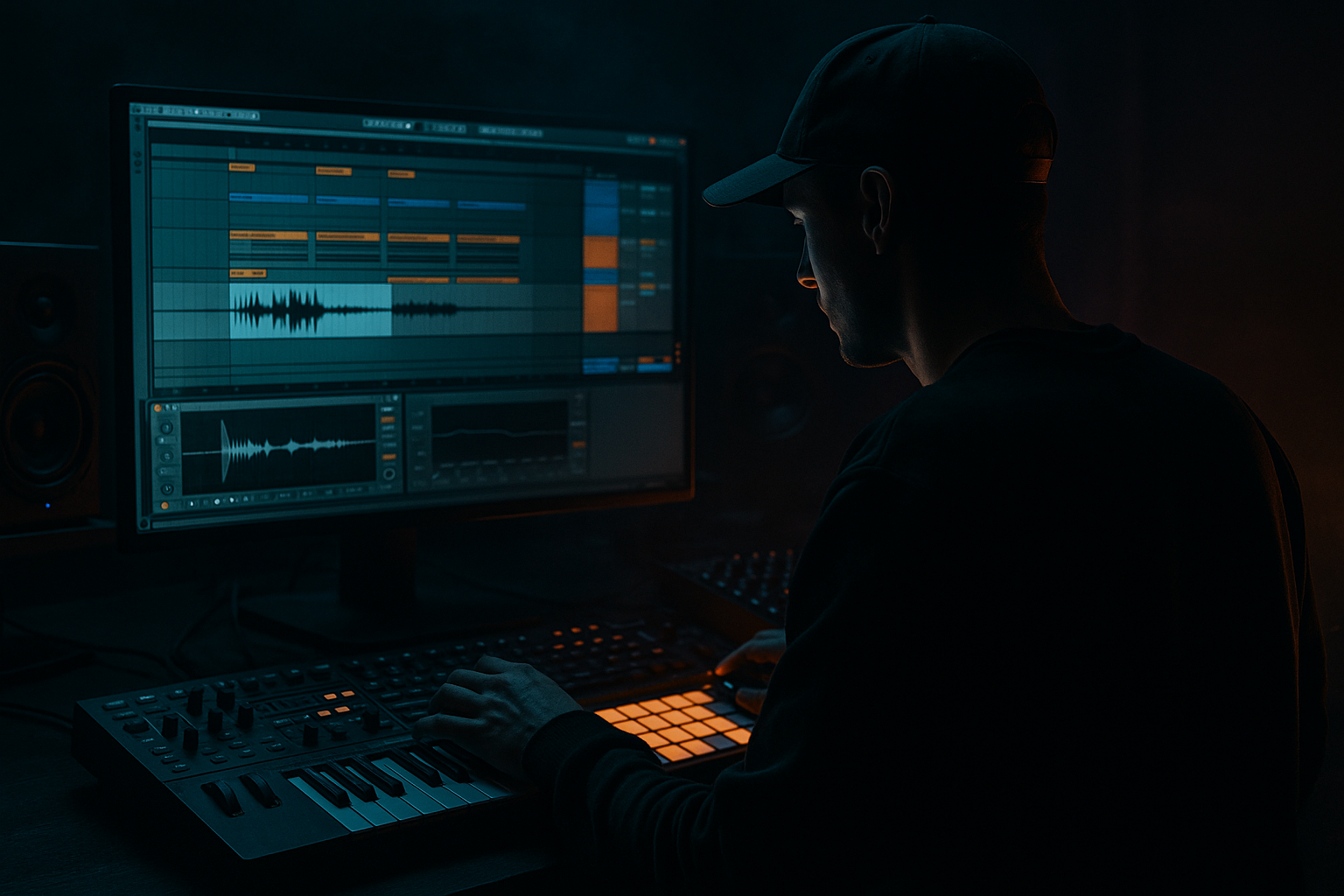
In this lesson, you’ll build a Midnight Amen jungle breakbeat edit in Ableton Live 12: a tight, dark, DJ-friendly drum & bass loop with that classic chopped-amen energy, but arranged in a way that feels current and ready for a proper drop. This sits right in the heart of DnB production because the break edit is often what gives a track its identity before the bass even hits.
For beginner producers, this is a huge win. Instead of trying to write a full tune from scratch, you’ll learn how to:
- slice and rearrange a breakbeat
- create variation with simple edits
- support the break with sub and atmosphere
- shape a short intro-to-drop arrangement that feels like a real DnB record
- a chopped Amen-style break with ghost notes and fill variations
- a sub bass that supports the groove without crowding the drums
- a dark atmosphere layer for tension
- a simple intro, build, and drop structure
- basic automation moves to make the edit feel alive
- Bars 1–4: filtered intro with atmosphere and light break fragments
- Bars 5–8: full break pattern appears, still restrained
- Bars 9–12: drop starts, sub bass enters, drums hit harder
- Bars 13–16: variation with a fill, then a DJ-friendly reset idea
- Over-chopping the Amen too early
- Letting the bass fight the break
- Too much reverb on drums
- Putting fills everywhere
- Ignoring low-end separation
- No real arrangement change between sections
- Use a slightly distorted break bus
- Resample your own edit
- Add call-and-response between drums and bass
- Use low-pass automation for tension
- Keep stereo width for higher layers only
- Try a small amount of clip gain editing
- Make one “signature” fill
- Start with a strong Amen-style break loop and keep the groove readable.
- Use small edits, ghost notes, and tiny dropouts to create motion.
- Add a simple mono sub bass that supports, not fights, the drums.
- Build a clear intro-to-drop arrangement with tension and release.
- Use Ableton stock devices like Drum Buss, EQ Eight, Auto Filter, Utility, Operator, and Wavetable to shape the sound.
- In DnB, the power is in the relationship between drums, bass, and space — not in overcomplicating the idea.
Why this matters: in jungle, rollers, and darker DnB, the drum programming is not just “drums in the background” — it’s the engine. A well-edited Amen break can carry tension, drive, and groove all by itself. The bassline then locks in around it. That interaction is what makes the track move. 🔥
---
What You Will Build
By the end, you’ll have a 16-bar arrangement idea built from:
The result should feel like a midnight jungle/DnB sketch: tight drums, low-end pressure, and enough space for a bigger arrangement later.
Musically, think of it like this:
This is a classic edits-first workflow: make the loop feel good, then arrange it into sections that create movement and tension.
---
Step-by-Step Walkthrough
1. Set up a clean DnB template
- Open Ableton Live 12 and create a new set.
- Set the tempo to 170 BPM as a solid beginner-friendly jungle/DnB starting point. If you want a slightly heavier, darker feel, stay around 172–174 BPM.
- Create four audio/MIDI tracks:
- Track 1: Breakbeat
- Track 2: Sub Bass
- Track 3: Atmosphere
- Track 4: FX / Fills
- Drop a Utility on the master or on your bass track later for mono checking.
- Keep your mixer simple. At this stage, clarity matters more than options.
Why this works in DnB: a fast tempo with a clean template helps you focus on rhythm and arrangement decisions instead of getting lost in track overload.
2. Choose or record your Amen-style break
- Drag a classic Amen-style break sample into an audio track.
- If it’s a full loop, make sure warp is enabled and that the loop locks properly to the grid.
- For beginner workflow, use Slice to New MIDI Track if you want to edit it like a drum kit. In Live 12, this is great for turning one break into multiple playable slices.
- If you want to keep it simple, you can also stay in audio and use Cmd/Ctrl + E to split the loop into smaller chunks manually.
A practical starting point:
- Keep the break loop at 2 bars
- Use the first kick/snare section as your core anchor
- Avoid over-chopping immediately; aim for a strong groove first
If the break feels too loose, use Warp > Beats and tighten the transient preservation a little. If it feels too stiff, let a few ghost hits breathe slightly off the grid.
3. Build a 1-bar edit pattern with clear drum roles
- In the MIDI slice track or audio edits, make a simple 1-bar loop.
- Arrange the break so the kick and snare stay readable, then place ghost hits around them.
- A beginner-friendly pattern approach:
- Keep the main snare strong on the 2 and 4 feel
- Use smaller chopped hats/fills between main hits
- Leave at least one tiny gap before a key snare to create bounce
Good stock devices and moves:
- Put Drum Buss lightly on the break track:
- Drive: around 5–15%
- Boom: low or off for now
- Transient: slightly up if the break needs more snap
- Add EQ Eight:
- high-pass gently around 25–35 Hz
- reduce muddy low-mids around 250–450 Hz if needed
Keep the break musical, not over-processed. The edit should still sound like a real drummer being rearranged, not a machine grid.
4. Create variation with tiny edits and ghost notes
- Duplicate your 1-bar break into 4 bars.
- In bar 2 and bar 4, change one or two hits:
- remove a kick for space
- shift a snare chop slightly earlier or later
- add a quick 1/16 pick-up before the main snare
- Use Clip Envelope or automation on volume if a slice needs to sit back in the mix.
- If using MIDI slices, lower the velocity on ghost notes to around 30–60 and keep main hits stronger at 90–120.
This is where the edit starts to feel like DnB rather than a loop. The groove comes from the contrast between strong hits and smaller punctuation.
Simple arrangement idea:
- Bar 1: basic groove
- Bar 2: add a small snare ghost
- Bar 3: remove one kick for tension
- Bar 4: add a fill into the next section
That kind of phrasing gives the break “conversation” and helps the drop breathe.
5. Add a sub bass that leaves room for the break
- Create a MIDI track and load Wavetable or Operator.
- For a beginner, Operator is perfect:
- set oscillator to a sine wave
- play long notes under the main groove
- Write a simple bassline with only 2–4 notes per bar at first.
- Keep the rhythm locked to the kick and snare. In darker DnB, the bass often answers the drums rather than constantly competing with them.
Suggested starting settings:
- Operator: sine wave, no fancy layering yet
- Amp envelope:
- Attack: 0–5 ms
- Release: 100–250 ms
- Saturator after Operator:
- Drive: 2–6 dB
- Soft Clip: on
Bass phrasing tip:
- Use shorter notes on busier break moments
- Use longer notes where the drums leave space
- Keep the sub mostly mono using Utility with Width at 0% if needed
Why this works in DnB: the sub doesn’t need to be busy to feel powerful. In fact, simple bass phrasing makes the drums hit harder and keeps the low end clean.
6. Shape the intro-to-drop arrangement
- Take your 4-bar edit and expand it into a 16-bar section.
- Use arrangement logic like this:
- Bars 1–4: filtered intro
- Bars 5–8: break comes in fuller
- Bars 9–12: bass drops in
- Bars 13–16: fill and reset
- Use Auto Filter on the break or atmosphere track:
- Intro cutoff around 200–600 Hz
- Open it gradually into the drop
- Add a Return track with Reverb for atmosphere tails, but keep it subtle and filtered.
For DJ-friendly structure:
- Leave a cleaner intro with fewer elements
- Keep the first drop readable
- Avoid packing too many fills in the first 16 bars
A useful context example: if you imagine this after a 32-bar mix intro in a set, the listener gets a clean transition into a dark, rolling drop without being overloaded.
7. Add atmosphere and tension without muddying the drums
- Create a simple atmosphere layer using a field recording, vinyl noise, or a dark pad from Analog or Wavetable.
- Process it lightly:
- EQ Eight high-pass at 150–300 Hz
- Auto Filter with slow movement
- Reverb with long decay but reduced low end
- Automate the atmosphere volume so it swells before the drop, then backs off when the drums and sub arrive.
Keep this layer behind the groove. The goal is tension, not distraction.
Good beginner rule:
- If you notice the atmosphere more than the break, it’s probably too loud.
8. Use basic automation to make the edit feel alive
- Automate the filter cutoff on the break or atmosphere for rises into each section.
- Automate the Dry/Wet of Reverb or Delay for one-hit fills before section changes.
- Automate Drum Buss Drive up slightly in the drop:
- for example, from 8% to 15% on the louder section
- If the bass needs more aggression in the drop, automate a little Saturator Drive or a small gain boost before a fill.
Try one strong automation move per section, not five. Beginner edits sound more pro when they stay focused.
A useful arrangement trick:
- Automate a short cut of the drums right before bar 9, then slam everything back in on the drop. That tiny contrast creates impact without needing a huge effect chain.
9. Do a quick mix balance and mono check
- Pull your master down so you have headroom.
- Aim for the combined track to peak comfortably below clipping while you work.
- Balance in this order:
1. drums
2. sub bass
3. atmosphere
4. FX
- Put Utility on the bass and check mono. In jungle and DnB, the sub should stay centered.
- If the break feels harsh, use EQ Eight to tame the bright top end slightly around 7–10 kHz or reduce a harsh ring around 2–5 kHz.
Keep the kick/sub relationship clear. If the kick disappears when the bass comes in, reduce sub note length or lower bass volume a touch before reaching for big EQ moves.
10. Render a short loop and listen like a DJ
- Loop the full 16-bar section.
- Listen for:
- Does the break groove without the bass?
- Does the bass still feel strong when the drums are busy?
- Does the drop clearly open up compared to the intro?
- If something feels flat, make one edit:
- a removed kick
- a ghost snare
- a filter move
- a one-beat fill
- Save the project as a reusable sketch for future tracks.
This is the real edits workflow: build a strong loop, then refine the groove and arrangement until it feels like a finished section.
---
Common Mistakes
- Fix: start with a strong 1-bar groove before trying complex edits. If the foundation is weak, the variation won’t save it.
- Fix: simplify bass rhythm, shorten notes, and keep the sub mono. Use fewer notes rather than more processing.
- Fix: use reverb on returns and filter the lows out. Big ambience is fine in DnB, but the kick and snare must stay punchy.
- Fix: leave space. In DnB, tension comes from contrast, not constant activity.
- Fix: high-pass non-bass elements, check kick and sub relationship, and keep the sub centered.
- Fix: remove, add, or reshape at least one element every 4 bars. Even a small change makes the track feel like it’s moving.
---
Pro Tips for Darker / Heavier DnB
- Put Drum Buss on a group track for your breaks and drive it lightly. This can add grime and forward motion without destroying transients.
- Once the break feels good, freeze/flatten or resample it into audio. Then chop the audio again for a tighter, more “designed” feel.
- Let the bass answer the break on the empty spaces. That dialogue is a classic dark DnB trick.
- Filtering the atmosphere or even the bass slightly before a drop creates a more cinematic release when everything opens up.
- Break, bass, and kick stay focused. Pads, FX, and noise can be wider. This keeps the mix powerful and club-safe.
- On individual break hits, lower or raise the level a little instead of over-processing with plugins. Small volume moves often sound more natural.
- A quick snare flam, reversed break hit, or one-beat stop can become the hook of your edit. Dark DnB often relies on memorable drum punctuation.
---
Mini Practice Exercise
Set a timer for 15 minutes and do this:
1. Load a classic Amen-style break and warp it cleanly.
2. Build a 1-bar loop with at least one ghost note.
3. Duplicate it into 4 bars and change one hit in bar 2 and bar 4.
4. Add a sine-wave sub bass in Operator with just 2 notes per bar.
5. Create a filtered intro by automating Auto Filter on the break or atmosphere.
6. Add one simple fill before the drop using a reversed hit, snare chop, or mute.
7. Listen once in loop, then make only one final adjustment.
Goal: finish with a rough 16-bar DnB edit that feels like a real sketch, not a random loop.
---
Recap
If you can make a 16-bar Midnight Amen edit feel good, you’re already building the core language of jungle and drum & bass production.

