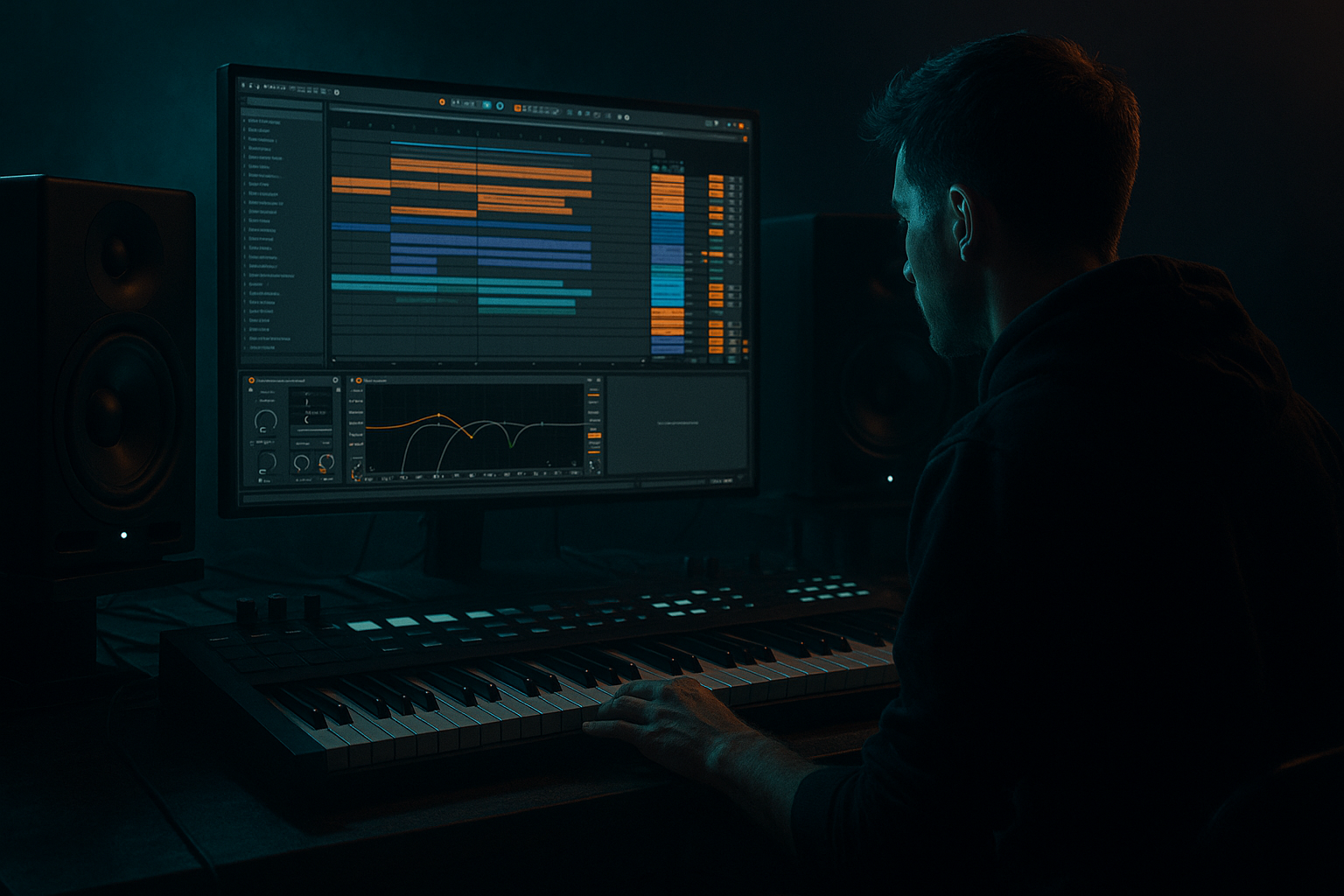
Main tutorial
Midnight Amen: Impact Compose for Sunrise Set Emotion in Ableton Live 12
1. Lesson overview
In this lesson, you’ll build a short, emotional “Amen impact” DJ tool for a sunrise set — something that hits hard enough for the club, but opens up into a hopeful, almost cinematic feeling right after the drop. Think drum and bass tension → amen slam → warm atmosphere → emotional lift 🌅🥁
This is not a full track. It’s a performance weapon: a 1–2 minute arrangement you can drop into a mix, use for live transitions, or repurpose into a longer tune later.
We’ll focus on:
- Amen break programming in Ableton Live 12
- Impact arrangement for DJ tools
- Sub + reese + atmospheres for sunrise emotion
- Stock Ableton devices and practical sound design
- Mix decisions that keep it heavy but uplifting
- Drum programming
- Basic audio/MIDI routing
- Using Ableton’s Session or Arrangement View
- Intro atmosphere: vinyl texture, distant pads, field noise, or reverb tail
- Amen-based drum drop: chopped break with punch and swing
- Low-end support: sub bass that follows the energy without overcrowding the break
- Emotional harmony: a simple minor-to-major color shift or suspended chord
- Impact transition: riser, reverse cymbal, snare roll, or filtered phrase
- DJ-friendly structure: clear intro, drop, breakdown, and exit points
- Dark at first
- Tense and rolling in the middle
- Opens up emotionally near the end
- Still firmly rooted in jungle / DnB energy
- Tempo: `172–174 BPM`
- Time signature: `4/4`
- Bars 1–8: intro / atmosphere
- Bars 9–16: drum tease / tension
- Bars 17–24: main amen impact drop
- Bars 25–32: emotional lift / DJ exit or second drop variation
- Kick
- Snare
- Closed hat
- Open hat
- Amen break sample
- Optional: rimshot, ride, crash
- Drum Rack
- Simpler
- EQ Eight
- Glue Compressor
- Saturator
- Transient shaping via Drum Buss
- Mode: `Slice`
- Slice by: `Transient`
- Sensitivity: adjust until major hits are separated cleanly
- kick hits
- snare hits
- ghost notes
- little cymbal tails and syncopation
- custom fills
- controlled variation
- space for emotional transitions
- Strong snare accents on the backbeat
- A few ghost notes before and after snares
- One or two extra kick hits for propulsion
- Strategic silences for weight
- Snare on 2 and 4
- Kick support around the snare
- Ghost hits to create movement
- Hat fragments to keep the top end alive
- Bar 1: sparse, tension-building
- Bar 2: fuller break variation with extra ghost notes
- Use velocity variation on ghost hits
- Slightly shift some slices late for human feel
- Leave gaps before big snare hits to make them hit harder
- Duplicate the pattern and create a second variation every 4 or 8 bars
- Add a light Swing from Groove Pool if needed
- Keep it subtle: around 54–58% swing feel, depending on your sample
- Don’t overquantize everything to the grid
- Tight sub/body
- Minimal tail
- Strong transient
- Sharp crack around `2–5 kHz`
- Some body around `180–250 Hz`
- Short room tail
- Operator
- Add Portamento/Glide if you want it to feel fluid
- Follow the chord movement
- Hold notes under the amen without stepping on the snare
- Leave space in the bar for impact moments
- EQ Eight
- Saturator
- Compressor or Glue Compressor
- Optional: Utility
- Osc 1: saw
- Osc 2: saw, slightly detuned
- Unison: 2–4 voices
- Filter: low-pass with moderate resonance
- Add a subtle LFO to cutoff for motion
- dark in the intro
- hopeful in the ending
- Minor chord progression with a lifted top note
- Suspended chords
- Relative major hint at the end
- Dorian mode colors for a hopeful-but-ominous feel
- i → VI → III → VII in a minor key
- Or hold a minor chord, then brighten the top note on the final phrase
- Am
- F
- C
- G
- Keep the chords filtered at first
- Add reverb and delay
- Slowly widen the stereo image in the final section
- Electric or Wavetable for chord stabs
- Echo for rhythmic space
- Reverb for atmosphere
- Auto Filter for intro filtering
- field recording or vinyl noise
- filtered pad
- reversed cymbal
- distant chord wash
- low-passed amen fragments
- Open the filter slowly
- Increase reverb send
- Bring in faint amen hits
- Let one chord swell toward the first drop
- snare build
- reverse crash
- short tape stop or filtered silence
- quick fill from the amen slices
- Drum Buss on the build snare
- Auto Pan on noise risers
- Reverb freeze-style tail from a send
- Simpler for reversed hit playback
- Utility for a brief stereo collapse before the drop
- Atmosphere only
- Filtered pad
- Light percussion hints
- Amen tease
- Sub enters softly
- Short fills and risers
- Full impact drop
- Amen lead rhythm
- Sub bass locks in
- Reese opens up
- Emotional lift
- Chords brighten
- Extra cymbals
- Exit groove or alternate drop
- Leave at least one section with drums only
- Keep the intro and outro relatively simple
- Make sure the main hook is identifiable within 8 bars
- Don’t overuse fills every bar
- Glue Compressor
- Saturator
- EQ Eight
- Keep kick and sub in check
- Use Utility to mono sub frequencies
- Sidechain bass lightly if the kick needs more space
- Don’t let amen hats slice your ears off
- If the break is too bright:
- Use sends
- High-pass reverb returns
- Keep the drums dry enough to stay powerful
- sub for half a bar
- hats before the snare
- reese on the transition
- Operator
- Sampler
- Drum Buss for punch
- intro build
- second-drop escalation
- sunrise emotional lift
- Saturator with soft clip
- Overdrive for aggressive midrange
- Drum Buss drive on drum groups
- slight swing
- velocity variation
- reversed fragments
- occasional fill bars
- 1 amen break track
- 1 sub bass track
- 1 pad or chord track
- 1 impact FX track
- Bars 1–4: filtered intro
- Bars 5–8: amen tease
- Bars 9–12: full impact
- Bars 13–16: emotional lift
- The sub should play no more than 4 notes
- The amen must have at least 2 variations
- The ending must include a filter or harmony change
- Use at least 3 stock Ableton devices
- Set a 174 BPM DnB grid
- Slice and program an Amen break with variation
- Reinforce with kick, snare, and subtle hats
- Add a controlled sub and optional reese
- Use atmosphere and harmonic movement to create sunrise emotion
- Arrange it like a DJ tool: clear, mixable, and powerful
You should already be comfortable with:
---
2. What you will build
You’ll create a sunrise-ready DnB impact tool with:
Target vibe
---
3. Step-by-step walkthrough
---
Step 1: Set the project tempo and sketch the grid
Set your project to:
For sunrise emotional DnB, 174 BPM is a great default. It feels active, but still leaves room for groove and atmosphere.
#### Arrangement target
Build around 32 bars total:
If you’re making this as a DJ tool, keep the structure clean and mixable. Don’t overcomplicate the arrangement.
---
Step 2: Create a foundational drum rack
Create a Drum Rack and load these elements:
If you have a clean amen sample, great. If not, use a break with similar character and slice it.
#### Stock Ableton devices to use:
---
Step 3: Slice the Amen break for control
Drag the Amen break into Simpler and use:
This gives you individual slices for:
#### Why slice it?
Because in sunrise-impact writing, you want the amen to feel performed, not just looped. You need:
#### Good starting move:
Put the sliced amen on a MIDI track and build a 2-bar loop with:
Keep the groove rolling, not crowded.
---
Step 4: Build the core amen pattern
Start with a classic DnB backbone:
Example approach:
#### Practical programming tips
#### Groove settings
In Ableton:
Jungle energy comes from controlled messiness 🥁
---
Step 5: Layer in a punchy kick and snare
Even if the amen already contains kicks and snares, many DnB productions benefit from a reinforcement layer.
#### Kick layer
Use a short kick with:
Chain:
1. EQ Eight
- Cut mud around `200–400 Hz`
- Keep sub under control
2. Saturator
- Soft clip or gentle drive: `1–3 dB`
3. Drum Buss
- Slight drive and transient emphasis
#### Snare layer
Choose a snare with:
Chain:
1. EQ Eight
- Remove low rumble below `120 Hz`
2. Drum Buss
- Add crack with transient control
3. Reverb on a send, not inline, for better mix control
Keep this layer subtle. You’re enhancing the amen, not replacing it.
---
Step 6: Design the sub bass
For sunrise emotion, the bass needs to be solid but not constantly aggressive.
Create a MIDI track with Operator or Wavetable.
#### Recommended sub sound:
- Oscillator A: sine
- Turn off unnecessary oscillators
- Filter: off or very mild low-pass
#### Sub pattern
Use a minimal root-note pattern:
#### Processing chain
- Cut above `120–150 Hz` if it’s purely sub
- Very light drive to make it audible on smaller systems
- Sidechain to kick if needed
- Mono below `120 Hz`
#### Important
Don’t make the sub too busy. In a DJ tool, sub should support the feeling and preserve headroom.
---
Step 7: Add a reese or mid-bass for motion
A sunrise set impact tool often needs a mid-bass gesture that creates emotional lift without becoming full neuro aggression.
Use Wavetable or Analog to create a reese:
#### Basic reese setup in Wavetable
#### Processing chain
1. EQ Eight
- High-pass around `80–120 Hz` to leave room for sub
2. Saturator
- Add grit
3. Chorus-Ensemble
- Very subtle width
4. Auto Filter
- Automate cutoff for intro-to-drop movement
5. Utility
- Keep mono safety in check
For a sunrise vibe, let the reese open up gradually over 8 or 16 bars.
---
Step 8: Create emotional harmony
This is where the “midnight amen” becomes a sunrise tool 🌅
You want a simple harmonic idea that feels:
#### Strong harmonic options:
#### Easy practical option
Use one of these moves:
For example in A minor:
This progression works well if you:
#### Stock devices to use
---
Step 9: Build the intro atmosphere
The intro is essential for a DJ tool. It should be mixable and emotionally suggestive.
Layer:
#### Practical chain for atmosphere
On a pad or texture track:
1. Auto Filter
- Cutoff low at the start
2. Reverb
- Long decay, medium size
3. Echo
- Filtered repeats
4. Utility
- Narrow the width if it feels too wide
5. Optional Redux
- Very subtle for digital grain
#### Automation idea
Over the first 8 bars:
This creates anticipation without spoiling the drop.
---
Step 10: Design the impact moment
The “impact compose” part means the drop has to feel like a moment, not just a loop.
#### On the transition bar before the drop:
Use:
#### Great Ableton devices for impact
#### Transition formula
1. Filter out the drums
2. Add a rising snare roll
3. Chop the amen into a fill
4. Remove bass for half a bar
5. Slam the main drop back in
That contrast is what makes the impact feel huge.
---
Step 11: Arrange the DJ tool for mixability
A good DJ tool has clear sections and usable mixing spaces.
#### Suggested arrangement blueprint
Bars 1–8
Bars 9–16
Bars 17–24
Bars 25–32
#### DJ-friendly tips
---
Step 12: Mix the track so it hits clean
For heavy DnB, the mix needs to be tight and spacious.
#### Drum bus
Use a Drum Bus or group processing:
- Light compression, 1–2 dB gain reduction
- Add mild harmonics
- Tame harsh highs if needed
#### Low end
#### High end
- cut a little around `7–10 kHz`
- or soften with EQ Eight and saturation rather than drastic EQ
#### Reverb discipline
---
4. Common mistakes
1. Overcrowding the amen
If every hit is loud, the break loses groove.
Fix: Keep ghost notes low in velocity and remove unnecessary layers.
2. Too much bass under the break
A rolling amen needs breathing room.
Fix: Simplify the sub and high-pass your mid-bass.
3. Flat drum programming
A loop with no variation feels lifeless.
Fix: Make at least 2 or 3 break variations across 32 bars.
4. Harsh top end
Amen hats can get brittle fast.
Fix: Use gentle EQ, saturation, or transient control instead of just turning it down.
5. No emotional contrast
If the whole piece is dark and heavy, it won’t feel like a sunrise set tool.
Fix: Add an opening section, harmonic lift, or brighter ending.
6. Too much reverb on drums
This can destroy the impact.
Fix: Keep drums fairly dry and put space on sends only.
---
5. Pro tips for darker/heavier DnB
Tip 1: Use negative space like a weapon
The heaviest moments often come from what you remove, not what you add.
Try muting:
Tip 2: Layer a low-frequency impact
For a darker version, add a sub drop or low tom hit at the drop.
Devices:
Tip 3: Automate tension on the reese
Use Auto Filter or Wavetable filter cutoff to slowly open the bass line.
This is great for:
Tip 4: Use distortion carefully
For heavy DnB, saturation can add urgency without flattening the mix.
Try:
Tip 5: Make the amen breathe
Even dark jungle tools need motion.
Use:
---
6. Mini practice exercise
Build a 16-bar sunrise amen impact loop in Ableton Live 12.
Requirements
Use:
Structure
Constraints
Goal
Make it feel like something you could actually drop in a DJ set between a dark roller and a more uplifting tune.
---
7. Recap
You just built the framework for a Midnight Amen impact compose in Ableton Live 12:
The key idea
For sunrise set emotion, the track should feel like:
darkness resolving into light without losing the weight 🌅
If you want, I can also turn this into:
1. a MIDI note-by-note drum grid example,
2. a track template for Ableton Live 12, or
3. a version tailored to liquid / rollers / neuro-jungle.

