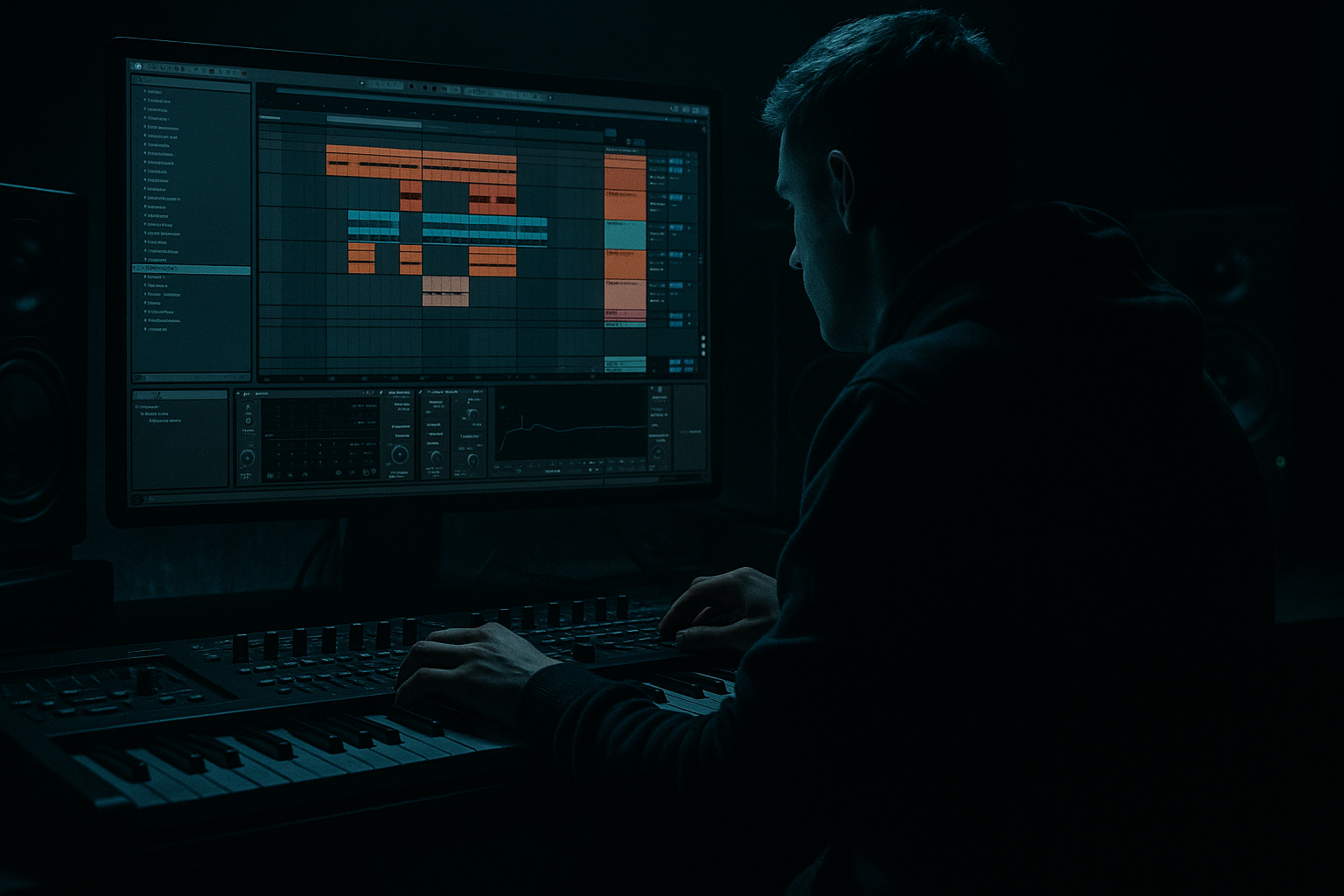
Main tutorial
Lesson Overview
The Midnight Amen framework is a dark DnB writing method built around one core idea: take a classic hoover stab energy and carve it into a more controlled, modern, roller-friendly shape inside Ableton Live 12. Instead of letting the sound dominate the mix, you sculpt it to sit between the drums, sub, and space FX, so it behaves like a rhythmic weapon rather than a wall of noise.
This matters in Drum & Bass because a good hoover stab can do three jobs at once:
1. Add aggression and identity in the midrange
2. Lock into groove like a syncopated percussion layer
3. Create arrangement movement for drops, switch-ups, and fills
In a classic jungle or darker roller context, you don’t want the stab to just “play chords.” You want it to stab, carve, and breathe around the breakbeat and sub. That means:
- tight note lengths
- controlled stereo width
- careful filtering and saturation
- envelope shaping so the stab leaves room for the kick, snare, and ghost notes
- a mono-friendly midrange hoover stab
- a carved version with filtered movement
- a resampled variation for fills and switch-ups
- a groove-locked MIDI pattern that works over an amen loop, break edit, or rolling drum pattern
- a mix-ready chain with saturation, EQ shaping, stereo control, and automation points
- roller drops where the stab punctuates the groove
- jungle-inspired sections where it answers the break
- neuro-leaning darker bass tracks where it acts like a rhythmic hook
- DJ-friendly breakdowns where the stab helps tension build before the drop
- Too much low end in the stab
- Stab is wide but weak
- Fighting the snare
- Overdoing distortion
- No groove relationship
- Too many moving parts
- Layer a very quiet noise transient
- Use ping-pong delay sparingly
- Try a parallel dirt bus
- Automate resonance into fills
- Pair the stab with a bass answer
- Use clip gain and velocity creatively
- Resample through the full drum bus
- Build the sound with Wavetable or Analog
- Keep it tight, mid-focused, and mono-safe
- Carve space with EQ Eight and Auto Filter
- Add controlled weight with Saturator and light compression
- Make the phrasing work with the drums and snare
- Use automation and resampling to create tension and variation
- Always check the stab against the sub and breakbeat, not in solo
The “Midnight Amen” part of the framework suggests a moody, late-night atmosphere: broken amen-style drum energy, a dark harmonic stab, and lots of tension from space and restraint rather than constant density. This lesson shows you how to build that sound in Live 12 using stock devices and a practical DnB workflow.
What You Will Build
By the end of this lesson, you’ll have a tight hoover stab rack designed for dark Drum & Bass grooves:
Musically, the result will sit well in:
Think of it as a call-and-response tool: drums say something, sub answers, and the hoover stab adds a sharp emotional edge without cluttering the low end.
Step-by-Step Walkthrough
1. Set up a focused DnB writing lane
Start with a clean Ableton Live 12 session at 174 BPM. Build a basic loop first:
- 1 bar or 2 bars of drums
- sub bass on a simple root note
- a short atmospheric bed or noise texture
- one MIDI track for the hoover stab
Use an Audio Effect Rack or a grouped track layout so your stab chain is easy to manage later. If you’re working from a template, place the stab track near your drums and bass tracks so you can hear balance decisions immediately.
Why this works in DnB: the groove is everything. If your stab works in a stripped 2-bar loop, it’ll usually work in the full arrangement. If it only sounds good soloed, it’s not ready.
2. Create the hoover source with an Ableton stock synth
Use Wavetable or Analog to make the raw hoover tone. For a modern dark DnB stab, Wavetable gives you strong control.
A solid starting patch:
- Oscillator 1: saw wave, unison on, moderate detune
- Oscillator 2: square or saw, slightly lower level
- Unison amount: around 2 to 5 voices
- Detune: keep it controlled, roughly 5–15%
- Filter: low-pass or band-pass depending on how sharp you want the stab
- Filter envelope: short attack, medium-decay snap
Add a little Noise if you want more bite. If you use Analog, keep the oscillator mix simple and rely on filter movement plus distortion for character.
For a proper hoover vibe, the sound should feel wide and animated, but still aggressive. Don’t overbuild the patch. In DnB, a lean source often sits better than a huge one.
3. Shape the stab with a short MIDI phrase
Program a 1-bar or 2-bar MIDI pattern that leaves space for the drums. Keep it syncopated rather than constant.
Try this kind of phrasing idea:
- stab hits on the “and” of 1
- a second stab just before or after the snare
- one delayed response hit in bar 2
- a final pickup note into the next phrase
Use note lengths around 1/16 to 1/8, depending on how percussive you want it. Shorter notes make it feel more like a stab; slightly longer notes add menace and sustain.
Musical context example: if your snare lands on beat 2 and 4, place your main stab just before the snare or immediately after it. That creates a push-pull effect with the break, which is a classic DnB groove move.
4. Carve the sound with EQ Eight and Auto Filter
Now make the hoover “framework-ready” instead of just loud. Add EQ Eight first.
Suggested EQ move:
- High-pass around 120–180 Hz to get it out of the sub region
- Cut muddy buildup around 250–500 Hz if the stab feels boxy
- Make a small presence boost around 1.5–4 kHz if it needs more attack
- Tame harsh peaks around 6–9 kHz if it gets spitty
Then add Auto Filter for movement:
- Use a low-pass or band-pass
- Modulation amount subtle, not extreme
- Automate cutoff to open slightly during fills and drop back during dense drum sections
Keep the stab out of the sub’s way. In DnB, low-end separation is non-negotiable. The stab should live in the mids and upper mids while the sub stays clean, stable, and centered.
5. Add controlled distortion and compression
Insert Saturator after EQ or before, depending on taste. For darker DnB, modest saturation usually wins over heavy clipping.
Good starting settings:
- Drive: 2 to 6 dB
- Soft Clip: on
- Output: trim to match level
Then use Compressor or Glue Compressor to tighten the stab’s shape:
- Attack: 10–30 ms for some punch
- Release: 50–120 ms to keep it lively
- Ratio: light to moderate, around 2:1 to 4:1
If the stab is too pokey, increase attack slightly. If it feels too flat, ease off compression and let the envelope do more work.
Why this works in DnB: the distortion gives the hoover harmonics enough density to cut through breakbeats, while compression helps it feel like one solid rhythmic object instead of a messy synth cloud.
6. Make it groove with the drums
This is where the framework becomes DnB-specific. Your stab must interact with the groove, not just sit on top of it.
Try these workflow moves:
- Use Ableton Groove Pool with a swung break groove if your track leans jungle/roller
- Slightly shift the stab off-grid by a few milliseconds if it needs more human feel
- Duplicate the MIDI clip and create a second version with different note placements for alternate bars
- Add ghosted low-velocity notes before the main stab to imply momentum
For example, if the drums are rolling hard, make the main stab hit on the offbeat after the snare and then answer with a shorter stab at the end of the bar. That creates call-and-response without stepping on the kick-snare foundation.
Keep an eye on timing with the kick and snare transients. If the stab masks the snare crack, move it slightly later or shorten the note.
7. Control stereo width and mono compatibility
Hoovers can get wide fast, which is useful, but dark DnB needs discipline. Add Utility and test mono early.
Suggested approach:
- Keep the low mids fairly narrow
- Let only the upper harmonics feel wide
- Use Utility width at around 70–100% depending on the mix
- Switch to mono occasionally to make sure the stab still has body
If you want extra width without losing center focus, use Chorus-Ensemble very lightly or a subtle Auto Pan set extremely slow and shallow. But don’t let the stereo motion obscure the rhythm.
For a heavier track, a mono-compatible stab often sounds more powerful because it hits the listener like a solid block instead of a fog bank.
8. Resample a variation for fills and switch-ups
Once the core stab works, bounce it to audio or resample it to a new track. This is key for modern DnB arrangement.
Use your resampled version to:
- reverse the tail into a transition
- slice the stab into rhythmic fragments
- pitch one hit down for a heavier answer phrase
- add a filtered echo in a 2-bar buildup
Ableton workflow:
- Resample the stab track or freeze/flatten
- Slice to a new MIDI track if you want chop-based edits
- Use Simpler in Slice mode for quick re-triggering
This gives you a more “produced” and less loop-static result. In a track with amen edits or evolving rollers, resampled stab chops help the arrangement feel alive.
9. Automate tension and release across the phrase
Add automation to make the stab evolve over 8 or 16 bars. Useful targets:
- Auto Filter cutoff
- Saturator drive
- Reverb send
- Delay amount
- Wavetable filter envelope amount
A strong arrangement idea:
- bars 1–4: dry, tight stab
- bars 5–8: slightly more cutoff opening and a touch of delay
- bars 9–12: add more resonance or drive
- bars 13–16: strip it back for a breakdown or drop reset
Keep automation subtle enough that the groove remains the focus. In darker DnB, tension often comes from what you remove, not just what you add.
10. Place it in a track section with a clear job
Use the hoover stab with intention. Don’t let it appear randomly.
Strong placement examples:
- Drop A: stab appears every 2 bars as a hook
- Drop B: stab becomes more active, answering fills and snare pickups
- Breakdown: filter it down and delay it into the air before the drop
- Intro: use short, filtered stab hits under vinyl noise or atmospheres for DJ-friendly tension
In an amen framework, the stab often works best as a midrange punctuation mark during the busiest drum moments. It can also help “announce” a new drum edit or bass variation.
When the arrangement is moving from sparse to intense, let the stab gradually become more present. That gives the listener a sense of escalation without needing a whole new sound every 8 bars.
Common Mistakes
- Fix: high-pass it harder with EQ Eight, usually above 120 Hz, sometimes higher.
- Fix: narrow the body with Utility, keep the core mono, and let only the upper harmonics spread.
- Fix: shorten the MIDI notes, shift timing slightly, or carve a small EQ dip around the snare’s key presence zone.
- Fix: use Saturator more like glue than destruction. If the stab turns fizzy, reduce drive and manage highs with EQ.
- Fix: place stab hits relative to snare accents and drum fills, not just on the grid.
- Fix: start with one strong stab phrase, one variation, and one automation lane. Build from there.
Pro Tips for Darker / Heavier DnB
- Use Operator or Wavetable noise, or just a filtered noise burst, to add attack without more pitch content.
- A tiny delayed echo on only the last stab of a phrase can create a huge sense of space. Keep feedback low so it doesn’t blur the drop.
- Duplicate the stab to a return or parallel track, distort it hard, then blend in just enough for grime. Keep the main track cleaner.
- A small resonance lift before a switch-up can make the stab scream without changing the notes.
- Let the stab hit, then have the reese or growl reply half a beat later. That call-and-response feels very alive in neuro and darker rollers.
- Make accented hits louder and brighter, and ghost hits softer and more filtered. It makes the phrase feel performed.
- If the stab needs more attitude, try bouncing it with the drum ambience or a bus chain. That can glue it into the track in a very authentic way.
Mini Practice Exercise
Spend 15 minutes building a Midnight Amen-style stab groove:
1. Set tempo to 174 BPM
2. Create a 2-bar drum loop with kick, snare, and a simple amen edit or roller break
3. Build a hoover patch in Wavetable or Analog
4. Write a 2-bar MIDI stab phrase with at least 3 off-grid or syncopated hits
5. High-pass the stab and add light Saturator drive
6. Add one automation lane for filter cutoff or reverb send
7. Duplicate the clip and make one alternate version:
- one brighter
- one darker
- or one with a reversed pickup
8. Solo-check in mono with Utility, then listen in the full mix
9. Resample one bar and slice it into 4–8 audio hits for a fill
10. Play the loop and ask: does the stab support the groove, or is it trying to dominate it?
Goal: end with a stab that feels rhythmic, controlled, and menacing—not just loud.
Recap
The Midnight Amen framework is about turning a hoover stab into a groove tool for dark Drum & Bass.
Key takeaways:
If your stab feels like it belongs to the drums instead of sitting on top of them, you’ve nailed the framework.

