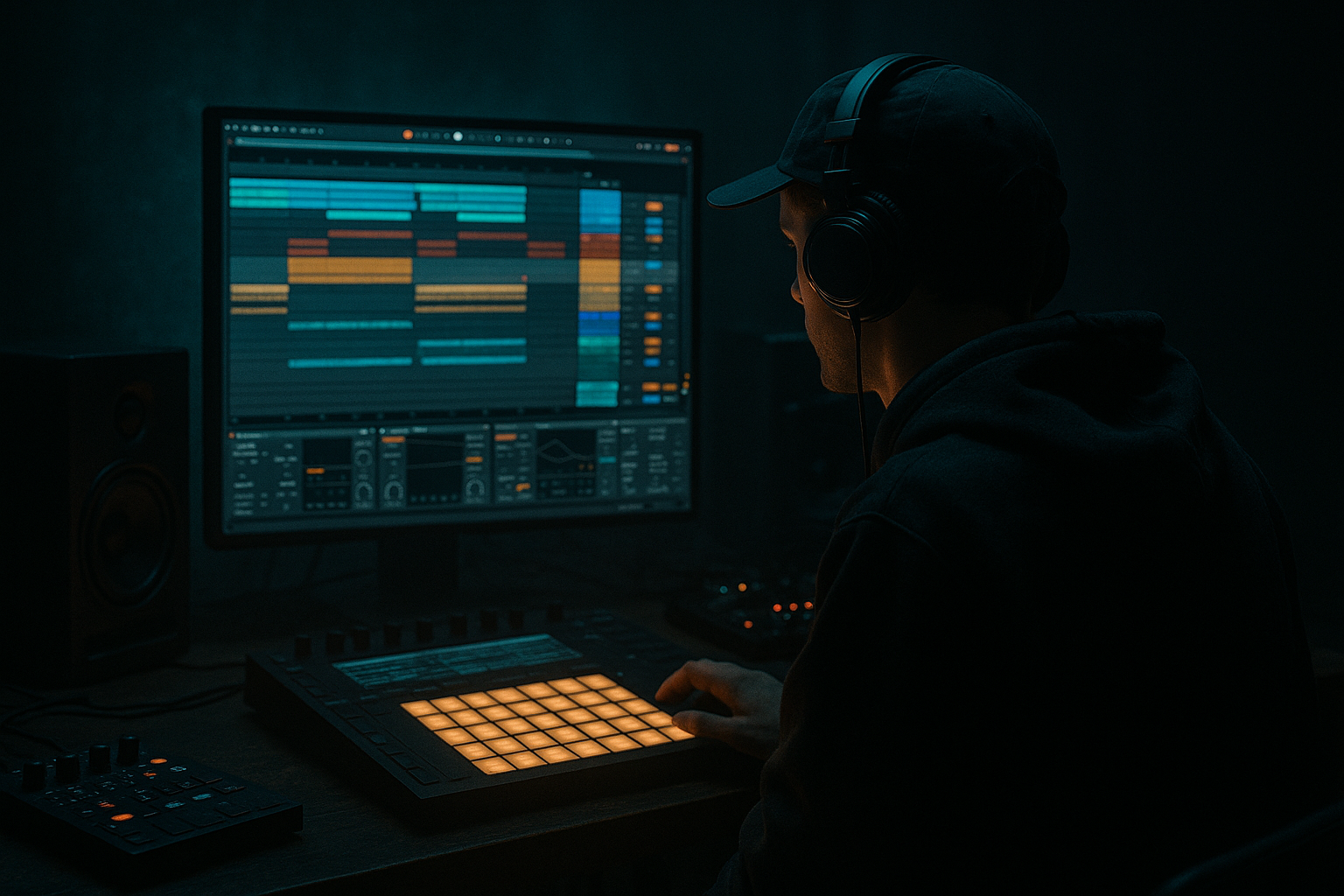
Main tutorial
Lesson Overview
The “Midnight Amen” approach is about taking a classic jungle amen break vibe and pushing it into a darker, heavier DnB direction using an 808 tail drive: a subby, slightly distorted low-end sustain that follows or supports the break and gives the groove extra pressure. In Ableton Live 12, this is especially powerful for oldskool jungle and rollers because you can build tension from sampling, resampling, and careful low-end shaping without losing the raw break feel.
This lesson is focused on one practical goal: turn a chopped amen-led groove into a deeper, more menacing loop by adding an 808 tail that sounds intentional, musical, and mix-ready. You’ll learn how to make the bass tail feel like part of the break rather than something pasted on top.
Why this matters in DnB: jungle and oldskool DnB often live or die on the relationship between the drums and the bass tail. If the sub is too clean, it can feel sterile. If it’s too long or too distorted, it eats the break. The “Midnight Amen” method gives you that sweet spot: the tail reinforces the swing, creates weight under the snare hits, and adds that late-night warehouse pressure without flattening the groove.
---
What You Will Build
By the end of this lesson, you’ll have:
- A chopped amen break with enough space for a bass tail to breathe
- A sampled 808-style tail that follows the break rhythm
- A dark, controlled low-end drive using Ableton stock devices
- A groove that feels like oldskool jungle pushed through a modern darker DnB lens
- A simple arrangement idea for a DJ-friendly intro, drop, and switch-up
- A reusable workflow you can apply to rollers, jungle edits, and heavier halftime sections too
- Making the 808 tail too long
- Letting the bass have stereo width
- Over-distorting the sub
- Forgetting to carve space in the break
- Programming the tail on every beat
- Ignoring resampling
- Add a tiny bit of pitch envelope drop to the 808 tail for a harder attack. Keep it subtle: 1–3 semitones is often enough.
- Use Drum Buss on the break bus, not just the bass, if you want the whole groove to feel more compressed and forward.
- Put Auto Filter before Saturator on the tail if you want to darken the harmonics before distortion.
- Use a second very low velocity MIDI note an octave above the sub in rare moments to create tension, then remove it on the next bar.
- Resample the tail with a short room reverb printed in, then chop that version as a special transition layer.
- For more menace, automate a brief reduction of bass level before the snare hit, then bring it back immediately after. That tiny drop can feel huge in a club.
- If you want a more neuro-leaning edge while keeping the jungle root, add a quiet mid-bass layer from Operator or Wavetable, but keep the 808 tail as the anchor.
- Check the loop at low monitoring volume. If the relationship between break and bass still feels strong, the mix is probably working.
- The Midnight Amen approach blends an amen break with a controlled 808 tail drive for darker jungle energy.
- Keep the break lively, the bass mono and focused, and the tail rhythm responsive, not constant.
- Use Ableton stock tools like Operator, Simplle/Simpler, Drum Rack, EQ Eight, Saturator, Drum Buss, Utility, Auto Filter, and resampling.
- The strongest results come from sampling discipline, space management, and arrangement contrast.
- If the groove feels raw, deep, and slightly menacing without losing drum clarity, you’ve nailed it.
The finished result should feel like a loop where the amen hits do the talking in the mids/highs, while the 808 tail carries sub weight underneath. Think: gritty break energy, but with a strong subterranean pulse that locks the listener in.
---
Step-by-Step Walkthrough
1. Start with an amen break and set your project around the groove
Drag a clean amen sample into an audio track. If you have a full break, slice it into a Drum Rack or keep it as audio and warp it lightly. For this style, the break should feel human and loose, not hyper-quantized.
In Ableton Live 12:
- Set the project tempo between 162 and 174 BPM
- Turn Warp on for the break, but keep it subtle
- If the break drifts, use Beats mode with transient preservation
- Try a groove from Ableton’s Groove Pool, but keep the amount modest: 15–35%
The aim is to preserve that raw jungle push-pull. Don’t overcorrect the swing.
Why this works in DnB: the amen already carries energy in the mids and transient detail. If you force it rigid, the bass tail has less room to feel organic. Leaving a little movement gives the 808 tail a more convincing relationship to the drums.
2. Build the core drum edit before adding the bass tail
Make a 1-bar or 2-bar loop from the amen and edit it so the kick-heavy hits and snare accents are clear. This is where the sampling mindset matters: you are not just looping a break, you are composing with fragments.
Practical moves:
- Slice the amen at transients and rearrange the hits to create a repeatable groove
- Keep a strong snare on the 2 and 4 equivalent phrasing points
- Add ghost notes, tiny hat fragments, or reversed bits for forward motion
- Use Simpler if you want quick chop playback, or keep it as audio if you want more “break preservation”
Stock devices that help here:
- Drum Rack for organizing slices
- Simpler for one-shot or slice-based playback
- Gate if you want to tighten a noisy break section
- EQ Eight to cut unnecessary low end from the break
For this style, high-pass the break lightly around 80–120 Hz if the sample has too much low-end junk. Keep the sub lane reserved for the 808 tail.
3. Create a dedicated 808 tail instrument track
Add a new MIDI track and load Operator or Drift for the tail source. For a classic 808-style sub tail, Operator is especially fast because you can make a stable sine-based body with easy envelope control.
A strong starting point in Operator:
- Oscillator A: sine wave
- Sustain: full or near-full
- Decay: 250 ms to 700 ms depending on how long you want the tail
- Add a slight pitch envelope if needed, with a very quick drop of 1–5 semitones for a punchy start
If you want a dirtier source, layer in a second oscillator very quietly:
- Oscillator B: low-level saw or square
- Filter it hard so it only adds edge in the upper bass
Keep the tail simple first. The goal is not a full bassline yet. It’s a tail drive: something that gives each important drum phrase a subby aftershock.
4. Program the tail rhythm to answer the break
This is where the “Midnight Amen” character comes alive. Don’t make the 808 tail play constantly. Make it answer the break, especially after key snare moments, kick accents, or chopped amen fills.
Try these MIDI approaches:
- Place a short low note right after the main snare hit
- Use longer notes under a two-hit break variation to create tension
- Let the tail drop out before busy fills so the break can breathe
- Use call-and-response phrasing: break says something, tail responds underneath
Suggested note behavior:
- Tail length: 1/8 to 1/4 note for faster rollers
- Tail hold: longer on drop-down moments, shorter on busy edits
- Velocity variation: subtle, around 10–25 points difference for movement
If the bass feels too obvious, simplify the pattern. In jungle and oldskool DnB, restraint often sounds heavier than overplaying.
5. Shape the 808 tail with stock devices for drive, not mud
Now make the tail hit with purpose. A clean sub is not enough; it needs controlled grit and focus. Use Ableton’s stock devices in this order:
- EQ Eight: cut unnecessary highs, often low-pass around 120–250 Hz if the source is too clicky
- Saturator: use Soft Clip on; start with Drive around 2–6 dB
- Drum Buss: use Drive lightly and keep Boom low if the sub gets too wooly
- Compressor or Glue Compressor: tame peaks if the tail is inconsistent
If you want more aggression, use Saturator before Drum Buss. If you want the tail to feel rounded and “breathed in,” use lighter saturation and more envelope control.
A good target:
- Saturator Drive: 3–5 dB
- Drum Buss Drive: 5–20%
- Drum Buss Boom: very subtle, often 0–10%
- EQ low-pass: only if the tail has unwanted harmonics
Be careful not to over-distort the sub region. The darkness comes from density and pressure, not from turning the low end into fuzz.
6. Resample the tail with the break for cohesion
This is a powerful sampling move. Route the break and 808 tail to a return or group bus, or simply resample them together into a new audio track. This creates a unified “Midnight Amen” print where the tail feels glued to the break.
Do this:
- Create a new audio track set to record the drum+bass group
- Record 1–2 bars of the groove
- Consolidate the best take
- Re-chop the resampled audio if you want a more personalized pattern
Then process the resampled loop lightly:
- EQ Eight for cleanup
- Transient shaping with Drum Buss if the hits need more snap
- Utility to check and control width
Why this works in DnB: resampling forces the drums and bass to interact naturally. Instead of separate parts fighting each other, you get a finished-sounding loop with a single rhythmic identity. That’s exactly the kind of cohesion oldskool jungle records often had.
7. Lock the low end in mono and balance it against the break
The sub tail must stay centered. Use Utility on the 808 tail track and set Width to 0% for the low band if needed, or keep the whole tail mono. If you’re using any stereo effect on the bass, audition it carefully and probably remove it.
Mix checks:
- Put Utility on the master and use mono to test
- Make sure the kick/snare energy still cuts through when summed
- Use EQ Eight to notch harsh frequencies in the break if the bass feels masked
- Sidechain lightly if needed, but don’t over-pump unless that is the intended vibe
Practical settings:
- Low-end headroom: keep the master peaking comfortably below clipping
- Bass tail level: aim for it to feel felt more than heard
- Kick/bass balance: the tail should support, not replace, the drum punch
If the tail disappears in mono, it’s usually not sub-focused enough or it has too much stereo processing.
8. Automate tension for arrangement and switch-up energy
A great oldskool DnB loop is only half the job. Give it arrangement movement so it works in a full track.
In Session or Arrangement View, automate:
- 808 tail filter cutoff using Auto Filter
- Saturator Drive for a lift into the drop
- Reverb send on the break for a short transition moment
- Tail note length or MIDI density for a drop switch-up
Arrangement idea:
- Intro: filtered amen fragments, no full tail yet
- First drop: break + restrained 808 tail
- Midsection: remove the tail for 2 bars, then bring it back with more drive
- Breakdown: strip to the tail and one amen snare for tension
- Final drop: resampled version with extra ghost notes or a slightly nastier tail
This gives your track a real journey instead of a static loop.
9. Add atmosphere and ear candy without stealing the groove
To enhance the “midnight” feeling, add subtle texture around the loop rather than over it.
Good stock options:
- Reverb on a return for short room ambience
- Echo very lightly for dubby movement on transitions
- Hybrid Reverb if you want a darker space, but keep it restrained
- Field recordings, vinyl noise, or sampled ambience placed low in the mix
Use these as accents:
- A short reversed hit before a snare fill
- A filtered noise sweep into a drop
- A tiny delay throw on a break fragment at phrase ends
Keep the atmosphere under the drums, not above them. The break should still sound like the lead character.
10. Freeze the groove into a reusable sampled loop
Once the balance feels right, print the loop again and store it as a sample pack inside your project. This is the real sampling workflow advantage: you’re creating your own source material for later sections.
Save versions of:
- Dry amen edit
- Amen + 808 tail
- Amen + 808 tail + atmosphere
- More distorted drop version
This gives you building blocks for:
- Variations in later drops
- Fill transitions
- Breakdown edits
- Re-rolls and call-backs
In darker DnB, having a few self-made resamples is often faster than endlessly tweaking a single channel.
---
Common Mistakes
Fix: shorten decay or clip the note length. If the tail overlaps every drum hit, the groove gets foggy.
Fix: keep the tail mono with Utility. Low-end stereo often weakens club translation.
Fix: use saturation for harmonics, not fuzz. Aim for controlled drive, not audible breakup in the deepest band.
Fix: high-pass the break if needed and reduce low-mid clutter around 200–400 Hz. The bass tail needs room.
Fix: let it answer specific break hits. Silence is part of the groove.
Fix: print the loop. A resampled break+bass line often sounds more “real” than endlessly separate tracks.
---
Pro Tips for Darker / Heavier DnB
---
Mini Practice Exercise
Spend 10–20 minutes making a 2-bar loop using this exact process:
1. Load one amen break and make a simple chopped groove.
2. Create an 808 tail in Operator with a sine wave.
3. Program the tail to answer only the key snare hits.
4. Add Saturator and EQ Eight to shape the tail.
5. Resample the break + tail together.
6. Make one variation with more distortion and one with less.
7. Compare both in mono and choose the version that feels heavier but clearer.
Goal: by the end, you should have a loop that sounds like a usable jungle sketch, not just an experiment.
---

