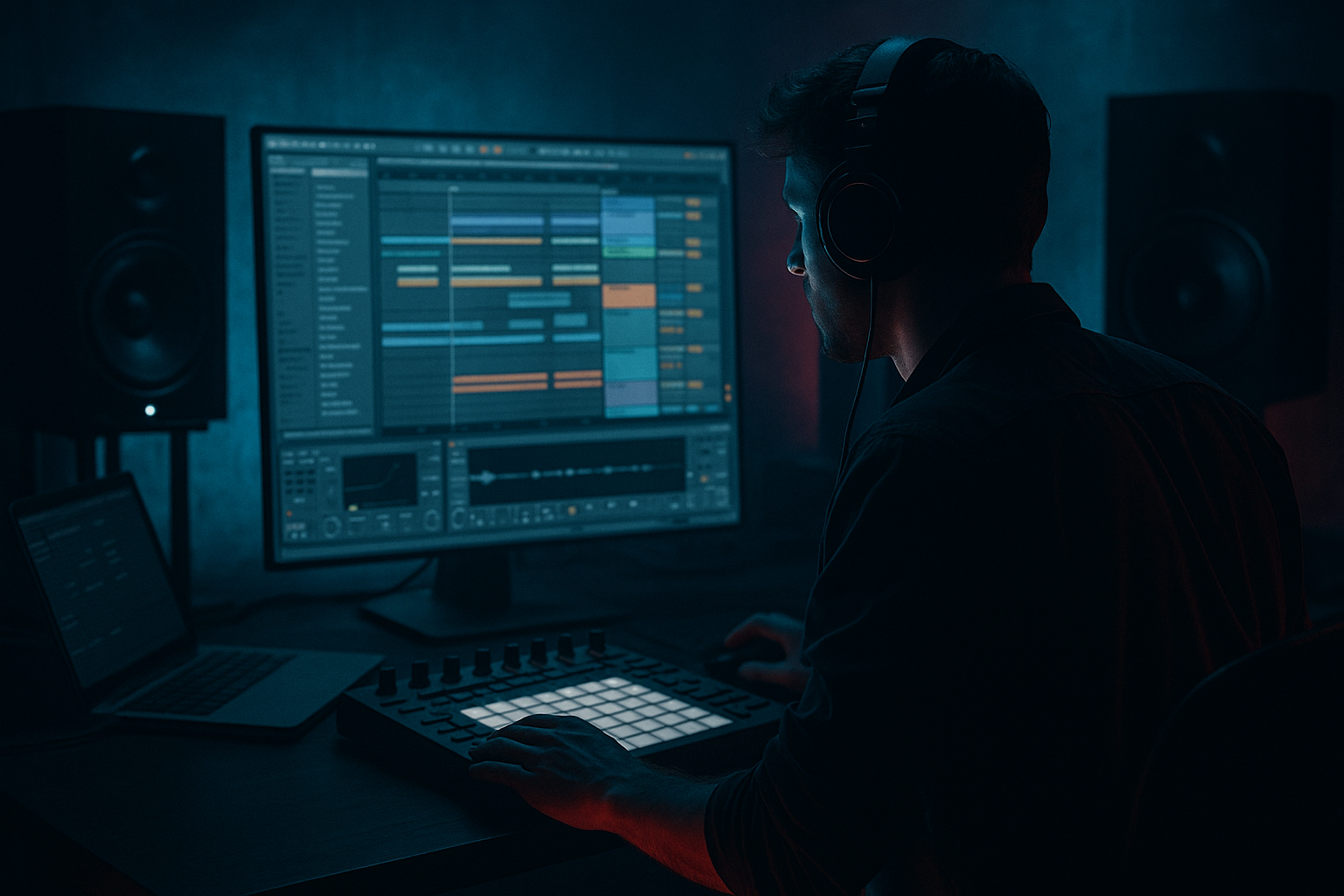
Main tutorial
```markdown
Masterclass: Snare Snap + Jungle Swing in Ableton Live 12 (Sampling) 🥁⚡
Skill level: Intermediate
Focus: Drum & bass / jungle swing, snare transient “snap”, sampled drum workflow in Ableton Live 12 (stock devices)
---
1. Lesson overview
This lesson is about getting that fast, snappy, “cracks-you-in-the-face” snare while keeping a proper jungle swing—the kind that feels human, rolling, and aggressive without sounding messy.
You’ll build a snare chain that delivers:
- Sharp transient snap (cuts through bass + hats)
- Weight in the 180–240 Hz zone
- Controlled tail (so your groove stays clean at 170–175 BPM)
- Jungle-style timing (micro-shifts + groove pool that actually works)
- Top snap layer (transient/attack)
- Body layer (mid punch)
- (Optional) Noise/texture layer (air/grit)
- EQ Eight (surgical + tone)
- Drum Buss (transients + weight)
- Saturator (harmonics)
- Glue Compressor (cohesion / smack)
- Transient shaping via Drum Buss + clip gain + envelopes
- Return reverb tuned for jungle tails
- Groove Pool + micro-timing nudges
- Optional break layer for authentic shuffle
- A clear transient “tick/crack”
- A solid “thunk” (not a cardboard mid)
- A tail you can control
- Classic break snare hits (Amen, Think, Funky Drummer, etc.)
- One-shot DnB snares (tight, modern)
- Layerable rimshot or clap only if it adds snap (don’t smear)
- SNAP layer: high-passed and very short
- BODY layer: punch around 180–240 Hz, controlled highs
- TEXTURE layer: band-passed noise or break dust
- Warp: OFF for one-shots (keep transient intact)
- Fade In: 0.0–0.5 ms (avoid clicks only if needed)
- Start: nudge start forward until transient is immediate
- Amp Envelope:
- HP filter: 24 dB/oct @ 180–250 Hz (remove mud)
- Gentle presence boost: +2 to +4 dB @ 3–6 kHz (find the crack)
- Optional air shelf: +1–2 dB @ 10–12 kHz (don’t overdo)
- HP filter: @ 90–140 Hz (keep low-end for kick/sub)
- Wide boost: +2–4 dB @ 180–240 Hz (the “chest”)
- Cut harshness if needed: -2–5 dB @ 700 Hz–1.2 kHz (boxy zone)
- Band-pass it: ~2 kHz to 12 kHz
- Keep it quiet: this is “air,” not the main snare.
- Drive: 5–15% (go by ear)
- Transient: +10 to +35 (this is your snap lever)
- Boom: OFF at first (or very subtle)
- Damp: 5–20% if highs get fizzy
- Output: trim so you’re not just getting “louder = better”
- Mode: Analog Clip or Soft Sine
- Drive: 2–6 dB
- Soft Clip: ON
- Optional: enable Color and slightly lift highs if needed (subtle)
- Attack: 3 ms (lets transient through)
- Release: 0.1 s (or Auto if you like)
- Ratio: 2:1 or 4:1
- Aim for 1–3 dB gain reduction on hits
- Slower attack (up to 10 ms), or
- Less GR, or
- Move transient shaping after compression (sometimes works great)
- Mode: Algorithmic
- Type: Plate or Room
- Decay: 0.6–1.2 s (jungle often short-ish but audible)
- Pre-delay: 10–25 ms (keeps snap clean)
- Size: medium
- EQ inside reverb: cut lows below 250 Hz, tame highs if hissy
- EQ Eight: HP @ 250 Hz, dip 2–4 kHz if harsh
- Optional Compressor sidechained from the dry snare (light ducking) for clarity
- Timing: 10–25% on hats/percs
- Timing: 0–10% on the main snare (keep it confident)
- Random: 2–8% on hats
- Velocity: 5–20% if you want movement
- Keep the main snare on 2 and 4 very close to grid
- Add ghost snares slightly late (5–15 ms) for swagger
- Push some hat hits early (1–10 ms) for urgency
- Use the Delay in the track (Track Delay) for tiny shifts, or
- Nudge notes with Alt/Option + arrow for subtle timing changes
- Bars 1–8: tight snare, minimal reverb send
- Bars 9–12: introduce break layer + slightly more verb send
- Bars 13–16: add ghost snare variations + a short fill
- Reverb send up on the last snare before a drop
- Drum Buss Transient +5 during a fill
- Small Saturator Drive boost in the drop (careful with headroom)
- Pitch the BODY layer down 1–3 semitones for weight (then shorten decay to avoid boom).
- Add Roar (stock in Live 12) subtly on a parallel chain:
- Use EQ Eight mid/side on snare reverb return:
- Do a tiny notch in the bass at your snare body frequency (often ~200 Hz). Even -1 to -3 dB sidechained dynamically can make the snare feel “louder” with no extra level.
- If you want that metal-tinged crack: a narrow boost around 4.5–7 kHz on the SNAP layer, but de-harsh with a small dip around 8–9 kHz if needed.
- Pick the right snare sources first—snap starts at the sample.
- Build a 2–3 layer snare stack: snap + body (+ texture).
- EQ each layer, then shape with Drum Buss Transient, add harmonics via Saturator, and glue lightly with Glue Compressor.
- Put reverb on a return, filter it, and keep pre-delay for clarity.
- Jungle swing = hats/ghosts + micro-timing, not a wobbly main snare.
- Optional break layer adds authentic shuffle and grit without wrecking punch.
We’ll stay practical: sampling choices, layering, drum rack routing, transient shaping, saturation, compression, and swing.
---
2. What you will build
By the end you’ll have:
1) A Drum Rack “Snare Stack” (2–3 layers):
2) A snare processing chain using stock Ableton:
3) A groove method for jungle swing:
---
3. Step-by-step walkthrough
Step 0 — Project setup (so your snare behaves)
1. Set tempo to 172 BPM (classic DnB pocket).
2. Set your loop to 2 bars.
3. Create 3 MIDI tracks:
- DRUMS (Rack)
- BREAK (optional)
- BASS (for checking masking)
> You’ll EQ and shape differently when the bass is actually playing—so keep a basic sub/reece going while you work.
---
Step 1 — Choose the right source samples (90% of the work)
You want a snare that already has:
Good DnB/jungle snare sources:
Rule: If the transient is weak, you’ll fight it forever.
---
Step 2 — Build a snare stack in Drum Rack 🎛️
1. Drop a Drum Rack on DRUMS.
2. Put your snare layers on the same MIDI note (e.g., D1), using Chain List:
- Chain 1: SNAP (short, bright, aggressive transient)
- Chain 2: BODY (mid punch / fundamental)
- Chain 3: TEXTURE (optional noise/grit)
Layer start points:
---
Step 3 — Warp/Envelope for tightness (per layer)
For each Simpler/Sampler in the rack:
In Simpler (One-Shot mode):
- Attack: 0 ms
- Decay: 80–160 ms (depends on vibe)
- Sustain: -inf (or very low)
- Release: 30–90 ms (tail control)
Tip: If your snare sounds “late,” it often is—zoom in and move the start earlier.
---
Step 4 — EQ each layer before buss processing (clean layering)
On each chain, add EQ Eight first.
#### SNAP layer EQ Eight
#### BODY layer EQ Eight
#### TEXTURE layer EQ Eight (optional)
---
Step 5 — Phase/Timing alignment (the hidden snap killer)
Layered snares can cancel each other.
Quick alignment workflow:
1. Solo SNAP + BODY.
2. Zoom into the waveform view (clip).
3. Nudge Start on one layer until:
- The transient peak hits together
- The combined sound gets louder and tighter, not hollow
If it gets thinner when layered → you’re likely out of phase or misaligned.
---
Step 6 — Make it snap: Drum Buss + Saturator (stock power combo) 💥
Now process the grouped snare (inside the Drum Rack, put devices after the chains, or route all snare chains to a Rack “post-FX” chain).
#### Device 1: Drum Buss
Suggested starting settings:
> For jungle snares, Transient is often better than extreme compression.
#### Device 2: Saturator
This adds harmonics so the snare speaks on smaller speakers.
---
Step 7 — Glue it: Glue Compressor (but don’t kill the crack)
Add Glue Compressor after saturation.
Starting point:
If the snare loses snap:
---
Step 8 — Reverb that screams jungle (return track, not insert) 🌫️
Create a Return Track A: SNARE VERB and send your snare to it.
Hybrid Reverb (stock) settings idea:
On the return after Hybrid Reverb:
Send amount: usually -18 to -10 dB, depending on tail.
---
Step 9 — Jungle swing that doesn’t ruin impact 🕺
There are two parts: groove and micro-placement.
#### A) Groove Pool approach
1. Open Groove Pool.
2. Try grooves like MPC 16 Swing or shuffled 16ths (choose something not too extreme).
3. Apply groove to:
- Hats and ghost percussion (stronger)
- Snare (lighter, if at all)
Starting groove settings:
> Jungle swing usually lives in the hats/ghosts and break layer. The main snare often stays solid.
#### B) Micro-timing (the pro move)
In the MIDI clip:
Ableton method:
---
Step 10 — Add a break layer (optional but very jungle) 🔥
Create a BREAK audio track:
1. Drop in an Amen/Think break.
2. Warp mode: Beats
- Preserve: 1/16
- Transients: 100
3. High-pass: 200–350 Hz (make it “tops only”)
4. Use Drum Buss lightly:
- Transient +5 to +15
- Drive small
5. Blend quietly under your drums (-18 to -12 dB range)
This adds natural shuffle and texture without stealing the snare’s spotlight.
---
Step 11 — Arrangement ideas (so it hits like a record)
In DnB/jungle, snare excitement often comes from context.
Try this 16-bar structure:
Automation ideas:
---
4. Common mistakes
1. Over-layering: 4–6 snare layers often equals phase issues and weak punch.
2. Too much reverb on the main snare: your groove blurs at 172 BPM fast.
3. Compressing too hard: heavy GR flattens snap; use transient shaping first.
4. Snare fighting the bass: if your bass has heavy 200 Hz content, your snare body vanishes.
5. Swing applied to everything equally: the main snare shouldn’t wobble like hats.
---
5. Pro tips for darker/heavier DnB 🖤
- Low drive, dark tone, blend 10–25% for menace.
- Keep lows mono (cut sides below 300 Hz)
- Let highs widen slightly (adds size without mud)
---
6. Mini practice exercise (15–20 minutes) 🎯
1. Build a 2-bar loop at 172 BPM with:
- Kick on 1 and “and of 2” (classic rolling pattern)
- Snare on 2 and 4
- Hats doing 16ths with some skips
2. Create 2 snare stacks:
- Stack A = bright + tight (minimal tail)
- Stack B = heavier + darker (more body)
3. Apply jungle swing:
- Groove hats at Timing 20%
- Keep snare at Timing 0–5%
4. Bounce both stacks to audio (Freeze/Flatten or resample).
5. Level match and decide:
- Which reads better against bass at the same peak level?
Deliverable: a loop that feels rolling, with a snare that pops without being painfully loud.
---
7. Recap
If you want, tell me what subgenre you’re aiming for (classic jungle, modern rollers, neuro, jump-up) and I’ll give you a dialed snare chain and groove template for that exact vibe.
```

