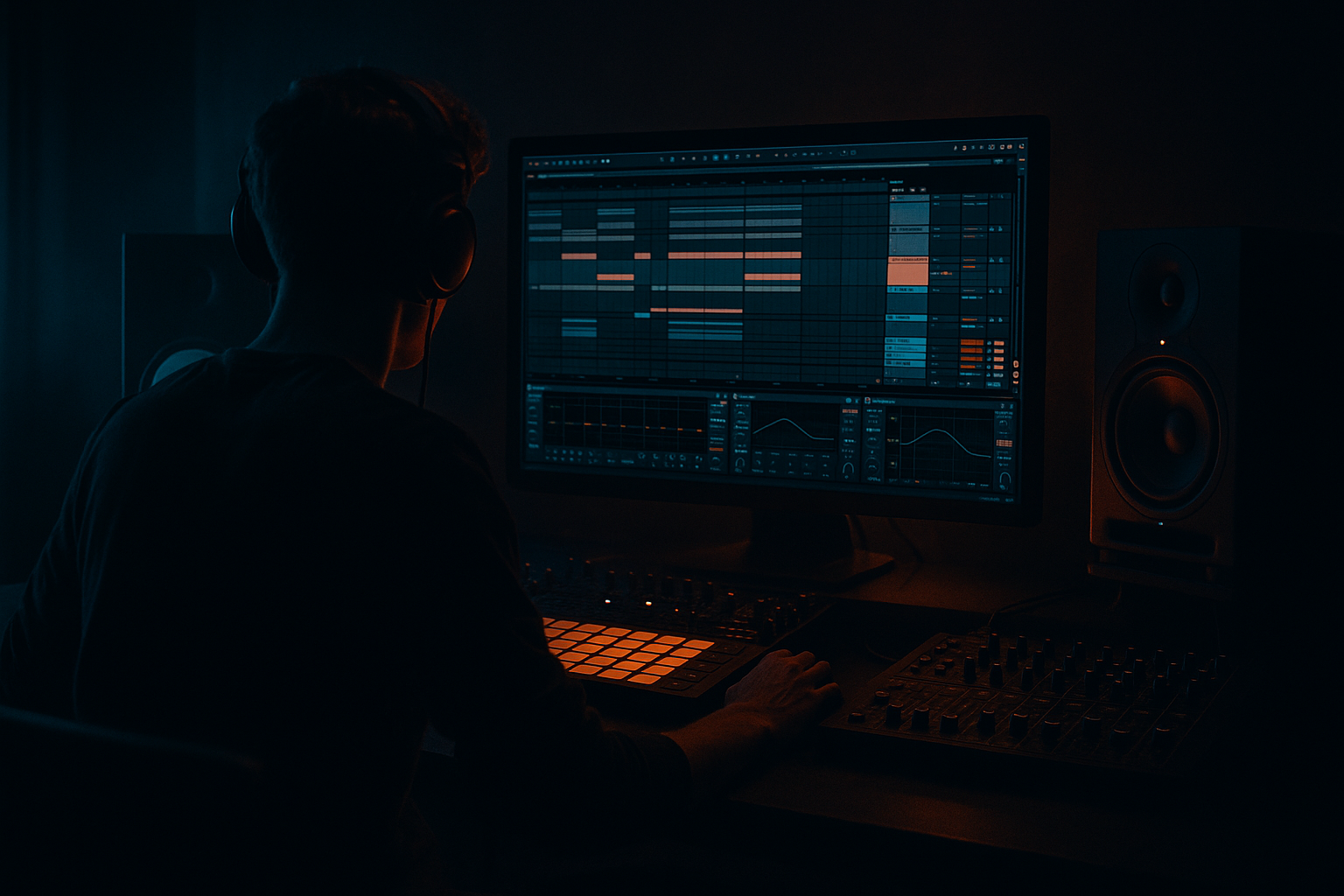
Main tutorial
1. Lesson Overview
This lesson walks you through a beginner-friendly Loxy edit: layer a organ stab from scratch in Ableton Live 12 with crisp transients and dusty mids. You’ll build a compact Instrument Rack that combines a solid synth body, a tight transient click, and a low-level “dust” layer for mid‑range character — all with stock Ableton Live 12 devices. By the end you’ll have an editable organ stab you can drop into a drum & bass edit and quickly tweak for different parts.
2. What You Will Build
- A single Instrument Rack (MIDI) called “Loxy Organ Stab” with 3 layers:
- An audio-effect chain for tonal shaping: EQ Eight, Saturator, Transient Shaper (or compressor trick), Glue/Compressor, short Reverb
- Macros for Decay, Filter Cutoff, Dirt (saturation/noise), and Transient Strength
- Over-saturating: Too much drive makes the stab lose definition and smear with the drums. Use small drive values and listen in context.
- Long reverb: Too long a reverb kills the “stab” nature. Keep reverb decay short and wet low.
- Too much stereo width: Wide unison or stereo noise can phase with other elements. Keep low mids centered and subtle stereo on the top-end.
- Ignoring MIDI length & velocity: Long MIDI notes or no velocity control make stabs sound static and lifeless.
- Boosting the wrong mids: Blindly boosting 400–800 Hz can muddy the mix if other instruments occupy the same band. Use narrow Q and sweep.
- Layer small pitch detunes (±5–10 cents) on the synth oscillators for analog warmth — but keep unison voices low to preserve attack.
- For a more authentic “vintage” dust, run the noise layer through a low-rate LFO on Simpler’s filter cutoff (slow random/LFO) to add micro movement.
- Use sidechain compression from the kick to the stab only if the stab masks the kick; otherwise keep it natural.
- If you want extra transient snap without distortion: duplicate the transient click chain and pitch-shift it slightly up an octave - blend subtly for extra presence.
- Automate Macros during the edit: tighten decay for drops, increase Dirt for breakdowns.
- To make the organ sit in a mix with heavy low-end, high-pass everything below 120 Hz on the organ.
- Variation A (Clean): Decay short (150 ms), Dirt = 0, Transient = +20%
- Variation B (Dusty): Decay medium (250 ms), Dirt = +3–4 dB drive, Noise chain +6 dB
- Variation C (Muted/Atmospheric): Decay long (350 ms), Dirt low, Reverb wet +8–12%
- Core organ body (Wavetable)
- Crisp transient/click layer (Simpler or Wavetable)
- Dusty mids layer (noise + saturation)
3. Step-by-Step Walkthrough
(Important: Open Ableton Live 12, set your project tempo to a Drum & Bass tempo — e.g., 174 BPM.)
Step 0 — Create the track and Instrument Rack
1. Create a new MIDI track (Cmd/Ctrl+Shift+T). Name it “Loxy Organ Stab”.
2. Drag an Instrument Rack (from Instruments) into the track. Right-click the rack and choose “Show/Hide Chain List” so you can add multiple chains.
Step 1 — Layer 1: Core organ body (Wavetable)
1. In Chain 1, drop a Wavetable device.
2. Basic Wavetable settings:
- Oscillator 1: Choose a warm saw-ish wavetable (e.g., Analog -> “Basic Saw” or “Classic Saw”). Level = 0 dB.
- Oscillator 2: Enable, choose a square/pulse or slightly different harmonic table, transpose -12 or 0 semitones to add body, detune small (Coarse Tune 0, Fine ±5 cents) or use Unison = 2 for thickness.
- Unison: 1–2 voices on Osc 1 or use Osc2 detune — keep it subtle for a stab (too wide will smear).
3. Filter:
- Lowpass 24 dB (LP24), Cutoff ~900–1500 Hz (start ~1.2 kHz), Resonance 0.2–0.4.
- Set Filter Envelope amount to moderate (around 0.20–0.35) to make the stab close quickly.
4. Amp envelope (the built-in Env):
- Attack = 0 ms
- Decay = 150–300 ms (start 200 ms)
- Sustain = 0–20% (0.0–0.2)
- Release = 40 ms
These values give a short, punchy organ stab typical in edits.
5. Add a small amount of Oscillator FM or a tiny bit of noise (if desired) to taste for extra harmonic content.
Step 2 — Layer 2: Crisp transient/click
You want a sharp short attack to cut through fast D&B drums.
Option A (Simpler method):
1. Create Chain 2 in the same Instrument Rack. Drop a Simpler.
2. Drop a small click sample into Simpler (if you have a factory click/perc sample). If you don’t, you can use Wavetable for this as described in Option B below.
3. In Simpler:
- Mode = Classic/One-Shot
- Filter: HP filter at around 300–600 Hz (so it’s bright/clicky), or no filter if the sample is already a click.
- Envelope: Attack = 0 ms, Decay = 20–40 ms, Sustain = 0, Release = 0–20 ms
4. Add a Transient Shaper (or Compressor trick) after Simpler and increase Attack a bit (+20–40%) to emphasize the click. Set chain volume so the click is present but not louder than core — start around -6 to -12 dB relative to chain 1.
Option B (All-synth click using Wavetable):
1. Use a second Wavetable instance set to a single sine or triangle with very fast envelope:
- Osc: Sine or very soft triangle
- Amp Envelope: Attack 0 ms, Decay 30 ms, Sustain 0, Release 5–10 ms
- High-pass filter at ~1 kHz to keep it clicky.
2. Use the same routing as above and set level low.
Step 3 — Layer 3: Dusty mids (noise/texture)
This gives the organ its “dusty mids” Loxy-style character.
1. Create Chain 3 in the Rack. Load a Simpler with a short loop of brown noise (or white noise that you lowpass).
- If you lack a noise sample, use Wavetable with a noise oscillator or upload a tiny brown noise sample.
2. Filter and sculpt:
- Lowpass at 2.5–3.5 kHz to remove highs.
- Band-pass or a narrow EQ boost at ~400–800 Hz (depending on where the character sits).
- Envelope: longer decay than the click but lower level (Decay 150–350 ms, Sustain low).
3. Add Saturator after this chain (Saturator device) with Drive 2–6 dB, set Drive Type = “Analog Clip” or “Warmth” for subtle harmonic grit.
4. Keep this chain low in volume — it should be heard more than felt; start -12 to -18 dB relative to the core.
Step 4 — Global Rack FX (applied to the whole Instrument Rack)
1. After the Rack (on the same MIDI track), add:
- EQ Eight: High-pass around 80–120 Hz to keep sub clean. Add a narrow boost +2–4 dB around 400–800 Hz if you want the mids to poke more. Slight high-shelf cut above 8–10 kHz to tame harshness from saturation.
- Saturator: Drive 1–3 dB, Soft Clip ON. This is the “D&B dirt” control — map to a macro called Dirt.
- Transient Shaper: Attack +15–35% to emphasize the transient; if you don’t have Transient Shaper, use Compressor with Attack 1–3 ms, Release 50–100 ms, Ratio 2–4:1 and then boost highs with EQ.
- Glue Compressor (light): Threshold so it clamps 1–3 dB of gain reduction to glue the layers.
- Hybrid Reverb (or Reverb): Short plate/room — Pre-Delay 8–15 ms, Decay 0.3–0.6 s. Wet amount low (5–12%) so the stab keeps punch.
- Utility: Set Width to ~85–100% for slight stereo. If your bass and low end need to be mono, ensure the Rack’s low frequencies are summed to mono (you can use EQ Eight’s low band or a Utility on a duplicate chain).
2. Map useful parameters to macros:
- Macro 1 = Decay (map Wavetable amp decay and the noise chain decay)
- Macro 2 = Filter Cutoff (map Wavetable cutoff and a corresponding filter on the noise chain)
- Macro 3 = Dirt (map Saturator Drive and Noise chain volume)
- Macro 4 = Transient Strength (map Transient Shaper attack or compressor attack)
Step 5 — MIDI/Playing and Velocity
1. MIDI length: Draw stabs as short notes — 1/16 to 1/8 note length depending on tempo. At 174 BPM start with 1/16 note length.
2. Velocity: Map velocity to amplitude and/or filter envelope so harder velocities give brighter attacks.
- In Wavetable: increase Filter Envelope amount or Amp Env depth mapping to velocity.
3. Play a root note and a few octaves to find the sweet spot. Often organ stabs sit around C3–C4 in D&B edits.
Step 6 — Final balancing and saving
1. Solo the instrument with a kick loop to ensure it cuts through without masking the kick. Slightly reduce mids if it fights the midrange of other elements.
2. Save the Instrument Rack (click the disk icon) as “Loxy Organ Stab - Clean & Dusty” for quick recall.
Reminder: Keep levels conservative — you’ll add more processing on the bus/master later.
4. Common Mistakes
5. Pro Tips
6. Mini Practice Exercise
Create three variations of the same stab in 10 minutes:
Place each variation on successive 2-bar sections in an 8-bar loop (A-A-B-C or A-B-A-B). Play with velocity to make the patterns feel dynamic. Export the 8-bar loop and listen on different speakers (phones, monitors) to check how mids translate.
7. Recap
You’ve completed the Loxy edit: layer a organ stab from scratch in Ableton Live 12 with crisp transients and dusty mids. You built a three-layer Instrument Rack (Wavetable core, click transient, noise dust), applied EQ, saturation, transient shaping, and added macros for performance. Use the macros and the mini exercise to generate variations you can drop into drum & bass edits. Save the rack and iterate: small changes to decay, dirt and filter are what create the different moods heard in Loxy-style edits.

