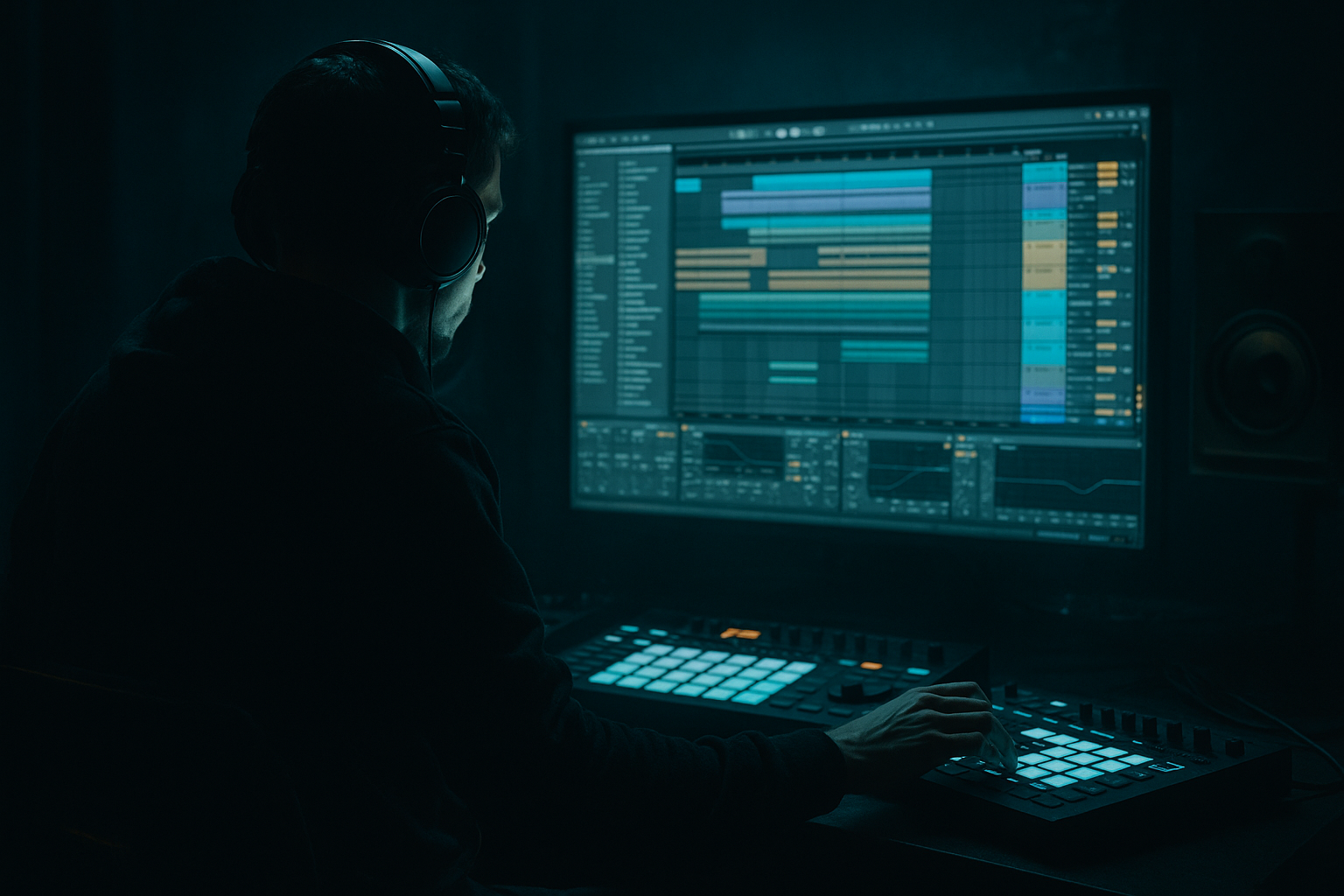
Main tutorial
Low‑Mid Pressure Design From Scratch (Pirate‑Radio Energy) — Ableton Live DnB Basslines 📻🔊
1) Lesson overview
Low‑mid pressure is the “chest hit” zone in drum & bass—the gritty, warm push around 150–350 Hz that makes a tune feel like it’s blasting from a pirate radio stack. In this lesson you’ll build that pressure from scratch in Ableton Live using stock devices, focusing on:
- A clean sub (mono, stable)
- A mid/low‑mid layer (movement + grit)
- Tight sidechain and arrangement techniques for rolling energy
- Notes: F1 (or G1) as root (choose key later)
- Rhythm (16ths):
- Osc 1: start with Basic Shapes (saw-ish)
- Osc 2: optional, keep quiet at first
- Unison: 2 voices, Amount 10–25% (don’t go wide yet)
- Filter: LP24 (24 dB lowpass)
- Mode: Analog Clip (good for DnB weight)
- Drive: 3–8 dB
- Soft Clip: ON
- Output: reduce to match level
- Filter type: Band‑Pass or Low‑Pass
- Set cutoff so the layer lives in the low‑mids:
- Add subtle modulation:
- Resonance: low to moderate (too much will whistle)
- High‑pass at 80–110 Hz (24 dB/Oct)
- Add a gentle bell boost around 180–280 Hz:
- Optional cut around 350–500 Hz if it sounds “cardboard.”
- Attack: 3 ms
- Release: Auto (or 0.1–0.3s)
- Ratio: 2:1
- Aim for 1–2 dB gain reduction on peaks.
- Drive: 1–3 dB
- Soft Clip: ON
- Keep it subtle—this is “glue,” not distortion.
- Ensure low end is mono on the bus if needed:
- Sidechain: ON
- Audio From: your Kick track
- Ratio: 4:1
- Attack: 1–3 ms
- Release: 60–120 ms (adjust to groove)
- Threshold: lower until you see 2–5 dB reduction on kick hits
- Overdrive (Drive 10–25%, Tone to taste)
- EQ Eight:
- Redux (very light):
- Erosion:
- Start with SUB only for 2 bars (tease)
- Bring LOW‑MID in gradually with a filter opening
- Add a 1/2‑bar bass mute right before the drop (classic tension)
- Full bass stack
- Every 4 bars, do a small variation:
- Use minor keys and simple intervals: try root + flat 7 movement (e.g., F → Eb) for that roll.
- Add a tiny pitch envelope on LOW‑MID only:
- Layer texture without mud:
- For heavier weight, try Operator for LOW‑MID too:
- Check the 150–350 Hz zone on small speakers:
- Low‑mid pressure is built by layering: clean mono sub + harmonically rich low‑mid.
- Use Wavetable/Operator + Saturator + EQ Eight to shape weight, not brute‑force it.
- Keep the mix tight with high‑passing the low‑mid layer, mono sub, and kick sidechain.
- Arrange with intention: small mutes, small variations, and consistent energy = that pirate‑radio roll 📻
You’ll leave with a repeatable workflow you can use on rollers, jungle steppers, and heavier modern DnB.
---
2) What you will build
A two‑layer bass system that sounds big on speakers but stays controlled in the mix:
1. SUB track: pure sine/triangle, glued and mono
2. LOW‑MID track: harmonics + saturation + subtle modulation for “radio‑stack pressure”
3. Optional: a “TOP” presence layer (light) if you want extra bite
Target vibe: rolling, relentless, a bit gritty, like classic underground DnB—tight and functional.
---
3) Step‑by‑step walkthrough
Step 0 — Session setup (fast + correct)
1. Set tempo to 174 BPM (or 172–176).
2. Create a MIDI clip for an 8‑bar loop.
3. Add a basic drum loop (kick + snare + hats) so you can design bass in context.
DnB note: Low‑mid pressure only “feels right” when the bass is reacting to the drum groove.
---
Step 1 — Write a simple rolling bass pattern 🏃♂️
Use a classic DnB rhythm that leaves room for the snare (usually on beat 2 and 4).
Example MIDI idea (1 bar, repeat):
- Hit on 1.1, 1.1.3, 1.2.3, 1.3.3, 1.4.3
(This gives “push” without filling every gap.)
Tip: Keep note lengths fairly short (1/8 to 1/16) so the groove breathes.
---
Step 2 — Build the SUB (clean foundation) 🧱
Create a MIDI track: “BASS_SUB”
1. Add Operator (stock).
2. Operator settings:
- Algorithm: A only
- Oscillator A: Sine
- Envelope (Amp):
- Attack: 0–5 ms
- Decay: ~300 ms (optional)
- Sustain: -inf or low (if you want plucks) OR sustain up for held notes
- Release: 80–150 ms
3. Add EQ Eight after Operator:
- Enable HP filter at 20–30 Hz (gentle, 12 dB/Oct) to remove rumble.
- Optional: very small dip at 200–300 Hz if it gets boxy later.
4. Add Utility (last in chain):
- Bass Mono: ON (if available in your Live version)
- or set Width = 0% for the sub layer.
- Gain: keep headroom (aim peaks around -12 to -6 dB on the track).
Goal: The sub is boring but powerful. No wobble needed here.
---
Step 3 — Build the LOW‑MID layer (the “pirate radio” pressure) 📻
Create a second MIDI track: “BASS_LOW‑MID”
Copy the same MIDI clip from the sub.
#### Device chain (stock) ✅
Wavetable → Saturator → Auto Filter → EQ Eight → Compressor (Sidechain) → Utility
##### 3A) Wavetable (harmonics source)
- Cutoff: start around 250–500 Hz
- Drive: a little (if available)
Why: We’re generating harmonics that will “pressurize” the 150–350 region.
##### 3B) Saturator (grit + density)
Listen for: the bass becoming “forward” without turning harsh.
##### 3C) Auto Filter (movement without chaos)
- If you want classic pressure: use Low‑Pass
- If you want more “talky” vibe: Band‑Pass
- Low‑Pass cutoff: 300–900 Hz (start ~500)
- LFO Amount: 5–15%
- Rate: 1/8 or 1/4 (sync)
- Phase: try 0° for consistent movement
DnB trick: Keep movement subtle—pressure comes from consistent energy, not random filter sweeps.
##### 3D) EQ Eight (carve space for the sub)
This keeps the sub layer in charge below ~100 Hz.
- +1 to +3 dB, Q ~ 0.7–1.2
Target zone: the “thump” and “growl body” that reads on small speakers.
---
Step 4 — Glue the two layers together (group + bus processing)
Select BASS_SUB + BASS_LOW‑MID → Group them: “BASS_BUS”
On the group, add:
#### 4A) Glue Compressor (gentle cohesion)
#### 4B) Saturator (tiny extra thickness)
#### 4C) Utility (final control)
- If your low‑mid layer got wide, consider Width 80–100% on bus, and keep the SUB track mono.
---
Step 5 — Sidechain to the kick (clean punch) 🥊
You can sidechain either on the BASS_BUS or just the LOW‑MID layer. For rolling DnB, sidechaining the whole bus is often clean.
Add Compressor on BASS_BUS:
Listen: Kick should punch through without the bass “gulping” awkwardly.
---
Step 6 — Add pirate‑radio energy with controlled “air” (optional) 🎛️
If you want that transmitted/stack vibe, do it subtly:
#### Option A: “Radio grit” return track
Create a Return named RADIO:
- HP at 150 Hz
- LP at 5–8 kHz
- Bits: 10–12
- Downsample: small amount
Send a little of BASS_LOW‑MID (and maybe drums) to this return. Keep it low in the mix.
#### Option B: Erosion on LOW‑MID (careful!)
- Mode: Noise
- Amount: 0.3–1.5
- Frequency: 2–6 kHz
This adds “speaker fuzz,” but too much will ruin clarity fast.
---
Step 7 — Arrangement ideas for rolling pressure (8–16 bar structure) 🧩
To keep energy moving like proper DnB/jungle:
Bars 1–8 (intro into drop):
Drop (bars 9–16):
- Change one note
- Shorten a note to create space
- Quick filter dip on the low‑mid layer (1/8 bar)
Key move: Remove bass for 1 beat occasionally—silence makes the next hit feel twice as heavy.
---
4) Common mistakes (and how to fix them)
1. Sub and low‑mid fighting
- Fix: High‑pass LOW‑MID at 80–110 Hz and keep SUB clean/mono.
2. Too much distortion = no pressure
- Fix: Use less drive, and boost low‑mids with EQ instead of endless saturation.
3. Over‑wide bass
- Fix: Keep SUB at 0% width. If widening, do it above 200–300 Hz only.
4. Sidechain pumping weirdly
- Fix: Shorten release (60–120 ms) and reduce threshold until it’s controlled.
5. Designing solo
- Fix: Always toggle drums on. Pressure is about relationship to kick + snare.
---
5) Pro tips for darker/heavier DnB 🕶️
- In Wavetable, pitch envelope amount +3 to +8 semitones, decay 30–80 ms
Creates a punchy “donk” without wrecking sub stability.
- Put Chorus-Ensemble on LOW‑MID with Dry/Wet 5–15%, then EQ out excess highs/lows.
- Use triangle/saw, then saturate—Operator is underrated for “rubbery” rollers.
- That’s where pirate‑radio energy survives when the sub disappears.
---
6) Mini practice exercise (15–20 minutes) ⏱️
1. Create the SUB and LOW‑MID tracks exactly as above.
2. Write a 2‑note rolling pattern (root + flat 7) for 8 bars.
3. On LOW‑MID:
- Try three Auto Filter LFO rates: 1/8, 1/4, 1/2
- Save your favorite as a preset.
4. Do a quick arrangement:
- Bars 1–4: SUB only
- Bars 5–8: add LOW‑MID with filter opening
- Bar 8 last beat: mute bass
- Bar 9: full drop
5. Export a quick loop and listen on:
- Headphones
- Phone speaker (low‑mid translation test)
---
7) Recap ✅
If you tell me your target sub note (key) and whether you’re going for liquid roller, jungle stepper, or heavier neuro‑leaning, I can suggest a bass rhythm + exact cutoff/drive ranges that fit that style.

