Main tutorial
1. Lesson Overview
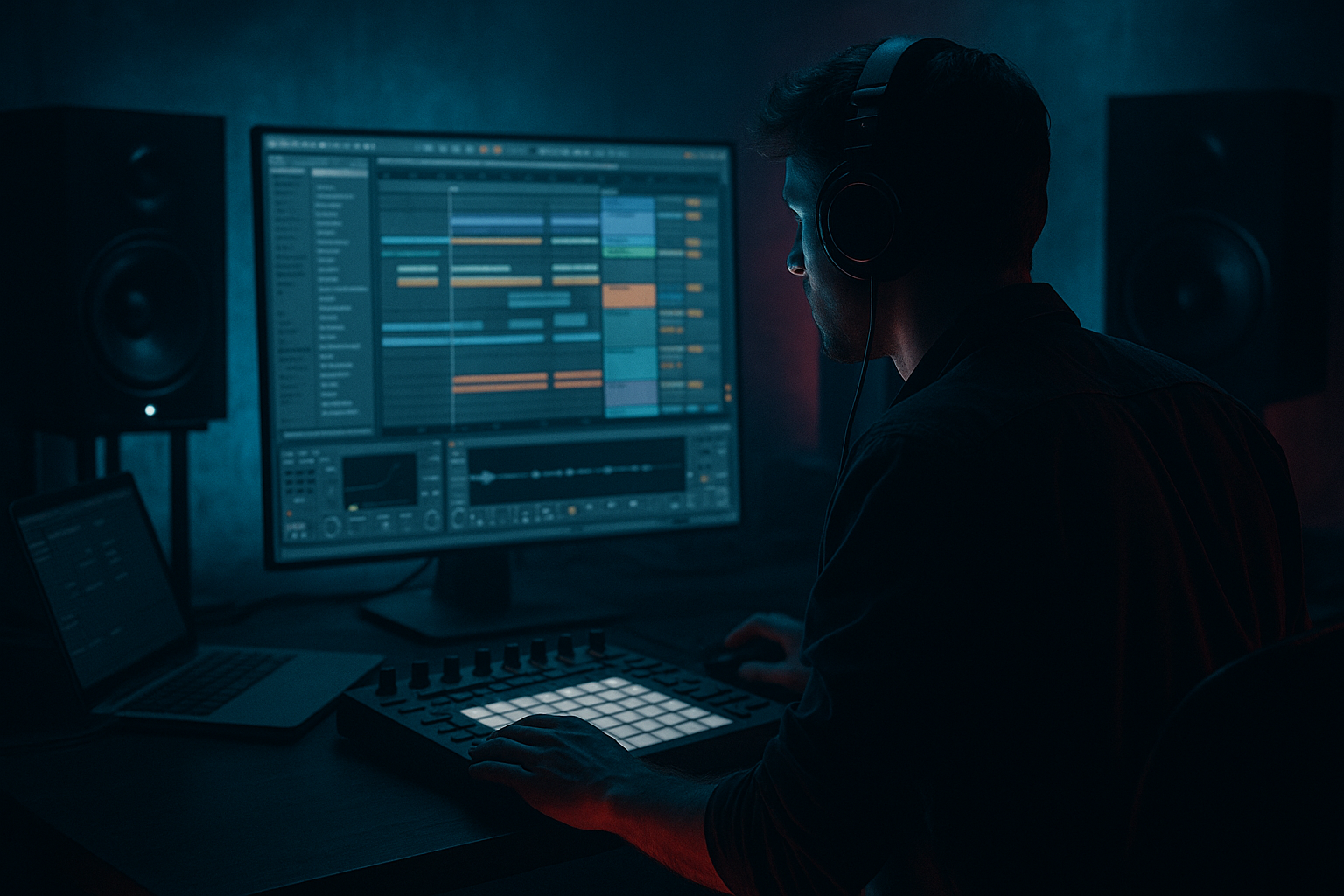
"Lenzman approach: saturate a breakdown in Ableton Live 12 for deep jungle atmosphere" — In this intermediate Edits lesson we recreate a practical processing chain inspired by Lenzman’s aesthetic: warm, harmonic saturation + careful stereo and frequency control to turn a breakdown into a moody, deep jungle atmosphere without killing the low end or clarity. We’ll use only Ableton Live 12 stock devices, parallel routing, Mid/Side tactics, and automation so the breakdown breathes and evolves.
2. What You Will Build
- A reusable Audio Effect Rack named "Deep Jungle Saturator" for a breakdown stem (pads/atmos, chopped sample, or full-breakdown bus).
- Three parallel chains that split frequencies (Sub-safe low, mid-character, high-air) each treated differently with saturation, dynamics, and space.
- Mid/Side shaping to keep bass mono and saturate the midband for presence while widening treated highs for atmosphere.
- Macro controls for Drive, Blend (wet/dry), Width, and Reverb Send so you can quickly automate the whole vibe across the breakdown.
- Saturating the sub: Putting Saturator or Overdrive before removing or protecting subs leads to messy, distorted low frequencies. Always split and mono the low end or high-pass the saturation chain.
- Overdoing drive: Cranking Drive without parallel blending will quickly kill dynamics and clarity. Use parallel chains and macros to blend gradually.
- Ignoring Mid/Side: If you saturate the sides the same as the mid, the bass can get pushed out of phase or be too diffuse. Use EQ Eight in Mid/Side mode to protect the mid/lows.
- Too much reverb or echo: Heavy wet tails on heavily saturated material creates mud. Use short reverb pre-delay and low wet amounts, and use sidechain ducking on reverb returns.
- Not automating: Static saturation feels lifeless. Lenzman-style atmosphere is about micro-movement — automate drive/dry-wet/width.
- Use parallel saturation mapped to a single macro so you can automate the entire saturation intensity with one envelope.
- For tape-like warmth try Saturator with "Analog Clip" and then a very subtle Redux (low bit reduction) set to taste — but put Redux after oversampling is off to preserve aliasing behavior if wanted.
- Oversample in Saturator if you plan to drive it hard; it reduces aliasing at the cost of CPU.
- Use sidechain compression on your reverbs/delays (compressor with sidechain from the bass or kick) so the returned ambience doesn’t suffocate bass hits when the drums re-enter.
- To emulate vintage pad grit, automate a tiny amount of pitch-modulation (use Frequency Shifter or slight detune) on the AIR chain, synced subtly to LFOs.
- Save the Audio Effect Rack as a preset named "Lenzman Break Saturator" so you can reuse it in future tracks.
- Take a 16-bar breakdown section from one of your projects (or a sample loop).
- Create the Audio Effect Rack with the three chains: SUB (LPF + Mono), MID (band-pass + Saturator + Glue), AIR (HPF + Overdrive + Echo/Hybrid Reverb).
- Map macros: Drive (MID), Air Drive, Wet Blend, Width, Space.
- Automate across the 16 bars:
- Export the result and compare the dry vs processed stems to hear how saturation plus Mid/Side care deepens atmosphere without destroying the low end.
3. Step-by-Step Walkthrough
Note: The exact topic — "Lenzman approach: saturate a breakdown in Ableton Live 12 for deep jungle atmosphere" — is implemented below using Live 12 stock devices and practical routing.
Setup
1. Create a new Live set. Drop your breakdown audio or bus (named "Breakdown Bus") into a track. Make sure the track’s peak levels sit around -6 to -10 dB FS headroom before processing (use Utility or track fader).
2. Group any elements that make the breakdown (pads, atmos, chopped samples) into a return or group called "Breakdown Bus" so you process them together.
Create the Audio Effect Rack
3. On the Breakdown Bus, insert an Audio Effect Rack. Open the Chain List (click the chain button).
4. Make three chains and name them: "SUB (Mono)", "MID (Warm Sat)", "AIR (Saturated Wide)". We will split the audio by frequency using EQ Eight on each chain.
Frequency splitting (cleanly protect the sub)
5. SUB (Mono) chain:
- Drop an EQ Eight (set to Left/Right default). Switch EQ Eight's mode to "Left/Right" or keep Stereo; the key is low-pass: add a Lowpass (Filter type: Low Pass, slope 24 dB/oct) set around 120–160 Hz depending on the source. Slope steepness protects subs from harmonic distortion.
- Add a Utility after EQ Eight and set Width to 100% (mono is safer for sub but we'll mono the bass using Utility's "Left/Right" or use Utility > Mono switch if you want to ensure mono below a frequency). To ensure mono sub, insert Utility and turn "Mono" on (or set Width to 0%).
- Add Compressor or Glue Compressor lightly if needed (Ratio 2:1, low threshold) to tame transient low-end.
6. MID (Warm Sat) chain:
- Place an EQ Eight configured as a band-pass: highpass at ~120 Hz (24 dB/oct) and lowpass at ~1.2 kHz (12–24 dB/oct) to isolate the core mid frequencies where saturation adds body.
- Add Saturator (Ableton Saturator). Settings: Drive 4–8 dB, Curve: "Soft Sine" or "Analog Clip" (Analog Clip gives tape-like saturation — try it). Set Output to match input level. Dry/Wet: 100% in this chain (we’ll blend chains in the rack).
- After Saturator, add Glue Compressor (fast attack ~10–30 ms, release 0.2–0.6 s, ratio 2:1–4:1) to glue the added harmonics.
- Optional: a slow-moving Auto Filter (low resonance) or slight Chorus to taste.
7. AIR (Saturated Wide) chain:
- EQ Eight: highpass at ~900–1200 Hz to isolate presence/air.
- Add an Overdrive (or Distortion) with modest Drive (10–20%), Tone slightly bright. Alternatively stack Saturator with different Curve (try "Soft Clip" with Drive 6–10 dB).
- Add Echo (or Hybrid Reverb) after distortion: Echo settings: Filter low cut ~300 Hz, Feedback ~20–35%, Dry/Wet ~15–25%. For reverb, Hybrid Reverb: small pre-delay, long tail 1.2–2.5 s, dry/wet 10–20% — keep it subtle.
- Add Utility and increase Width to taste (110–140% stereo widening effect) — be careful with extreme values.
Mid/Side shaping and overall glue
8. On the rack’s output chain (after the three parallel chains), insert an EQ Eight and switch it to Mid/Side mode:
- For Mid: gently boost 200–600 Hz by +1.5–3 dB to keep body.
- For Side: high-pass sides above 120 Hz (i.e., cut below 120 Hz on Side) to ensure low frequencies remain mono.
9. Place a final Glue Compressor (very light) or Compressor on the group to glue the chains together. Attack medium (10–30 ms), ratio 1.5–2.5:1, threshold to taste. Insert Utility before the final compressor if you need to trim overall gain.
Create Macro controls
10. Map useful macros on the Audio Effect Rack:
- Macro 1: "Drive (MID)" → map to Saturator Drive on MID chain.
- Macro 2: "Air Drive" → map to Overdrive/Saturator Drive on AIR chain.
- Macro 3: "Wet Blend" → map to the Chain Volumes or use a Parallel Wet macro: easiest: place a Dry chain with only Utility (clean path) plus the 3 chains; map the Dry/Wet by crossfading volumes (map Dry chain level to Macro X and Saturated chains collectively to inverse).
- Macro 4: "Width" → map to Utility Width on AIR chain and to Utility Width set to narrower on SUB.
- Macro 5: "Space" → map Hybrid Reverb Dry/Wet or Echo Dry/Wet.
- Label macros clearly; you will automate Drive, Wet Blend, and Space across the breakdown.
Automation and performance (Lenzman-style dynamics)
11. Automation approach:
- Start the breakdown with Macro Wet Blend low (more dry) and Drive low. Over the first 8–16 bars, slowly increase "Drive (MID)" by +2–6 dB and raise Wet Blend to taste to create rising harmonic grit.
- Automate "Width" to subtly increase in the middle of the breakdown for a swell, then collapse again before drums re-enter.
- Automate "Space" (Reverb Dry/Wet) to accentuate peaks; use sidechain compression on the reverb return (Compressor with Sidechain input from a clap/snare) to duck reverb when rhythm comes back.
12. Bounce & Clip management:
- Turn on Oversampling in Saturator/Overdrive if CPU allows (reduces aliasing).
- Keep an eye on master peaks. Use Utility or Compressor to trim. Use Limiter sparingly; prefer to manage gain staging at the group level.
13. Optional: Freeze/Flatten the processed bus to audio to save CPU and then resample sections for further granular chops or vinyl-like atmosphere (use Redux lightly if you want lo-fi texture).
4. Common Mistakes
5. Pro Tips
6. Mini Practice Exercise
- Bars 1–4: Wet Blend 10%, Drive (MID) 0 dB
- Bars 5–12: Ramp Wet Blend to 55%, Drive (MID) to +6 dB, Width +15%
- Bars 13–16: Pull Drive back to 2 dB, reduce Width, increase Space for a swell back into drums
7. Recap
You’ve built a "Lenzman approach: saturate a breakdown in Ableton Live 12 for deep jungle atmosphere" rack using stock devices: frequency-split parallel chains, controlled saturation (Saturator/Overdrive), mid/side EQing (EQ Eight), dynamics (Glue/Compressor), and tasteful space (Echo/Hybrid Reverb). Key rules: protect the sub (mono and low-pass), use parallel blending and Mid/Side to add harmonics without muddiness, automate Drive/Wet/Width for movement, and duck ambience when rhythm returns. Save your rack as a preset and iterate — the subtleties in drive and automation are what create that deep jungle feel.

