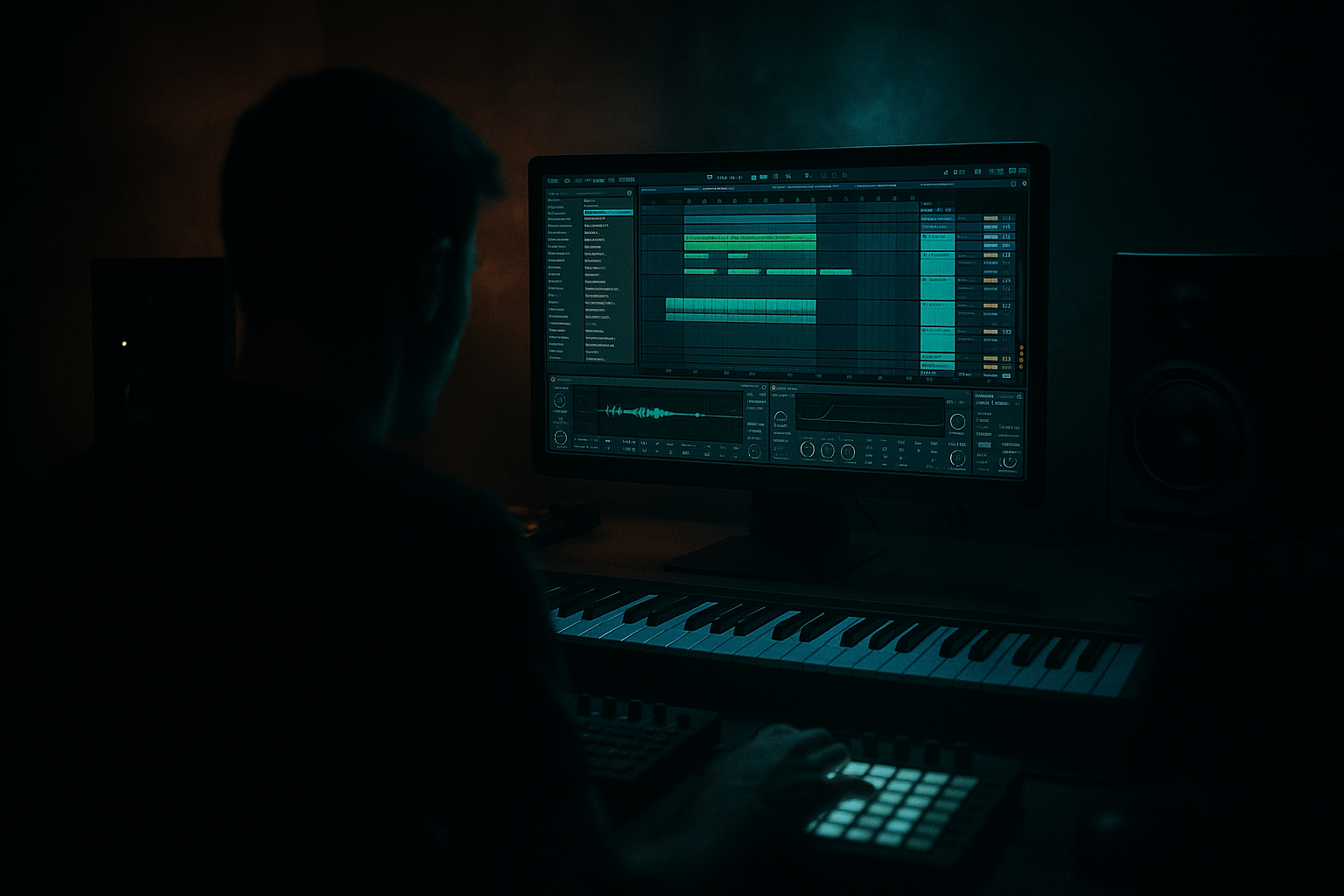
Main tutorial
Lesson Overview
Oldskool swing is one of the fastest ways to make a modern DnB loop feel like it came from a darker 90s basement session instead of a perfectly quantized laptop grid. In this lesson, you’ll learn how to layer swing into drums, bass, and ghost percussion inside Ableton Live 12 so the groove feels human, heavy, and slightly unstable in the best way.
This sits right at the heart of a jungle or oldskool DnB track: the intro establishes the break character, the drop locks the bass to the swung pocket, and the midsection uses variation in swing depth to create tension and release. For advanced producers, the real value is not just “groove” — it’s control. You’re shaping how much of the feel comes from the break, how much comes from MIDI placement, and how much comes from bass phrasing and processing.
Why this matters: 90s-inspired darkness is often less about using dusty samples and more about recreating the interaction between lopsided drums, mono sub discipline, and restless midrange movement. When the swing is layered correctly, the beat feels alive without losing the ruthless forward push DnB needs. 🔥
What You Will Build
You’ll build a tight oldskool DnB drum-and-bass section in Ableton Live 12 that includes:
- A two-layer breakbeat: one layer for transient snap, one layer for grime and body
- Ghost hats and rim accents that sit inside a swung pocket
- A sub + reese bass system with a call-and-response phrase
- Controlled swing that varies between drums, bass, and fills
- A dark 90s-style drop with DJ-friendly intro energy and a tension-heavy breakdown option
- Clean low-end translation with mono-compatible bass, punchy drums, and no clutter in the 200–500 Hz zone
- Over-quantizing everything
- Applying the same swing amount to every layer
- Too much low end in the reese
- Breaks sounding disconnected from the bass
- Bus processing crushing the life out of the groove
- Wide bass everywhere
- Use controlled imperfection
- Resample your own movement
- Automate filters in long arcs
- Stack transient and texture separately
- Use stereo as a reward, not a default
- Add call-and-response with silence
- Mastering mindset: protect the groove
- Keep kick/snare stable and let hats, ghosts, and bass phrasing carry the swing
- Split your break into edge and body layers for control
- Build bass as a mono sub plus a harmonically rich reese
- Use partial groove, note offsets, and velocity shaping for human darkness
- Shape the drum bus lightly and protect headroom
- Arrange with tension, subtraction, and DJ-friendly phrasing
Musically, imagine a 174 BPM track in D minor: 16 bars of atmospheric intro, then a drop where the break comes in with a slightly late snare feel, the sub answers the kick with short stabs, and the reese expands only on selected bar endings. That’s the target.
Step-by-Step Walkthrough
1. Set the groove foundation before you write any notes
In Ableton Live 12, start with a project tempo between 172 and 176 BPM. For classic jungle energy, 174 BPM is the safe sweet spot.
Open the Groove Pool and audition a few oldskool swing templates. Start with something subtle rather than extreme:
- MPC-style swing around 54–57%
- Ableton’s own swing grooves around 10–20% timing strength
- Quantize strength at 50–70% for ghost notes, but keep main snare hits mostly locked
Apply groove to hats, perc, and break layers first — not to the main kick-snare spine. The goal is layered swing, not a sloppy full-grid collapse.
Why this works in DnB: the kick and snare provide the public face of the groove, while the hats, shuffles, and break fragments create the perception of motion. In fast music, tiny timing differences are enough to change the emotional feel completely.
2. Build the drum core from two break layers
Load a classic break or break-style edit onto an audio track. Then duplicate it and treat the two tracks differently:
- Layer A: the “edge” layer
- Use a high-pass filter around 180–250 Hz with Auto Filter or EQ Eight
- Add Saturator with Drive around 2–5 dB, Soft Clip on
- Keep transients crisp; use transient-heavy slices
- Layer B: the “body” layer
- Low-pass around 7–10 kHz
- Use Drum Buss with Drive at 10–20%, Crunch low, Boom modest or off
- Nudge volume down so it supports rather than dominates
In Ableton Live 12, use Slice to New MIDI Track if you want more control over the break phrasing. Map key hits manually:
- Kick fragments on 1 and the offbeat push
- Snare fragments with slight late placement
- Ghost hits tucked before or after the main snare
Keep the two layers time-aligned enough to sound like one performance, but not so perfect that they lose grit. A tiny offset of 5–15 ms on the body layer can create the illusion of old tape drag without obvious flamming.
3. Program the swung skeleton with ghost notes and off-grid accents
Create a MIDI drum rack layer for top percussion: closed hats, ghost rims, shuffles, and small percussion hits. This is where your oldskool swing becomes intentional.
Try this patterning logic:
- Closed hats on 1/16s, but remove some straight-grid hits near snare landings
- Place ghost hats slightly late by 5–20 ms
- Add rim or clap ghost notes on the “a” of the beat before the snare
- Use velocity variation aggressively: main hats around 80–100, ghosts around 25–50
Use MIDI Note Length and velocity shaping to create a lopsided feel rather than a rigid shuffle. The point is to imply a drummer leaning into the groove, not a quantized swing preset doing all the work.
For advanced control, use Groove Pool on just the hat/ghost track and vary groove amount by section:
- Intro: 60–80% groove depth for looser, dustier feel
- Drop: 25–50% groove depth for tighter impact
- Fill bars: temporarily reduce groove on a few notes to create “snap back” energy
4. Design the bass system as two linked voices: sub and reese
Create two bass tracks:
- Sub: a sine or very clean triangle-based instrument using Wavetable or Operator
- Reese/mid bass: a wider detuned source using Wavetable, Analog, or sampled reese resampling
For the sub:
- Keep it mono
- Use a simple envelope with short attack, medium-short decay, no sustain if you want stabby phrasing
- Low-pass heavily if needed, and avoid unnecessary harmonics
- Aim for notes around 40–80 Hz region depending on key
For the reese:
- Detune two or more oscillators slightly
- Add subtle phase movement or unison width
- Filter the reese so it lives mostly in the 120–900 Hz range, not in the sub zone
Chain processing example:
- Sub: EQ Eight to cut everything above ~120 Hz if needed, Utility to force mono
- Reese: Saturator 1–3 dB, Auto Filter movement, then Compressor or Glue Compressor lightly for consistency
Phrase the bass in call-and-response with the drums:
- Leave space for the snare
- Let the sub answer on the offbeat or after the snare tail
- Use short stabs rather than long held notes in the drop
This is where the 90s darkness appears: the bass should feel like it lurks behind the break, not sit on top of it.
5. Lock the swing into the bass phrasing instead of only the drums
This is the part many producers miss. The groove feels oldskool when the bass doesn’t land like a modern, perfectly even stab sequence.
In your MIDI bass clips:
- Offset certain notes slightly late by 10–25 ms
- Use note lengths that vary between 1/16 and 1/8 with occasional staccato gaps
- Leave tiny holes after the snare so the drum transient speaks clearly
- Accent the final note of every 2 or 4 bars for phrase lift
On the reese track, automate filter cutoff or wavetable position subtly:
- Filter cutoff range: roughly 250 Hz to 1.2 kHz for movement
- Resonance: keep modest, around 10–25%, unless you want a more piercing edge
- Automate tiny changes over 2 or 4 bars, not every beat
Why this works in DnB: the listener hears the interaction between break and bass as a single rhythmic organism. If the bass is grid-perfect while the drums are swung, the groove can feel split. Matching the bass phrasing to the drum lilt creates one cohesive pocket.
6. Shape the drum bus for glue, not flattening
Route all drums to a Drum Bus group. On the group, use a lightweight mastering-style approach:
- EQ Eight: cut rumble below 25–30 Hz if needed
- Glue Compressor: 1–2 dB gain reduction, slow-ish attack, medium release
- Drum Buss: light drive, maybe 5–10%, if you need extra density
- Optional Saturator before the compressor if you want the bus to hit harder
Keep the drum bus punchy:
- Don’t over-compress the break layers individually if you’re already compressing the group
- Use Transient shaping via Drum Buss sparingly, because oldskool breaks need snap
- If the snare is getting buried, carve 200–400 Hz in the body layer rather than boosting the snare endlessly
Check the drum bus in mono occasionally with Utility. Oldskool DnB can be wide in the top, but the groove still has to survive club mono summing.
7. Use arrangement to make the swing feel like a narrative
A classic jungle-inspired arrangement should not sound like one loop repeated forever. Create contrast with swing density:
- Intro: stripped break fragments, vinyl-style atmospheres, filtered bass hints
- Build: add ghost hats and rimshots; widen the reese subtly
- Drop 1: full break + bass call-and-response
- Bar 9 or 17: remove kick for half a bar or mute the sub for a tension beat
- Switch-up: introduce a new break slice or reverse hit before the drop returns
A strong musical example: 16-bar intro in D minor with filtered amen textures, then a drop where bars 1–4 are sparse, bars 5–8 add a second ghost layer, and bar 8 ends with a snare pickup and a bass stab reversal. That structure gives the swing room to breathe and then hit harder on the return.
For DJ-friendly flow, keep the intro and outro less busy. Let the swing emerge rather than being fully present from the first second. This helps mixability and gives the drop more impact.
8. Master the low-end relationship: sub, kick, and bass must never blur
In advanced DnB, “mastering” starts in the arrangement and sound design, not at the final limiter. Make sure:
- Kick and sub are not fighting for the same instant
- Sub notes are short enough to leave room for break weight
- Reese harmonics do not swamp 200–500 Hz
Practical Ableton moves:
- Use EQ Eight on the reese to dip muddy zones gently around 250–400 Hz if needed
- Use Utility to mono the sub completely
- Sidechain the sub very lightly to the kick or snare using Compressor — keep it musical, not pumping EDM-style
- If the kick is too soft, shape it with Drum Buss or a transient-friendly sample rather than just boosting gain
Keep master headroom. For arrangement and pre-master sanity, let the project peak around -6 dB before final loudness work. That gives you room to assess the groove without limiter distortion hiding timing issues.
Common Mistakes
- Fix: leave drums and ghost percussion with partial groove depth, and offset bass notes manually where needed.
- Fix: keep kick/snare more stable, hats and ghosts more swung, bass somewhere in between.
- Fix: high-pass the reese or EQ out low mud so the sub remains authoritative.
- Fix: phrase the bass in response to the break, and avoid long sustained notes over critical snare moments.
- Fix: use light Glue Compressor settings and preserve transients; if the beat feels smaller, back off compression before adding more saturation.
- Fix: keep the bass center-focused. Use width only on upper harmonics or FX layers, not on the sub.
Pro Tips for Darker / Heavier DnB
- Slightly late ghost hats, tiny break offsets, and velocity variation make the loop feel human and menacing.
- Record a 4-bar bass pass, then slice it and re-edit the best moments. This often gives more authentic darkness than programming every bar from scratch.
- Instead of obvious sweeps, use 2- to 8-bar cutoff moves on the reese or atmospheres to build dread.
- Let one break layer carry the snap and another carry the dirt. This keeps the groove aggressive without clutter.
- Keep intro atmospheres and top FX wide, but pull the core drum/bass impact inward. The contrast makes the drop feel bigger.
- In dark DnB, a gap can hit harder than another note. Remove the bass for one beat before a snare or fill to create pressure.
- If you’re testing a limiter on the master, keep it conservative. Heavy limiting can flatten swing cues and make the break feel smaller.
Mini Practice Exercise
Spend 15 minutes building a 4-bar dark jungle loop in Ableton Live 12:
1. Set tempo to 174 BPM.
2. Load one break and split it into two layers: high edge and low body.
3. Program a hat/ghost percussion MIDI lane with at least 6 swung accents.
4. Create a sub bass with 3–5 short notes and a reese with 2–3 complementary stabs.
5. Apply different groove strengths to drums and bass.
6. Add one automation move: filter cutoff on the reese over 4 bars.
7. Bounce the loop and listen in mono.
Challenge: make the loop feel like it “leans back” without losing forward drive. If it sounds too straight, increase swing on the top percussion. If it sounds too messy, tighten the bass note lengths first, not the drums.
Recap
Layered oldskool swing is what turns a clean DnB loop into a credible 90s-inspired jungle moment.
Remember the key points:
If the groove feels alive, heavy, and slightly unstable while staying mix-clean, you’re in the right zone.

