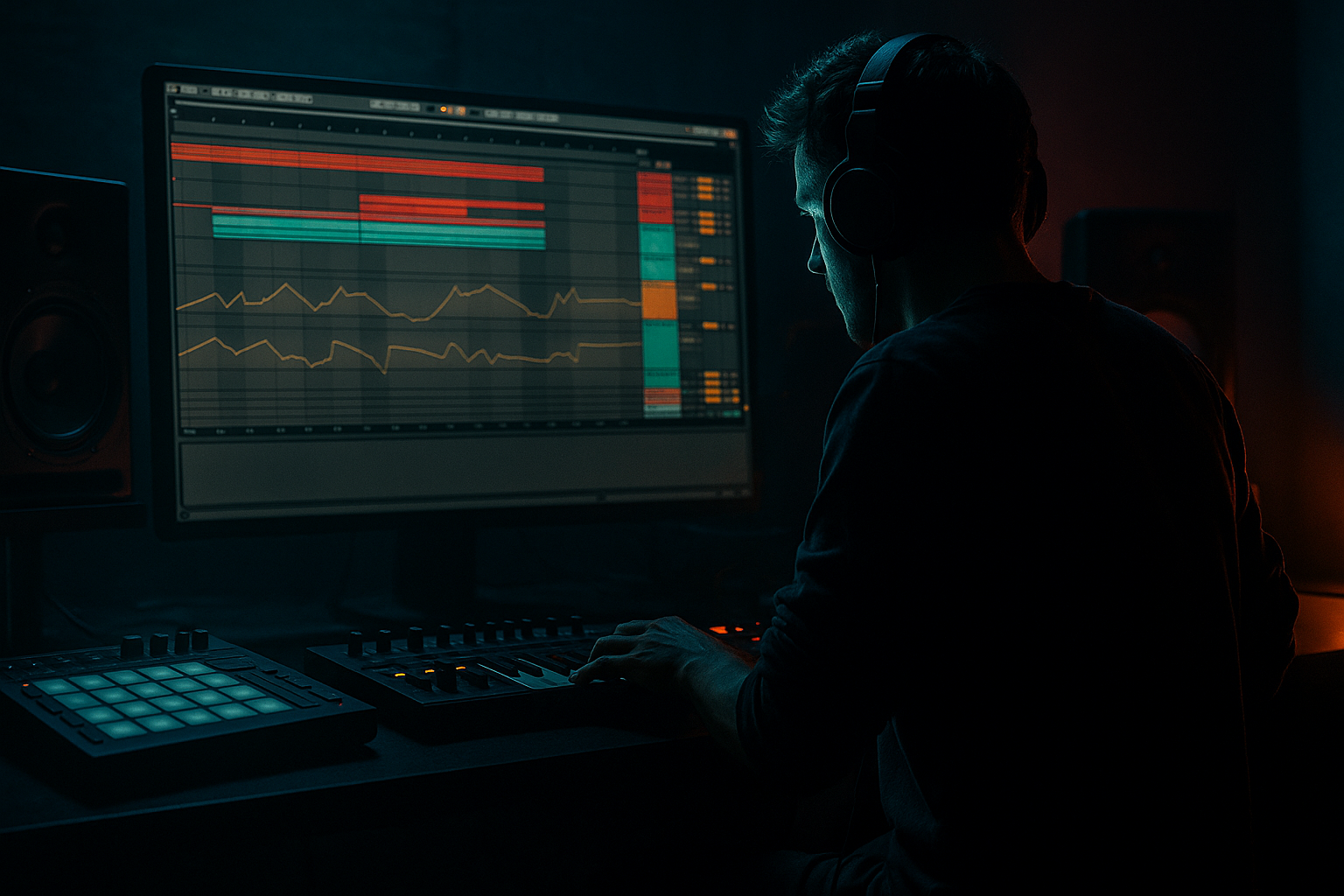
Main tutorial
Layer an Oldskool DnB Ride Groove Using Groove Pool Tricks (Ableton Live 12) 🥁⚡
Skill level: Advanced
Category: DJ Tools / Drum & Bass Production
---
1. Lesson overview
Oldskool jungle/DnB rides have a specific swing: a fast, slightly late “wash” that locks to the break—but still breathes. In Ableton Live 12, the Groove Pool is the cheat code for building that feel quickly and consistently across layers (ride + hat + ghost percussion), without manually nudging every hit.
In this lesson you’ll build a layered ride groove that sits like classic rollers: energetic on top, controlled in the mids, and glued to the break.
---
2. What you will build
A two-to-three-layer ride/hat stack that feels oldskool and “DJ-ready”:
- Layer A (Ride body): crunchy/metallic “tick” with controlled transients
- Layer B (Air hat): bright high-end shimmer that follows the same groove but with reduced timing randomness
- Layer C (Ghost/texture): optional low-level vinyl/noise/perc layer for movement
- All layers are driven by one groove source (break loop or extracted groove) and controlled via Groove Pool parameters + per-layer commit strategy.
- Drop a classic-style break (e.g., think Amen, Think, Hot Pants, or a modern processed one) onto `BREAK (Source Groove)`.
- Works if it has genuine swing and not overly quantized hits.
- Program the same 16ths or 8ths (depends on how busy you want it).
- Keep velocities lower than the ride (e.g., 50–80 range).
- Put sporadic 16ths with low velocity (30–50), or even a shuffled pattern (just a few hits).
- Timing: 70–90%
- Random: 2–8%
- Velocity: 10–25%
- Base: 1/16 (for ride-driven feel)
- Ride Layer A:
- Hat Layer B (air):
- Ghost Layer C:
- Duplicate the groove in Groove Pool (or extract twice), rename them:
- Apply the appropriate version to each clip.
- Remove a few 16ths to create breathing gaps (common in rollers)
- Add accent hits leading into snare (classic jungle lift)
- Commit Ride first, refine, then commit Hat to match the final ride pocket.
- Hybrid Reverb (Room / short)
- Bars 1–8: Break only (source) + filtered rides fade in
- Bars 9–16: Full ride stack + minimal kick/sub (or none if it’s a tops tool)
- Bars 17–24: Add extra ghost ride variations (mute/unmute every 2 bars)
- Bars 25–32: Strip back hats, leave ride + room tail for mixing out
- Automate Groove Timing on the hat groove from 60% → 75% over 16 bars (subtle lift).
- Automate Drum Buss Drive +1–2 over the drop section.
- Automate EQ Eight high shelf for “open the air” moments.
- Make the ride “late” but keep the snare “law”:
- Add a parallel “metal dust” layer:
- Sidechain tops to the snare, not the kick:
- Micro-variations every 2 bars:
- Use Roar (if you want modern weight):
- Use a break loop as your groove DNA, then Extract Groove into the Groove Pool.
- Apply the groove to layered ride/hat parts, but print different groove intensities per layer (timing/random/velocity).
- Commit the groove to MIDI when you’re happy, then edit accents and gaps for authentic oldskool flow.
- Glue and control the stack with EQ Eight → Drum Buss → Saturator → Glue, plus a short room return.
- Arrange it like a DJ tool: clean sections, automation lifts, and mix-friendly transitions.
Result: a rolling ride pattern that rides on top of your break like 90s jungle—tight, swung, and mixable for DJ tools.
---
3. Step-by-step walkthrough
Step 0 — Project setup (fast but important)
1. Set tempo to 170–176 BPM (start at 174).
2. Create these tracks:
- Audio Track: `BREAK (Source Groove)`
- MIDI Track: `RIDE Layer A`
- MIDI Track: `HAT Layer B`
- MIDI Track: `GHOST Layer C` (optional)
- Return Track: `Drum Room` (short room verb)
- Group: `TOPS BUS` (group your ride/hat layers)
Why: you’ll drive everything from one groove and keep routing clean for DJ tool export.
---
Step 1 — Pick a groove source (this is the “DNA”) 🧬
You need something with authentic micro-timing. Two good sources:
Option A: Break loop (recommended)
Option B: A ride loop from an oldskool sample pack
Now:
1. Warp mode: Beats
2. Preserve: 1/16 (or 1/8 if it’s very choppy)
3. Turn on Warp, and make sure the loop length is correct (1 bar or 2 bars).
Pro move: Get the break roughly aligned but don’t over-edit warp markers—too perfect = less groove.
---
Step 2 — Extract groove into the Groove Pool 🧲
1. In the clip view of your break loop, find Groove section.
2. Click “Extract Groove” (Ableton will create a groove template from the clip).
3. Open Groove Pool (left browser → Grooves → click the small wave icon / open Groove Pool).
You should now see a groove template named something like:
`BreakName.agr`
---
Step 3 — Program a clean, “too straight” ride pattern (we’ll groove it after)
On `RIDE Layer A`:
1. Load a Drum Rack or Simpler with a ride sample.
- Oldskool vibe: slightly dirty ride, short-ish decay, not a pristine 909.
2. Create a 1-bar MIDI clip.
3. Program 16th notes on a single pitch (classic wash).
4. Velocity (before groove):
- Downbeats stronger, offbeats lighter (e.g., 110 / 70 alternating).
- Keep it simple—you’ll add movement via groove.
On `HAT Layer B`:
On `GHOST Layer C` (optional):
Goal: make it feel robotic first, so the groove pool “does the magic” audibly.
---
Step 4 — Apply the extracted groove to ALL layers, then differentiate them
For each MIDI clip (Ride/Hat/Ghost):
1. In clip view → Groove dropdown → select your extracted groove.
2. Press Commit? Not yet. We’ll audition in real-time first.
Now go to Groove Pool and adjust the groove parameters:
#### Core settings (starting point)
- Start at 80%
- Start at 4% (oldskool = a bit messy, but not sloppy)
- Start at 15%
Hit play and listen to the ride against the break.
#### Differentiate per layer (advanced trick)
Here’s the key: use one groove template, but “print” it differently per layer.
- Timing: 85–95% (strong swing)
- Random: 3–6%
- Velocity: 10–20%
- Timing: 60–75% (tighter)
- Random: 0–3% (keep it crisp)
- Velocity: 5–15%
- Timing: 90–100%
- Random: 6–12% (more human mess)
- Velocity: 20–35% (more dynamic movement)
How to do this in Live:
- `BreakGroove_Ride`
- `BreakGroove_Hat`
- `BreakGroove_Ghost`
This keeps the family feel while making each layer behave musically.
---
Step 5 — “Commit” strategically (print feel, then edit like a surgeon) ✂️
Once it’s feeling good:
1. Select the Ride MIDI clip
2. In clip view, click Commit (this writes groove timing/velocity into the notes).
Now you can do advanced edits:
Do the same for the hat layer, but consider committing later so you can keep it tighter/cleaner while you finish ride edits.
Workflow tip:
---
Step 6 — Glue the stack with a “DJ tools” top bus chain 🎛️
Group Ride/Hat/Ghost into `TOPS BUS`, then use a clean stock chain:
TOPS BUS device chain (starting point):
1. EQ Eight
- HPF at 200–350 Hz (12 or 24 dB/oct)
- Small dip 2–4 kHz if harsh (–1 to –3 dB)
- Gentle shelf +1–2 dB at 10–12 kHz if needed
2. Drum Buss (subtle!)
- Drive: 2–6
- Crunch: 0–10% (tiny)
- Transients: –5 to +5 depending on clickiness
3. Saturator (Soft Clip ON)
- Drive: 1–3 dB, Soft Clip enabled
4. Glue Compressor (light “tape” feel)
- Attack: 3 ms
- Release: Auto
- Ratio: 2:1
- Aim: 1–2 dB gain reduction on peaks
Return: Drum Room (short space)
- Decay: 0.3–0.7s
- Predelay: 0–10 ms
- HP/LP: cut lows below 400 Hz, highs above 9–12 kHz
Send rides/hats lightly (–18 to –24 dB send). This gives oldskool “room” without washing the mix.
---
Step 7 — Arrangement ideas (make it feel like a proper roller tool) 🧱
Try a 32-bar DJ-tool arrangement:
Automation ideas:
---
4. Common mistakes
1. Grooving everything equally
- If ride, hat, and ghost all swing the same amount, the top end blurs. Differentiate timing/random per layer.
2. Too much Random
- Random above ~10% on constant 16ths can sound drunk, not oldskool.
3. Not committing when it matters
- Groove Pool audition is great, but advanced results come from committing and then editing accents/gaps.
4. Over-warping the source break
- If you surgically warp every transient, you destroy the very feel you’re trying to extract.
5. Harsh top-end stacking
- Layering rides can instantly create 6–10 kHz pain. Use EQ Eight and keep one layer as “body” and one as “air.”
---
5. Pro tips for darker/heavier DnB 😈
Let tops swing; keep main snare/clap tighter (or even quantized) for that heavyweight stomp.
Duplicate Ride Layer A → highpass at 2–3 kHz, saturate harder (Saturator Drive 6–10 dB), then blend low. Adds aggression without raising peak level too much.
Use Compressor sidechain keyed from snare to create space right where the break punches.
- Ratio 2:1, Attack 1–3 ms, Release 50–120 ms, just 1–2 dB GR.
After commit, nudge one or two ride hits slightly earlier in bar 2 or 4 (like human correction). Subtle = believable.
Very lightly on Tops Bus with a dark mode, mix low. If it gets fizzy, back off—rides punish over-distortion fast.
---
6. Mini practice exercise 🎯 (15–20 minutes)
1. Pick one break and extract its groove.
2. Create a 16th ride MIDI clip and apply the groove at Timing 80%, Random 4%, Velocity 15%.
3. Duplicate the groove twice and set:
- Ride: Timing 90 / Random 5
- Hat: Timing 65 / Random 1
4. Commit Ride only. Remove 3–5 notes in bar 1 to create breathing space.
5. Bounce/export a 32-bar “Tops Tool” with:
- Bars 1–8 filtered in
- Bars 9–24 full
- Bars 25–32 stripped out
Listen back and ask: does it roll, or does it rush?
---
7. Recap ✅
If you want, tell me your target subgenre (jungle, rollers, techy, minimal) and whether you’re using a break-driven drum core or fully synthetic drums—I can suggest groove settings and ride sample characteristics that match.

