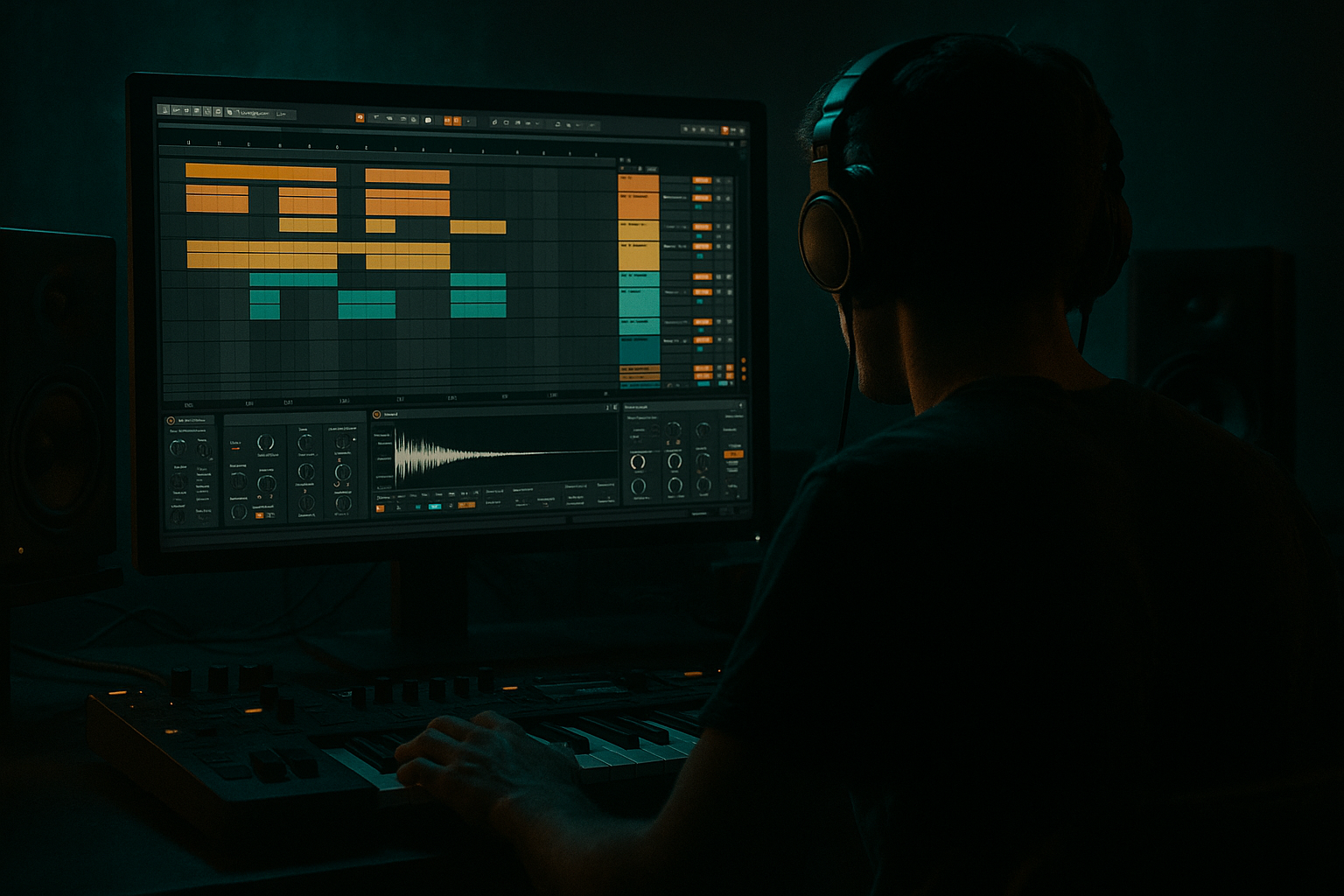
Main tutorial
Layer an Amen-Style Drum Bus with Modern Punch + Vintage Soul (Ableton Live 12) 🥁⚡
1. Lesson overview
In drum & bass, the Amen (or Amen-inspired break) brings swing, grit, and human feel, but on its own it can lack modern punch, consistency, and sub translation. In this lesson you’ll build a layered drum bus in Ableton Live 12 that keeps the break’s vintage soul while adding tight modern transients—perfect for jungle, rolling DnB, and heavier halftime vibes.
You’ll learn:
- How to split the break into roles (soul / punch / weight)
- How to layer kick + snare cleanly without phase mess
- How to glue the bus for a cohesive “record” feel
- A practical Ableton device chain you can reuse
- Add EQ Eight on Amen:
- Add Drum Buss (subtle!):
- Kick: short, modern DnB kick (tight tail)
- Snare: bright snap + body (or a layered snare inside the rack)
- Optional: clap very low in level for width/texture
- Kick: 1.1
- Snare: 1.2
- Kick: 1.3.3 (or slightly later for push)
- Snare: 1.4
- Kick: 2.1
- Snare: 2.2
- Add variation: extra kick at 2.3 or a ghost snare around 2.3.3
- Snare: 2.4
- Solo Amen + Punch.
- If snare feels like two hits (“flam”), nudge the Punch MIDI:
- Add Utility on the Punch track.
- Try Phase Invert L/R buttons (start with L then R).
- If your kick loses low end when layered, you likely have phase cancellation. Keep the setting that sounds bigger and cleaner.
- Add a simpler/sampler with a low “thump” or short sine-ish kick layer.
- High-pass it at 25–30 Hz, low-pass around 90–120 Hz (EQ Eight).
- Keep it quiet. You should feel it more than hear it.
- Duplicate the Amen track.
- On the duplicate:
- Blend in at -18 to -12 dB range.
- Layering without time alignment → you get flams and weak drums.
- Too much bus compression → kills ghost notes and the break stops feeling alive.
- Over-saturating the Amen → turns into harsh fizz, especially at 170+ BPM.
- Letting the Amen carry sub → messy low end when bassline enters.
- Punch layer too loud → you lose the entire reason you used a break (the soul).
- Tighter kick pocket: High-pass Amen a bit higher (45–70 Hz) so your kick/sub has space.
- Controlled aggression: On the DRUMS group, add Roar (stock in Live 12) lightly:
- Make snares feel “weapon-grade”:
- Dark cymbal management: If the Amen hats are too bright, use Auto Filter low-pass on Amen at 10–14 kHz with slight resonance.
- Sidechain the Amen to Punch (subtle):
- Use the Amen for character and movement, not raw punch.
- Add a Punch layer for modern DnB transients and consistency.
- Align timing and phase so layers add up instead of canceling.
- Glue it on the drum bus with gentle compression + tasteful saturation.
- Add 2-bar variations and edits to make it roll like real jungle/DnB 🔥
---
2. What you will build
A drum bus with three layers, summed into one cohesive bus:
1. Amen Soul Layer (the vibe)
- Lo-fi character, room, ghost notes, swing
2. Punch Layer (Kick/Snare one-shots) (the impact)
- Modern transient + consistent hits
3. Weight/Noise Layer (optional) (the depth + edge)
- Low-end reinforcement or high grit (controlled)
Final result: tight, loud, rolling drums that still feel like an old break on wax 🎛️
---
3. Step-by-step walkthrough
Step 0 — Session setup (DnB-friendly)
1. Set tempo to 170–176 BPM.
2. Create groups:
- DRUMS (Group) → contains all drum layers
- Inside it: Amen, Punch, Weight (optional)
Arrangement tip (rolling DnB): Start with a 2-bar drum loop. DnB grooves reveal themselves over 2 bars more than 1.
---
Step 1 — Choose and prepare your Amen-style break (Soul Layer)
1. Drag an Amen or Amen-style loop into a track named Amen.
2. In Clip View:
- Warp: ON
- Mode: Beats
- Preserve: Transients
- Set Transient Loop Mode: Forward
- Start with Envelope: 20–40 (tighter), or 0–15 (looser, more natural)
3. Gain stage: turn the clip gain down so peaks are around -12 to -6 dB. Breaks can be spiky; give yourself headroom.
Vintage soul moves 🎚️
- High-pass around 30–45 Hz (gentle, 12 dB/oct)
- Small cut 250–400 Hz if it sounds boxy (–2 to –4 dB, Q ~1.2)
- If it’s harsh: dip 6–9 kHz (–1 to –3 dB)
- Drive: 5–12%
- Crunch: 0–10%
- Boom: OFF (we’ll manage low end elsewhere)
- Transient: -5 to +5 depending on how spiky the break is
Goal: keep it vibey, not dominating.
---
Step 2 — Create the modern Punch Layer (kick + snare)
Create a MIDI track called Punch and add a Drum Rack.
#### A) Pick your one-shots
#### B) Program a classic Amen-friendly pattern
For a simple starting groove at 174 BPM:
Bar 1
Bar 2
Now listen against the Amen loop and shift notes slightly if needed.
#### C) Shape punch with stock devices
On the Punch track (after Drum Rack), add:
1. EQ Eight
- Kick: keep sub clean (you’ll likely boost later in context)
- High-pass the whole punch layer around 20–30 Hz
- If snare is harsh: dip 7–10 kHz slightly
2. Saturator
- Mode: Soft Clip
- Drive: 2–6 dB
- Output: -2 to -6 dB (match loudness)
- This adds density without killing transients.
3. Drum Buss
- Transient: +10 to +25 (this is your “modern” snap)
- Drive: 0–8%
- Boom: 0–10% only if it helps the kick (often better OFF for DnB if you have a sub bassline)
Goal: This layer provides the “front” of the drum sound.
---
Step 3 — Align layers (avoid flams + phase weirdness)
This is where beginners level up fast.
#### A) Check timing
- In Arrangement view, select the snare notes and nudge by ±2 to ±10 ms.
- You want the punch to support the Amen hit, not fight it.
#### B) Check phase (especially kick)
Use your ears: does the kick become fuller or thinner?
Rule of thumb: Let the Punch layer be slightly earlier than the Amen if you want more aggression; slightly later if you want more “draggy” jungle feel.
---
Step 4 — Optional Weight/Noise Layer (controlled character)
Create a track called Weight.
Pick one approach:
#### Option 1: Low reinforcement (only if needed)
#### Option 2: Top noise/grit (great for darker DnB) 🖤
- EQ Eight: High-pass 2–4 kHz
- Add Saturator (Drive 4–10 dB)
- Add Auto Filter low-pass around 8–12 kHz if it’s fizzy
---
Step 5 — Bus processing: glue it into one drum record 🎚️
Group the tracks (Amen, Punch, Weight) into DRUMS and process the group.
#### Recommended DRUM BUS chain (stock)
1. EQ Eight (cleanup)
- High-pass 25–35 Hz (gentle)
- Tiny dip if muddy: 200–350 Hz (–1 to –3 dB)
- If too sharp: dip 6–8 kHz a touch
2. Glue Compressor
- Attack: 3 ms
- Release: Auto (or 0.1–0.3s)
- Ratio: 2:1
- Aim for 1–3 dB of gain reduction on peaks
- Turn on Soft Clip if you want extra control (subtle!)
3. Drum Buss (glue + vibe)
- Drive: 2–8%
- Crunch: 5–15% (careful—this can get loud fast)
- Transient: 0–10 (don’t overdo; your Punch layer handles snap)
- Boom: OFF (usually safer in DnB with big bass)
4. Limiter (safety, not loudness)
- Ceiling: -0.3 dB
- Only catching occasional peaks (1–2 dB max)
Level target: Let the full drum bus peak around -6 dB while writing. Save the “loud” for later.
---
Step 6 — Make it roll: micro-arrangement tricks (very DnB)
To make it feel like real DnB, do these small moves:
1. 2-bar variation
- Every 2nd bar, remove a kick or add a tiny ghost kick before the snare.
2. Amen edits
- Slice the Amen (right click → Slice to New MIDI Track) and rearrange 1–2 hits per 2 bars.
3. Fills
- End of every 8 or 16 bars: add a snare drag (two 16ths before the 2 or 4).
4. Break “breathing”
- Automate Amen volume down 1–2 dB during dense bass phrases, then bring it back in transitions.
---
4. Common mistakes
---
5. Pro tips for darker/heavier DnB 🖤
- Start with a mild distortion style, mix 10–25%, keep lows protected with filtering.
- Add a very short room with Hybrid Reverb on the snare only (inside Drum Rack):
- Decay 0.3–0.7s, Low Cut 300–600 Hz, Wet 5–12%
- Compressor on Amen, sidechain from Punch, just 1–2 dB reduction on snare hits to let the punch speak clearly.
---
6. Mini practice exercise (15 minutes) ⏱️
1. Load any Amen-style loop and set Warp to Beats / Transients / Envelope 25.
2. Create a Punch Drum Rack with:
- Kick on 1 and 3 (plus a syncopation)
- Snare on 2 and 4
3. Align snare timing until the flam disappears.
4. Add bus chain on DRUMS:
- EQ Eight → Glue (2:1, 3ms, Auto) → Drum Buss → Limiter
5. Make a 16-bar loop:
- Bars 1–8: standard groove
- Bars 9–16: add 2-bar variation + a fill on bar 16
Deliverable: Bounce a short audio clip and label it:
“AmenLayer_PunchSoul_174bpm.wav”
---
7. Recap
If you tell me what style you’re aiming for (classic jungle, rollers, neuro, jump-up, halftime), I can suggest a matching punch pattern and bus settings.

