Main tutorial
Lesson Overview
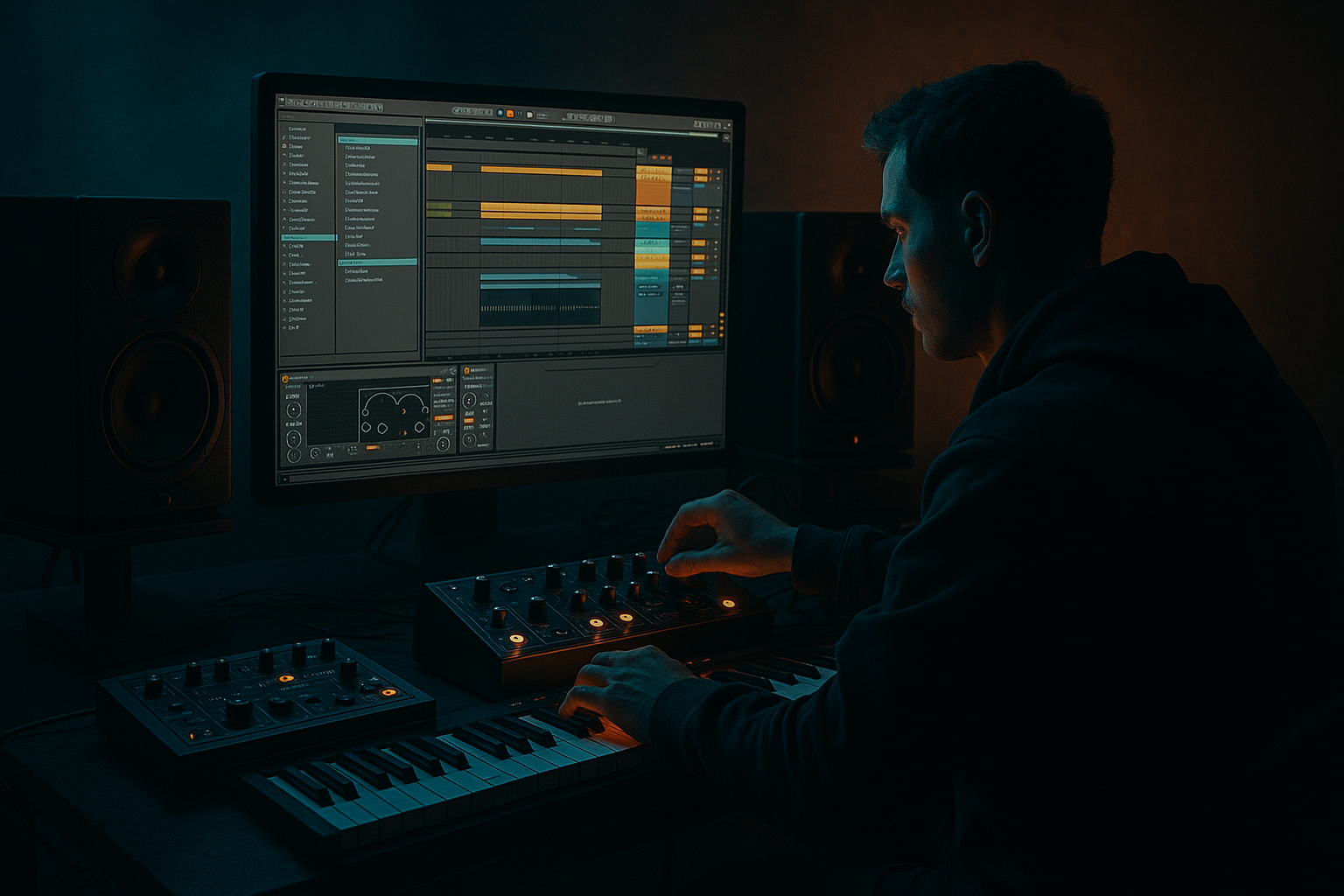
In this lesson, you’re building a bassline FX lab for modern punch + vintage soul inside Ableton Live 12, designed specifically for jungle / oldskool DnB vibes. The aim is not just to make a heavy bass sound, but to make it move like a record: gritty, alive, slightly unstable, and controlled enough to sit under chopped breaks and rolling drums.
This matters because in DnB the bass is rarely just a sustained tone. It’s a rhythmic instrument, a transition tool, and a mix anchor. A great jungle bassline has three jobs at once:
- hold the low-end weight,
- speak with character in the mids,
- and interact with the drums through call-and-response.
- a mono sub layer that stays clean, centered, and strong under fast drums,
- a mid bass layer with reese-style movement, vintage saturation, and controlled stereo texture,
- a FX return system for dub delays, filtered echoes, atmospheres, and transition hits,
- and a performance-ready arrangement loop that can evolve from a sparse intro into a drop with oldskool swing and modern punch.
- 16-bar intro with filtered drums and teasing bass stabs,
- 8-bar drop where the bass locks with a chopped Amen / break loop,
- switch-up section with half-time space, call-and-response fills, and a more aggressive midrange voice,
- and DJ-friendly outro where the bass is gradually stripped back.
- Making the bass too wide
- Overdistorting the sub
- Using too many moving FX at once
- Letting delays flood the low end
- Programming bass like a melody instead of a rhythm section
- Ignoring note length
- Not checking the bass in mono
- Resampling without editing
- Use slight pitch modulation on the mid bass for unstable analog energy, but keep it subtle enough not to smear tuning.
- Layer a very quiet noise burst or breathy texture under the attack of the bass for extra presence in darker rooms.
- Use Auto Filter with a slow LFO on the mid layer only to create the feeling of a living reese without losing the center.
- Push Saturator before compression if you want the compressor to react to harmonics as well as level.
- For extra menace, automate a narrow band boost around 700 Hz to 1.5 kHz on one phrase, then pull it back on the next.
- Try frequency-conditional arrangement: sub in the main sections, mid-heavy stabs in the breaks, then a filtered reintroduction of both.
- Use short feedback delays as fills rather than long reverbs if you want a more underground, pressure-heavy feel.
- If the bass needs more vintage soul, print a resampled version and re-chop it like an old sampler bassline. The slight imperfections often sound more authentic than an endlessly editable synth chain.
- Keep the sub clean, mono, and stable.
- Use the mid bass for punch, grit, and movement.
- Let the bass answer the drums, not just play notes.
- Use FX returns for dub space, transition tails, and atmosphere.
- Resample the best moments to get that oldskool jungle personality.
- Automate with intention so the bass evolves across the arrangement.
- Always check mono, headroom, and drum/bass balance before calling it done.
You’ll use Ableton stock devices to design a bass that can switch between sub-solid roll, dubwise wobble, saturated oldskool growl, and tight modern punch. The FX chain will be the “glue” that gives the bassline its identity: movement, dirt, width control, and arrangement transitions without turning the mix to mush.
This is an advanced workflow, so we’ll focus on sound-shaping decisions, routing, resampling, and automation strategy rather than basic synthesis theory.
What You Will Build
By the end, you’ll have a two-layer bass system built for a DnB/jungle arrangement:
Musically, think:
The final result should feel like a bassline that could sit in a 1994-inspired jungle roller but still hit with enough modern low-end discipline to survive a current club system.
Step-by-Step Walkthrough
1. Build the core bass instrument with clean separation in mind
Start with a new MIDI track and load Wavetable or Operator. For this lesson, Wavetable gives you a fast route to a reese-like mid layer with motion, while Operator is ideal for the sub.
Create two MIDI tracks:
- Track 1: SUB
- Track 2: MID BASS
On the sub track, use Operator:
- Oscillator A: Sine
- Fixed pitch off
- Envelope: short attack, medium decay if you want plucks, or full sustain for held notes
- Keep it mono with Portamento off at first
Suggested starting points:
- Filter: off or fully open
- Volume: trim so peaks stay conservative
- Sub octave: write notes around C1 to G1, depending on key
On the mid bass track, use Wavetable:
- Oscillator 1: saw or slightly hollow wavetable
- Oscillator 2: detuned saw or another harmonic-rich waveform
- Unison: keep low, around 2 voices if needed
- Detune: subtle, roughly 5–12%
- Filter: low-pass with some resonance, cutoff around 120–400 Hz depending on the note range
Why this works in DnB: the sub stays stable and mono, while the mid layer provides the character that cuts through fast breakbeats. This lets the bass feel huge without fighting the kick and snare transient.
2. Program a bass rhythm that feels like jungle, not a looped synth test
In DnB, rhythm is everything. Write the bass as a drum-partner, not a chord progression. Start with a 2-bar MIDI clip and place notes around the break accents.
A strong oldskool-jungle pattern often uses:
- a strong note on the one,
- a response note after the snare,
- a short pickup into the next bar,
- and one or two longer notes for movement.
Try this phrasing approach:
- Bar 1: root note on beat 1, short answer on the “and” of 2
- Bar 2: slightly different contour, maybe a higher octave response
- Leave gaps so the break can breathe
Advanced move: use ghost notes at low velocity in the mid bass to create momentum without clutter. Keep these more like rhythmic ghosts than melodic statements.
For note choice:
- Stick to root + fifth + octave + minor 3rd if you want darker rave energy
- Add brief chromatic movement only if the phrase remains readable
Use the MIDI editor’s velocity lane to vary attack intensity. In jungle, velocity variation can help the bass feel hand-played rather than sequenced-flat.
3. Shape the sub with discipline using Ableton stock tools
On the SUB track, keep the chain simple:
- EQ Eight
- Saturator
- Utility
EQ Eight:
- High-pass very gently only if needed, around 20–30 Hz
- Do not cut the fundamental unless the notes are too boomy
- If one note blooms too much, make a narrow cut around that specific resonance instead of broad shelving
Saturator:
- Drive: 1–4 dB
- Soft Clip: on
- Color: subtle; don’t over-hype the harmonics yet
Utility:
- Width: 0%
- If needed, use Gain to level-match against the mid bass
Advanced tip: if the sub envelope feels too long and masks the kick, shorten the release slightly rather than carving it out with EQ. In DnB, envelope control is often cleaner than surgical EQ.
This sub should feel almost invisible on its own but powerful when the whole mix plays.
4. Create the modern punch layer with movement and controlled distortion
On the MID BASS track, build a chain like this:
- Wavetable
- Filter
- Saturator
- Roar or Overdrive
- EQ Eight
- Compressor or Glue Compressor
- Utility
Start with Saturator:
- Drive: 3–7 dB
- Soft Clip: on
- Try Analog Clip or a similar soft clipping mode if it suits the tone
Add Roar if you want more animated grit:
- Drive moderately, not brutally
- Use it to add harmonic density and motion in the mids
- Blend carefully; the goal is bite, not fizz
Filter:
- Use a low-pass with envelope modulation for “talking” motion
- Cutoff movement range: roughly 200 Hz to 2.5 kHz depending on the phrase
EQ Eight:
- Cut mud around 200–400 Hz if the bass clouds the break
- If harshness appears, tame 2.5–5 kHz with a dynamic approach if possible through automation or a gentler band cut
Compressor:
- Fast attack, medium release
- Use to stabilize the layer after distortion, not to flatten it
Why this works in DnB: the mid layer carries the “read” of the bass on smaller speakers and adds aggression on top of the sub. Saturation generates upper harmonics so the bass can feel present without turning up the low end too far.
5. Split the bass with routing so the mix stays clean
Advanced bass work in DnB often benefits from parallel-style separation. Use a Group for the bass bus:
- Group Track: BASS BUS
- Inside: SUB and MID BASS tracks
On the BASS BUS:
- Glue Compressor with 1–2 dB of gain reduction
- EQ Eight for gentle final shaping
- Utility for mono-checking and level trim
Suggested Glue Compressor settings:
- Attack: 10–30 ms to preserve punch
- Release: Auto or 0.1–0.3 s
- Ratio: 2:1
- Aim for subtle gain reduction, not pumping
If your kick is strong and the bass fights it, use sidechain compression on the bass bus from the kick:
- Fast attack
- Release timed to groove, often 60–140 ms depending on tempo
- Keep the sidechain subtle enough that the bass still feels constant in a roller context
For oldskool jungle, don’t over-sidechain. A little low-end breathing is enough. Too much modern EDM-style ducking kills the rude, rolling character.
6. Add FX returns for jungle atmosphere, dub space, and transition energy
Create three Return tracks:
- A: Dub Delay
- B: Short Room/Grain
- C: Transition Impact
On A: Dub Delay:
- Use Echo
- Sync to 1/8 dotted or 1/4
- Filter the repeats heavily: low-pass around 2–6 kHz, high-pass around 150–300 Hz
- Add slight modulation and saturation inside Echo for tape-ish instability
On B: Short Room/Grain:
- Use Reverb or Hybrid Reverb
- Keep decay short: 0.3–1.0 s
- Pre-delay: 10–25 ms
- Use EQ before/after to keep it dark and tight
On C: Transition Impact:
- Use Reverb, Echo, and maybe Auto Filter
- This return is for fills, breakdown hits, and phrase ends
Send your mid bass lightly into A and B, but keep the sub nearly dry. This is key. The sub should remain dry and centered, while the mids can spill into space for oldskool depth.
Arrangement example: at the end of an 8-bar phrase, automate a quick send boost into Dub Delay on the final bass stab. That gives you a classic jungle “tail” into the next section without adding another full melodic layer.
7. Resample the bass to create variation and performance-style edits
Once the core loop works, resample it. Create a new audio track and record:
- the full bass bus,
- or just the mid layer,
- while printing the effect returns if they’re part of the sound.
Then cut the audio into usable bits:
- single stabs
- reversed tails
- pitch-down fills
- filtered pickups
Use Warp carefully:
- For rhythmic stabs, keep the timing natural
- For FX tails, you can stretch or reverse as needed
- Avoid over-warping the sub-heavy parts unless necessary
This is where oldskool character gets real. A resampled bass stab with saturation, delay tail, and transient shape can behave more like a sampled instrument than a sterile synth patch.
Use Simpler on the resampled audio if you want to create a playable bass instrument:
- One-shot mode for stabs
- Filter and envelope for quick tweaks
- Map a few stabs across the keyboard for call-and-response writing
8. Automate movement instead of overbuilding the patch
Advanced DnB bass design often succeeds because of automation, not because of too many devices.
Automate these across 8 or 16 bars:
- Filter cutoff on the mid bass
- Saturator drive for phrase lifts
- Echo send amount on final notes
- Utility width on the mid layer only
- Reverb send on transition hits
- Wavetable position or filter envelope depth for subtle timbre change
Good automation idea:
- Bars 1–4: filtered, restrained intro
- Bars 5–8: open the cutoff gradually and increase harmonic density
- Bar 8 end: spike the dub delay send for a phrase tail
- Next section: bring the cutoff back down to reset tension
Keep automation musical, not constant. If everything moves all the time, the bass loses authority. In DnB, contrast is what makes movement feel powerful.
9. Lock bass and drums together with transient and groove awareness
Import or program your break edits first, then fit the bass around them. A bassline that sounds huge in solo can still fail if it collides with the snare ghosts or kick transients.
Use these checks:
- If the bass masks the snare crack, shorten bass note lengths or cut midrange around the snare hit window
- If the kick disappears, reduce bass attack or create micro-gaps at the kick transient
- If the break feels stiff, shift bass notes slightly late or use groove subtly
Ableton workflow:
- Use the Groove Pool with a break-derived groove
- Apply groove to the bass MIDI clip at low strength, around 10–30%
- Or manually nudge notes by a few milliseconds for feel
For a roller section, let the bass notes sit slightly behind the break. For a more aggressive neuro-leaning section, tighten them hard to the grid.
The goal is not perfect alignment everywhere. The goal is intentional tension between drums and bass.
10. Design the arrangement as a live energy curve
Build a basic structure around your bass lab:
- 16 bars intro
- 16 bars drop
- 8 bars switch-up
- 16 bars second drop
- 8 bars outro
Use the bass arrangement to tell the story:
- Intro: filtered sub hints, sparse stabs, echo sends
- Drop: full bass-bus engagement, strong mono center, dry punch
- Switch-up: remove sub for 2 bars, let mid bass and delay speak
- Second drop: bring in a slightly more saturated or octave-shifted variation
Add one memorable arrangement move:
- a 1-bar bass mute before the drop,
- a reverse resampled bass tail,
- or a filtered “answer” phrase that happens after the snare.
This is where vintage soul enters. Oldskool jungle often feels alive because it breathes between phrases, not because every bar is maximized.
Common Mistakes
- Fix: keep the sub mono, and use width only on the mid layer above the low end.
- Fix: distort the mid layer instead; keep the sub clean and reinforced by gentle saturation only.
- Fix: choose one or two expressive automation targets per phrase.
- Fix: high-pass the return and keep dub throws away from the sub frequencies.
- Fix: rewrite the phrase to answer the drums, not fight them.
- Fix: in DnB, note length often matters more than note choice for groove and punch.
- Fix: collapse the mix regularly with Utility and confirm the core still works.
- Fix: trim tails, clean clicks, and keep only the best playable moments.
Pro Tips for Darker / Heavier DnB
Mini Practice Exercise
Spend 15 minutes building a two-bar bass phrase and one transition moment.
1. Make a SUB layer in Operator and write a simple root-note pattern.
2. Make a MID BASS layer in Wavetable with saturation and a low-pass filter.
3. Program a 2-bar rhythm using:
- one long note,
- two short responses,
- one ghost note.
4. Add Echo on a return track and send only the final bass stab into it.
5. Automate the mid bass filter to open slightly in bar 2.
6. Resample the result into audio and chop one tail into a reverse fill.
7. Check the whole thing in mono and adjust the sub so the groove still feels strong.
Goal: by the end, you should have one bass phrase that can function as an intro tease, drop stab, or switch-up fill in a DnB arrangement.

