DNB COLLEGE

Drum & Bass Ableton Live 12 Tutorials

LESSON DETAIL

Krakota masterclass: slice the kick transient in Ableton Live 12 for 90s-inspired darkness (Beginner · Basslines · tutorial)

An AI-generated beginner Ableton lesson focused on Krakota masterclass: slice the kick transient in Ableton Live 12 for 90s-inspired darkness in the Basslines area of drum and bass production.

Back to lessons
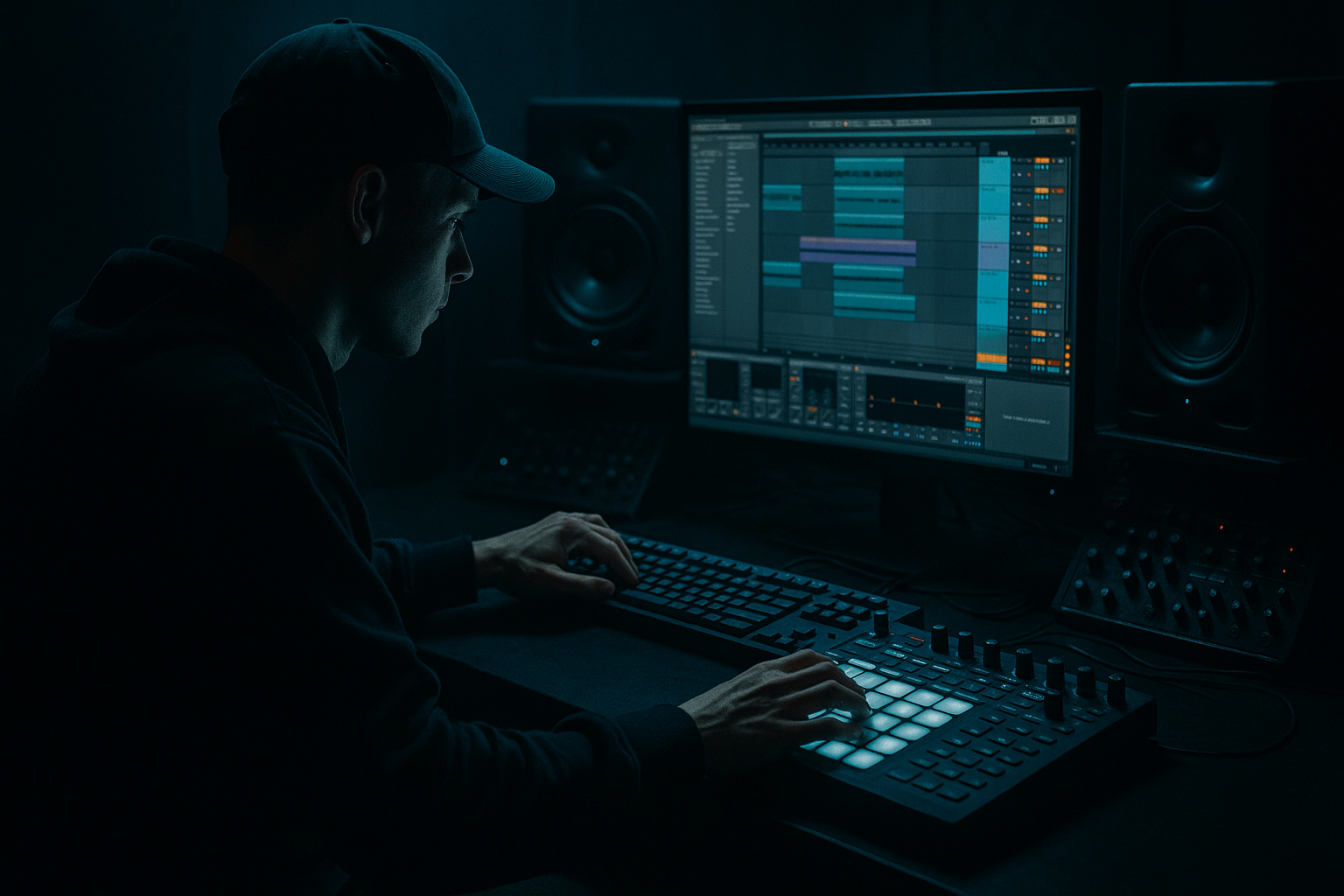
Krakota masterclass: slice the kick transient in Ableton Live 12 for 90s-inspired darkness (Beginner · Basslines · tutorial) cover image

Narrated lesson audio

The voice track includes the tutorial plus extra teacher commentary.

Open audio file

Main tutorial

1. Lesson Overview

This beginner lesson, "Krakota masterclass: slice the kick transient in Ableton Live 12 for 90s-inspired darkness", shows how to isolate and re-use the attack (transient) of a kick drum inside Ableton Live 12 using only stock tools. You’ll create a two-part kick (attack + tail) inside a Drum Rack, process each part separately to get a brittle, pitched click on top of a deep, dark sub — a classic approach used in 90s-style dark DnB and the Krakota aesthetic.

2. What You Will Build

  • A Drum Rack that contains:
  • - a sliced kick transient (attack) as a separate chain (tight, high-frequency snap)

    - the tail/sub of the same kick as a looped Simpler chain (deep, dark low end)

  • A small MIDI pattern that triggers the two layers independently so you can shape their balance and tone
  • Processing chains using stock Ableton devices (Simpler, EQ Eight, Saturator, Compressor, Utility, Auto Filter, Drum Buss/Glue) to achieve a 90s-inspired dark vibe
  • 3. Step-by-Step Walkthrough

    (Use a kick sample you like — a clean punchy sample with a clear attack and a full tail works best.)

    Step A — Prepare the sample and slice by transient

    1. Drop your kick audio file into Session View (or Arrangement) as an audio clip.

    2. Double-click the clip to open Clip View. If Ableton’s Warp is on, turn Warp off for an un-warped slice (right-click → Warp Off). This keeps transient positions intact.

    3. Right-click the clip and choose "Slice to New MIDI Track".

    - In the dialog choose "Slice by: Transient" (default sensitivity is okay for a clear kick; if you get too many slices, choose a higher threshold or manually add/remove warp markers before slicing).

    - Choose "Preserve Envelopes: Off" and "Create: Drum Rack".

    4. Live creates a Drum Rack with each slice loaded into Simpler instances — find the slice that contains the main attack (usually the first/leftmost slice). Rename it "KICK-ATTACK". Rename the slice with the tail "KICK-TAIL".

    Step B — Create discrete attack + tail chains inside a Drum Rack

    1. In the created Drum Rack, duplicate the slice chain if needed: create two chains, one with the attack sample trimmed tight and one with the tail sample trimmed and looped.

    - If the "slice to MIDI" created multiple small slices, drag the tail portion of the original audio clip (or re-import the original kick) into a new Simpler on a new chain and set up the tail there.

    2. For the ATTACK chain:

    - Open Simpler → switch to Classic mode (or remain in one-shot but use short decay), set Start slightly after the very first sample if you want to remove DC clicks. Trim the sample so it contains only the attack (use the sample start/end handles in Simpler).

    - Reduce the amp envelope sustain/decay so the attack is short (Decay 40–120 ms depending on the sample).

    - Transpose the attack up +6 to +12 semitones to taste — this is a common 90s trick: pitched clicks give presence without competing with the sub.

    3. For the TAIL chain:

    - Load the same kick or tail portion into Simpler, set Simpler to Classic or One-shot with Loop enabled for a sustained low tone if you want to create a sub.

    - In Classic mode, adjust the loop region to the sustain part of the kick tail; enable loop and set loop start/end, so the tail sustains smoothly without obvious repeats.

    - Low-pass the tail heavily so it becomes a sub: place an EQ Eight after Simpler, enable Low-Pass (slope -24 dB/oct) and set cutoff ~90–150 Hz depending on sample. Use Utility to mono the low end (Width 0%).

    Step C — Process attack and tail separately for darkness and snap

    1. Attack chain processing:

    - Insert EQ Eight: high-pass at ~150–200 Hz to remove low rumble from the attack; add a small boost at 2–6 kHz (2–4 dB) to emphasize click.

    - Add Saturator (Analog Clip or Soft Clip): Drive 2–6 dB, Dry/Wet ~30% — gives grit for 90s snap.

    - Use Compressor (fast attack, medium release) or Glue Compressor to glue the attack: Attack 0.5–3 ms, Release 40–120 ms, Ratio 4:1. This tightens the transient.

    - Optionally add a light utility volume automation or macro to control attack level vs tail.

    2. Tail chain processing:

    - EQ Eight first: Low-pass at 120 Hz (adjust to taste). Cut around 2–4 kHz if needed to avoid mid-range mud.

    - Use Saturator lightly (drive 0–3 dB) or Redux at low bit/crush to add subtle grime but keep sub energy.

    - Use Compressor with slower attack to preserve sub body (Attack 10–30 ms, Release 60–200 ms). Or use Drum Buss (stock) for character: add Drive 1–3, Boom to taste, Damp to remove highs.

    - Use Utility (Width 0%) to mono the sub and set Gain so it sits under the attack.

    Step D — Program MIDI so attack and tail interact musically

    1. Create a one-bar MIDI clip on the Drum Rack track.

    2. Place kick-tail MIDI notes on the main downbeats where you want sub energy. Place the kick-attack note on the same beat but slightly offset if you want a delayed snap (try 0–6ms delay) or exactly aligned for a punchier hit.

    - To offset: move the attack note slightly later in the grid (turn grid to 1/64 if you need fine control).

    3. Experiment with triggering the attack more often (e.g., every 1/16th) to create rhythmic snaps while the tail sustains fewer notes for sub.

    Step E — Final mix glue for the 90s vibe

    1. Group the Drum Rack chains (right-click group devices) or just use Drum Rack’s send/return.

    2. Add a Glue Compressor to the group or Drum Rack return: low ratio (~2:1), slow attack to let the attack through, release synced to tempo.

    3. Use EQ Eight on the group to notch anything clashing with your bassline. Ensure tail sub mono and under -6 dB headroom.

    4. Optionally sidechain-compress the tail to the bass or vice versa so the sub sits cleanly (Compressor with External sidechain from a bass or kick-attack).

    4. Common Mistakes

  • Slicing with Warp enabled and not checking transient positions: results in timing/phase issues. Turn Warp off before slicing if you want raw transient positions.
  • Leaving the attack and tail both full-range: causes phase cancellation and a muddy midrange. High-pass the attack and low-pass the tail.
  • Not mono-ing the low end: wide sub causes stereo phase problems and loses punch on club systems. Use Utility width 0% on the tail.
  • Over-saturating the tail: heavy distortion kills sub energy. Use subtle drive or saturate the attack more than the sub.
  • Triggering both layers identically without offsets: the layers can clash. Small timing offsets or pitch changes create separation.
  • Over-slicing the sample (too many slices) and then losing the natural tail: keep the tail intact in a separate Simpler for looping.
  • 5. Pro Tips

  • Pitch the attack +7 or +12 semitones for a brittle click; keep the tail pitched to sit on root/sub frequency (use a low-pass for body).
  • Use Drum Rack macros to map Attack level, Tail level, Attack pitch, Tail cutoff so you can quickly dial different moods.
  • If the attack feels too boxy, add a short (10–30 ms) utility delay (0 ms ping-pong off) or reverb on a send with very short decay to place the click slightly away from the snare/bass space.
  • Save your Drum Rack as a preset once you like a configuration — then you can swap samples and keep processing macros intact.
  • Use the Simpler start-position modulation (via LFO or envelope) subtly to create variation and avoid a sterile repeated click.
  • For true 90s darkness, keep the low-mid energy controlled and emphasize top-end grit on the attack with Saturator + EQ rather than boosting mids.

6. Mini Practice Exercise

1. Pick a single kick sample.

2. Slice it by transient into a Drum Rack as described.

3. Build two chains: KICK-ATTACK and KICK-TAIL.

4. Program a one-bar MIDI pattern where the tail is on beats 1 and 3 and the attack is on every 1/16 note. (This creates a snapping groove that retains deep sub on primary beats.)

5. Process attack: HP > EQ boost 3 kHz > Saturator drive 4 > Glue Compressor (fast).

6. Process tail: LP at 120 Hz > Utility Width 0% > gentle saturation > Compressor (slow attack).

7. Export a short loop and compare it to an original un-sliced kick — you should hear more snap and a darker, punchier sub.

7. Recap

This lesson, "Krakota masterclass: slice the kick transient in Ableton Live 12 for 90s-inspired darkness", walked you through slicing a kick by transient, separating attack and tail into separate Drum Rack chains, and processing each with Ableton stock devices to achieve a classic dark 90s DnB kick: a bright, pitched click sitting on top of a deep, mono sub. Use small pitch shifts, separate EQ envelopes, and macro controls to quickly experiment and lock in that Krakota-style darkness while keeping the low end clean.


Ask GPT about this lesson

Chat with the lesson tutor, get follow-up help, or use quick actions.

Bigup 👽 Ask me anything about this lesson and I’ll answer in context.

Narration script

Show spoken script
[Intro]
Welcome to the Krakota masterclass — slicing the kick transient in Ableton Live 12 for 90s‑inspired darkness. This is a beginner lesson in the Basslines area of drum and bass production. I’ll show you how to isolate the attack of a kick, make a two‑part kick inside a Drum Rack, and process the attack and tail separately using only Ableton stock devices. The result: a brittle, pitched click on top of a deep, mono sub — a classic Krakota‑style approach.

[What you will build]
By the end of this lesson you’ll have:
- A Drum Rack with two chains: KICK‑ATTACK, a tight high‑frequency snap; and KICK‑TAIL, a looped deep sub.
- A small MIDI pattern triggering attack and tail independently so you can shape balance and tone.
- Processing chains using Simpler, EQ Eight, Saturator, Compressor, Utility, Auto Filter and Drum Buss or Glue to get that dark 90s vibe.

[Step A — Prepare the sample and slice by transient]
Start with a clean, punchy kick sample that has a clear attack and a full tail. Drop the audio file into Session or Arrangement view. Double‑click to open Clip View. If Warp is on, right‑click and choose Warp Off so you keep raw transient positions intact. Right‑click and choose Slice to New MIDI Track. In the dialog, choose Slice by: Transient, Preserve Envelopes: Off, and Create: Drum Rack. If you get too many slices, increase threshold or manually adjust warp markers before slicing.

Ableton will make a Drum Rack full of Simpler instances. Find the slice with the main attack — usually the first leftmost slice — and rename it KICK‑ATTACK. Rename the slice that contains the tail KICK‑TAIL. If the tail is split into multiple slices, drag the tail portion from your original file into a new Simpler on a new chain instead of stitching slices back together.

[Step B — Create discrete attack and tail chains inside the Drum Rack]
Make two chains in the Drum Rack: one for the ATTACK and one for the TAIL.

For the ATTACK chain:
Open Simpler and use Classic mode or one‑shot with a very short decay. Trim the sample with the start and end handles so it contains only the attack — you can nudge the start a few milliseconds forward to remove DC clicks. Set the amp envelope so the decay is short — around 40 to 120 milliseconds depending on the sample. Transpose the attack up between +6 and +12 semitones to taste. That pitched click gives presence without fighting the sub.

For the TAIL chain:
Load either the tail slice or the original kick’s tail into a second Simpler and enable Loop in Classic or One‑shot mode. Set the loop region over the sustain part of the tail so it sustains smoothly. Place an EQ Eight after Simpler and low‑pass the tail aggressively — aim around 90 to 150 Hz with a steep slope to make it a true sub. Add a Utility with Width set to 0% to mono the low end.

[Step C — Process attack and tail separately for darkness and snap]
Process them separately to keep function and clarity.

Attack chain processing:
Insert EQ Eight and high‑pass around 150 to 200 Hz to remove low rumble. Add a small boost of 2 to 4 dB between 2 and 6 kHz to emphasize the click. Add a Saturator — Analog Clip or Soft Clip — with 2 to 6 dB drive and Dry/Wet around 30% for grit. Follow with a fast compressor or Glue Compressor: attack between 0.5 and 3 ms, release 40 to 120 ms, ratio around 4:1 to tighten the transient. Optionally map attack level or a macro for quick control.

Tail chain processing:
Start with EQ Eight and low‑pass at roughly 120 Hz, cutting any 2 to 4 kHz muddiness. Add subtle Saturator or Redux at low settings for texture — drive 0 to 3 dB. Use a compressor with a slower attack to preserve sub body — attack 10 to 30 ms, release 60 to 200 ms — or use Drum Buss with Drive 1 to 3 and Boom to taste, Damp to remove highs. Keep the tail mono with Utility Width 0% and set gain so it sits under the attack.

[Step D — Program MIDI so attack and tail interact musically]
Create a one‑bar MIDI clip on the Drum Rack track. Put tail notes on the main downbeats where you want sub energy. Place attack notes on the same beat but try small timing offsets for separation: move the attack 0 to 6 milliseconds later for a delayed snap, or align them exactly for maximum punch. Use a fine grid like 1/64 for micro timing. You can also trigger the attack more frequently — for example on every 1/16 — while keeping the tail only on primary beats for a snapping groove with deep sub on the downbeats.

[Step E — Final mix glue for the 90s vibe]
Group the Drum Rack chains or use a Drum Rack return and add a Glue Compressor on the group. Use a low ratio around 2:1 and a slower attack so the attack transient still comes through; set release synced to tempo. Add an EQ Eight on the group to notch any clashes with your bassline. Make sure the tail stays mono and the group headroom sits around –6 dB. Optionally use sidechain compression from bass to tail or from attack to tail so the sub sits cleanly with other elements.

[Common mistakes to avoid]
- Slicing with Warp enabled: this can shift transient positions and cause timing or phase issues. Turn Warp off before slicing if you want raw transients.
- Leaving both pieces full range: causes phase cancellation and clutter. High‑pass the attack and low‑pass the tail.
- Not monoing the low end: a wide sub can create phase problems. Use Utility Width 0% on the tail.
- Over‑saturating the tail: heavy distortion kills sub energy. Saturate the attack more than the sub.
- Triggering both layers identically: they’ll clash. Small pitch or timing offsets create separation.
- Over‑slicing the sample and losing the natural tail: keep the tail intact in a separate Simpler for looping.

[Pro tips]
- Pitch the attack +7 or +12 semitones for a brittle click; keep the tail tuned to the root with a low‑pass for body.
- Map Drum Rack macros for Attack level, Tail level, Attack pitch, and Tail cutoff to quickly dial moods.
- If the attack feels boxy, add a very short send reverb or a tiny utility delay to place it slightly away from other elements.
- Save the Drum Rack as a preset once you’re happy so you can swap samples and keep macros.
- Use Simpler start position to trim micro clicks instead of editing audio; it preserves phase and speeds workflow.
- For true 90s darkness, control low‑mids and emphasize top‑end grit with Saturator + EQ rather than pushing mids.

[Mini practice exercise]
Try this short drill:
1. Pick a single kick sample and slice it by transient into a Drum Rack.
2. Build two chains: KICK‑ATTACK and KICK‑TAIL.
3. Program a one‑bar MIDI pattern with the tail on beats 1 and 3 and the attack on every 1/16.
4. Process attack: HP ~150–200 Hz, EQ boost around 3 kHz, Saturator drive 4, Glue Compressor fast.
5. Process tail: LP at 120 Hz, Utility Width 0%, gentle saturation, Compressor slow attack.
6. Export a short loop and compare to the original. You should hear more snap and a darker, punchier sub.

[Recap]
We sliced a kick by transient, separated attack and tail into separate Drum Rack chains, and processed each with Ableton stock devices to create a bright, pitched click over a deep, mono sub. Use small pitch shifts, careful EQ, and macro controls to experiment quickly and lock in that Krakota‑style darkness while keeping your low end clean.

[Closing]
Think of this as sound design plus arrangement: two distinct musical ingredients — snap and sub — occupying different frequency, timing and dynamic spaces. Small moves like +6–12 semitones on the attack or a 10–30 ms timing nudge make a huge difference. Name and color your chains, save presets, and keep your original audio handy for re‑slicing. Now go try it — slice your kick, split attack and tail, and craft that classic dark DnB punch.

mickeybeam

Go to drumbasscd.com for +100 drum and bass YouTube channels all in one place - tune in!

Generating PDF preview…