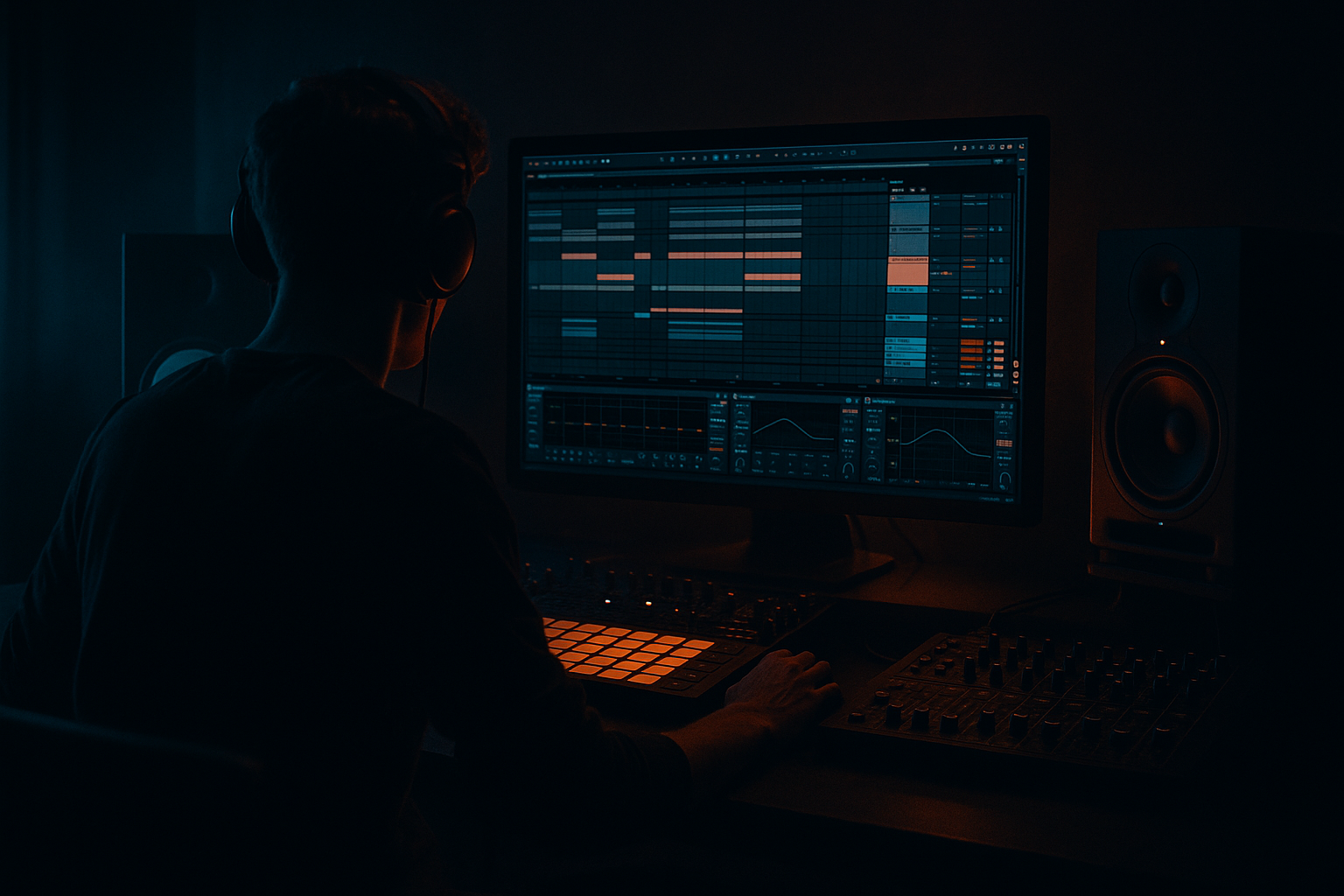
Main tutorial
Junglist Drop Shape Course: Rewind‑Worthy Drops in Ableton Live 12 (Oldskool Jungle / DnB) 🔥
1) Lesson overview
This lesson is about drop shape—the arrangement + tension + impact design that makes a jungle drop feel like a proper “REWIND!” moment. We’re focusing on sampling workflows in Ableton Live 12: chopping breaks, vocal stabs, FX hits, and building the pre-drop and drop so they slam while staying authentic to oldskool jungle / early DnB.
You’re advanced, so we’ll move fast: precise bar-by-bar structure, device chains, automation, and mix headroom strategies that keep your breaks and subs alive.
---
2) What you will build
A 32-bar drop section (plus a 16-bar pre-drop) that includes:
- Break chop system (Amen / Think / Funky Drummer style) with variation every 2–4 bars
- Junglist pre-drop tension (vocal hook, risers, tape stops, snare rolls)
- Drop impact stack: sub + reese layer + break wall + stab hits
- Rewind-ready moment: micro-silence, hook reveal, and a “call + response” arrangement
- Open key slices in Simpler:
- Add Drum Buss on the Drum Rack (not individual pads yet):
- EQ Eight
- Glue Compressor
- Use Groove Pool: try MPC 16 Swing 57–62 (subtle, not drunken).
- Commit groove lightly (or keep it applied live). Jungle needs push-pull, not slop.
- Instrument: Operator
- EQ Eight:
- Create a basic reese in Wavetable or Operator (two detuned saws).
- Add Saturator (Soft Clip ON) for thickness.
- Add Auto Filter:
- Freeze & Flatten or record to a new audio track.
- Then chop/arrange bass as audio for tighter drop punches (classic DnB workflow).
- Pre-drop A (bars 1–8): tease hook + filter + space
- Pre-drop B (bars 9–16): intensify + remove safety + silence before impact
- A vocal phrase (“selecta”, “rewind”, “wicked”, etc.) chopped in Simpler
- A classic stab (rave stab / orchestral hit) pitched to your key
- Atmos (rain, vinyl noise, pad) for depth
- EQ Eight: HP 120–200 Hz
- Saturator: Drive 2–6 dB
- Echo:
- Reverb (small/medium):
- Slowly high-pass the entire drum bus up to ~200–400 Hz over 4–8 bars (use EQ Eight).
- Increase reverb send on vocals/stabs toward the end.
- Add a snare roll (slice a snare, 1/16 → 1/32 toward bar 16).
- Micro-silence: cut everything for 1/8 to 1/4 beat right before the drop.
- Or do a tape-stop style:
- Sub drop / hit (optional)
- Crash / ride splash (classic)
- Stab hit (short, tuned)
- Noise burst (very short)
- Break full-band returns (the real impact)
- EQ Eight
- Drum Buss
- Limiter (only for the impact group)
- Bars 17–24: full drop statement (hook clear, groove stable)
- Bars 25–32: variation / darker turn
- Break A: mid/snare character (Amen)
- Break B: hat/ride texture (Think/Funky)
- Keep one element memorable: vocal chop, stab rhythm, or bass motif.
- Repeat it enough to imprint it (every 2 bars works well).
- Then answer it with a fill or alternate phrase.
- Bars 1–2: vocal “selecta” + stab on beat 1
- Bars 3–4: no vocal, bass answers with a different rhythm
- Bars 5–6: vocal again, but pitched up (+3 or +5 semitones)
- Bars 7–8: break fill + short stop
- Route hook track to a new audio track set to Resampling
- Record 8 bars with Echo/Reverb automation
- Chop the resample into “moment” hits (very jungle, very fast)
- No silence before the drop → the drop feels the same volume as the pre-drop.
- Breaks too loud early → you have nowhere to lift energy later.
- Over-layering low end (kick + sub + break low + reese low) → mud and weak punch.
- Too much stereo on the break bus → phasey hats, weak mono impact.
- Endless fills → jungle loves edits, but the groove must remain readable.
- Parallel smash bus for breaks (very controlled):
- Sub stability check:
- Reese menace without mud:
- Dark space:
- Atmos samples: vinyl crackle, rain, distant sirens—keep them -20 to -30 dB and automate up into fills.
- Rewind drops are arrangement victories: tension, silence, and hook clarity.
- Use Slice to Drum Rack to make breaks playable and editable like an instrument.
- Build 8 bars of gold, then scale to 32 with planned variation.
- Pre-drop: filters up, reverb up, density down → then micro-silence → impact stack.
- Layer breaks like a junglist, but protect low end and keep transients sharp.
Deliverable: a template you can reuse for future tracks.
---
3) Step-by-step walkthrough
Step 0 — Session setup (so the drop hits clean)
1. Tempo: 168–174 BPM (try 172 BPM for classic rolling energy).
2. Warp mode defaults:
- For drum loops: Beats Warp, Preserve = Transient, Envelope = 100
- For vocals/atmos: Complex Pro (only if needed; otherwise keep it simple)
3. Set headroom:
- Keep Master peak around -6 dB while building.
- Put Limiter on Master only as a safety: Ceiling -0.3 dB, Lookahead 1 ms (don’t crush yet).
---
Step 1 — Build a break “instrument” (sampling first, everything else second) 🥁
Goal: One break becomes a playable kit + loop variations.
1. Drop a clean break (Amen/Think/etc.) onto an audio track.
2. Right-click → Slice to New MIDI Track…
- Slicing preset: Transient
- Create: Drum Rack
3. In the new Drum Rack:
- Find the main kick, main snare, ghost notes, and ride/hat fragments.
- Rename pads (KICK, SNARE1, SNARE2, GHOST, HAT, etc.) to stay fast.
Tighten hits (advanced feel):
- One-Shot
- Snap ON
- Fade In tiny (0.3–1.0 ms) to avoid clicks
- Drive 5–15%
- Crunch 0–10%
- Boom 0–10%, Frequency around 55–70 Hz (only if it helps; jungle breaks can get too “boomy” fast)
- Transients +5 to +20 for snap
Classic jungle “break glue” bus chain (stock):
- HP at 25–35 Hz (12 dB/oct)
- Gentle dip 250–450 Hz if boxy
- Tiny shelf up 8–12 kHz if dull (+1–2 dB)
- Attack 3 ms
- Release Auto
- Ratio 2:1
- Aim for 1–3 dB GR on peaks
---
Step 2 — Program the drop groove: 8 bars that can repeat for 32 🎯
Goal: A core 8-bar drop loop with micro-variation.
1. Create a MIDI clip (8 bars) for the break Drum Rack.
2. Start with a classic jungle backbone:
- Snare on 2 and 4 (bar grid: 1.2 and 1.4 if you think in 1 bar)
- Kicks supporting the swing (avoid “4-on-the-floor”)
3. Add ghost snares and kick pickups from slices.
4. Add variation every 2 bars:
- Bar 2: extra ghost note
- Bar 4: snare flam (two snare slices slightly offset)
- Bar 6: hat switch-up
- Bar 8: fill (short roll or chopped break scramble)
Timing feel (important):
---
Step 3 — Add the bass foundation (sampling mindset: resample your bass layers) 🔊
Oldskool vibe is often simple sub + gritty mid layer.
Track A: Sub
- Osc A = Sine
- Envelope: fast attack, medium decay if you want bounce; otherwise sustain
- Low-pass around 90–120 Hz (keep sub pure)
Track B: Reese / mid bass
- Low-pass 200–800 Hz, automate cutoff for movement (sub stays steady).
Key sampling technique:
Group Sub + Reese → Resample to audio once it grooves.
---
Step 4 — Design the pre-drop (16 bars): tension that earns the drop 😈
A rewind drop is rarely about the drop alone—it’s the run-up.
Recommended structure:
Pre-drop sampling elements to include:
Practical Ableton chain for vocal hook (Audio track):
- Time: 1/8 or 1/4
- Feedback: 20–40%
- Filter: cut lows below 300 Hz, highs above 7–10 kHz
- Decay 1.2–2.5s
- Pre-delay 10–25 ms
- Low Cut 250–400 Hz
Tension automation moves (bars 9–16):
The money moment (bar 16):
- Use Repitch automation on the pre-drop audio (clip Transpose down quickly), or
- Resample and use Pitch Bend / warp tricks.
That tiny gap is what makes crowds react. 🧨
---
Step 5 — Build the drop impact stack (layering like a junglist) 💥
At drop start (bar 17), you want multiple transient events that feel like one punch.
Drop “impact group” (Audio track or Group):
Impact chain (stock):
- HP 25–35 Hz
- If harsh, dip 3–5 kHz slightly
- Drive 5–10%
- Transients +10
- Ceiling -1 dB
- Just catch peaks (1–2 dB max)
Drop arrangement blueprint (32 bars):
- Add second break layer OR
- Switch bass rhythm OR
- Introduce a new stab answer
---
Step 6 — Break layering (oldskool wall of rhythm without wrecking the mix)
Classic jungle often uses two breaks:
Layering method (clean):
1. Put Break B on its own audio track.
2. Warp: Beats mode, Preserve Transients.
3. EQ Eight on Break B:
- HP 150–250 Hz (keep low end owned by Break A + kick/sub)
- Small dip 1–2 kHz if it fights snare
4. Utility:
- Width 70–120% (careful; too wide breaks feel fake)
5. Sidechain Break B slightly to Break A (optional):
- Compressor with sidechain input = Break A
- Ratio 2:1, Attack 5–10 ms, Release 50–120 ms
- Just 1–2 dB GR to “tuck” it
---
Step 7 — Make it “rewind-worthy”: hooks, call/response, and negative space 🌀
A drop that rewinds usually has a recognizable hook and clear negative space.
Hook rules (jungle edition):
Practical call/response example (8 bars):
Ableton trick: resample your hook with FX
---
4) Common mistakes
---
5) Pro tips for darker/heavier DnB 🖤
- Send Drum Rack to a Return track.
- On Return: Saturator (Drive 6–12 dB, Soft Clip) → Glue Compressor (4:1, fast attack) → EQ Eight (HP 120 Hz)
- Blend return at 5–20% for aggression without killing transients.
- Put Utility on the Sub track: Width 0% (mono).
- If your drop gets louder but not heavier, your sub is probably inconsistent.
- EQ Eight: cut 200–350 Hz slightly
- Saturator for harmonics instead of volume
- Use Reverb on a send with long decay (4–8s) but high-passed (500 Hz+) so it’s ghostly, not boomy.
---
6) Mini practice exercise (30 minutes) ⏱️
1. Make an 8-bar break loop from one sliced break.
2. Add one vocal chop and one stab.
3. Create a 16-bar pre-drop:
- Bars 9–16: automate HP filter on drums up to ~300 Hz
- Add snare roll to bar 16
- Add 1/8-beat silence right before the drop
4. Build a 32-bar drop:
- Bars 1–16: stable hook
- Bars 17–32: add a second break layer + one fill every 4 bars
5. Resample your hook with Echo and use it as a drop accent in bars 9 and 13.
Deliver: bounce a rough mix and listen on low volume—does the drop still feel like a step up?
---
7) Recap
If you want, tell me your target vibe (e.g., ’94 ragga jungle, metalheadz darkness, modern jungle rollers) and I’ll give you a bar-by-bar drop map plus a suggested sample palette and exact automation lanes.

