Main tutorial
Lesson Overview
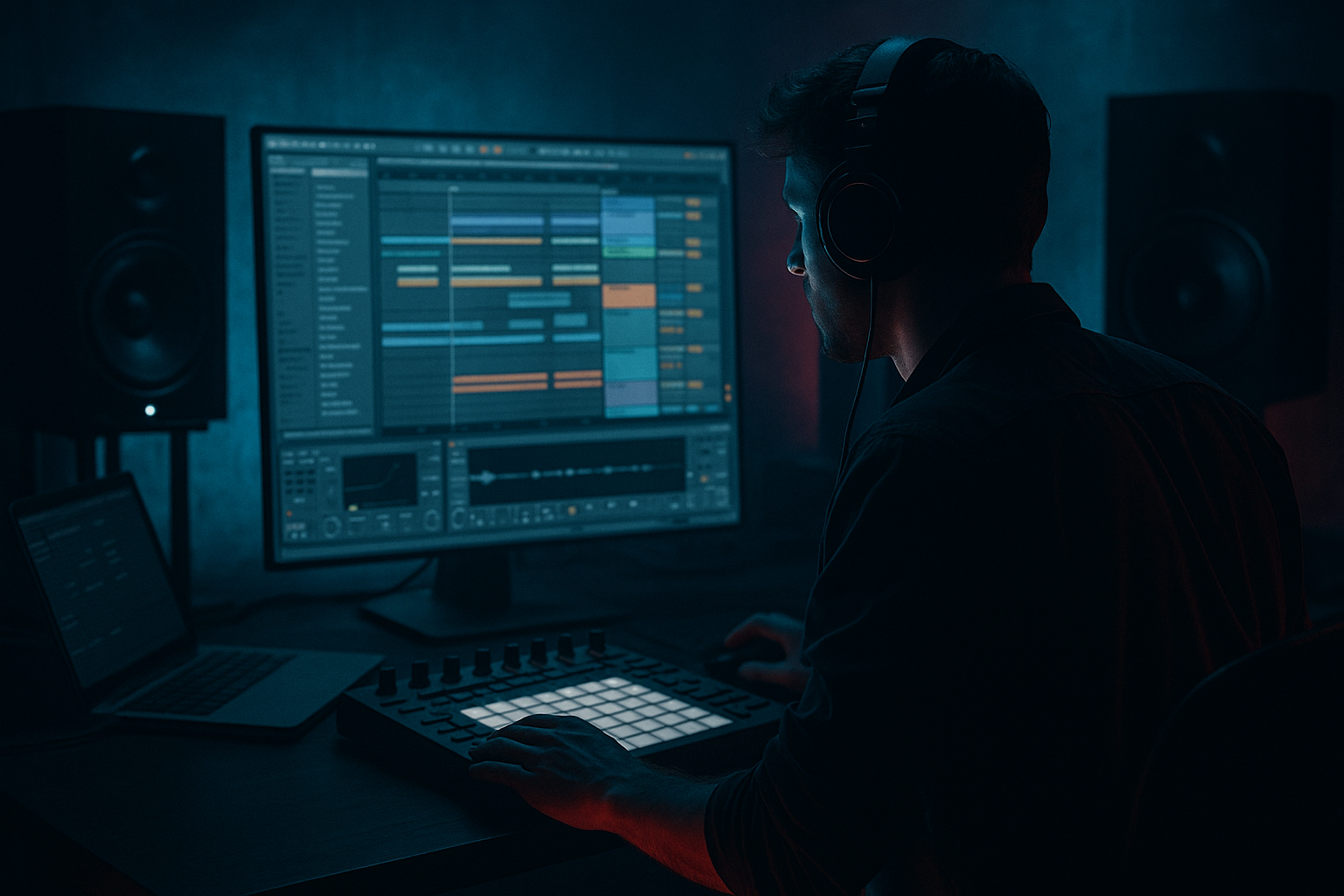
This lesson is about turning a looping jungle arp idea in Session View into a fully arranged Arrangement View section in Ableton Live 12 using resampling as the main creative tool. The goal is not just to “copy clips over,” but to transform a short, repeating arp into a moving DnB phrase that feels intentional, alive, and ready for a drop, breakdown, or switch-up.
In Drum & Bass, especially jungle, rollers, and darker neuro-leaning styles, this technique matters because a lot of the energy comes from variation under repetition. You want the listener to hear a central motif, but never feel like it’s looping flat. A jungle arp can start as a simple synth pattern, then become a chopped, filtered, pitched, and resampled performance that sits against breaks, sub, and tension FX. That’s the sweet spot: loop-based writing that still feels like arrangement.
We’ll build this in a very Ableton-native way:
- Start with a Session View jam using an arp sound
- Use MIDI and audio resampling to create evolving takes
- Move into Arrangement View and shape the phrase into a proper DnB section
- Add contrast with automation, drum interplay, and mix control
- Keep it tight, dark, and club-ready
- A 1-bar or 2-bar jungle-style arp loop in Session View
- A resampled audio version with tonal movement and texture
- A short Arrangement View section built from that material
- A breakdown or pre-drop phrase that includes:
- A musical result that feels like a proper DnB transition:
- Keeping the arp too static
- Letting the arp fight the break
- Using too much stereo on the low-mid arp
- Overdoing delay and reverb
- Not committing to audio
- Forgetting arrangement shape
- Use subtle saturation before resampling
- Filter automation should move like a performance
- Resample with mistakes on purpose
- Try call-and-response between arp and drums
- Add weight with a hidden mid-bass layer
- Use arrangement drop-outs strategically
- Keep the center clear
- Print multiple resample passes
- Build the arp in Session View, then resample it to create usable movement.
- Use audio editing in Arrangement View to transform the loop into a real DnB phrase.
- Keep the break, arp, and sub interacting rhythmically, not competing.
- Automate filter, delay, width, and saturation to create tension and release.
- Commit to audio when the sound is working — that’s how jungle-style energy becomes arrangement.
This is a strong workflow for producers who want to make quick ideas sound finished without losing the raw energy that makes jungle and DnB hit. 🔥
What You Will Build
By the end of this lesson, you’ll have:
- filter sweeps
- reverse and chopped resamples
- delay throws
- stereo-to-mono tension
- drum break support
- dark synth arp floating above breaks
- sub dropping in underneath
- little fills and edits that lead into the next section
Think of it as making a classic jungle phrase that could sit in a modern roller, liquid-dark hybrid, or neuro-influenced intro. The key is that the arp doesn’t stay static — it gets “performed into arrangement” through resampling.
Step-by-Step Walkthrough
1. Build a simple jungle arp in Session View first
Start in Session View with one MIDI track using a stock Ableton instrument such as Wavetable, Analog, or Operator. For a darker jungle flavor, try a minor key or modal feel — for example, A minor, D Phrygian, or F# minor.
Make a short pattern:
- Use 1/16 notes or a syncopated 1-bar phrase
- Keep the melody simple: 3 to 5 notes max
- Leave some gaps so the rhythm breathes with the break
- Try octave jumps or a repeated top note for that classic rave/jungle bounce
Good starting settings:
- Oscillator: saw + slightly detuned second oscillator, or a bright wavetable
- Filter cutoff: around 1.5–4 kHz depending on brightness
- Envelope decay: 120–300 ms for pluckiness
- Release: short, around 50–180 ms
Why this works in DnB: jungle arps often work because they sit rhythmically against the break, not on top of every drum hit. Space is part of the groove.
2. Shape the arp with stock Ableton devices before resampling
Put a tight effects chain after the synth. You’re not trying to fully mix it yet — just create a character worth capturing.
A strong stock chain:
- Auto Filter for movement
- Saturator for edge
- Echo or Delay for rhythmic tails
- Utility for stereo control
Suggested settings:
- Auto Filter: low-pass, cutoff automated between 300 Hz and 8 kHz
- Resonance: 10–25% for a slightly vocal bite
- Saturator: Drive around 2–6 dB, Soft Clip on
- Echo: 1/8 or dotted 1/8, feedback 15–35%
- Utility: Width down to 0–60% if the arp needs to stay focused
At this stage, play the clip in Session View and make sure it already sounds like part of a DnB tune. If it still feels too polite, add more rhythmic bite before you resample.
3. Resample the arp into audio for transformation
Create a new audio track set to Audio From: Resampling. Arm the track, then record a few passes of the arp while it plays in Session View.
Capture at least:
- one clean pass
- one pass with automation moving the filter
- one pass with delay throws or extra modulation
The point is to record the performance as audio so you can:
- cut it up
- reverse small pieces
- pitch specific hits
- freeze the “best moments”
- print movement that would be harder to recreate live
In DnB workflows, resampling is huge because it turns a loop into a source of new textures. Instead of endlessly tweaking MIDI, you commit to an exciting moment and sculpt it into arrangement material.
4. Edit the resampled audio into a more rhythmic phrase
Switch to Arrangement View and start dragging or consolidating the best resampled sections into a clean timeline. If you captured a few bars, zoom in and choose the most musical bits.
Do this:
- Slice the audio around strong note attacks
- Move a few slices earlier or later to create syncopation
- Reverse 1–2 slices for tension before a hit
- Shorten the tail of a note if it clashes with the kick or snare
Useful tools:
- Clip Fade handles for smoothing edits
- Warp to keep timing locked if needed
- Consolidate to print new phrases once you’ve built a good edit
Suggested approach:
- Keep the first half of the phrase more stable
- Make the second half more active with chopped repeats
- End with a pickup or reverse hit leading into drums
This is where your arp becomes a proper arrangement element instead of just a loop.
5. Bring in drums and let the arp talk to the break
Now add a drum break or edited break loop in Arrangement View. For jungle and DnB, the arp should interact with the break, not fight it.
Try:
- A chopped Amen-style loop or a broken beat with ghost notes
- A clean kick/snare backbone underneath
- Layered top percussion for extra drive
Workflow tip:
- Put the break slightly lower in the mix first, then bring the arp in and listen to the call-and-response
- If the arp is busy, simplify the break
- If the break is energetic, leave more space in the arp
Arrangement context example:
- Bars 1–8: filtered arp and break intro
- Bars 9–16: sub fades in
- Bars 17–24: arp becomes brighter and more chopped
- Bars 25–32: breakdown tension, then a switch into the drop
This is a very classic DnB structure: repetition with incremental detail, then release.
6. Use Arrangement View automation to create a real breakdown transform
This is the core of the lesson. Your Session View loop should not just be placed in the arrangement; it should be transformed across time.
Automate:
- Auto Filter cutoff
- Echo feedback
- Reverb dry/wet
- Utility width
- Saturator drive
- Track volume for rises and drop-outs
Practical automation ideas:
- Start with low-pass around 400–800 Hz
- Open the filter over 8–16 bars into the drop
- Increase Echo feedback briefly in the last 1–2 beats before a switch
- Narrow width in the breakdown, then widen slightly before the drop
- Automate a quick volume dip on the arp during snare fills so the drums punch through
Why this works in DnB: the genre relies heavily on tension/release, and automation is how you make a static idea feel like it’s evolving at club speed. A simple arp can carry an entire breakdown if the filter, delay, and stereo image are moving with intention.
7. Add a sub line that supports the arp instead of competing with it
Use Operator, Wavetable, or a simple Analog sine/sub patch for the bass foundation. Keep it mono and clean.
Good sub setup:
- Sine wave or very soft triangle
- Mono only
- Short notes that follow the arp’s harmonic movement
- Low-pass filtered so it stays below the mids
Suggested parameters:
- Oscillator pitch: stay around the root and fifth where possible
- Filter: keep everything above 120–180 Hz under control
- Utility Width: 0%
- Saturator: very light drive if you need audibility on smaller systems
Make the sub phrase leave gaps where the arp is carrying tension, and hit stronger when the drum loop drops out. In rollers and darker DnB, the sub often acts like the “glue line” underneath the arp and break.
If the arp is bright and active, keep the sub rhythm simpler. If the arp is sparse, the sub can be more vocal and syncopated.
8. Add contrast with breakdown details and transition FX
A jungle arp breakdown often gets its character from small details, not huge sound design moments. Use stock Ableton FX and recordings from your resample to create transitions.
Great options:
- Reversed resample hits
- Short reverb throws on the final note of a phrase
- Beat Repeat on a single arp slice for a fill
- Auto Pan slow movement on atmos or top layer
- Noise riser from Operator or a resampled texture
Try placing:
- A reverse arp stab in bar 7 or 15
- A 1-beat delay throw before the next section
- A filtered noise riser over the last 4 bars
- One bar of stripped drums right before the drop
Keep these moments sparse. The best DnB transitions feel engineered, not overloaded.
9. Print the strongest version and commit to the arrangement
Once your arp, drums, sub, and FX are interacting well, resample the whole section or consolidate the best parts into a final audio arrangement layer. This is where you stop “exploring” and start finishing.
Use this decision rule:
- If a part sounds better as audio because of its movement, print it
- If a part needs MIDI flexibility, keep it MIDI
- If a part is already emotionally strong, don’t over-edit it
In Ableton Live 12, staying organized matters:
- Name tracks clearly: ARP SRC, ARP RESAMPLED, DRUM BREAK, SUB, FX
- Color-code audio vs MIDI tracks
- Group related tracks for faster mix control
A good intermediate workflow is to keep the original Session View clip intact, then build the arrangement from printed audio versions. That way you can always go back if needed.
10. Do a final DnB mix check inside the arrangement
Before calling it done, check the balance like a real club track:
- Sub should be solid but not overpower the kick
- Arp should have enough midrange to cut through but not stab your ears
- Break should retain transient detail without harshness
- The breakdown should lose energy deliberately, not accidentally
Quick checks:
- Mono the low end with Utility
- Turn the mix down and listen for the main rhythm
- If the arp disappears, boost the 1–4 kHz presence a little or reduce competing FX
- If the top end is sharp, use a gentle EQ cut around 6–9 kHz on the arp or break layer
Keep headroom during the process. For arrangement building, don’t chase loudness too early. Leave space for the drop to hit later.
Common Mistakes
- Fix: resample it and edit the audio into a changing phrase with reverses, chops, and automation.
- Fix: simplify the arp rhythm or remove frequencies around the snare’s main punch.
- Fix: narrow the arp with Utility, keep sub fully mono, and check the center image.
- Fix: automate FX only at phrase ends or breakdown moments; keep the main groove dry enough to punch.
- Fix: print the performance when the sound is good. In DnB, resampled audio often gives you more movement than endless MIDI tweaking.
- Fix: think in 8-bar and 16-bar phrases. DnB needs progression even when the loop is strong.
Pro Tips for Darker / Heavier DnB
- A little Saturator drive can make the arp feel more aggressive and more “recorded” when printed.
- Don’t sweep everything evenly. Hold a low cutoff for tension, then open quickly in the last bars before the drop.
- A slightly messy delay tail, a clipped note, or a noisy filter pass can become the most characterful part of the breakdown.
- Let the arp answer the snare fill, or drop the arp for one beat so the break speaks.
- Duplicate the harmonic movement with a very low-passed reese or mid-bass layer, but keep it subtle so the arp stays readable.
- One bar of reduced drums before the drop can make the next arp hit feel much bigger.
- The sub and main kick need the center. If the arp has width, leave the center calmer or narrower in the lower mids.
- Capture one clean version and one “dirty” version. Layer or choose between them depending on how heavy you want the section to feel.
Mini Practice Exercise
Spend 10–20 minutes building this exact workflow:
1. Create a 1-bar jungle arp in Session View using Wavetable or Operator.
2. Add Auto Filter, Saturator, and Echo.
3. Record two resampled passes: one clean, one with filter automation.
4. Move to Arrangement View and cut the best 4–8 bars into a phrase.
5. Add an 8-bar break loop underneath.
6. Automate the arp filter from dark to bright over 8 bars.
7. Add a mono sub line that follows the arp’s root notes.
8. End with a reverse arp slice or delay throw into a fake drop.
Goal: make the arp feel like it evolves from a loop into a breakdown centerpiece.

