Main tutorial
Lesson Overview
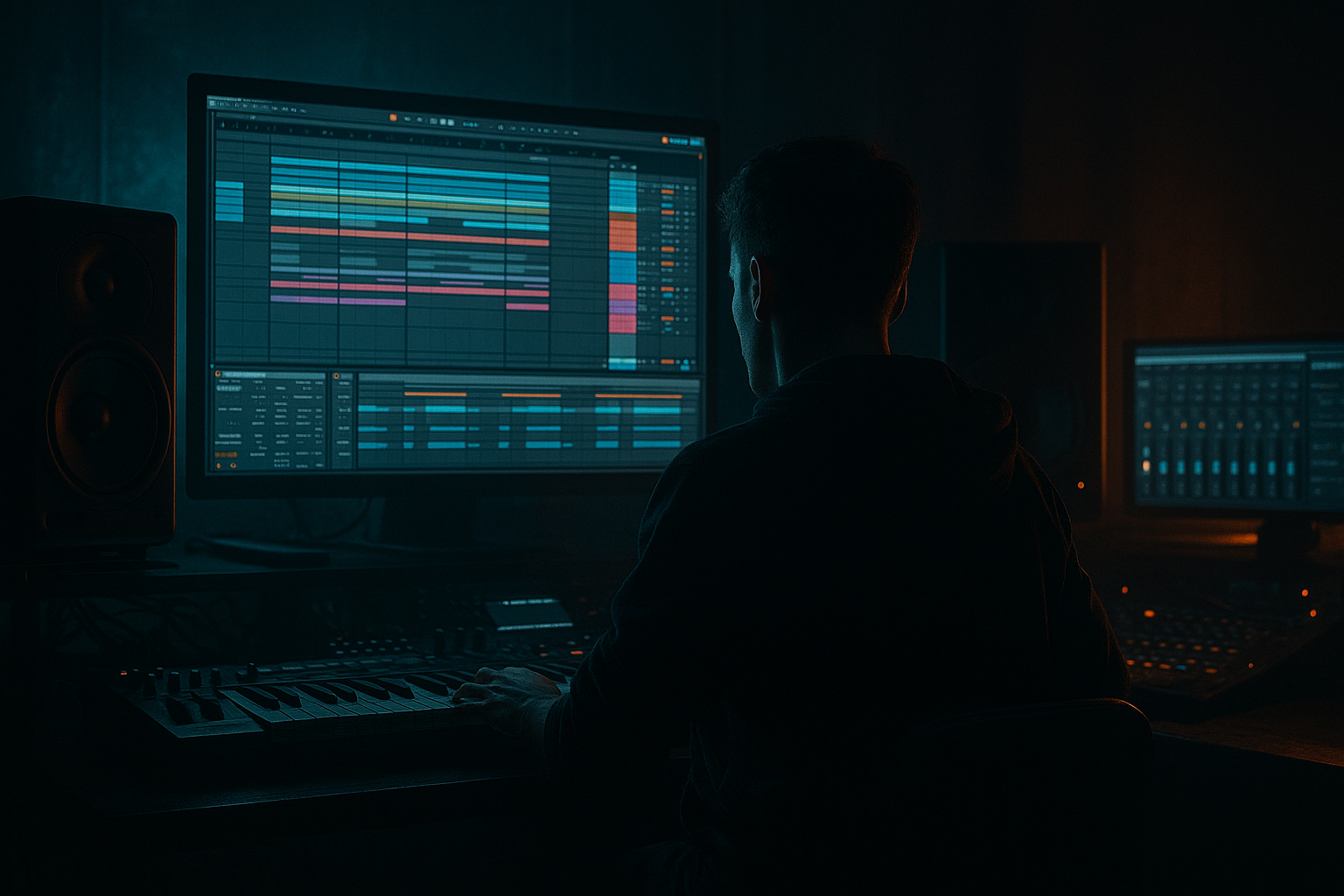
This lesson is about making jacked-up break edits with a ragga-flavoured snare snap in Ableton Live 12, then arranging them so they feel like they belong in a proper DnB / jungle / rollers track rather than just a loop.
The goal is not to make your breaks louder for no reason. It’s to give your snare a sharp, colourful crack that cuts through chaotic drums, chopped samples, and heavy bass. In ragga-infused DnB, the snare is often the “talking point” of the groove: it can feel rude, animated, and alive while the kick and sub keep the track grounded.
Why this matters in arrangement: in DnB, the energy usually comes from small changes every 2, 4, or 8 bars. A snare snap color can become your main switch-up tool. You can use it to:
- mark the end of a phrase,
- bring a break back with attitude,
- push a drop forward,
- and keep the listener locked in even when the bass pattern stays simple.
- slicing a break,
- layering a snare on top,
- shaping the snap with EQ, saturation, transient control, and reverb,
- then arranging the result into a proper DnB phrase.
- a tight breakbeat foundation,
- a snare layer that has bright snap and dusty ragga energy,
- a controlled low end that doesn’t fight your sub,
- and a simple 8-bar arrangement idea you can repeat, mute, and vary for intro, build, and drop sections.
- the break provides movement and shuffle,
- the snare gives authority and attitude,
- the arrangement creates tension by removing and returning elements,
- and the whole pattern works as a clean support for a sub-heavy roller or a darker jungle-to-DnB hybrid drop.
- dubwise vocal chops,
- a Reese bass answering the snare,
- and a DJ-friendly intro that gradually becomes unruly.
- Making the snare too loud instead of too sharp
- Letting the break and snare fight in the same frequency range
- Too much reverb on the snare
- Ignoring arrangement and looping one bar forever
- Overdoing saturation on the drum bus
- Not checking the low end
- Use contrast between dry snare and wet transition snare
- Make ghost notes quieter than you think
- Resample a snare fill if it sounds good
- Use Drum Buss for edge, not weight overload
- Automate small changes, not big ones
- Keep stereo discipline
- A ragga-infused DnB snare works best when it has snap, character, and controlled space.
- Layer a clean snare on top of a break to get clarity without losing jungle movement.
- Use EQ Eight, Saturator, Drum Buss, Echo, and Reverb to shape tone and attitude.
- Arrange the snare across 2, 4, and 8-bar phrases so the track evolves naturally.
- Keep the low end clean, the snare centered, and the transitions selective.
We’ll use Ableton stock devices and a beginner-friendly workflow:
What You Will Build
By the end, you’ll have a 2-bar jack-up break pattern with:
Musically, think of it like this:
You’re building something that can sit under a line like:
Step-by-Step Walkthrough
1. Choose a break with character, then place it in Session View or Arrangement View
Start with a classic break or any percussion loop that has some room for edits. In beginner terms: pick a loop that already has movement, ghost hits, and a decent snare tone.
In Ableton Live 12:
- Drag the break into an audio track.
- Turn on the clip view and make sure Warp is enabled.
- Set the project tempo around 170–174 BPM for modern DnB.
- If your break is messy, use Warp mode Beats for drum loops.
For this lesson, don’t worry about perfection. You want a break that feels alive enough to react to editing.
Why this works in DnB: DnB often relies on one strong drum source being cut into new shapes. The break gives natural swing and micro-timing, which makes your snare snap feel less sterile than programming everything from scratch.
2. Slice the break so you can isolate the snare and supporting hits
Right-click the break clip and choose Slice to New MIDI Track. For a beginner workflow, use:
- slicing by transients,
- or slicing by 1/8 notes if the break is dense and hard to read.
Ableton will create a Drum Rack with slices. Now audition the snare slice:
- find the main snare,
- find any ghost snare or rim-like hit,
- and identify any open hat or noisy tail that can help color the snare.
Keep the rack simple:
- one pad for the main snare,
- one pad for a quieter ghost snare,
- one pad for a short break hat if needed.
Don’t overcomplicate it. We’re aiming for a snare snap color, not a full drum museum.
3. Build a jacked break pattern around the snare, not just on the beat
In your MIDI clip, place the main snare on the classic DnB backbeat:
- beat 2
- beat 4
Then add a few support hits:
- a ghost snare just before beat 2 or 4,
- a tiny break slice after the snare,
- or a short pickup hit at the end of bar 2.
A good beginner pattern could be:
- Bar 1: kick/break movement, snare on 2
- Bar 2: snare on 4 with a ghost note leading into it
Keep the velocities varied:
- main snare velocity around 105–127
- ghost notes around 35–70
In DnB, the snare is often more powerful because the surrounding hits are smaller. That contrast is what makes the groove feel jacked.
Arrangement note: This is already a phrase idea. If the snare changes slightly every 2 bars, the listener feels forward motion without you needing a brand-new sound every time.
4. Layer a clean snare on top of the break for snap and clarity
Drag in a clean snare sample with a crisp transient. It can be short, punchy, and not too boomy. Layer it on the same MIDI note as the main snare slice, either:
- inside the same Drum Rack pad, or
- on a separate audio track aligned to the snare.
A beginner-safe stack:
- Break snare = character and grit
- Clean snare = snap and definition
Use EQ Eight on the clean snare:
- high-pass around 120–180 Hz
- slightly boost 2–5 kHz if it needs more crack
- gently cut harshness around 7–9 kHz if it bites too hard
Then use Saturator:
- Drive: 1–4 dB
- Soft Clip: On
- Keep Output compensated so the level doesn’t jump
This gives you that ragga-ready edge without making the snare thin or brittle.
Why this works in DnB: The break gives motion, but a clean snare layer helps the hit read on smaller speakers and in loud club systems. That’s essential when bass and atmospheres are already taking up a lot of space.
5. Shape the snap with transient control, not just volume
In Ableton, a simple way to make the snare hit harder is to control the envelope and front edge.
Try one of these beginner-friendly approaches:
- If the snare is inside a Simpler or Drum Rack pad, shorten the Decay slightly so the hit is tighter.
- If the sample has too much tail, reduce the clip length or use Simpler in One-Shot mode.
- Add Drum Buss on the snare group:
- Drive: 5–15%
- Crunch: low to moderate
- Boom: usually off or very subtle for this style
- Transients: up a little for extra snap
If the snare is too soft, don’t immediately make it louder. First check if it needs more transient and less tail. In jungle and heavier rollers, the perceived punch often comes from shorter, cleaner transients against a busy rhythm.
A useful beginner test:
- mute the bass
- play the snare in context
- if it still feels flat, it needs more attack
- if it feels huge but messy, it needs less tail or a tighter EQ
6. Add ragga colour with delay, ambience, or filtered space
Ragga-infused chaos is not just about the drum hit. It’s about the vibe around it. Give the snare a little atmosphere, but keep it controlled.
On a Return Track, add:
- Echo
- set time to 1/8 or 1/4
- Feedback around 10–25%
- Filter the return so the delay doesn’t cloud the low mids
Or use Reverb:
- Decay: 0.4–1.2 s
- Pre-Delay: 10–25 ms
- High-cut the reverb so it stays dark and doesn’t hiss too much
Send only a little snare into this space. You want a spray of attitude, not a washed-out drum room.
For a more ragga/jungle feel, automate the send so:
- the snare in the last bar of an 8-bar phrase gets more delay,
- the first snare of a drop stays dry and hard,
- or the fill before a switch-up gets a bigger tail.
This is a classic DnB arrangement trick: dry impact first, then wet chaos as a transition.
7. Group the drums and control the whole drum bus
Once your break and snare layer are working, select the drum tracks and group them. On the group, use subtle bus processing so everything feels glued.
Good beginner-safe chain:
- EQ Eight: tiny low-cut if needed below 25–30 Hz
- Glue Compressor: light compression, around 1–2 dB of gain reduction
- Drum Buss: small amount of Drive or Transients if the whole kit needs more bite
Avoid over-compressing. In DnB, the drums need to stay punchy and fast. Too much bus compression can make the break lose its jump.
Check the balance:
- kick and sub should still feel separated,
- snare should cut without dominating,
- hats and break noise should support the groove, not fuzz it out.
If the snare feels huge in solo but disappears in the full mix, it may need more midrange presence rather than more gain.
8. Arrange the snare snap into a real DnB phrase
Now turn the loop into arrangement material. A beginner-friendly DnB arrangement could be:
- Bars 1–8: filtered intro with break fragments, no full snare yet
- Bars 9–16: first drop idea, snare fully present on 2 and 4
- Bars 17–24: same groove, but with a snare fill in the last 2 bars
- Bars 25–32: switch-up where the break is more chopped and the snare gets extra echo
Practical arrangement move:
- in the intro, use a high-pass filter or volume automation to tease the snare texture
- in the drop, let the full snare layer hit dry and strong
- in the transition, automate Echo send upward for one bar only
- in the next section, remove some supporting break slices so the snare feels bigger
A musical example: if your bassline is a dark rolling Reese doing a call-and-response with vocal chops, let the snare fill the empty spaces. The snare becomes the punctuation mark that tells the listener where each phrase lands.
This is one of the most important arrangement habits in DnB: don’t repeat everything exactly. Repeat the core groove, but change the snare surroundings every 4 or 8 bars.
Common Mistakes
Fix: add a cleaner layer, use EQ and saturation, and tighten the tail before turning up the fader.
Fix: carve a little space with EQ Eight. If the break snare is already strong around the low mids, reduce the layered snare’s body and keep its crack.
Fix: shorten decay, lower send amount, or high-cut the return. DnB needs impact more than wash.
Fix: change the snare texture every 2, 4, or 8 bars. Add a fill, mute one layer, or automate a send.
Fix: use subtle Drive. If the snare loses punch, back off and check the transient.
Fix: keep the snare layer high-passed and leave the sub area for kick and bass only.
Pro Tips for Darker / Heavier DnB
Keep the main drop snare dry, then automate more Echo or Reverb just before a switch-up. That makes the arrangement feel bigger without cluttering the core groove.
In neuro or darker rollers, ghost snare hits should hint at movement, not steal attention. Keep them subtle so the main snare stays dominant.
Once you like a 1-bar fill, record or resample it to audio, then chop it again. This is a great way to get more chaotic, human-feeling edits in jungle-style sections.
If the snare needs more attitude, a little Drive and Transients is often enough. Don’t use Boom on the snare layer unless you know exactly why.
In darker DnB, tiny moves are powerful:
- +10% echo send in the last hit of a phrase
- slight filter opening on the snare layer
- one extra ghost note before the drop
Your snare should stay mostly centered. Leave stereo width to atmospheres, FX, and hats. Centered snares hit harder in club systems and make the bass feel more stable.
Mini Practice Exercise
Spend 10–20 minutes and build one 4-bar drum phrase.
1. Find a break sample and slice it to a Drum Rack.
2. Create a snare layer with a clean snare sample.
3. Program a 2-bar DnB groove at 170–174 BPM.
4. Add one ghost snare before bar 2 or bar 4.
5. Process the snare layer with:
- EQ Eight high-pass around 120–180 Hz
- Saturator drive around 1–4 dB
- optional Drum Buss with light Transients
6. Add a Return track with Echo or Reverb and send only the last snare hit of bar 4.
7. Duplicate the 4 bars and make one small change:
- mute the ghost note,
- or add an extra fill hit,
- or increase the delay send on the last snare.
8. Listen in context with a simple sub or Reese bass and check whether the snare still cuts.
Goal: make the snare feel like a character element in the arrangement, not just a drum sample.
Recap
If you remember one thing: in DnB, the snare is not just a hit — it’s a phrase marker, a tension tool, and a vibe carrier.

