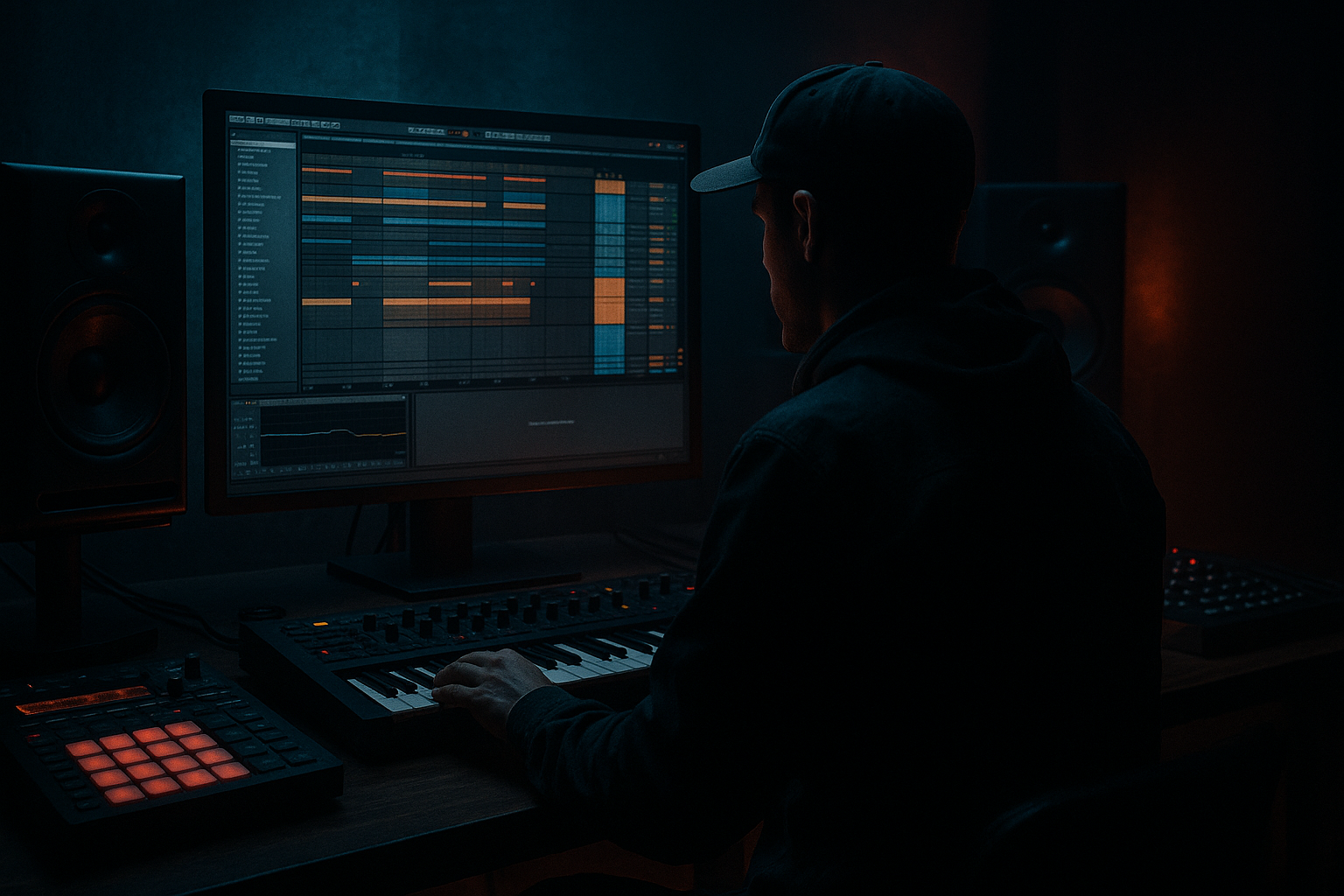
Main tutorial
Lesson Overview
Oldskool DnB ghost notes are one of the fastest ways to make a programmed break feel alive without losing the bite of a tight modern mix. In this lesson, you’ll learn how to take a breakbeat in Ableton Live 12, surgically edit it, and then humanize the tiny ghost note details so the groove feels played rather than pasted. This is especially useful in jungle, rollers, and darker DnB where the drums need to swing with attitude, but still leave space for sub, reese movement, and arrangement automation.
The goal is not to “randomize” the break. It’s to deliberately preserve the character of the source break while shaping the micro-timing, velocity, decay, and stereo behavior of the ghost notes around the kick and snare. That tiny texture is what gives classic Amen-style cuts, Think-style chops, and dusty roller breaks their urgency. In a modern DnB track, those details sit under the main snare or lead the ear into fills, switch-ups, and half-time breakdowns.
Why this matters in DnB: the drum loop is often carrying the whole identity of the track for the first 16–32 bars. If your ghost notes are too static, the loop feels flat and looped. If they’re too loose, the groove falls apart against the bassline. Humanized breakbeat surgery gives you controlled disorder: the break breathes, but the drop still hits hard.
What You Will Build
You’ll build a tight oldskool-style drum loop in Ableton Live 12 that includes:
- A surgically chopped breakbeat with preserved ghost notes
- Humanized velocity and timing variation across hats, shuffles, and quiet snare embellishments
- A layered drum bus with transient control, subtle saturation, and glue
- A loop that works in a 170–174 BPM DnB arrangement
- A version that can be used as a main loop, a pre-drop tension build, or a switch-up after a bass-heavy section
- Randomizing all ghost notes equally
- Over-warping the break until it sounds edited
- Making ghost notes too loud
- Compressing the drum bus too hard
- Ignoring the bassline relationship
- Using too much stereo width on breaks
- High-pass the ghosts, not the body
- Use tiny saturation instead of big distortion
- Automate drum bus tone in the arrangement
- Add short reversed fragments before key hits
- Keep the kick-snare backbone stable, let the ghosts dance
- Resample a “messy” version and a “clean” version
- Use Utility on bass and drum groups for discipline
- Start with a break that has strong ghost-note character.
- Slice it in Ableton Live 12 and rebuild the groove around a solid kick/snare backbone.
- Humanize ghost notes through velocity, micro-timing, and careful decay shaping.
- Use stock devices like Groove Pool, EQ Eight, Saturator, Drum Buss, Glue Compressor, and Utility to control tone and movement.
- Keep the drums and bass working together, because in DnB the groove only feels alive when the low end stays disciplined.
- Use arrangement changes to make the ghost notes matter across the track, not just in looped playback.
Musically, the result should feel like a dusty jungle loop that still punches like a modern roller. Think: a steady kick and snare backbone, with little off-grid ticks and low-level snares flickering underneath, making the groove move without crowding the sub or reese.
Step-by-Step Walkthrough
1. Choose the right break and set the project context
Start with a break that has strong ghost-note information: Amen, Think, Funky Drummer-style material, or any dusty loop with audible hats and low-level snare tails. In Ableton Live, drop it into an audio track and set your project around 172 BPM if you want a classic modern DnB feel, or 174 BPM if you’re aiming for a slightly sharper jungle pressure.
Warp the break cleanly:
- Double-click the clip
- Turn Warp on
- For a straight break, try Beats mode
- Set Preserve to Transients
- Use a short transient envelope if the break smears
Don’t over-tighten it yet. The goal is to keep some of the original drag and push in the micro-feel.
2. Slice the break into playable pieces
Right-click the audio clip and choose Slice to New MIDI Track. For this lesson, use:
- Slice by Transients
- Create a Drum Rack from the slices
Ableton will turn your break into individual hits: kicks, snares, hats, ghost taps, and small tail fragments. This is where the surgery begins. Rename the most important pads immediately:
- KICK
- SNARE
- GHOST_HAT
- GHOST_SN
- TAIL
This saves time later and helps you think like a drum editor, not a loop replayer.
3. Rebuild the core groove first
Program a 1-bar or 2-bar MIDI clip from the slices. Start by placing only the main kick and snare accents in a classic DnB pattern:
- Kick on beat 1
- Snare on beat 2
- Additional kick or syncopated kick before beat 3
- Snare on beat 4
If you’re working in a breakbeat-heavy jungle style, you can keep some of the original chopped snare pickup before beat 2, but keep the downbeats clear.
Then lower the clip velocities slightly so the groove isn’t too “MIDI-perfect.” For example:
- Main snare velocities around 105–120
- Kick velocities around 95–115
- Ghost hits around 20–65
The main idea: the backbone stays stable, while the texture around it moves.
4. Humanize the ghost notes with deliberate velocity shaping
Now focus on the tiny hits: offbeat hats, quiet snares, rim-like taps, and faint break fragments. These are the soul of the lesson.
In the MIDI editor:
- Lower the ghost notes so they sit beneath the main accents
- Alternate velocities in a musical pattern rather than randomizing everything
- Use small clusters of 2–4 notes with changing levels
Good starting ranges:
- Faint ghost hats: 15–35
- Medium ghost taps: 35–55
- Stronger transition ghosts: 55–75
Try creating a “breathing” effect. Example:
- A quieter ghost before the snare
- A slightly louder ghost after the snare
- A very quiet tail tick before the next kick
Why this works in DnB: the ear reads variation in low-level transients as motion and swing. In fast tempos, tiny amplitude changes matter more than big melodic changes because the drum loop is constantly in motion. Those ghost notes create a sense of performance without cluttering the low end.
5. Micro-shift timing with Groove Pool and manual nudging
Open the Groove Pool and test a subtle swing template, or extract groove from the original break if the source has a great feel. Apply it gently, then reduce the Timing and Random amount so it stays controlled.
A practical starting point:
- Timing: 10–25%
- Random: 0–10%
- Velocity: 5–15% if the groove is too rigid
Then manually nudge a few ghost notes in the piano roll:
- Pull some hats slightly late for drag
- Push a few transition ghosts early for excitement
- Leave the main snare mostly locked
Keep the snare on-grid enough to anchor the drop. The ghosts can breathe; the big hits should still drive the floor.
6. Use clip envelopes to shape decay and presence
Ghost notes are not just about timing. They also need the right tail behavior. In the clip view, use MIDI note velocity changes and, where needed, track volume automation to let a ghost hit bloom or disappear naturally.
On the Drum Rack chain, use stock devices to control the character:
- EQ Eight: high-pass ghost slices if they clutter the low mids
- Saturator: add subtle density, Drive around 1–4 dB
- Drum Buss: low Amount, small Drive, a bit of Crunch if needed
- Auto Filter: automate tiny top-end rolls in fills
If a ghost snare is too sharp, shorten it using the Simpler or the sample envelope, or use Transient shaping via the sample’s decay controls if you’ve loaded it into Simpler.
For oldskool texture, let some ghost notes have a tiny bit of tail. For neuro-leaning darkness, tighten them so they behave more like percussion impulses.
7. Build a drum bus that keeps the surgery audible
Route your break slices and any additional top loops to a dedicated Drum Bus. This is essential in DnB because the kick, snare, and ghost notes need to feel like one performance.
On the drum bus, try:
- Glue Compressor: Ratio 2:1, Attack 10–30 ms, Release Auto or 0.1–0.3 s, only 1–2 dB gain reduction
- Drum Buss: Drive low to moderate, Boom carefully if the kick needs more body
- EQ Eight: gentle cut around 250–500 Hz if the break gets boxy
- Utility: keep the low end mono if the loop has any stereo wash
Don’t crush the life out of the ghosts. If the compressor kills the tiny notes, increase attack time or ease off the threshold. The ghosts should still flicker after bus processing.
8. Layer a clean kick or snare only if the break needs support
If your chopped break is great for texture but lacks impact, layer a modern one-shot kick or snare underneath. Keep the layer simple and use it to reinforce the main hits, not replace the break.
Practical layering approach:
- Layer a short kick transient under the break kick
- Layer a crisp snare body under the break snare
- High-pass the layer if it conflicts with the break character
- Use Simpler or Drum Rack to keep everything quick to edit
A useful move is to automate the layer level only in the drop and first 8 bars, then pull it back for breakdowns or switch-ups. That keeps the drum identity evolving through the arrangement.
9. Use arrangement context to make the ghosts earn their place
Put the loop in a real section of the track, not just soloed. For example:
- Bars 1–8: filtered intro, just ghost hats and sparse snare cuts
- Bars 9–16: full break with light bass
- Bars 17–24: bass drop with the loop slightly simplified
- Bars 25–32: switch-up with extra ghost snares or a reversed tail
This matters because ghost notes are most effective when they change role across sections. In a roller, the first 8 bars can tease the groove with only the lighter fragments. Then when the bassline enters, the main snare locks everything in, and the ghosts become the glue between bass phrases.
A strong DnB arrangement trick: automate a high-pass filter on the break into the drop, then release it slowly over 4 or 8 bars. The ghost notes feel like they “arrive” with the full spectrum, which makes the drop hit harder.
10. Print, audition, and revise like a drum editor
Once the groove feels good, resample or freeze/flatten the break to an audio clip for a final reality check. This helps you hear whether the ghost notes still read after the bus chain.
Listen for:
- Is the snare still dominant?
- Do the ghost notes create forward motion?
- Is the loop fighting the sub?
- Does the top end feel lively but not harsh?
If needed, go back and adjust:
- Velocity on the quiet hits
- Timing offsets on a few ghost fragments
- EQ on the ghost chain
- Compressor attack/release on the drum bus
This final pass is where the loop becomes “track-ready” instead of just “cool in solo.”
Common Mistakes
Fix: shape ghost notes in phrases. Keep a musical pattern of quiet, medium, and slightly louder hits.
Fix: preserve transient character. Use just enough warp to lock the groove, not erase it.
Fix: if you clearly hear every ghost hit, they’re probably too loud for a dense DnB mix. Pull them down until you feel them more than hear them.
Fix: aim for subtle glue, not squash. If the ghosts disappear, ease off the threshold or increase attack.
Fix: audition the loop with sub and reese playing. Ghost notes that feel great solo can vanish under a strong bass arrangement.
Fix: keep the foundational low percussion mono-friendly. Use width only on higher ghost layers or ambience.
Pro Tips for Darker / Heavier DnB
Put an EQ Eight on ghost slices and cut below roughly 120–200 Hz so the texture stays clean around the sub.
A light Saturator drive can make ghost notes cut through dark bass arrangements without raising their fader.
In tension sections, slightly darken the break with a low-pass or reduce high shelf. Then open it up at the drop for contrast.
Reversed tail slices before a snare or fill can make the ghosts feel more intentional and aggressive.
Heavy DnB needs certainty at the main accents. The movement should happen around the anchor, not instead of it.
One version can be dirtier and more swung for the drop; another can be tighter for breakdowns or DJ-friendly intros.
Check mono on the low-end path and keep the center locked. The ghosts can stay lively, but your sub must stay stable.
Mini Practice Exercise
Spend 15 minutes building one 2-bar loop.
1. Load an Amen or similar break into Ableton Live.
2. Slice it to a Drum Rack.
3. Program only the core kick and snare pattern first.
4. Add 6–10 ghost notes using quiet velocities between 20 and 60.
5. Apply a subtle Groove Pool feel or manually nudge 2–3 ghost hits late.
6. Put EQ Eight and Saturator on the ghost chain only.
7. Add Glue Compressor to the drum bus and keep gain reduction under 2 dB.
8. Loop it against a simple sub note and a reese stab.
9. Make one 8-bar arrangement change: either filter the break, drop out the kick, or add a fill.
10. Bounce or resample the loop and compare it to the unprocessed version.
Your target: make the groove feel more human, not more busy.

