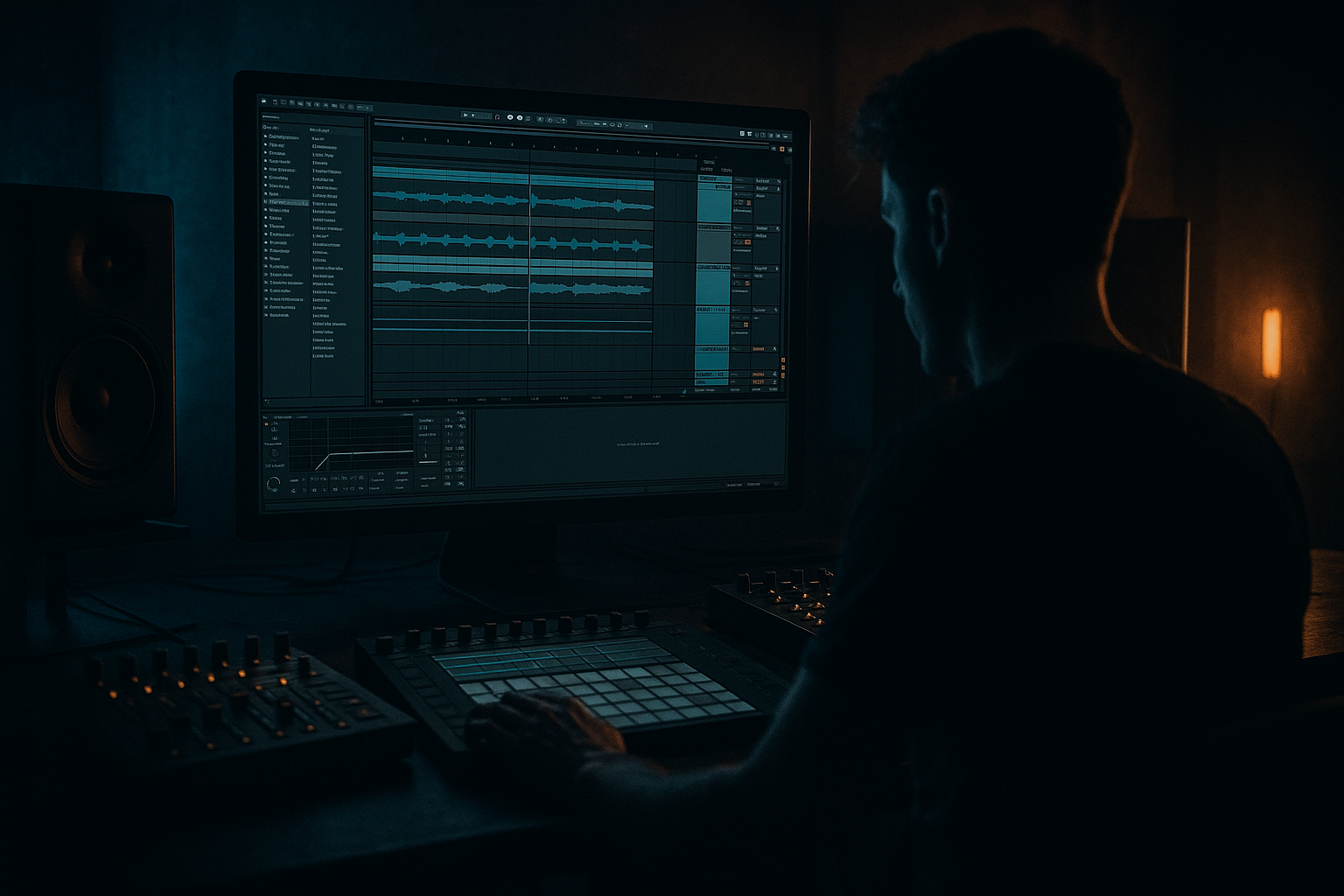
Main tutorial
Lesson Overview
Humanizing an Amen-style edit is one of the fastest ways to make a Drum & Bass track feel alive instead of looped. In Ableton Live 12, the goal is to take a classic Amen break edit and give it just enough timing variation, velocity nuance, and bass interaction so it locks into a floor-shaking low end without losing the punch and drive that make DnB work.
This matters especially in DJ Tools because your track needs to function in a set: it has to mix cleanly, hit hard on a club system, and keep movement over long blends. A rigid, perfectly quantized Amen can feel flat under a long mix. A humanized edit, when done well, creates swing, urgency, and tension that sits beautifully under rewinds, double drops, and transition points.
In DnB, the trick is not “messy” timing. It’s controlled imperfection:
- the kick and snare still feel solid,
- ghost notes add shuffle and personality,
- the bass leaves space for the break,
- and the low end stays centered and powerful.
- Simpler or Drum Rack for chop control
- Groove Pool for swing
- Velocity and Clip Envelopes for subtle variation
- EQ Eight, Saturator, and Compressor for low-end shaping
- Utility for mono control
- Ableton Live 12 arrangement and automation tools for easy DJ-friendly structuring
- a chopped Amen break with varied hits and ghost notes
- slightly shifted timing so it breathes without losing the grid
- a solid kick/snare backbone with humanized hats and fill details
- a sub-focused bass layer that leaves room for the break
- a simple 8- or 16-bar section that can work as a loop, intro, or drop phrase
- basic automation for tension, filter movement, and transitions
- the first 4 bars establish a rolling groove,
- bars 5–8 add small fill changes,
- the bass answers the break in short phrases,
- and the whole thing feels like a usable club section rather than a rigid loop.
- Track 1: Amen break
- Track 2: Bass/sub
- Put the Amen in Simpler
- Switch to Slice mode if you want easy drum-pad style editing
- Or use Warp and duplicate clips if you want a more traditional audio edit
- main kick
- main snare
- lighter snare ghost
- hats and shuffles
- small tail hits or percussion scraps
- bar 1: kick on the downbeat, snare on 2 and 4, with a few hat ghosts between
- bar 2: keep the same backbone, but remove one hat and add a tiny fill near the end
- Pad 1: kick
- Pad 2: snare
- Pad 3: ghost snare
- Pad 4: hat loop
- Pad 5: fill hit
- main snare: keep it mostly locked
- ghost snares: move them slightly late, around 5–15 ms
- hats: alternate a few hits early and late by tiny amounts
- fill hits: leave some on-grid, some just off-grid
- strong hits stay tight
- weak hits move a little
- fills get the most variation
- drag in a groove from the Groove Pool, or use one of Ableton’s built-in swing feel options
- apply it lightly to the Amen clip
- start around 10–25% groove amount
- 10–15% for tight dancefloor rollers
- 15–25% for more shuffled jungle energy
- Operator for a pure sub
- Wavetable for a slightly more complex bass
- or just a simple sine wave in Operator for a clean low end
- sine wave or very simple waveform
- low-pass the patch so it stays clean
- keep stereo width minimal or none
- Operator: sine oscillator
- Filter: low-pass around 120–200 Hz if needed
- Utility: Width at 0% on the bass layer
- EQ Eight: cut unnecessary top end
- bass answers the snare
- bass leaves space on the kick
- bass comes in after the break’s busy fill
- bass holds longer notes in the second half of the bar
- use EQ Eight to cut unnecessary sub rumble below about 25–35 Hz
- if the break has muddy low mids, make a gentle cut around 200–400 Hz
- if the snare is too sharp, tame harshness around 3–6 kHz carefully
- keep the sub centered with Utility at 0% width
- use EQ Eight to carve space if the break has too much low-mid content
- consider a gentle Saturator with Drive around 1–4 dB to help the bass read on smaller systems
- shorten the bass notes
- move the bass notes slightly after the kick
- use Compressor with sidechain from the kick, but keep it subtle
- or reduce the bass level rather than over-processing it
- low-pass filter opening slightly over 4 bars
- drum saturation increasing only in the second half of the phrase
- reverb send on a fill hit at the end of bar 8 or 16
- bass filter opening briefly before a drop or switch-up
- Auto Filter for sweep and tension
- Saturator for extra grit on transitions
- Reverb for a quick fill tail, used lightly
- Delay for short dubby hits if your style leans roller
- Auto Filter cutoff changes of about 10–20% are often enough
- Reverb on fills should be short and subtle
- Delay should not blur the kick/snare pocket
- a 4-bar intro with filtered drums
- an 8-bar drop with full break and bass
- a 2-bar strip-down before the next phrase
- Bars 1–4: filtered drums, light bass, intro tension
- Bars 5–8: full Amen edit, bass answers the snare
- Bars 9–12: slight reduction, ghost notes more exposed, maybe a fill
- Bars 13–16: full energy again, lead-in for the next section
- 4 or 8 bars of clean intro with drums only
- 4 or 8 bars of outro that removes bass first, then simplifies drums
- put Utility on the Master and check mono briefly
- lower the monitor volume and listen for whether the kick, snare, and sub still make sense
- if the groove disappears in mono, reduce stereo widening on the bass or remove stereo effects from the low end
- the snare still cuts through
- the sub stays steady
- the break retains movement
- no weird phasey wash in the low end
- Over-humanizing the break
- Letting the bass fight the kick
- Too much groove on the whole track
- Making the Amen too busy
- Ignoring mono compatibility
- Overprocessing the drums
- Layer a very quiet top break behind the main Amen for extra texture, but keep the main transient clear.
- Use Saturator on the drum bus with Drive around 1–3 dB and Soft Clip on to add density without obvious distortion.
- Try Drum Bus lightly if you want extra punch and transient control, but avoid squashing the break too much.
- For darker rollers, let one ghost snare stay slightly late to create a dragging, ominous feel.
- Use Auto Filter on the break bus with a very subtle resonance bump for tension before a fill.
- Add short atmospheric tails between phrases, but keep them out of the sub range.
- If the bassline feels weak, layer a very simple mid-bass above the sub and keep it mono-compatible.
- For neuro-leaning weight, use a restrained, moving bass texture above the sub, but let the Amen remain readable underneath.
- A tiny amount of clip gain variation between repeated break hits can make the loop feel much more alive.
- Save your best humanized edit as a clip template so you can reuse the groove in future DJ tools or rollers.
- Humanizing an Amen edit means subtle timing and velocity changes, not random looseness.
- Keep the main snare tight and move smaller hits like ghosts and hats a little.
- Build the bass to leave space for the break and stay centered in mono.
- Use Ableton stock tools like Simpler, Groove Pool, EQ Eight, Saturator, Compressor, Utility, and Auto Filter.
- Arrange the idea as a DJ-friendly phrase with clean intro/outro space.
- In DnB, the best low-end impact comes from contrast: a lively break against a stable sub.
You’ll use stock Ableton tools to do this:
Why this works in DnB: the Amen break already has a natural human feel, and when you edit it with small timing and velocity changes, it creates momentum that helps the bassline feel heavier. The ear perceives the contrast between moving drums and stable sub as extra weight. That’s a huge part of rollers, jungle, darker dancefloor, and neuro-adjacent DnB.
What You Will Build
By the end of this lesson, you’ll build a short DJ-tool-style Amen edit that feels alive and club-ready:
Musically, the result should feel like this:
Think of it like a DJ-ready building block for a roller or darker jungle-influenced DnB tune: enough variation to stay interesting, enough repetition to mix well.
Step-by-Step Walkthrough
1. Set up a clean DnB template and load the Amen break
Open a new Ableton Live 12 set and set your tempo to somewhere in the DnB range, like 172–174 BPM. For this lesson, 174 BPM is a good starting point because it makes the break feel energetic and club-forward.
Create two audio or MIDI tracks:
For the Amen, drag the audio clip into Simpler on a MIDI track, or keep it as audio if you prefer basic clip editing. For beginners, Simpler is easier because you can chop and trigger pieces cleanly.
Useful stock workflow:
Start by finding the main kick and snare hits in the Amen and identify the strongest looped section. You do not need a perfect four-bar loop yet. Just get a solid two-bar foundation.
2. Chop the break into a playable drum pattern
In Simpler, use Slice mode or in Arrangement view, duplicate the clip and cut it into short segments. Your goal is not to preserve the break exactly as-is, but to recompose it into a DnB groove.
For a beginner-friendly edit, focus on these elements:
Try a basic pattern like this idea:
If you’re using Drum Rack, map the most useful slices to pads:
That makes it easier to trigger variations later.
3. Humanize the timing with small shifts, not chaos
This is the key step. Humanizing in DnB does not mean randomly pushing everything around. It means making select hits sit slightly ahead or behind the grid so the groove breathes.
In Arrangement view, nudge some hits by very small amounts:
If you’re using MIDI clips, open the Clip View and manually move notes a little off the grid. If you’re using audio slices, split and shift the small pieces directly.
Good beginner rule:
Why this works in DnB: the strong snare anchors the listener, while the tiny timing differences in hats and ghosts create forward motion. That contrast is what makes a break feel alive under a heavy sub.
4. Use Groove Pool for controlled swing
Ableton’s Groove Pool is excellent for DnB because it gives you subtle movement without ruining your timing.
Try this:
For a more restrained jungle/DnB feel, keep the groove amount lower:
Do not overdo it. If the snare starts drifting too much, pull the amount back. The goal is a subtle pocket, not a loose jam session.
If you want the bassline and break to breathe together, apply groove mainly to the percussion slices and not the bass. That way the drums feel human while the sub stays dependable.
5. Build the bass so it supports the break, not fights it
Now create a simple bassline on Track 2. For beginner workflow, use:
Start with a sub-focused sound:
Suggested starting settings:
Write short bass notes that leave holes for the break. A classic DnB move is call-and-response:
Example musical context:
In a 16-bar drop, bars 1–4 can use short bass stabs under the Amen. Bars 5–8 can open up with longer notes or a small pitch move. Bars 9–12 can thin out the bass for a tension lift, then bars 13–16 can return to the full pattern for the transition.
This is very DJ-friendly because the rhythm feels predictable enough to mix, but the details keep it exciting.
6. Shape the low end with EQ, saturation, and mono discipline
This step makes the edit club-safe. In DnB, a humanized break is only useful if the low end remains tight and readable.
On the Amen track:
On the bass track:
If the kick and sub are clashing, try one of these:
A good beginner target is clean separation, not loudness war compression. You want headroom for the drop to breathe.
7. Add movement with clip envelopes and small automation
To keep the Amen edit from feeling static, automate small changes over 8 or 16 bars.
Useful automation ideas:
Ableton stock devices to use:
Keep automation small and musical:
For DJ tools, especially, use automation to create blendable transitions:
8. Make a simple arrangement that works in a set
A humanized Amen edit becomes much more useful when it is arranged like a real DnB section rather than a loop. Build an 8-bar or 16-bar phrase.
A strong beginner arrangement could be:
For DJ Tools, leave room at the start and end:
This helps you mix your tune into another tune without clashing low end. That is especially important for rollers and darker DnB, where long blends are part of the energy.
9. Check the groove in mono and at low volume
This is the reality check. A floor-shaking low end must survive club playback, mono systems, and quiet monitoring.
In Ableton:
What you want to hear:
If the break sounds too busy at low volume, remove one ghost note or simplify a fill. In DnB, clarity beats constant activity.
Common Mistakes
Fix: keep the main snare tight and move only smaller hits a little. Tiny changes are enough.
Fix: shorten bass notes, reduce bass level, or sidechain lightly. Don’t let both hit full force at the exact same time.
Fix: apply groove mostly to the drum edit, not the sub. The sub should feel stable.
Fix: remove one or two slices. A cleaner break often hits harder in DnB.
Fix: use Utility to check mono and keep the bass centered.
Fix: use small EQ moves and gentle saturation instead of heavy compression on everything.
Pro Tips for Darker / Heavier DnB
Mini Practice Exercise
Set a timer for 15 minutes and do this:
1. Load an Amen break into Ableton Live 12 and set the tempo to 174 BPM.
2. Chop it into at least 6 slices or pads.
3. Rebuild a 2-bar loop using kick, snare, ghost snare, and hat slices.
4. Move 3 small hits slightly off-grid so the loop feels less mechanical.
5. Add a simple sub bass using Operator or Wavetable with a sine-based sound.
6. Write just 4 bass notes that answer the snare and leave space for the kick.
7. Put EQ Eight and Utility on the bass and check mono.
8. Add a tiny Auto Filter automation rise over the last 2 bars.
9. Listen once at low volume and remove one element if the groove feels crowded.
Goal: make the loop feel like a usable DnB drop section, not just a drum pattern.

