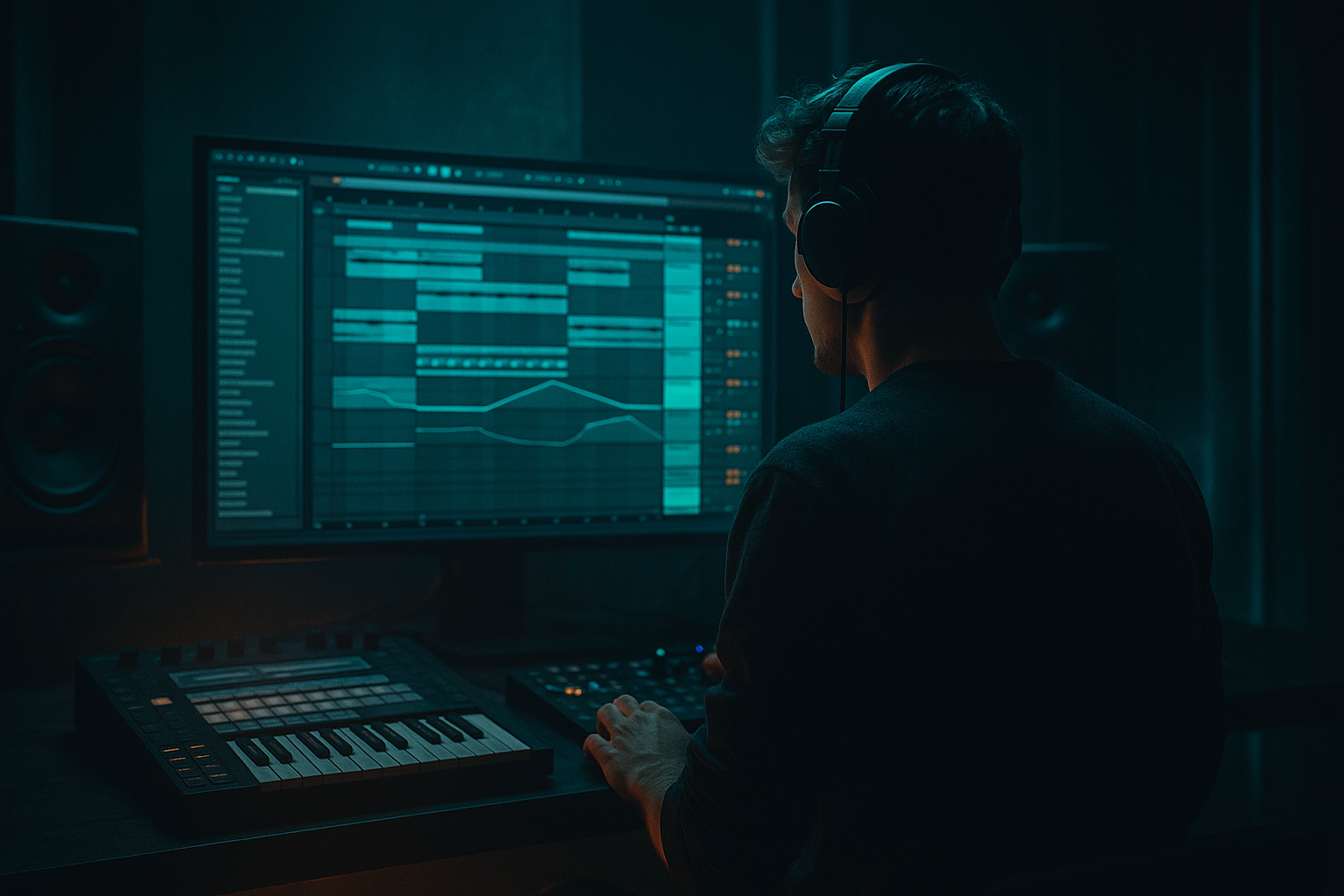
Main tutorial
Heatwave Ableton Live 12 Rewind Moment Lab
Automation-first workflow for jungle / oldskool DnB vibes 🔥🎛️
1. Lesson overview
In this lesson, you’ll build a rewind moment—that classic DnB / jungle “pull the track back, hype the drop, then slam forward” transition—using an automation-first workflow in Ableton Live 12.
We’re not treating the rewind as an afterthought. Instead, we’ll design it like a performance moment:
- tempo-feel manipulation
- filter movement
- pitch-down / stop-start tension
- impact tail shaping
- drum and bass arrangement logic
- controlled chaos that still lands cleanly
- oldskool jungle
- rollers with a retro edge
- dark DnB
- break-heavy tracks
- live-set-friendly arrangement
- high-energy breakdown-to-drop transitions
- a main drum loop with break edits
- a bassline groove
- a rewind transition using automation
- a tape-stop style slowdown
- filter sweep + reverb wash
- a reverse hit / impact moment
- a clean re-entry into the next drop
- Auto Filter
- Utility
- EQ Eight
- Reverb
- Echo
- Saturator
- Drum Buss
- Simple Delay or Delay
- Resonators or Corpus for texture
- Audio Effect Rack for macro-controlled transition layers
- Envelope automation in Arrangement View
- Bars 1–4: full groove
- Bars 5–6: stripped groove + tension
- Bar 7: rewind trigger
- Bar 8: silence / reverse pull / re-entry prep
- drums thin out
- bass loses weight
- filter narrows
- delay/reverb increases
- pitch or playback feel suggests pulling backward
- impact lands after a short empty space
- Master or group filter
- Break track filter
- Bass volume
- Reverb wet/dry
- Echo feedback
- Utility gain
- Clip transpose or warping behavior
- Track activator mute
- Return track sends
- Filter type: Low-pass
- Slope: 24 dB
- Resonance: moderate, around 10–25%
- Drive: small amount if needed
- Start around 18–20 kHz
- Sweep down to 300 Hz or lower
- Then snap or pause before the rewind hit
- Filter resonance up slightly near the end of the sweep
- Dry/wet reverb up
- Delay feedback up
- Utility gain down by 3–6 dB before the rewind
- Set Warp mode to Complex Pro or Beats depending on source
- Automate clip transpose down by 1–3 semitones
- Shorten the final note tail
- Add a tiny reverse sample behind it
- Automate Utility gain to fade
- Follow with a reverse cymbal / reverse break hit
- Then drop to silence for a fraction of a beat
- Feedback: automate toward 80–95%
- Time: 1/8 or 1/4
- Modulation: low to moderate
- Enable Freeze very briefly if useful
- reverse snare
- reverse crash
- vinyl stop sample
- short pitched-down drum hit
- crowd-style FX
- scrape / rewind tape noise
- sub drop with volume fade
- Take a snare or rimshot audio clip, reverse it
- Add Reverb with long decay, then freeze/bounce if needed
- Bounce to audio, reverse again if you want a more washed rewind tail
- Use Corpus on a metallic hit for a hollow, oldskool mechanical vibe
- EQ: high-pass at 150–250 Hz
- Saturator: mild drive
- Auto Filter: low-pass automation
- Reverb: decay 3–6s, dry/wet automation
- Utility: automate gain down at the moment of the rewind
- Use Utility before the instrument or audio chain
- Automate gain down over 1 bar
- Optionally automate a low-pass filter on the synth itself
- Add Auto Filter
- Sweep low-pass cutoff from open to narrow
- Increase resonance slightly as it closes
- Add Echo or Delay for a very short smear before cutoff
- filter envelope amount
- oscillator detune
- unison width
- amp volume
- Mute the kick and snare for 1/8 to 1/4 beat
- Let a reverb tail or reverse sound hang for a moment
- Drop a very short stop-hit or vinyl noise
- Full drum drop
- Half-time sub hit into full-time break
- Snare flam into kick
- Reese bass returning with wider stereo
- Extra top-loop layering for lift
- Add a white-noise burst into the drop
- Put a short delay ping on the first snare
- Automate Utility width from narrow to wide as the drop lands
- Add a Drum Buss transient hit to the first break bar
- Macro 1: opens/closes filter
- Macro 2: increases reverb tail
- Macro 3: increases delay smear
- Macro 4: ducks overall level
- Macro 5: narrows stereo image before the stop
- Macro 6: adds grit on the rewind cue
- Saturator
- Pedal if you want heavier drive
- Drum Buss
- mild overdrive on the break bus
- snare
- break crack
- rewind FX
- mid bass layers
- pitch them down briefly before the stop
- reverse them
- hit them with delay tail
- a clean sine sub
- or a sub hit with a short decay
- 1/2 beat
- 1/4 beat
- 1/8 beat slices
- once as a clean oldskool jungle rewind
- once as a darker heavier DnB rewind
- which one has more dancefloor pull?
- which one sounds more aggressive?
- which one supports the drop better?
- Build the rewind with automation first
- Use filter, gain, reverb, and delay as your main movement tools
- Keep the low end controlled until the last moment
- Add a signature rewind cue: reverse snare, stop hit, vinyl noise, or echo freeze
- Re-enter with contrast and impact
- Package the whole thing into an Ableton rack workflow for speed and consistency
This approach is ideal for:
The goal: create a rewind moment that feels like it belongs in a proper DnB set, not a generic EDM riser. Think crowd energy, vinyl-era reference, and tight modern Ableton control.
---
2. What you will build
You’ll create a short 8–16 bar arrangement section featuring:
Core Ableton stock devices used
You can build this with audio or MIDI, but for authentic jungle / oldskool DnB energy, audio-based break manipulation is especially effective.
---
3. Step-by-step walkthrough
Step 1: Set up the arrangement like a DJ would think 🧠
Open a project around 160–175 BPM. For oldskool jungle, 165–172 BPM is a sweet spot.
Create these tracks:
1. Drums / Break
2. Kick + Snare Layer
3. Sub Bass
4. Reese / Mid Bass
5. Atmos / Texture
6. Impact / FX
7. Rewind Bus (optional group for transition processing)
Arrangement layout suggestion
Use an 8-bar section before the drop and a 2-bar rewind moment.
Example:
If you want a more classic jungle vibe, make the rewind happen just before the drop lands, not too early.
---
Step 2: Build a strong break foundation
Use a classic breakbeat loop or chopped break in audio.
#### Practical break processing chain:
On your Break track, try:
1. EQ Eight
- High-pass: around 25–35 Hz
- Small cut around 250–400 Hz if muddy
- Gentle boost around 6–9 kHz if the hats need air
2. Drum Buss
- Drive: 5–15%
- Boom: keep subtle unless you want extra chest hit
- Transients: slight positive if you want more snap
3. Saturator
- Soft Clip: ON
- Drive: 1–4 dB for warmth
For jungle, the break should feel alive and slightly unstable. Don’t over-quantize every chop. Let the groove breathe.
---
Step 3: Design the rewind as an automation event
The rewind moment works best when several things happen in sync:
#### Automation targets to use:
---
Step 4: Create the “pull back” using filter automation
Insert Auto Filter on your Drum Group or Rewind Bus.
#### Suggested settings:
#### Automation move:
Over 1–2 bars, automate the cutoff:
This creates the classic “everything gets sucked backward” feeling.
For an even more dramatic moment, automate:
That makes the rewind feel like it’s collapsing into itself.
---
Step 5: Use a tape-stop style slowdown, the Ableton way
Ableton doesn’t have a classic vinyl rewind button stock, but you can emulate the effect very convincingly.
#### Option A: Clip automation + warping
On an audio clip:
This gives a pitch-sag effect.
#### Option B: Utility + Sample playback manipulation
For a more dramatic stop:
#### Option C: Echo freeze-style illusion
Use Echo:
This works brilliantly on snare hits, vocal chops, or a small break fragment.
---
Step 6: Build the rewind sound design layer
A rewind moment usually needs a signature audio cue, not just automation.
#### Good rewind layers:
#### Stock Ableton methods:
A very effective chain on the rewind FX track:
EQ Eight → Saturator → Auto Filter → Reverb → Utility
Settings idea:
This keeps the rewind cue high and dramatic without cluttering the low end.
---
Step 7: Make the bass disappear in a musical way
DnB rewind moments are stronger when the bass is controlled rather than hard-cut.
On your Sub Bass and Mid Bass tracks:
#### Sub Bass:
#### Mid Bass / Reese:
If your bass is MIDI-based, consider automating:
For a proper oldskool feel, let the bassline feel like it’s being physically dragged out of the mix.
---
Step 8: Create the silence / vacuum moment
The rewind lands harder if you create a tiny void.
#### Do this:
This vacuum creates anticipation. In jungle and DnB, even a tiny gap can feel huge if the groove was locked beforehand.
Tip: Don’t overdo the silence. A full bar of nothing may kill the momentum unless it’s a dramatic breakdown. Usually, a micro-pause is enough.
---
Step 9: Re-enter with impact
After the rewind, your re-entry should feel like the track “snaps” back into motion.
#### Re-entry options:
Use one of these tricks:
If the rewind is strong, the next drop doesn’t need to be overpacked. Let the contrast do the work.
---
Step 10: Convert it into a reusable Live 12 workflow
This is the real automation-first win: make the rewind moment reusable as a template.
#### Build an Audio Effect Rack on your Rewind Bus
Map macros to:
1. Global Low-pass
2. Reverb Send
3. Delay Send
4. Output Gain
5. Stereo Width
6. Saturation Drive
Now you can create your rewind in one lane of automation instead of drawing everywhere individually.
#### Suggested macro behavior:
This is especially useful if you’re doing multiple breaks or arranging a full tune with repeated rewind-style transitions.
---
4. Common mistakes
1. Making the rewind too long
A rewind moment should usually be tight. If it drags on too long, it loses impact and can interrupt dancefloor momentum.
2. Killing the low end too early
If the sub disappears too soon, the transition feels weak. Let the bass hold until the last moment, then pull it out cleanly.
3. Overusing full silence
A little space is powerful. Too much silence can feel like a mistake unless it’s intentionally dramatic.
4. Using generic EDM risers
DnB rewind moments need character. Reversed breaks, tape-stop cues, filtered ambience, and snare roll tension are usually more authentic than big festival uplifters.
5. No contrast between sections
If your drop and rewind sound too similar, the moment won’t land. Make sure the rewind strips back energy before the re-entry.
6. Automation that moves too slowly
Rewinds are often physically abrupt. Long, graceful automation can sound polished, but it may miss the aggressive oldskool energy.
---
5. Pro tips for darker/heavier DnB
Use distortion strategically
For a darker rewind, add:
Don’t distort everything equally. Focus grit on:
Narrow the stereo image before the hit
Automate Utility Width down to 50–70% before the rewind. Then reopen width on the drop.
This makes the drop feel bigger and more intentional.
Use pitch and formant movement
If you have vocal chops or melodic bits:
Dark DnB loves unstable, disorienting motion.
Add sub pressure after the gap
After the rewind, bring in:
A clean low-end punch after the vacuum makes the drop feel massive.
Make the break stutter before rewinding
Try cutting the break into:
Then automate the final slice into the rewind. That “chopped but controlled” feel is very jungle.
---
6. Mini practice exercise
Goal
Create a 4-bar rewind transition from a DnB groove into a drop reset.
Exercise steps
1. Make a 165 BPM project.
2. Place a 2-bar breakbeat loop on Audio Track 1.
3. Add a sub bass and a mid bass.
4. Create a Rewind Bus with:
- Auto Filter
- Reverb
- Echo
- Utility
5. Automate:
- filter cutoff down over 1 bar
- bass volume down over 1 bar
- reverb wet up in the last 1/2 bar
- echo feedback up on the final snare hit
- utility gain drop right before the rewind cue
6. Add a reversed snare or crash into the last beat.
7. Leave a tiny gap.
8. Re-enter with a full drum hit and sub.
Challenge version
Do it twice:
Then compare:
---
7. Recap
A strong DnB rewind moment is not just a novelty effect—it’s a transition strategy.
Key takeaways:
If you think like a DJ and arrange like a producer, your rewind moments will feel intentional, hype, and fully rooted in jungle / oldskool DnB culture.
That’s the vibe. That’s the move. 🚀
If you want, I can also turn this into a step-by-step Ableton Live 12 project template, including exact tracks, macro mappings, and an automation lane checklist.

