Main tutorial
Heatwave Pad Method in Ableton Live 12 (Groove Pool Tricks for Oldskool Jungle / DnB) 🔥🥁
Intermediate • DJ Tools / Performance-Ready Production Technique
---
1. Lesson overview
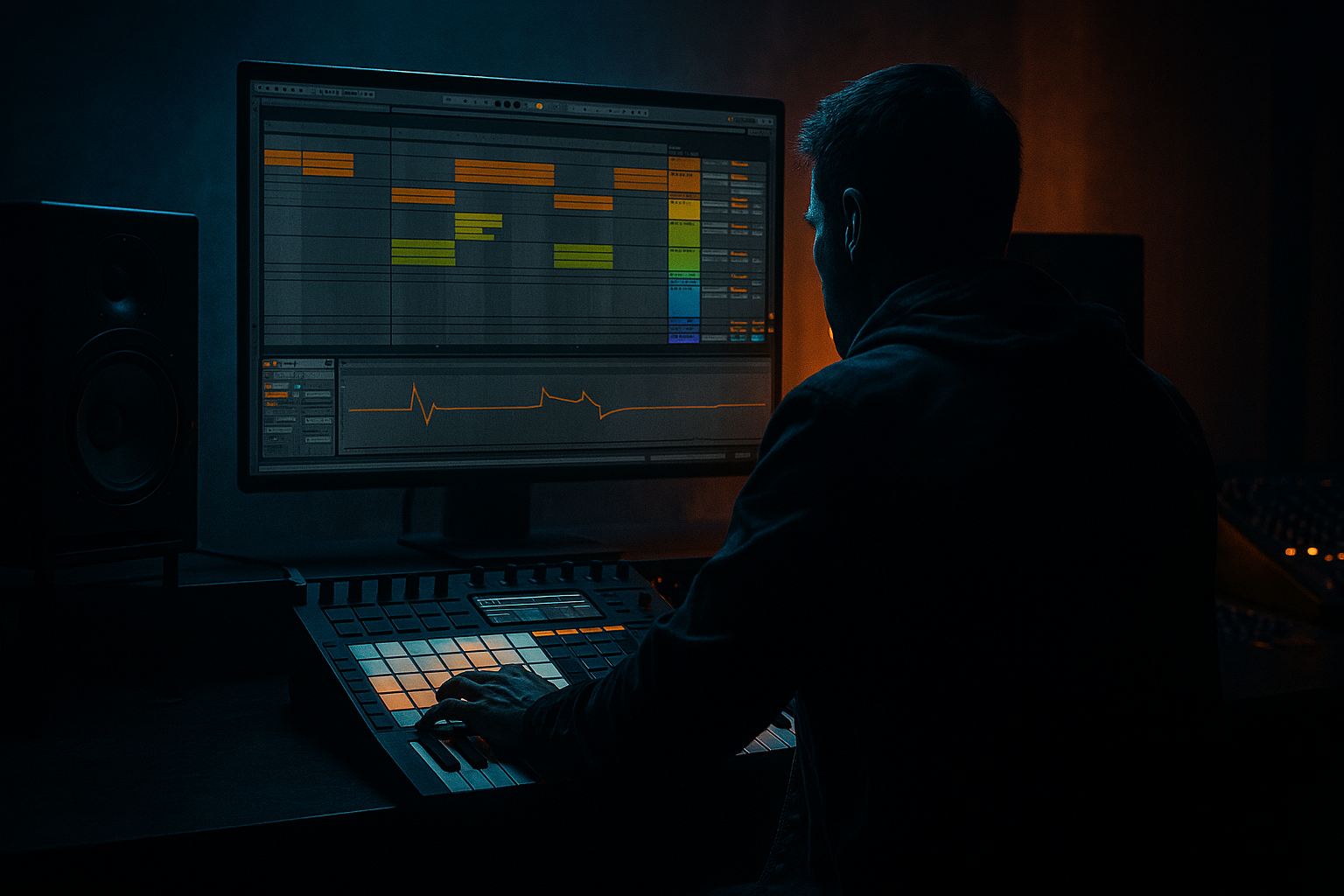
This lesson is about building a Heatwave-style pad performance tool in Ableton Live 12: a set of pads (MIDI keys or Push pads) that trigger jungle/DnB loops and one-shots with tight “oldskool swing” using Groove Pool tricks.
You’ll learn how to:
- Create quantized-but-human loop triggering
- Use Groove Pool to get that ’94–’98 shuffle without wrecking timing
- Build a DJ-style performance rack for dropping breaks, fills, and stabs quickly
- Keep it rolling at 160–175 BPM while still feeling loose 🧠
- 8–16 pads mapped to:
- Each pad triggers clips with:
- A “Heatwave control strip” (macros) for fast performance:
- Put all main breaks in Choke Group 1
- Put fills in Choke Group 2
- Leave stabs/vox free, or put them in Choke Group 3 if you want one stab at a time
- `Jungle Swing Light`
- `Jungle Swing Heavy`
- `Loose Tops`
- Works well if your break is warped cleanly, but can get messy if warp markers are off.
- Use lighter Timing (10–25) and very low Random (0–8).
- Apply more groove to hats/shuffles/tops
- Apply less groove to kicks/snare anchors
- Macro 1: Swing Amount
- Macro 2: Lo-Fi / Age
- Macro 3: Filter Sweep
- Macro 4: Space
- Macro 5: Tape Flutter (fake)
- Macro 6: Brake / Stop
- Bars 1–8: Tops only (swing heavy) + filtered break teasers
- Bar 9: Add Anchor break (swing light)
- Bars 9–16: Swap between 2 break variants every 4 bars (choke group makes it clean)
- Every 8 bars: trigger a fill pad → stab pad → return to main loop
- Main loop: Follow Action Next after 8 bars (for variation)
- Fill clips: Play once then Return
- Grooving the whole break equally: your kick/snare starts drifting and the track loses punch. Split anchor vs tops.
- Warp markers wrong: Groove Pool + bad warp = flam city. Fix warp before you blame swing.
- Too much Random: jungle should feel human, not drunk. Keep Random moderate.
- No choke groups: loops stack and smear the transients.
- Over-saturating early: grit is good, but get the groove right first.
- Parallel smash your breaks:
- Make snares meaner without killing swing:
- Sub stays straight:
- Darkness via filtering, not volume:
- Ghost-note life:
- You built a Heatwave-style pad performance tool in Ableton Live 12 for jungle/DnB.
- The core trick is using Groove Pool tastefully, especially by splitting anchors vs swing layers.
- Choke groups make it feel like a real DJ cut.
- A few stock devices (EQ Eight, Auto Filter, Saturator, Drum Buss, Hybrid Reverb) turn it into a stage-ready DJ tool.
---
2. What you will build
A single Drum Rack performance instrument that includes:
- Break loops (1 bar / 2 bar)
- Ghosted top loops
- Fills
- Classic jungle stabs / vocal hits
- Global quantization (so drops are clean)
- Per-pad groove amount (so some hits shuffle more than others)
- Per-pad “tightness” control (so kicks stay solid while hats swing)
- Swing Amount, Timing Random, Filter, Reverb send, Tape/Warmth, Brake/Stop FX
---
3. Step-by-step walkthrough
Step 0 — Session setup (DnB-friendly defaults) ⚙️
1. Set tempo to 172 BPM (classic rolling pace).
2. Set Global Quantization to 1 Bar (top middle of Live).
- For more aggressive juggling later, drop to 1/2 Bar.
Why: Jungle loops sound best when you can slam them in cleanly on bar lines, then add micro-swing inside the loop.
---
Step 1 — Build your “Heatwave Pads” Drum Rack 🎛️
1. Create a MIDI Track → load Drum Rack.
2. Drag in:
- 4–8 break loops (WAV/AIFF) onto pads (e.g., C1–G1).
- 4 fills (short 1/2 bar or 1 bar) onto pads (e.g., A1–D2).
- 4–8 stabs / vox / siren hits onto pads (higher row).
Important: For loops, you want each pad to behave like a loop launcher, not a one-shot drum hit.
---
Step 2 — Make each loop pad behave like a clip (the “pad method”) 🟦
For each loop pad inside Drum Rack:
1. Click the pad’s Simpler.
2. In Simpler:
- Mode: Classic (works great for loops in racks)
- Trigger: Gate (so you can control stopping) or Trigger (one press keeps playing)
- Loop: ON
- Snap: ON
3. Set Voices = 1 (monophonic per pad) to prevent flams.
4. Set Start point to the transient (tight start).
5. Optional: Turn Warp ON in the sample (Clip view / sample view), and choose:
- Beats warp mode
- Preserve: Transients
- Transient Loop Mode: Forward
- Start with Envelope = 60–80%
Why: This gives you loop stability, but still lets groove shift the feel.
---
Step 3 — Group pads into choke groups (oldskool DJ behavior) 🎚️
Inside Drum Rack, assign Choke Groups so loops cut each other like a DJ switching records:
Result: You can swap breaks instantly without layering chaos.
---
Step 4 — The Groove Pool trick: swing only what should swing 🌀
Now the magic: Groove Pool with controlled application.
#### 4A) Load jungle-friendly grooves
1. Open Groove Pool (bottom-left “hot-swap” style icon, or `Cmd/Ctrl + Alt + G` depending on layout).
2. In the Browser → Grooves, look for:
- Swing 16 variations (start around 55–62%)
- MPC-style grooves (subtle)
- Latin/percussion grooves can work if softened
Drag 2–3 grooves into the Groove Pool. Name them:
#### 4B) Apply grooves in a controlled way
You have two main options:
Option 1 (Best for this pad method): Apply groove to MIDI clips that trigger pads
1. Create a second MIDI track called PAD TRIGGERS.
2. Write a simple 1-bar MIDI clip with notes that trigger your Drum Rack pads (like you’re “performing” via MIDI).
3. Drag a groove from Groove Pool onto that MIDI clip.
4. In Groove Pool settings, set roughly:
- Timing: 20–40
- Random: 5–15
- Velocity: 0–10 (optional)
- Base: usually 1/16
5. Hit Commit only when you’re ready (keep it live while experimenting).
Option 2: Apply groove to Audio clips (break loops)
Key idea:
---
Step 5 — Split “Anchors” vs “Swing Layer” for authentic oldskool roll 🧱
Old jungle often has a solid backbeat with a shuffly top layer.
1. Duplicate your break loop pad:
- Pad A = Anchor (kick/snare focus)
- Pad B = Swing Tops (hats/ghosts)
2. On the Anchor chain:
- Add EQ Eight
- HP at 30 Hz
- Gentle cut around 300–500 Hz if boxy
- Optional: small boost 180–220 Hz for weight (careful)
- Add Gate (optional) keyed to clean tails
- Keep Groove timing low (0–15)
3. On the Swing Tops chain:
- Add EQ Eight
- HP at 200–400 Hz
- Add a shelf boost 7–10 kHz if needed
- Add Auto Filter
- LP around 10–14 kHz (to “vinyl” it)
- Apply heavier groove: Timing 25–50, Random 8–18
Result: The groove moves the air, not your spine.
---
Step 6 — Build the “Heatwave Macros” (performance controls) 🎚️🔥
Group key devices into a rack and map macros for live movement.
1. In your Drum Rack, add a Return Chain (inside the rack) or use track Returns.
2. Add stock Ableton devices:
Macro suggestions:
- Map to Groove Pool Timing (you can’t directly macro Groove Pool globally, so instead macro an equivalent feel:
- Use Track Delay automation for select layers OR use MIDI Note Length/Delay via Note Echo or Groove applied to MIDI clips with automation lanes.)
- Redux: Downsample 2–8, Soft Clip on
- or Saturator: Soft Clip ON, Drive 2–6 dB
- Auto Filter cutoff 200 Hz → 18 kHz, Resonance 0.7–1.2
- Hybrid Reverb (Plate or Hall) Dry/Wet 5–20% (or send amount)
- Chorus-Ensemble subtle OR Auto Pan set to Phase 0° with tiny amount for movement
- Use Shaper (in Live 12) or automation to drop pitch/LP quickly; alternatively Delay feedback burst for a spin-out vibe
Tip: Keep these macros on the Drum Rack track, so your whole performance tool responds instantly.
---
Step 7 — Arrangement idea: “Oldskool drop control” 🧨
Build an 8–16 bar DJ-friendly structure:
Use Follow Actions (Clip view) if you’re launching clips (not just Drum Rack):
---
4. Common mistakes 🚫
---
5. Pro tips for darker/heavier DnB 🕶️🔊
- Send to a return with Drum Buss (Drive 10–25, Boom 20–40) + Saturator
- Blend lightly (10–25%) to keep punch.
- Duplicate snare hits to a separate pad, add Roar (if available) or Saturator, then keep it quantized (no heavy groove).
- If you’re adding a bassline, keep its rhythm tighter than the tops. Let hats shuffle, not the sub.
- Slight LP on tops + small 200–400 Hz cut = instant darker tone without making it quieter.
- Add a quiet ghost snare layer with Timing groove heavier than the main snare—classic rolling tension.
---
6. Mini practice exercise (15 minutes) ⏱️
1. Load two different break loops (A and B) into pads, choke group them together.
2. Create a tops-only duplicate of Loop A (HP at 300 Hz).
3. Apply:
- Light groove to Anchor (Timing 10–15)
- Heavy groove to Tops (Timing 35–50, Random 10–15)
4. Record yourself for 32 bars doing:
- Swap A ↔ B every 8 bars
- Trigger 1 fill every 8 bars
- Trigger 1 stab after each fill
5. Listen back and check:
- Does the snare still hit confidently on 2 and 4?
- Do the hats feel like they “dance” around it?
---
7. Recap ✅
If you want, tell me your target vibe (e.g., Metalheadz dark roller, ’94 ragga jungle, jump-up swing) and I’ll suggest specific groove settings + a pad layout template for 8 or 16 pads.

