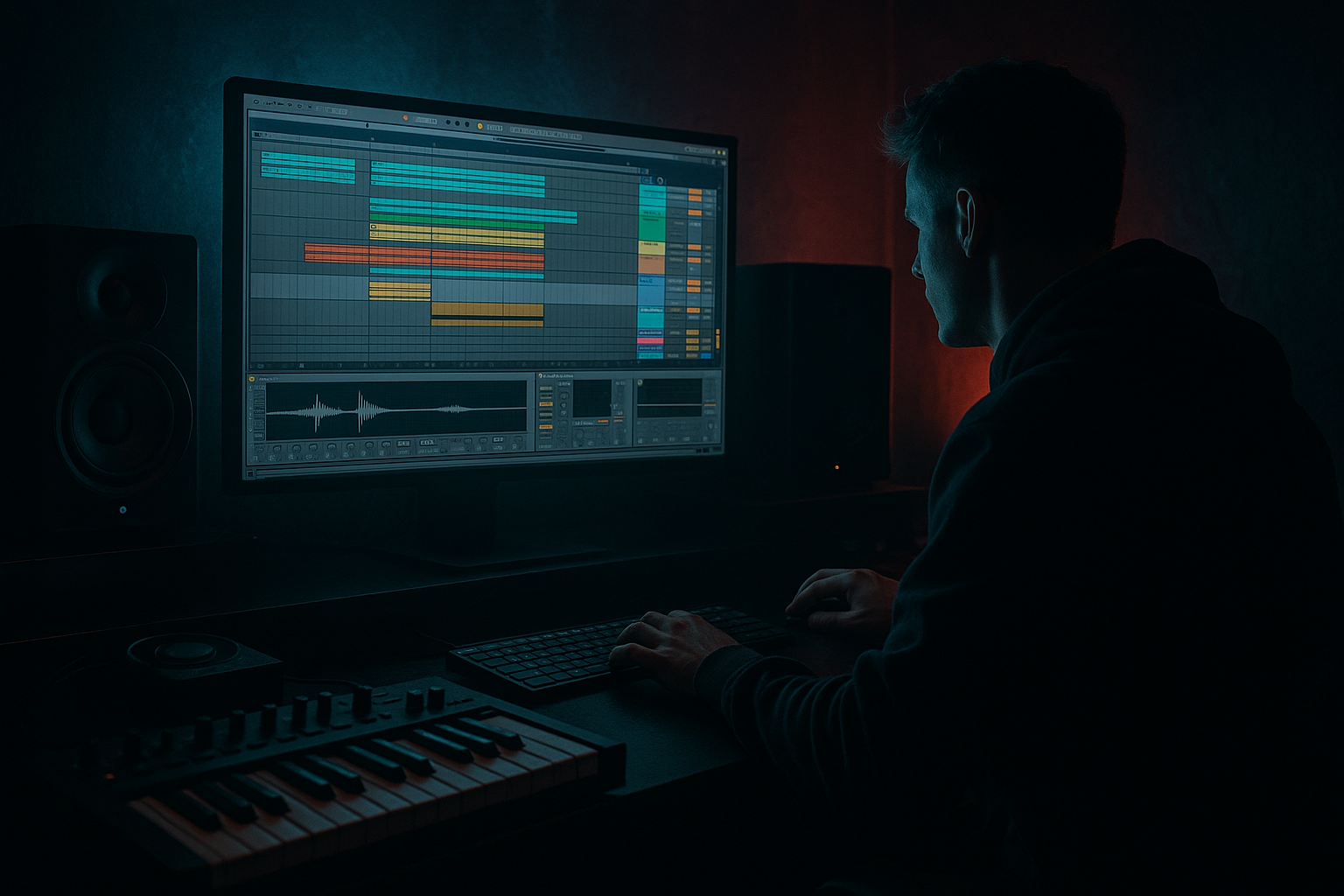
Main tutorial
Lesson Overview
This lesson is about building a DJ-friendly oldskool DnB intro that still lands with modern punch and vintage soul in Ableton Live 12. The goal is not just to “make it sound old” or “make it hit hard” — it’s to combine both in a way that feels like a proper jump-up / rollers / jungle-adjacent / darker DnB intro that a DJ can mix, a listener can lock into, and a drop can explode from.
In DnB arrangement, the intro has a serious job: it has to set the tone, establish groove and atmosphere, and leave space for beatmatching while teasing the energy of the drop. Oldskool-inspired intros often use break edits, vinyl textures, dub-style space, short vocal chops, and hypnotic motifs. Modern DnB expects tighter transient control, stronger sub management, cleaner stereo discipline, and more intentional tension design. This lesson shows you how to glue those worlds together inside Ableton Live 12 using stock tools only.
Why this matters: a lot of DnB intros either sound too sterile and modern, or too nostalgic and weak. The sweet spot is controlled grit — enough authenticity to feel human and underground, enough punch to survive club systems, and enough arrangement discipline to keep the DJ in mind. That’s what we’re building. 🔥
What You Will Build
You’ll build a 16- or 32-bar intro for a DnB track that includes:
- a DJ-mixable opening with ambience, vinyl-style texture, and a restrained break groove
- a glued oldskool break layer with modern transient shape and drum-bus punch
- a subtle reese/bass tease that hints at the drop without revealing too much
- call-and-response drum phrases and ghost-note movement for swing
- automation-driven tension using filters, reverb throws, delay tails, and noise risers
- a clear path into a full-energy drop with strong contrast
- a dark 1995-style jungle intro getting upgraded for a 2020s club mix
- or a rollers intro with soulful break fragments, sub pressure, and a menacing bass shadow
- or a neuro-leaning DnB opener that still keeps the swing and dust of classic culture
- Making the intro too full too early
- Using a break loop with no edits
- Over-compressing the break
- Letting the sub wobble in stereo
- Adding FX that mask the DJ cue points
- No tension curve
- Making the intro sound “lo-fi” instead of “classic”
- Use a filtered reese shadow instead of a full bass line in the intro. Open it only in the final 4–8 bars to hint at the drop.
- Layer a quiet, distorted low-mid drone under the break using Wavetable or Operator, but cut it around 80–120 Hz if it competes with the sub.
- Try Drum Buss on the break return rather than the full drum bus for parallel grit without destroying the main impact.
- Use tiny pitch drops on transition hits with simpler one-shots or resampled toms for that darker jungle tension.
- Create tension with emptiness: remove hats for one bar, mute the bass for half a bar, or leave a reverb tail hanging before the drop.
- Keep the snare character slightly dusty by blending a sampled break snare with a cleaner modern snare layer.
- Resample your intro groove after processing, then chop it again. This often creates a more authentic “played” feel than endless MIDI editing.
- Use subtle saturation before EQ on the drum bus if you want the intro to feel thicker without becoming harsh.
- Reference classic oldskool/jungle arrangements but compare them against modern club tracks for how much low-end and transient control they allow.
- Start DJ-friendly and spacious
- Use a classic break, but tighten it with modern punch
- Add bass as a tease, not a full reveal
- Automate tension across phrases
- Keep the low end controlled and the intro structured
Musically, the vibe should feel like:
By the end, you’ll have a reusable intro formula you can apply to new tracks fast.
Step-by-Step Walkthrough
1. Set the arrangement goal before you touch sound design
Open a fresh Live set and decide whether your intro is 16 bars or 32 bars. For most club DnB, 16 bars works if the track drops quickly; 32 bars works if you want a proper DJ-friendly build.
In the Arrangement View, place markers for:
- bars 1–8: atmosphere + stripped groove
- bars 9–16: more drum detail, bass hint, tension rise
- bars 17–32: optional second phrase, extra break edits, or pre-drop transition
For composition, think in phrases, not just loops. DnB is very phrase-driven: 8-bar and 16-bar structures are common, and DJs need predictable energy changes. A solid intro usually gives them:
- a stable rhythmic anchor
- a recognizable loop
- a clean energy ramp
- a final cue before the drop
If your track is more dancefloor-focused, keep the intro tighter. If it’s more atmospheric or deep, allow more space for texture.
2. Build a DJ-intro foundation with atmosphere and space
Create an audio track for your atmospheric bed. This can be:
- a field recording
- vinyl crackle
- rain
- tape hiss
- a sampled room tone
- a long ambient pad rendered from a synth
Stock Ableton move: use Simpler if you have a sampled texture, or Wavetable / Analog for a sustained pad. For a pad, keep it basic:
- low-pass filter around 3–6 kHz
- slow attack on the amp envelope, around 20–80 ms
- long release, around 1–3 seconds
- subtle LFO on filter cutoff for movement
Add Auto Filter on the atmosphere track and automate the cutoff slowly from dark to slightly brighter over 16 bars. A range like 200 Hz to 2.5 kHz on a noise bed works well, depending on the material.
Add Reverb after Auto Filter:
- decay: 3–7 seconds
- low cut: 200–400 Hz
- high cut: 6–9 kHz
- dry/wet: 10–25%
Why this works in DnB: intros need room for the drums and bass to feel bigger later. If you load the intro with too much full-spectrum content, the drop loses impact. Space is part of the arrangement.
3. Create the oldskool break bed, then tighten it for modern punch
Drag in a classic break or break-style loop, or build one from one-shots in Drum Rack. For a jungle feel, you want ghost hits, uneven micro-dynamics, and a little instability, but not a washed-out mess.
If using a break sample:
- slice it with Slice to New MIDI Track
- use Warp carefully; if the groove feels stiff, try Complex Pro only if needed, but avoid over-processing
- keep the original transient character intact
If building from one-shots:
- layer a kick, snare, and break top
- keep the kick short and punchy
- choose a snare with a woody or dusty midrange crack
- add hats or shaker fragments for propulsion
On the break bus, use Drum Buss:
- Drive: 5–15%
- Crunch: 5–20%
- Boom: subtle, often 0–15%, tuned carefully
- Transients: slightly positive if the break is soft
Follow with EQ Eight:
- cut mud around 200–400 Hz if the break gets boxy
- high-pass only if needed; don’t delete the body
- tame harsh hat spikes around 7–10 kHz if they bite too much
Add gentle compression with Glue Compressor:
- ratio: 2:1
- attack: 10–30 ms
- release: Auto or around 0.1–0.3 s
- aim for only 1–3 dB of gain reduction
This gives you the “glue oldskool” part: the break still breathes, but it feels intentionally held together.
4. Program the drum phrasing like a DJ intro, not a full drop
Now turn the break into composition. Don’t just let it loop unchanged. Make a call-and-response structure over 8-bar chunks:
- bars 1–4: sparse break + atmosphere
- bars 5–8: add extra ghost snare, hat, or rim
- bars 9–12: introduce a stronger kick/snare pattern or a fill
- bars 13–16: clear lane for the transition
Use ghost notes and micro-edits to keep the groove alive. In Ableton, you can:
- duplicate a snare hit and lower its velocity
- nudge a hi-hat slightly ahead or behind the grid
- use Groove Pool with a light swing preset
- keep the main snare on the backbeat, but decorate around it
A practical move: create a one-bar variation every 4 bars. Even if it’s tiny — a reverse hat, a clipped tom, a snare flam — it makes the intro feel programmed, not looped.
For modern punch, keep the transients under control:
- use Saturator on the drum group with Soft Clip on, Drive around 2–6 dB
- if the break peaks too hard, use Transient shaping via Drum Buss rather than smashing it with compression
- keep the snare front and center, but don’t let the hats dominate the top end
5. Add a sub tease and bass shadow without revealing the drop
This is where the intro starts talking back. Create a bass track that hints at the main energy without fully arriving. For DnB, that could mean:
- a reese shadow
- a single-note sub pulse
- a filtered bass stab
- a low droning note with rhythmic gaps
Use Wavetable, Operator, or Analog:
- for a sub tease, use a sine or triangle base
- for a reese shadow, layer two detuned saws or use a wavetable with subtle movement
- keep it mono below 120 Hz
Suggested settings:
- low-pass filter around 150–500 Hz for the intro phase
- slight saturation with Saturator or Dynamic Tube
- very short notes or offbeat placements
- automation to open the filter in the last 4–8 bars
Use Utility on the bass bus:
- Width: 0% below the sub range if needed
- Bass Mono: use it strategically to keep the low-end locked
A powerful arrangement trick: have the intro bass answer the drum fills. For example, on bar 8 or 16, let the bass hit on the “and” before the snare fill. That creates tension and a sense of movement without giving away the drop.
6. Use automation to glue soul, grit, and tension together
Automation is what makes the intro feel alive. Add it across 4–16 bars, not just as a single riser.
Suggested automation lanes:
- Auto Filter cutoff on the break bus
- Reverb dry/wet on a snare send for occasional throws
- Echo feedback on a vocal chop or stab
- Saturator drive increasing slightly before the drop
- Utility gain to pull the intro down before impact
For a classic DnB move, set up a return track with Echo:
- time: 1/8, 3/16, or dotted feel depending on groove
- feedback: 20–45%
- filter the returns so they don’t flood the sub range
- automate send amounts only on the last hit of a phrase
On a snare throw, automate:
- Reverb dry/wet from 0% to 30–45%
- Echo send from 0% to 15–25%
- then cut it off before the drop
This creates that oldskool dub tension while staying clean and deliberate.
7. Shape the transition into the drop with contrast, not clutter
The intro must hand over cleanly. In DnB, the drop lands harder when the last 1–2 bars strip away just enough material to create a vacuum.
Build a transition section with:
- a short drum fill
- a reverse crash or noise sweep
- a sub drop or impact
- a final snare roll or chopped break pickup
Use Ableton stock tools:
- Reverse an audio hit and fade it in
- Auto Filter high-pass rising on a noise layer
- Drum Buss or Saturator on the fill for extra edge
- Utility automation to drop overall intro level by 1–2 dB just before the drop, then slam back in
A good DJ-friendly arrangement example:
- bars 1–8: sparse intro
- bars 9–16: rhythm thickens
- bars 17–20: bass tease, more fills
- bars 21–24: tension peak
- bars 25–32: clean lead-in with a final pickup to the drop
The key is that the listener feels inevitability, not chaos.
8. Do a mix check specifically for intro function
Since this is composition-focused, the mix check is about whether the intro does its job in a DnB context. Soloing sounds is not enough — check the intro with the first drop in mind.
Important checks:
- Does the intro leave enough space for the drop to feel larger?
- Is the low end controlled enough for a club system?
- Does the break groove feel human but not messy?
- Can a DJ beatmatch it without guessing?
- Is there a clear phrase structure every 8 bars?
Use Utility and EQ Eight to keep clarity:
- keep the sub intro minimal and centered
- cut unnecessary low-mid clutter around 250–500 Hz
- tame harshness around 2.5–5 kHz if the snare or hats are shouting
- check mono compatibility on the intro layers
If your intro feels weak, don’t always add more. Often the fix is to remove one layer and let the break breathe.
Common Mistakes
Fix: strip back the first 8 bars. Let atmosphere and one groove element do the work.
Fix: add ghost notes, fills, and 1-bar variations every 4 bars.
Fix: use light Glue Compressor settings and let transients survive.
Fix: keep low-end mono with Utility and avoid wide effects below 120 Hz.
Fix: keep transition effects controlled and phrase-aligned.
Fix: automate filter, sends, or levels over time so the intro evolves.
Fix: preserve punch and arrangement clarity; vintage vibe should come from texture and phrasing, not poor mix quality.
Pro Tips for Darker / Heavier DnB
Mini Practice Exercise
Spend 10–20 minutes building a 16-bar DnB intro sketch.
1. Choose one break loop or one break kit in Drum Rack.
2. Add an atmosphere layer using Simpler, Wavetable, or a field recording.
3. Program a bass tease with only 2–4 notes, keeping it filtered and mono.
4. Create one 4-bar variation with ghost notes, a fill, or a reversed hit.
5. Add one automation pass:
- filter opening
- reverb throw
- or a rising saturation curve
6. Make the last 2 bars strip back slightly and lead into a drop cue.
7. Bounce the intro as audio and listen back without looking at the screen.
Goal: the intro should feel mixable, moody, and rhythmically alive even without the drop.
Recap
The winning formula is simple:
If the intro feels authentic to oldskool DnB but still hits like a modern system-ready record, you’ve nailed the balance. That’s the glue: vintage soul, modern impact, clean arrangement.

