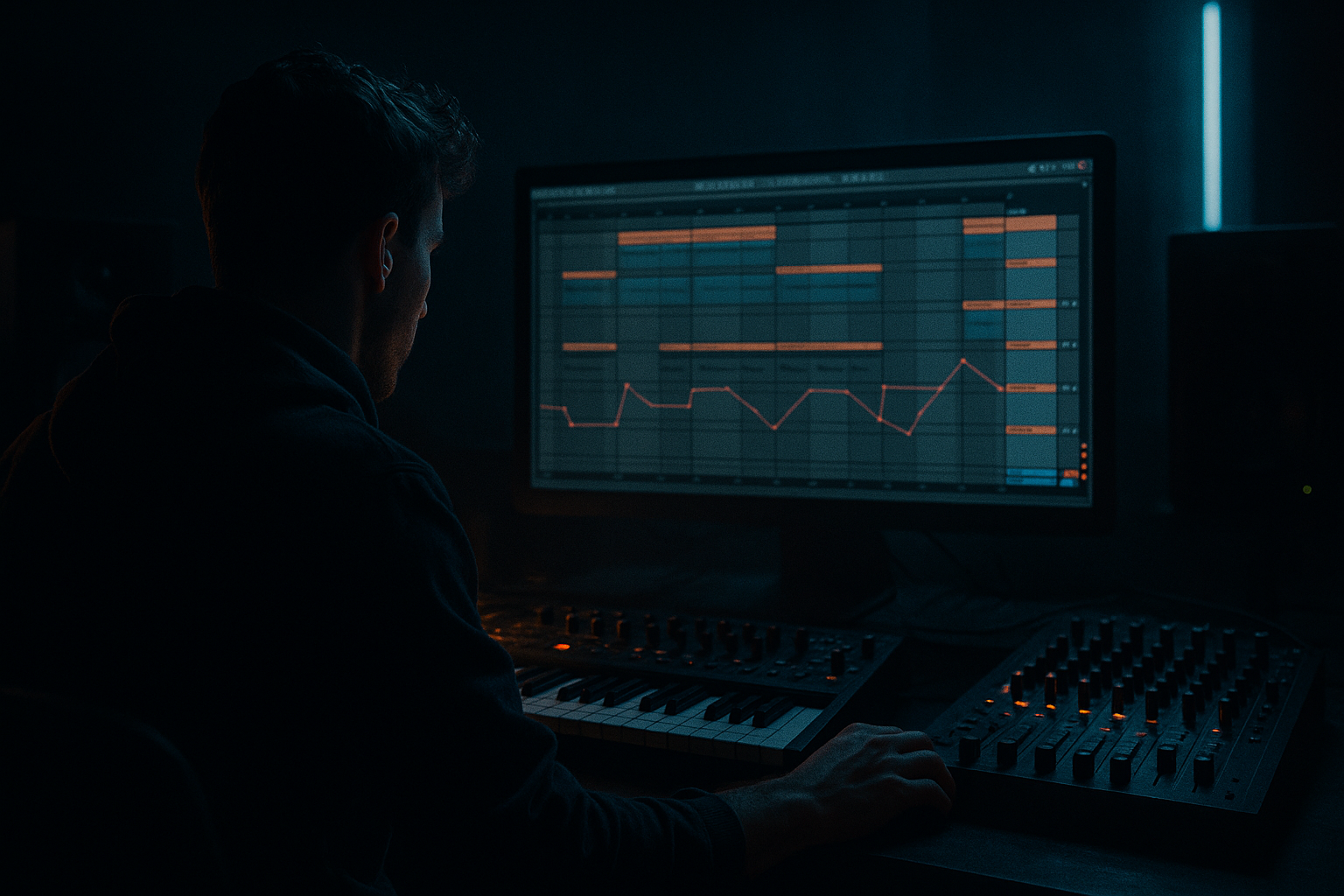
Main tutorial
Glue an Amen-Style Bass Wobble for Heavyweight Sub Impact in Ableton Live 12 (Automation)
1) Lesson overview
In rolling DnB/jungle, the “Amen wobble” bass isn’t just an LFO slapped on a reese—it’s arrangement-aware automation that locks to the Amen’s accents, fills the gaps, and stays enormous in the sub. Today you’ll build a bass chain that wobbles with intent, glues to the break, and hits with clean, controlled low-end 💥.
Focus: Advanced automation workflows in Ableton Live 12 using stock devices
Outcome: A bass that breathes with the Amen, stays mono-tight below ~120 Hz, and still has midrange movement and grit.
---
2) What you will build
A two-layer bass system:
- Sub Layer (pure, mono, stable):
- Wobble/Character Layer (movement + grit):
- Sidechain + “rhythmic gating” keyed to the Amen (or a ghost trigger).
- Automation that emphasizes Amen hits, especially the classic “and” accents and fills.
- Tight low-end management using EQ Eight / Utility.
- Auto Filter (main wobble movement)
- Saturator (more mid bite)
- Roar (optional for heavy movement; keep it controlled)
- EQ Eight (clean the low end and harshness)
- Utility (mono control and width management)
- Auto Filter
- Saturator
- EQ Eight
- Utility
- Closed: 110–180 Hz
- Open: 350–900 Hz (depends on sound)
- Keep resonance moderate so it doesn’t “quack.”
- Auto Filter LFO Amount (if you use LFO)
- Or better: manual cutoff + occasional repeated shapes
- Drop: more wobble amount, slightly more drive
- Breakdown: less drive, lower cutoff, less ducking
- Fill: temporary faster wobble rate + slight gain lift
- Bars 1–8: Main groove, stable wobble (mostly 1/8 feel)
- Bars 9–16: Introduce faster “answer” wobble (1/16 bursts in last 2 beats of each 4-bar block)
- Bars 17–24: Pull back (less cutoff, more sub focus) → creates contrast
- Bars 25–32: Push: more drive + extra micro-dips before snares for impact
- Wobbling the sub layer heavily: causes inconsistent low end and weak impact on big systems.
- Too much resonance on the filter: makes it “quack” and fight the snare.
- Sidechain release too long: bass feels late/washed instead of rolling.
- No HP on the mid layer: sub frequencies stack and smear.
- Over-automating everything: if every hit moves, nothing feels intentional.
- Keep sub clean, make mids filthy: Use Roar on the mid layer only; filter/drive automation creates aggression without wrecking the low end.
- Automate distortion, not just cutoff:
- Use notch automation to control harsh peaks:
- Mono discipline:
- Break-first mixing mindset:
- You built a sub-stable foundation and a moving mid layer—the correct division of labor for heavyweight DnB.
- You used automation (cutoff, gain, wobble rate, ducking) to make the bass follow the Amen’s phrasing.
- You glued the break and bass with sidechain/ghost triggering and micro gain shaping for that tight rolling feel.
Sine/triangle foundation with minimal movement (impact + consistency).
Reese/FM-ish bass with filter wobble automation, distortion movement, and break-reactive ducking.
Plus an Amen-glue automation rig:
---
3) Step-by-step walkthrough
Step 0 — Session + timing setup (DnB-ready)
1. Set tempo to 170–174 BPM.
2. Drop an Amen break into an audio track.
3. Warp mode:
- Try Complex Pro for full break fidelity, or Beats for crunchy transients.
4. Ensure the loop is tight (1 or 2 bars). Consolidate if needed (Cmd/Ctrl + J).
Arrangement context: Put your Amen on Track 1, bass group on Track 2–3, and leave headroom (aim master peak around -6 dB while building).
---
Step 1 — Build the Sub Layer (don’t wobble your sub too much)
1. Create a MIDI Track → Instrument: Operator.
2. Operator settings (simple, punchy):
- Osc A: Sine (or Triangle if you want more harmonics)
- Envelope:
- Attack: 0–5 ms
- Decay: ~300–600 ms (depends on phrase)
- Sustain: -inf to -6 dB (taste)
- Release: 80–150 ms (avoid clicks)
3. Add Saturator (sub presence without fuzz):
- Type: Soft Sine or Analog Clip
- Drive: 1–3 dB
- Output: match level (don’t just make it louder)
4. Add EQ Eight:
- HP filter off (don’t kill sub)
- Optional gentle cut: 200–350 Hz if it’s boxy
5. Add Utility:
- Bass Mono: enable if available, or set Width = 0% (keep sub mono)
- Gain: set for balance
✅ Goal: Sub should be stable and heavy, not flapping around. The wobble energy mostly belongs in the mid layer.
---
Step 2 — Build the Wobble/Character Layer (movement lives here 😈)
1. Create another MIDI Track → Instrument: Wavetable (or Operator if you prefer).
2. Wavetable starting point:
- Osc 1: Saw (or a gritty table)
- Osc 2: Square (lower level) or detuned saw
- Unison: 2–4 voices, Amount low (keep it tight)
3. Filter:
- Type: MS2 or PRD (character)
- Drive: 2–6
- Set initial cutoff around 120–250 Hz (we’ll automate)
4. Add Amp Envelope:
- Short attack (0–10 ms)
- Medium release (100–200 ms)
Now build the “wobble chain” after the instrument:
Suggested settings:
- Type: Lowpass 24 dB
- Resonance: 0.6–1.2 (don’t whistle)
- Drive: 0–6 (taste)
- Analog Clip, Drive 3–8 dB
- Soft Clip: On
- High-pass at ~90–130 Hz (important: keep sub on the sub layer)
- Notch any nasty ring around 1–3 kHz if needed
- Width: 80–120% (mid layer can be wider)
- Bass Mono: keep lows controlled (or manually mono below ~120 with an EQ/utility strategy)
✅ Goal: Mid layer feels like it’s “talking” rhythmically, but doesn’t steal the sub’s job.
---
Step 3 — Glue the wobble to the Amen using automation (the real lesson)
You’ll do two automations:
1) Macro-level phrase automation (1–2 bars)
2) Micro-level hit automation (16ths/8ths around Amen transients)
#### 3A) Create “Amen-following” filter automation
1. On the Wobble/Character track, automate Auto Filter Cutoff.
2. Work in Arrangement View (best for precise edits).
3. Loop a 2-bar Amen phrase.
4. Draw automation that mirrors classic Amen energy:
- Bar start (kick hit): cutoff lower (fatter)
- Snare hits: open cutoff slightly (more bite)
- Ghost notes/fills: quick “blips” open/close for chatter
Practical ranges (good starting point):
Tip: Use Breakpoints to make sharp, intentional moves. In DnB, “wobble” often means rhythmic articulation, not smooth EDM sweeps.
#### 3B) Add movement that locks to subdivision (wobble rate switching)
Classic rolling bass often switches rhythmic feel (8th → 16th → triplet-ish moment) during fills.
Automate one of these:
If you want repeatable wobble shapes:
1. Add LFO (MIDI/Modulation) device (stock Live device) before/after Auto Filter depending on target.
2. Map LFO to Auto Filter Cutoff.
3. Create Automation on LFO Rate:
- Main groove: 1/8
- Faster roll: 1/16
- Fill moment: 1/12 or 1/24 (triplet feel)
4. Automate LFO Amount so it backs off when the Amen is busy and pushes when there’s space.
✅ Rule: Let the Amen breathe. Open bass movement between snare/kick clusters, not on top of them.
---
Step 4 — Make the bass “sit” with the Amen using ducking + transient gaps
This is the glue that makes it feel heavyweight instead of messy.
#### Option A: Classic sidechain ducking (fast + clean)
1. Put Compressor on the Bass Group (or on each layer).
2. Sidechain from the Amen track.
3. Settings for tight DnB duck:
- Ratio: 4:1 to 10:1
- Attack: 0.1–3 ms
- Release: 60–140 ms (sync to groove)
- Threshold: adjust until kick/snare punch through without killing bass
Advanced move: Sidechain only the mid layer harder, and the sub layer lighter. Sub should dip a bit, not vanish.
#### Option B: Ghost trigger for consistent pumping (more control)
1. Create a MIDI track with a short clicky sample (or Operator blip), muted output.
2. Program a pattern that matches the Amen accents you want emphasized (kick + snare, plus a few ghost dips).
3. Sidechain compressor listens to this ghost track.
This gives repeatable glue even when the Amen varies.
---
Step 5 — “Amen-style wobble accents” with volume automation (micro-groove)
Filter wobble alone can feel like it’s floating. Add micro volume shaping to make the bass talk like the break.
1. Add Utility at the end of the Wobble/Character chain.
2. Automate Utility Gain by small amounts:
- Snare moments: +0.5 to +1.5 dB (mid layer only)
- Busy ghost-note clusters: -1 to -3 dB to avoid masking
3. Keep changes subtle—this is “mix automation as groove.”
✅ This is a pro trick: tiny gain moves create the perception of better sound design.
---
Step 6 — Grouping + macro control (so you can perform the arrangement)
1. Group Sub + Wobble into a Bass Group.
2. Add Audio Effect Rack on the Bass Group.
3. Create Macros:
- Macro 1: Wobble Cutoff Offset (map Auto Filter cutoff)
- Macro 2: Wobble Amount (map LFO amount or filter envelope)
- Macro 3: Drive (Saturator drive on mid layer)
- Macro 4: Sub Level (Utility gain on sub)
- Macro 5: Duck Amount (Compressor threshold)
Now you can automate macros across sections:
---
Step 7 — Arrangement ideas rooted in rolling DnB/jungle 🥁
Try a classic 32-bar drop structure:
Signature move: In the last bar before a switch, automate cutoff to open wide for 1 beat, then slam it shut on the downbeat.
---
4) Common mistakes
---
5) Pro tips for darker/heavier DnB
Slightly increase Saturator Drive or Roar amount only on fills for “gear-change” energy.
In EQ Eight, automate a narrow band dip around a resonant frequency that appears when the filter opens.
Everything below ~120 Hz should be effectively mono. Width belongs to 200 Hz+ (mostly).
The Amen is the star—automate bass to support it, not compete.
---
6) Mini practice exercise (15–25 minutes)
1. Pick a 2-bar Amen loop at 172 BPM.
2. Build the two-layer bass (Sub Operator + Wavetable mid).
3. Create three automation lanes on the mid layer:
- Auto Filter Cutoff (phrase movement)
- Utility Gain (micro accents)
- Compressor Threshold (duck amount changes between bars)
4. In bar 2, add a 1/16 wobble burst only on the last 2 beats.
5. Bounce a quick export and check:
- Does the snare stay sharp?
- Does the sub feel consistent on every downbeat?
- Does the bass “answer” the Amen fill?
---
7) Recap
If you want, tell me what style you’re aiming for (classic 90s jungle, modern neuro-rollers, jump-up edge, techy minimal) and I’ll suggest a specific wobble rhythm grid + automation pattern that matches it.

