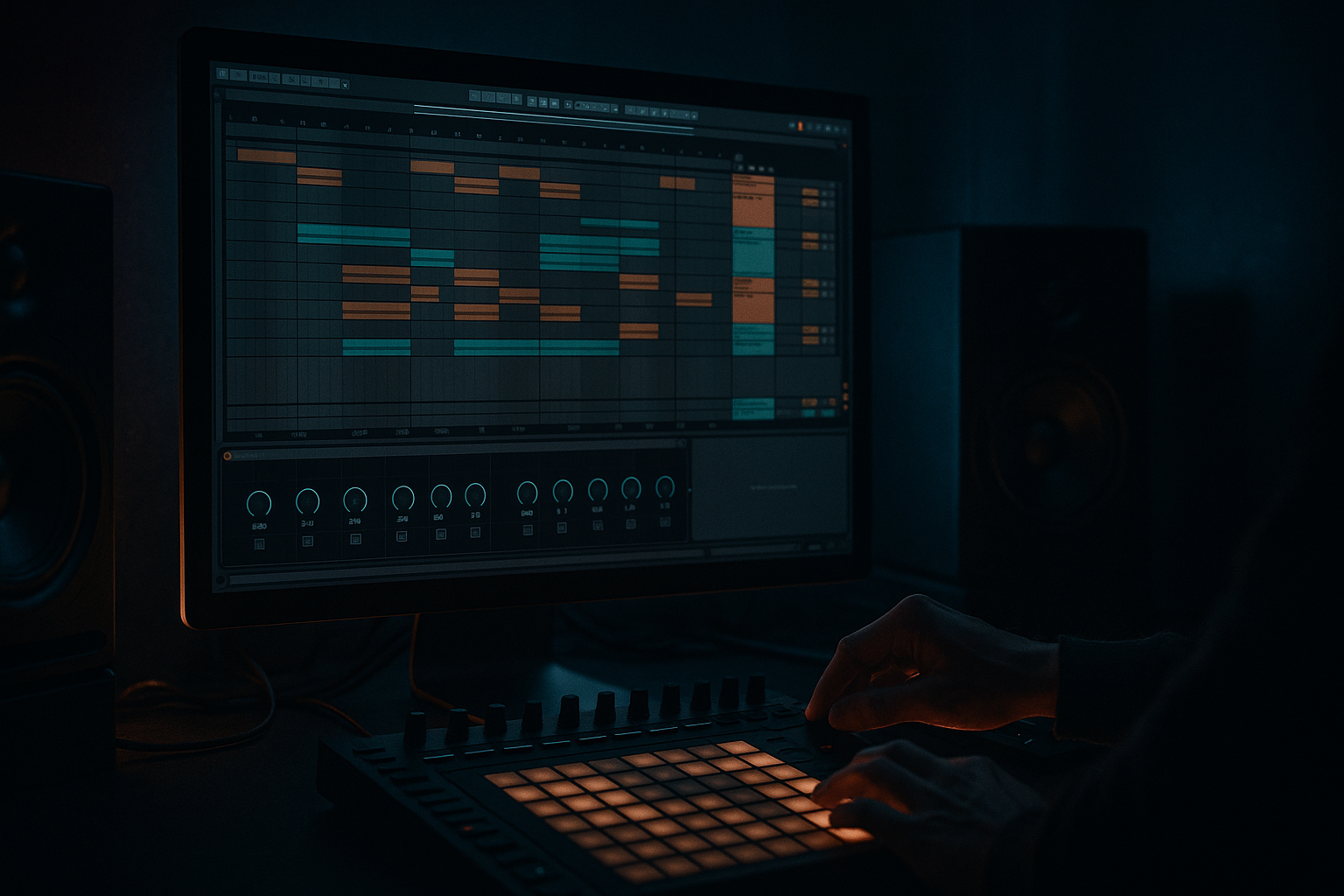
Main tutorial
Ghost Oldskool DnB Reese Patch (Ragga Elements) — From Session View → Arrangement View (Ableton Live 12)
1) Lesson overview
In this lesson you’ll create a ghostly, oldskool DnB reese (think classic jungle/rolling bass weight with movement) using only Ableton Live 12 stock devices, then jam ideas in Session View and print a proper Arrangement you can build a full tune around. 🎛️🔥
We’ll keep it beginner-friendly but authentic: detuned saws, filter motion, subtle grit, and the classic “reese speaks in the gaps” groove—perfect under ragga chops.
---
2) What you will build
You’ll end up with:
- A Reese Bass Instrument Rack (Macro-controlled)
- A Session View performance setup: bass clips, variations, and a quick “call & response” vibe with ragga elements
- An Arrangement View structure (32–64 bars) with:
- A workflow for recording your Session jam into Arrangement (including automation)
- Load Wavetable (stock)
- Osc 1: `Saw` (Basic Shapes → Saw)
- Osc 2: `Saw` (same)
- Osc 2 Detune: +12 to +25 cents (start at +18c)
- Osc 2 Level: ~-3 dB relative to Osc 1 (so it doesn’t get too wide too fast)
- Unison: Optional, but for oldskool reese keep it restrained:
- Mono: ON
- Glide/Portamento: 35–70 ms (classic slur between notes)
- Filter type: LP24 (24 dB low-pass)
- Cutoff: ~200–600 Hz (start 350 Hz)
- Resonance: 10–20% (subtle)
- Drive: a little (if available in the filter section)
- LFO 1 → Filter Cutoff
- Amp (Clean or Bass) very lightly for oldschool bite.
- Redux at tiny amounts for crunchy jungle edge (don’t destroy the sub).
- Notes: F1 hits on 1, 1.&, 2&, 3, 3&, 4& (classic “push”)
- Velocity: keep consistent; groove comes from timing
- Add a rest on beat 1, start on 1&
- This makes space for ragga vocals and snare
- Bar feels like: F1 → (gap) → F1 slide to G1 → back to F1
- Use overlapping notes slightly to trigger portamento
- Same rhythm as Clip 1 but automate cutoff lower (darker)
- You’ll do this via clip envelopes or macros
- Use the Groove Pool: try a subtle swing groove (not too funky)
- Or just nudge a couple notes a few ms late for that rolling feel
- Drop in a few ragga shouts (one-shots are perfect: “run di track”, “selecta”, etc.)
- Warp mode: Complex Pro (for longer phrases) or Beats (for chopped one-shots)
- Scene 1: Intro (Pads/FX, no bass)
- Scene 2: Tease (Bass Clip 4 dark + filtered drums)
- Scene 3: Drop A (Bass Clip 1 + full drums + ragga hits)
- Scene 4: Drop B (Bass Clip 2/3 variations + extra vocal throws)
- Hit Tab to go to Arrangement View
- You’ll see your performance recorded as clips + automation (if armed/recorded properly)
- Bars 1–17: Intro/atmos (ragga echo throws, filtered bass tease)
- Bars 17–33: Drop A (full reese + drums)
- Bars 33–41: Breakdown / vocal feature (pull bass out, leave delays)
- Bars 41–57: Drop B (variation clips + slightly brighter cutoff)
- Bars 57–65: Outro / DJ-friendly tail
- Open cutoff slightly every 8 bars
- Add a “reese choke” moment: sudden low cutoff + remove chorus for 1 bar (impact)
- Too much stereo in the low end: Reese can get wide fast. Use Utility Bass Mono and keep chorus subtle.
- Over-saturating the sub: If you hear “farting” or flab, reduce Saturator drive or filter lower harmonics less aggressively.
- Cutoff sweeping too high: Oldskool reese is often mid-focused but not “EDM bright.” Keep it moody.
- No space for ragga vocals: If bass plays nonstop, vocals can’t breathe. Create intentional gaps.
- Session jam not recording automation: Make sure Global Record is on and you’re moving automatable parameters (macros are easiest).
- Split sub and mid (easy method):
- Use Roar (Live 12) for controlled brutality:
- Sidechain the mid bass to the kick/snare (subtle):
- Make the reese “talk” with envelope:
- Oldskool darkness = less top end, more motion:
- You built a ghost oldskool reese using Wavetable + stock FX (Saturator, Auto Filter, Chorus-Ensemble, EQ Eight, Utility).
- You created multiple bass clips in Session View to generate variations fast.
- You performed scenes live and recorded into Arrangement for a real DnB structure.
- You left space for ragga elements and used movement/automation to keep the bass alive. 👻🥁
- Intro tease
- Drop with rolling bass
- Mid-drop variation / breakdown cue
---
3) Step-by-step walkthrough
A) Set the project for oldskool DnB/jungle energy
1. Tempo: set 170–174 BPM (try 172 BPM).
2. Time signature: 4/4.
3. Create tracks:
- MIDI: `REESE`
- Audio: `RAGGA VOX` (for shouts/chops later)
- MIDI: `DRUMS` (optional if you want to test groove immediately)
Tip: Drop a simple Amen-style loop or a basic DnB drum rack early so you can judge bass rhythm properly. 🥁
---
B) Build the “Ghost Reese” patch (stock Ableton only)
#### 1) Add the synth
On the `REESE` MIDI track:
(You can do this in Analog too, but Wavetable makes it super clear.)
Wavetable settings (starting point):
- Unison: 2 voices
- Amount: 10–20%
#### 2) Filter = the “ghost” movement
Add motion:
- Rate: 1/8 or 1/4 (sync)
- Amount: small/moderate (you want movement, not wobble)
- Shape: sine/triangle for smooth “ghost”
- Phase: try random if it feels too repetitive
This gives that rolling, breathing reese that sits under breaks nicely. 👻
#### 3) Add the “oldskool grit + weight” device chain
After Wavetable, add these Ableton audio effects in order:
1. Saturator
- Mode: Analog Clip
- Drive: 2–6 dB
- Soft Clip: ON
- Output: adjust so it’s not louder, just thicker
2. Auto Filter (second filter for extra sweep control)
- Type: Lowpass 24
- Cutoff: start ~300–900 Hz
- Envelope amount: tiny (optional)
- Map cutoff to a Macro later
3. Chorus-Ensemble (for that smeary reese width)
- Mode: Chorus
- Rate: 0.15–0.35 Hz (slow)
- Amount/Depth: 15–30%
- Mix: 10–25%
Keep it subtle—DnB bass needs center focus.
4. EQ Eight
- HP filter at 25–30 Hz (clean rumble)
- Small dip around 200–350 Hz if it’s boxy
- If it’s fighting drums, dip 90–120 Hz a touch (depends on your kick)
5. Utility
- Bass Mono: ON (width below ~120 Hz = risky)
- Gain: set final level
Optional but great:
---
C) Turn it into a performance-ready Instrument Rack (Macros!)
1. Select Wavetable + your FX chain
2. Press Cmd/Ctrl + G to Group into an Instrument Rack
3. Create & map macros (right-click parameter → Map to Macro):
Suggested Macros:
1. Cutoff (map Auto Filter cutoff)
2. LFO Move (Wavetable LFO → Filter amount)
3. Reese Detune (Osc 2 detune)
4. Grit (Saturator Drive)
5. Chorus Mix
6. Porta (Glide time)
7. Sub Clean (Utility Bass Mono / gain fine-tune)
8. Tone (EQ tilt: small boost 1–2 kHz or cut 300 Hz)
This makes it playable—you’ll automate macros later in Arrangement. 🎚️
---
D) Write DnB bass clips in Session View (the key workflow)
We’ll use Session View to create variations quickly and record a live arrangement.
#### 1) Bass notes: choose a simple oldskool scale
Common: F minor or G minor.
Start with F1 as your main note (reese lives well around F1–A1). Keep sub controlled.
#### 2) Create 4 clips (1 bar each) in Session View
On `REESE`, make 4 MIDI clips:
Clip 1 — “Roll Basic” (1 bar loop)
Clip 2 — “Syncopated”
Clip 3 — “Call/Response”
Clip 4 — “Ghost Variation”
#### 3) Add groove (beginner-friendly)
---
E) Add ragga element integration (simple but effective)
On `RAGGA VOX`:
Quick processing chain (stock):
1. EQ Eight: high-pass around 120–200 Hz
2. Echo: dotted 1/8 or 1/4, feedback ~15–30%
3. Reverb: small room/plate, short decay
4. Auto Pan (optional): slow movement for dubby vibe
Keep ragga elements in the gaps between bass hits. That’s the oldskool conversation. 🎤
---
F) Perform in Session View → Record to Arrangement View
This is the core skill: jamming scenes and printing a track skeleton.
#### 1) Build Scenes (rows)
Create scenes like:
#### 2) Record your jam
1. Click Global Record (top transport)
2. Launch scenes/clips live:
- Switch bass clips every 1 or 2 bars
- Twist macros: Cutoff, Grit, Chorus Mix (tasteful)
3. Let it run 32–64 bars
#### 3) Move to Arrangement
Important: If automation didn’t capture, make sure you were recording and moving mapped macros or device parameters while Global Record was on.
---
G) Clean up the Arrangement into a DnB skeleton (quick structure)
A practical starter layout:
Arrangement moves that scream DnB:
---
4) Common mistakes
---
5) Pro tips for darker/heavier DnB
- Duplicate the bass track:
- `REESE SUB`: low-pass around 90–120 Hz, keep mono, minimal FX
- `REESE MID`: high-pass around 90–120 Hz, add chorus/saturation/movement
This makes it hit harder while staying clean. 💣
- Gentle setting: low Drive, focus on mid band, mix 10–30%
- Great for that “speaker-tearing but still tight” reese tone
- Use Compressor with sidechain from kick (or drum bus)
- 1–3 dB of gain reduction can make the groove feel glued
- Tiny filter envelope amount + fast decay can add that “wah” on each note without wobbling.
- Keep highs controlled, but automate movement (cutoff/LFO amount) over 8–16 bar phrases.
---
6) Mini practice exercise (15–20 minutes)
1. Build the Reese Rack exactly as above.
2. Create 4 Session clips:
- 2 rolling patterns
- 1 call/response with portamento slides
- 1 dark filtered version
3. Make 3 scenes:
- Tease → Drop A → Drop B
4. Record 32 bars into Arrangement.
5. In Arrangement, add:
- A cutoff automation rise over 8 bars
- One 1-bar “mute bass” fill before Drop B
6. Export a quick bounce and listen on headphones + monitors (if possible).
---
7) Recap
If you want, tell me what BPM/key you’re working in and whether you’re aiming more jungle 94 vibes or modern rollers, and I’ll tailor the exact clip rhythms + macro ranges for your style.

