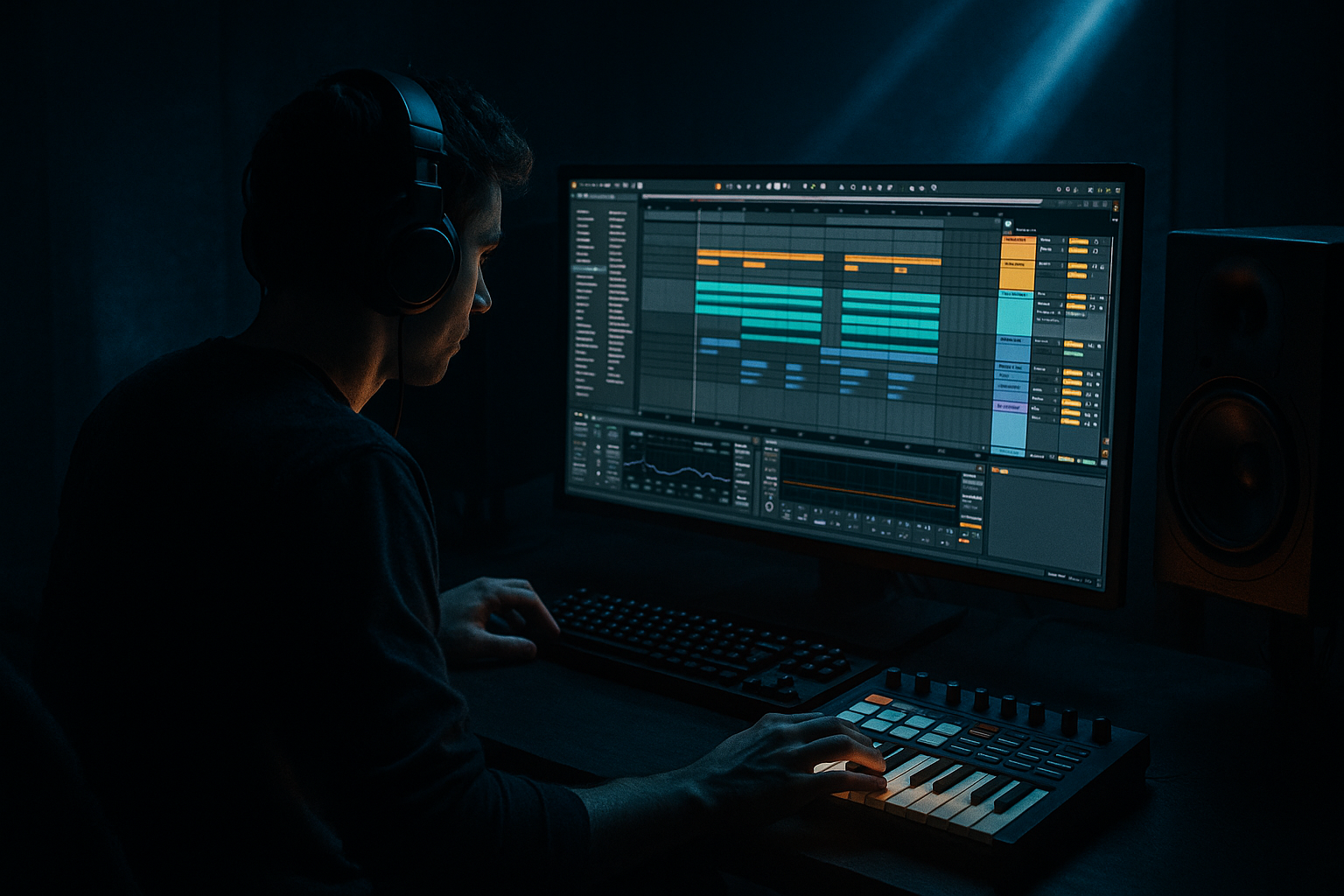
Main tutorial
Lesson Overview
This lesson is about building a ghost jungle shuffle bassline in Ableton Live 12 and then taking it from Session View into a finished Arrangement with enough control to actually sound like a proper DnB tune, not just a loop.
In Drum & Bass, the bassline is often doing more than “playing notes.” It’s creating weight, swing, tension, and call-and-response with the drums. A ghost jungle shuffle sits in that sweet spot between classic chopped amen-style energy and modern roller pressure: the bass is syncopated, slightly hidden in places, and rhythmically glued to the break, so the groove feels alive rather than grid-locked.
Why this matters:
- In a real DnB track, your bass idea usually starts as a loop in Session View because that’s the fastest way to test movement against drums.
- Then you need to arrange it into a track shape: intro, build, drop, switch-up, second drop, and outro.
- The “ghost” part comes from short offbeat notes, muted pushes, and low-volume pickup hits that imply motion without cluttering the mix.
- Sits under a jungle-inspired break shuffle
- Uses a sub + reese layer with clear mono low end
- Has ghost notes, syncopated pickups, and answer phrases
- Feels like a roller / darker jungle hybrid
- Can be launched in Session View, then captured into Arrangement View with automation, transitions, and a clean structure
- Bar 1–2: sparse call phrase with a deep sub movement
- Bar 3–4: response phrase with slightly more midrange movement
- Bar 5–8: a variation with filter or distortion lift for drop energy
- Making the bass too busy
- Letting the sub overlap too long
- Making the reese too wide in the low end
- Over-distorting early
- Ignoring the drum shuffle
- Arranging the same loop for 3 minutes
- Use call-and-response between sub and midbass
- Resample your own bass
- Automate filter drive instead of only cutoff
- Use parallel saturation for density
- Keep the top of the bass under control
- Try a low octave switch-up
- Use atmosphere to frame the bass
- Build the sub first, then the midbass/reese.
- Keep the bassline sparse, syncopated, and supportive of the break shuffle.
- Use Session View to test variations fast, then capture into Arrangement View for real track structure.
- Protect the low end with mono discipline, short note lengths, and careful EQ.
- In darker DnB, the best basslines don’t just play notes — they push, answer, and leave space.
We’ll use stock Ableton devices and a workflow that keeps the low end tight, the shuffle human, and the arrangement DJ-friendly. 🔥
What You Will Build
By the end, you’ll have a 4- to 8-bar DnB bass phrase that:
Musically, think:
The result should feel like a bassline that breathes with the break rather than fighting it.
Step-by-Step Walkthrough
1. Set up a tight DnB starting point in Session View
- Create a new MIDI track for drums and a new MIDI track for bass.
- Set your project tempo to something in the DnB zone, typically 170–174 BPM. For this lesson, use 172 BPM.
- Put your main break on an audio track or use a sliced Drum Rack if you want more control. Keep the drums simple at first: kick, snare, hat shuffle, and a chopped break layer.
- In the bass MIDI track, load Operator for the sub and Wavetable or Analog for the reese layer if you want to stack. If you prefer one device only, start with Wavetable and design from there.
- Why this matters: Session View lets you quickly loop and test bass phrasing against the drums without committing too early.
2. Build the sub foundation first, not the distortion
- On the bass track, create a clean sub patch:
- Use Operator
- Oscillator A: sine wave
- Turn off the other oscillators or keep them silent
- Set Voices to 1 for a solid mono sub
- Add a Simple Compressor or Compressor only if you need light control
- Keep the sub notes short and intentional. In DnB, a sub that rings too long will blur the break and destroy the shuffle.
- Suggested MIDI behavior:
- Notes around D1–A1 depending on key
- Use 1/8 and 1/16 placements, but leave gaps
- Add occasional pickup notes just before the snare or into the next bar
- A good starting pattern is to place one note on the “and” of 1, another on the “a” of 2, then a stronger note on 3 or 3-and. That creates a ghosted forward motion instead of a straight bassline.
- Why this works in DnB: the sub becomes a rhythmic partner to the break, reinforcing the shuffle instead of flattening it.
3. Design the reese or midbass layer with movement
- Duplicate the bass track or use an Instrument Rack with a sub chain and a midbass chain.
- For the midbass chain:
- Use Wavetable
- Start with a saw-based wavetable
- Set unison to 2–4 voices
- Detune lightly, around 5–15% depending on the tone
- Add Filter 1 as a low-pass around 150–400 Hz to keep the top under control
- Add Saturator after the synth:
- Drive: 2–6 dB
- Soft Clip: on
- If you want more bite, use Overdrive very lightly before Saturator.
- Keep the reese mono or nearly mono below the low-mid zone. Use Utility on the bass chain and reduce width if needed.
- The point is not a huge widescreen bass yet. The point is a controllable, dark mid layer that can wobble in the gaps.
- Suggested control ranges:
- Filter cutoff movement: roughly 200–900 Hz
- Resonance: 10–25%
- LFO rate: slow enough to feel, not so fast that it turns into a wobble preset
4. Write a ghost jungle rhythm that leaves air for the break
- In MIDI Clip View, program a 1-bar or 2-bar bass phrase.
- Keep it sparse at first. A ghost jungle shuffle usually works better with implied rhythm than constant notes.
- Try this phrasing concept:
- A short note on the offbeat before the snare
- A muted or lower-velocity note after the snare
- A longer note that lands on a strong downbeat in bar 2
- A tiny pickup note at the end of the bar to create lift
- Use velocity variation to make the pattern breathe. For example:
- Main hits: velocity around 90–110
- Ghost notes: 25–60
- In Ableton, use the Velocity MIDI effect if you want to shape the whole clip fast, then manually edit important hits.
- Keep note lengths short for the ghost hits. Longer notes are for anchor moments; short notes are for percussive bass punctuation.
- Musical example: If your break is already busy in the top end, let the bass answer it with one low note after the snare, then a quick two-note pickup leading into the next bar. That creates the classic “call-and-response” DnB feeling.
5. Lock the groove using Ableton’s groove and timing tools
- Open the Groove Pool and try a subtle swing from a classic drum groove if your break feels too stiff.
- Don’t overdo it. For DnB, a little groove can help the bass and break feel human, but too much swing can drag the track.
- Suggested approach:
- Apply a mild groove to the break or hats
- Leave the sub mostly tight
- Slightly late ghost notes can add feel, but the main sub hits should stay disciplined
- If necessary, nudge select MIDI notes a few milliseconds late on offbeats for feel.
- Use Quantize carefully:
- Main bass hits: tighter quantization
- Ghost notes: manually place or lightly humanize
- Why this works in DnB: the genre lives on micro-timing. A locked kick/snare backbone with just enough bass looseness creates that rolling, “moving forward” sensation.
6. Shape the bass tone with routing and simple FX
- Create an Audio Effect Rack or use Return tracks if you want parallel processing.
- Clean bass chain idea:
- Operator sub
- Wavetable midbass
- EQ Eight
- Saturator
- Compressor
- Utility
- EQ guidance:
- High-pass the midbass chain around 80–120 Hz if the sub is separate
- Cut mud around 200–400 Hz if the bass feels boxy
- Use a gentle dip around 2–5 kHz if the reese gets harsh
- For movement, use Auto Filter with a slow LFO or automation:
- Filter type: low-pass or band-pass for tension sections
- LFO amount: subtle
- Cutoff automation: open slightly on fill bars or at the top of a 16-bar phrase
- If you want a more underground texture, automate Saturator Drive or Filter Drive rather than slamming distortion all the time.
- Keep checking with Utility in mono on the low end. Sub should stay centered and solid.
7. Jam the idea in Session View before arranging
- Launch your drum clip and bass clip together in Session View.
- Use Session View as a performance lab:
- Mute the bass for 1 bar
- Bring in only the sub
- Drop the reese layer for variation
- Trigger a fill clip or a variation clip with more ghost notes
- Duplicate your bass clip into a few versions:
- Version A: sparse intro-style groove
- Version B: fuller drop groove
- Version C: switch-up with extra note pickups
- This is one of the fastest ways to build a real DnB arrangement because you’re thinking in sections, not just loops.
- A practical workflow move: color-code your bass clips by intensity so you can see the structure at a glance.
8. Capture to Arrangement View and turn the loop into a track
- Once the loop feels strong, hit Record and capture your Session View performance into Arrangement View.
- Structure suggestion for a DJ-friendly DnB layout:
- Intro 1–16 bars: stripped drums, filtered bass hints
- Build 17–32 bars: ghost notes and tension automation
- Drop 1 33–64 bars: full bassline
- Switch-up 65–80 bars: new phrase or half-time feel
- Drop 2 81–112 bars: variation with more distortion or octave movement
- Outro 113–128 bars: remove sub, leave drums and atmosphere
- Add automation to the arrangement:
- Filter cutoff opening into the drop
- Reverb send on a bass stab or impact, then cut it
- Saturator drive increasing subtly before the switch-up
- Keep the arrangement functional. In DnB, DJs need clean intros and outros, and dancers need a drop that lands without too many distractions.
9. Finish the bass/drum balance like a real DnB mix
- Solo sub and drums, then reintroduce the midbass.
- Use EQ Eight on the drum bus if the kick and bass are competing:
- Clear room in the kick around the bass fundamental if needed
- Avoid boosting sub on the drum bus; let the bass own that area
- Use Compressor or Glue Compressor lightly on the drum bus if the break and one-shots feel too loose.
- A useful control move is to sidechain the midbass slightly from the kick/snare if the groove is dense:
- Keep it subtle, around 1–3 dB of gain reduction
- You want breathing room, not obvious pumping unless that’s the aesthetic
- Check in mono and low volume. If the groove still feels clear when quiet, the bassline is doing its job.
Common Mistakes
- Fix: remove half the notes and keep the strongest syncopations only. Ghost jungle works because of space.
- Fix: shorten note lengths and use mono sub discipline. Long notes smear the break.
- Fix: keep sub mono and narrow the low-mids with Utility or filter it higher on the mid layer.
- Fix: build the rhythm first, then add grit. A strong pattern survives more processing.
- Fix: move bass notes so they answer the break. If the bass doesn’t dance with the drums, it’ll sound pasted on.
- Fix: create variations every 8 or 16 bars. DnB needs progression and pressure changes.
Pro Tips for Darker / Heavier DnB
- Let the sub hit on the downbeat, then let the reese answer offbeat. That keeps the low end powerful without being crowded.
- Record your bass phrase to audio, then slice it in Simpler or a Drum Rack. This can create grimy ghost variations you wouldn’t write by hand.
- A small rise in drive before a drop can feel more threatening than a giant filter sweep.
- Send midbass to a return with Saturator or Overdrive and blend it underneath the clean signal for grit without losing punch.
- If the reese gets fizzy, use EQ Eight to tame harshness around 3–8 kHz. Darker DnB sounds better when the aggression is focused, not noisy.
- On bar 9 or bar 17 of a phrase, drop the bass one octave for one hit or one bar. It creates pressure without needing a new sound.
- A subtle rain texture, vinyl noise, or filtered drone at the intro can make the bass drop feel bigger by contrast.
Mini Practice Exercise
Spend 10–20 minutes creating a 4-bar ghost jungle shuffle bass loop in Ableton Live 12:
1. Set tempo to 172 BPM.
2. Load a simple break and make sure it loops cleanly.
3. Build a sub with Operator and write only 4–6 notes total.
4. Add a Wavetable midbass layer with light detune and a low-pass filter.
5. Write one version with:
- Two ghost notes before the snare
- One response note after the snare
- One pickup into bar 4
6. Duplicate the clip and make a second version with:
- One extra note
- Slightly more filter opening
- A different last-bar pickup
7. Launch both clips in Session View and decide which one works better with the drums.
8. Record the best version into Arrangement View and automate the bass filter for an 8-bar section.
Goal: finish with a groove that feels intentional, not overfilled. If the pattern still sounds good when the volume is low, you’re close.

