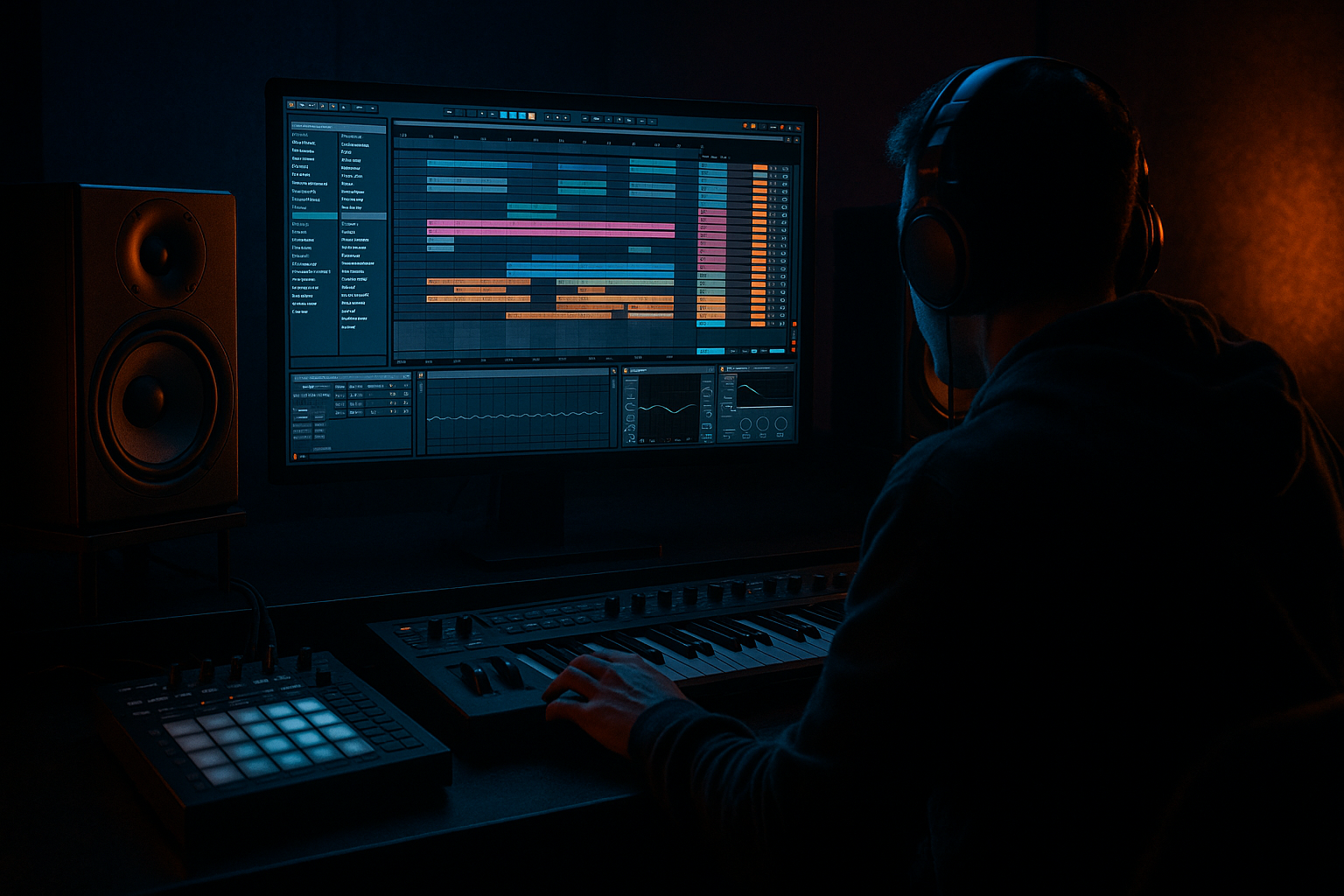
Main tutorial
```markdown
Future Jungle Shuffle: Clean + Arrange in Ableton Live 12 (Intermediate) 🥁🌿
1. Lesson overview
This lesson is about taking a busy, swung jungle/future-jungle drum loop and turning it into a clean, punchy, arrangement-ready drum section in Ableton Live 12—without killing the vibe. You’ll learn how to:
- Tighten the shuffle (ghosts + swing) while staying human
- Clean frequency clashes (especially kick vs bass vs breaks)
- Group + route drums like a pro
- Arrange a full DnB track using variations, fills, and energy management
- A Drum Group with:
- A clean drum bus chain (stock Ableton devices)
- A 32–64 bar arrangement:
- A template-ish workflow you can reuse for future jungle / rolling DnB.
- Kick: Place on 1 and a supportive hit around 2.75–3 depending on vibe.
- Snare: Put on 2 and 4 (classic).
- If the break is flamming against your snare:
- Don’t hard-quantize every transient—only anchor points (snare, sometimes kick).
- High-pass around 120–200 Hz (depending on how much low end your break has)
- Small dip if it fights your snare body:
- If hats get harsh: gentle dip around 7–10 kHz
- Glue Compressor: Ratio 4:1, Attack 3 ms, Release 0.1s, GR 5–10 dB
- Saturator: Soft Clip ON, Drive 2–6 dB
- Nudge select hats/ghosts late by 5–15 ms.
- Occasionally push a hat early by 3–8 ms for urgency.
- Keep kick/snare anchors stable.
- Start with:
- Automation ideas:
- Keep kick minimal or absent until late intro (bars 13–16).
- Add the main kick + snare.
- Introduce bass rhythm but hold back sub weight.
- Add a “lift” into the drop:
- Full drums (kick/snare/break/hats).
- Bass fully in.
- Keep 2–4 bar call/response with stabs or chords.
- Add variation every 4 or 8 bars:
- Pull out kick.
- Keep break filtered + dubby echoes.
- Use Delay (Echo) throws on a snare hit.
- Bring drums back with a twist:
- Strip elements for DJ mixing: keep drums + minimal hook.
- Quantizing everything to death: your shuffle disappears and it sounds like programmed house hats at 170.
- Letting the break keep low end: breaks + sub = messy drop. High-pass your break.
- Too many layers all at once: future jungle needs detail, but it also needs hierarchy (kick/snare first).
- Overcompressing the drum bus: you lose transient snap and the groove feels flat.
- No variations: a perfect 2-bar loop copy-pasted for 64 bars is not an arrangement.
- Make the snare scarier:
- Control harshness without dulling
- Heavier drum presence via parallel
- Space = weight
- Sub + kick relationship
- Anchor your groove with stable kick/snare, then build shuffle using hats, ghosts, and a controlled break layer.
- Clean breaks with Warp + EQ Eight (high-pass is non-negotiable).
- Route and mix with intention: DRUMS group, light bus processing, and parallel smash for power.
- Arrange with energy control: add/remove layers, use 1-bar edits, and change something every 4–8 bars.
- Future jungle is funk + precision: keep it human, but not messy.
We’ll focus on a modern future jungle vibe: crisp tops, rolling subs, break chops, and a controlled-but-lively groove.
---
2. What you will build
By the end, you’ll have:
- Kick (one-shot, clean)
- Snare/Clap (layered, controlled)
- Break layer (think Amen-ish, but modern + tight)
- Hats/shakers (shuffle glue)
- Ghost notes (snare/kick ghosts, low in the mix)
- Intro → Build → Drop → Mid variation → Breakdown → Drop 2 → Outro
---
3. Step-by-step walkthrough
Step 0 — Session setup (fast and correct) ⚙️
1. Tempo: set 165–172 BPM (try 170 for classic jungle pace).
2. Time signature: 4/4.
3. Create groups:
- `DRUMS (GROUP)`
- `KICK`
- `SNARE`
- `BREAK`
- `HATS/TOPS`
- `GHOSTS`
4. Color-code tracks (you’ll thank yourself later).
Ableton tip: Use Arrangement View early for this lesson—future jungle arrangement is all about evolution over time.
---
Step 1 — Build the “future jungle shuffle” core pattern 🥁
You want a groove that’s rolling but not messy.
#### A. Program the clean kick + snare anchor
- Common DnB anchor: Kick on 1.1.1, another around 1.3.3–1.3.4 (feel-based).
- Snare at 1.2.1 and 1.4.1
Keep these straight and confident—the shuffle lives around them.
#### B. Add shuffle with hats + ghosts (this is the “future” part)
1. Create a Closed Hat pattern:
- 8ths as a base (or sparse 16ths), then nudge select hits late for swing.
2. Add a Shaker or textured hat layer for motion.
3. Add ghost snares:
- Place quiet ghost hits before the main snare: e.g. 1.1.4, 1.2.4, 1.3.4, 1.4.4 (not all—choose tastefully).
4. Keep ghost velocities low:
- Hats: 35–70
- Ghost snares: 10–35
- Main snare: 100–120
✅ Goal: The groove should feel like it’s pushing forward, but the backbeat stays solid.
---
Step 2 — Break layer: chop + tighten without killing funk ✂️
Future jungle often uses a break layer for movement but controlled under modern drums.
#### A. Pick a break and warp it correctly
1. Drag your break loop onto `BREAK`.
2. In Clip View:
- Warp: ON
- Warp mode: Beats
- Preserve: Transient
- Set Transient Loop Mode to Forward
3. Adjust Start/Loop so it loops perfectly over 1–2 bars.
#### B. Tighten timing while keeping swing
- Use Clip Warp Markers to align the main snare transient with your snare hits.
#### C. Clean the break with EQ (essential)
On the `BREAK` track add EQ Eight:
- Often 180–250 Hz mud area
✅ Break should add “air + movement,” not steal low end or main snare focus.
---
Step 3 — Drum routing + gain staging (clean mix starts here) 🧼
1. Set track levels BEFORE heavy processing.
- Kick peaking around -10 to -6 dB
- Snare around -10 to -6 dB
- Break lower (-18 to -12 dB) depending on density
- Hats/tops around -18 to -10 dB
2. Group everything into `DRUMS (GROUP)`.
3. Optional but powerful: create Return tracks:
- `A - Drum Room` (reverb)
- `B - Drum Smash` (parallel compression)
- `C - Delay/Texture` (subtle)
---
Step 4 — Clean + punch: stock drum bus chain 🔧
On `DRUMS (GROUP)` try this clean chain:
1. EQ Eight (cleanup)
- HPF around 25–35 Hz (don’t kill sub weight; just remove rumble)
- Tiny dip if boxy: 250–400 Hz
2. Drum Buss (glue + punch)
- Drive: 3–8%
- Crunch: 0–10% (keep subtle for future jungle clarity)
- Boom: 0–20% (tune to track key-ish; don’t overdo)
- Transients: +5 to +20 depending on how snappy you want it
3. Glue Compressor (light)
- Ratio: 2:1
- Attack: 10–30 ms
- Release: Auto or 0.3s
- Aim for 1–3 dB gain reduction on peaks
4. Limiter (safety, not loudness)
- Only catching peaks: 1–2 dB max
Parallel option (recommended) 🔥
On Return `B - Drum Smash`:
Send kick/snare/break a bit, hats less. Blend return quietly.
---
Step 5 — Make it “shuffle” in Ableton Live 12 (the right way) 🧠
You have two main approaches. Don’t do both heavily.
#### Approach A: Groove Pool (controlled swing)
1. Open Groove Pool.
2. Add a groove like MPC 16 Swing (start around 55–62%).
3. Apply to HATS/TOPS and BREAK, NOT your main snare.
4. Groove settings:
- Timing: 20–60
- Velocity: 10–30
- Random: 0–10
5. Commit only when you’re happy (or keep it live).
#### Approach B: Micro-nudging (surgical)
✅ Rule: Shuffle lives in tops + ghosts + break, not in the main backbeat.
---
Step 6 — Arrangement: build a real DnB structure 🏗️
Let’s map a practical 64-bar arrangement (you can scale to 128 later).
#### Bars 1–16: Intro (DJ-friendly, tension)
- Filtered break + hats
- Atmos/pad
- Tease a bass stab (high-passed)
- Auto Filter on breaks opening slowly
- Reverb send increasing into bar 16
#### Bars 17–32: Build (energy + expectation)
- Snare roll (use Note Repeat feel with increasing velocity)
- White noise (Operator noise or a sample) rising
- Short vocal chop or horn stab
Classic jungle trick: In bar 32, do a 1-beat stop (silence or reverb tail), then slam drop.
#### Bars 33–48: Drop 1 (full groove)
- Bar 41: remove break for 1 bar (let clean drums hit)
- Bar 45: add a crash + extra ghost pattern
#### Bars 49–56: Breakdown (reset ears)
#### Bars 57–64: Drop 2 (variation + heavier)
- Alternate break slice
- Different hat rhythm
- Extra ride layer
- Add a darker bass movement or counter-bass
#### Outro (optional)
---
Step 7 — Clean transitions with practical “jungle edits” ✨
Use these every 8/16 bars:
1. Tape stop-ish moment (without plugins)
- Automate pitch on a resampled drum fill (or use clip transpose down quickly).
2. Reverb tail cut
- Big snare reverb hit → then hard cut to dry drop.
3. Break chop fill
- Take last 1/2 bar of break and rearrange slices (repeat a snare slice 3 times).
4. Crash management
- Don’t crash every 8 bars. Sometimes use a short noise hit or hat stack instead.
---
4. Common mistakes 🚫
---
5. Pro tips for darker/heavier DnB 🖤
- Layer a short “crack” (2–5 kHz) with a body snare (180–220 Hz).
- Use Saturator gently on the snare group (Drive 1–3 dB).
- Use EQ Eight dynamic-style manually: automate tiny dips around 7–9 kHz when hats get intense.
- Parallel “Smash” return is your best friend—blend low, keep transients.
- Remove a hat layer for 1 bar before a heavy section; the return hit feels bigger.
- If your kick is subby, shorten it or tune it higher so your bass owns the true sub range.
- Sidechain bass to kick using Compressor (Sidechain ON), subtle 1–3 dB GR.
---
6. Mini practice exercise 🎯
Goal: Make a 32-bar future jungle drum arrangement with clean transitions.
1. Create a 2-bar drum loop (kick/snare + hats + break layer + ghosts).
2. Build 8-bar “Drop loop” with:
- Variation at bar 5 (change break slice or hats).
3. Arrange to 32 bars:
- Bars 1–8 intro (no kick until bar 7)
- Bars 9–16 build (add kick/snare + filtered bass tease)
- Bars 17–32 drop (full energy)
4. Add:
- One 1-beat stop before bar 17
- One break chop fill in bar 32
Export a bounce and listen on low volume:
If the groove still swings quietly, you nailed it.
---
7. Recap ✅
If you want, tell me your tempo and whether you’re using a clean 2-step kick or a more steppy pattern, and I’ll suggest a specific 16-bar drum arrangement with exact bar-by-bar edits.
```

