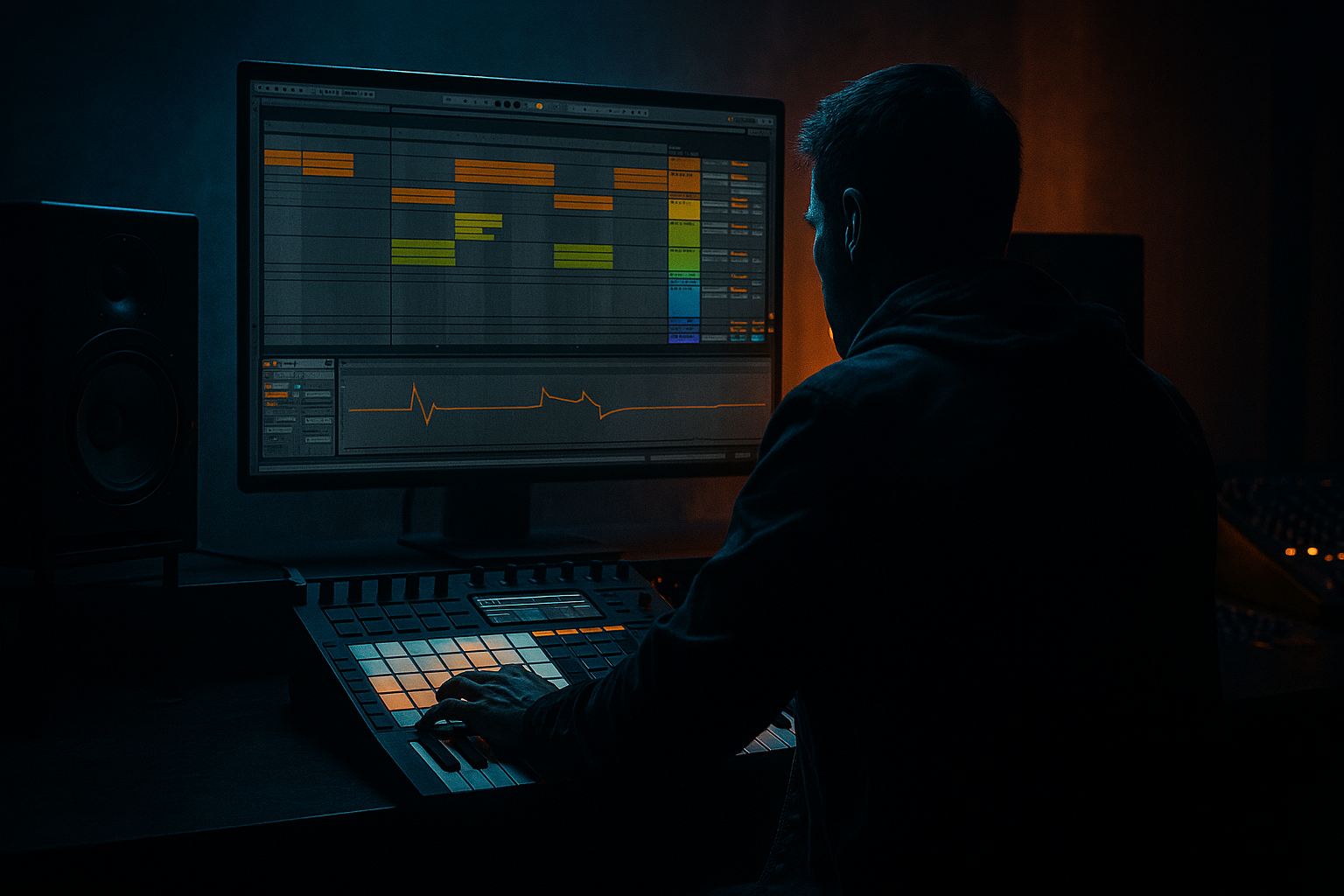
Main tutorial
Future Jungle Ghost Note Swing Framework + Crunchy Sampler Texture (Ableton Live 12) 🥁🌿
Skill level: Beginner
Category: Mastering (with a very practical “mix-to-master” workflow in Live)
---
1. Lesson overview
In future jungle, the groove is everything: tight kicks + snappy snares + swung ghost notes that make the beat breathe. The “future” part often comes from modern transient control, tasteful saturation, and sampler texture—that crunchy, slightly dusty “played-through-a-box” feel.
In this lesson you’ll:
- Build a ghost note swing framework for DnB/jungle at 170–175 BPM
- Add crunchy sampler texture using Ableton stock devices
- Set up a simple mastering chain that preserves punch and movement without flattening the groove 🎛️
- Main drums: Kick + snare + hats
- Ghost notes: subtle snare/tom/ride-style taps that swing the groove
- Sampler texture layer: vinyl-ish crunch + transient dirt + slight pitch instability
- Master bus chain (beginner-safe): EQ cleanup → glue → soft clip → limiter, tuned for DnB impact
- Kick: 1, 1.3.3 (around the “and” of 2 area—adjust by ear)
- Snare: 2, 4
- In Live 12, add Groove from the Groove Pool:
- push into the snare
- answer the snare
- create rolling momentum without clutter
- a quiet snare/tap
- a rim/perc
- or a pitched-down snare (very common)
- Just before snare on 2 (a “lead-in”)
- Just after snare on 2 (a “follow-through”)
- Between 3 and 4 to set up the next snare
- Warp: Off (inside Simpler, keep it simple)
- Voices: 1 (monophonic)
- Filter: ON
- Saturator
- Redux (light)
- Drum Buss
- Keep this texture layer around -18 to -12 dB under your clean drums.
- High-pass it with EQ Eight at 120–200 Hz so it doesn’t mess with kick weight.
- Auto Filter
- Vinyl Distortion (stock)
- Saturator (gentle)
- Bars 1–8: hats + ghost notes (tease groove), no kick
- Bars 9–16: full drums drop in (kick/snare)
- Bars 17–24: add extra ghost note variation + open hat accents
- Bars 25–32: remove a key element every 4 bars (DJ-friendly movement)
- Every 4 bars, change 1 ghost note position
- Add a short snare flam into bar 8/16 (two quick hits, second louder)
- Automate the texture layer filter slightly (Auto Filter cutoff moving 8–12 kHz)
- Ghost notes too loud: they become “extra snares” instead of groove. Keep them subtle.
- Swing applied to everything: if kick/snare swing too much, the track loses its anchor. Swing hats/ghosts more than the backbone.
- Over-crunching the full mix: heavy Redux/Distortion on master kills transients and makes cymbals ugly fast. Do crunch in parallel or on a resampled layer.
- Master limiter doing all the work: if you need 6–10 dB limiting, your mix balance/peaks need fixing first.
- Too much low-end in texture layer: always high-pass crunchy layers so kick/sub stay clean.
- Pitch ghost notes down 1–3 semitones for a meaner, “amen-ish” thunk without adding new samples.
- Use Saturator before Glue on the drum group for heavier density without flattening (light drive!).
- Add a very short room reverb (Hybrid Reverb, Room/Chamber) on a return for snare/ghosts:
- For weight without mud: on the DRUMS group, try a tiny EQ bump around 55–70 Hz only if the kick needs it—and only 0.5–1 dB.
- If hats are harsh after crunch: use EQ Eight notch around 7–10 kHz (small dip) or a gentle high shelf down.
- You built a future jungle swing framework by keeping kick/snare stable and making hats + ghost notes do the groove work.
- You added “crunchy sampler texture” safely using resampling + Simpler + light saturation/reduction, blended in parallel.
- You applied a beginner-safe mastering chain focused on preserving transients and swing, not just loudness.
---
2. What you will build
By the end, you’ll have a short 16–32 bar loop/arrangement with:
---
3. Step-by-step walkthrough
Step 0 — Session setup (fast + clean)
1. Set tempo to 172 BPM.
2. Turn on 1/16 grid.
3. Create groups:
- DRUMS (Group)
- MUSIC (optional)
- MASTERING PRINT (optional audio track for bouncing resamples)
DnB habit: keep the drums peaking around -6 dB on the drum group before mastering. It gives you headroom for punch.
---
Step 1 — Build the core 2-step (kick/snare)
Track: MIDI track with a Drum Rack (stock).
1. Load/choose:
- Kick: short and punchy (tight tail)
- Snare: crisp with a tone (think 200 Hz body + 2–6 kHz crack)
2. Program a classic 2-step as a starting point (1 bar loop):
- Snare: beats 2 and 4
- Kick: beat 1, plus a second kick either on “and” of 2 or just before 3 depending on vibe
Simple pattern idea (1 bar at 1/16):
> Don’t obsess over exact placements yet—ghost notes and swing will make it feel alive.
---
Step 2 — Add hats that lock to the grid then swing them
Track: same Drum Rack (or separate hats track if you prefer).
1. Add:
- Closed hat: steady 1/8s or 1/16s
- Open hat: occasional offbeat accents
2. Start tight:
- Closed hat on every 1/8
3. Add light velocity movement:
- Stronger hits around beat 1 and 3
- Softer hits elsewhere (aim: velocity 40–90 range)
Now swing it:
- Try something like “Swing 16-XX” (pick one that feels good)
- Set Timing: 20–35%
- Set Velocity: 10–20%
- Set Random: 2–5% (tiny)
Apply the groove mainly to hats first. You want the backbone (snare) to stay confident.
---
Step 3 — The Future Jungle ghost note framework (the secret sauce) 👻
Ghost notes are quiet hits that imply additional rhythm. In jungle/DnB they often:
Create a new pad in Drum Rack for ghost notes. Use:
Placement approach (beginner-friendly):
Work in 1 bar first. Add 3–5 ghost notes max.
Try these zones:
How to program it in Live:
1. Add ghost MIDI notes on 1/16 positions near beats 2 and 4.
2. Set velocities LOW:
- Ghost notes: 15–45
- Main snare: 90–110
3. Nudge the feel:
- Select only ghost notes → Shift + drag slightly late (a few ms)
- Or apply Groove but less than hats (Timing ~ 10–20%)
Pro beginner rule:
If you can clearly “hear the ghost notes” as separate drums, they’re too loud. You should feel them.
---
Step 4 — Make it crunchy: Sampler texture layer (stock-only) 📼
This is where we add “sampler-era” grit without destroying clarity.
#### Option A (easy): Resample the drum loop and crunch it
1. On your DRUMS group, create a Return track or Audio track called DRUM RESAMPLE.
2. Set its input to Resampling.
3. Record 4–8 bars of your drums.
4. Drop that audio clip into Simpler (Slice or Classic).
Simpler settings (Classic mode):
- Type: LP24
- Freq: 8–12 kHz (reduce fizz)
- Drive: 2–6 dB (taste)
Add crunch chain AFTER Simpler:
- Mode: Analog Clip
- Drive: 2–6 dB
- Output: trim so level matches bypass
- Bit Reduction: 12–14 bits
- Sample Rate: 18–25 kHz
- Mix (if you want subtle): keep it low by turning device on/off and reducing overall level
- Drive: 5–15%
- Crunch: 5–20%
- Boom: Off (usually avoid on full drum loops unless you really know what you want)
- Transients: +5 to +15 if it got too soft
Blend it:
#### Option B (even cleaner): Parallel “dust” on a Return track
Create Return A: DUST and put:
- HP12 at 200–400 Hz
- Tracing Model: On
- Pinch: 0.5–2
- Drive: 0.5–3
- Drive: 1–3 dB
Send hats/ghost notes slightly more than kick/snare. This makes the groove feel “sampled” while keeping punch.
---
Step 5 — Drum group control (pre-master)
On the DRUMS group, add:
1. EQ Eight
- High-pass at 25–35 Hz (24 dB/oct) to remove rumble
- Optional: small dip 250–400 Hz if it sounds boxy (1–2 dB)
2. Glue Compressor
- Attack: 3 ms
- Release: Auto
- Ratio: 2:1
- Threshold: aim for 1–2 dB gain reduction on peaks
- Make-up: adjust so bypass ≈ on (don’t “louder is better” yourself)
3. Drum Buss (optional, light)
- Drive: 2–6%
- Transients: +5 if needed
- Keep it subtle—ghost notes die easily if you overdo this.
---
Step 6 — Beginner-safe mastering chain for rolling DnB (Live 12 stock) 🎚️
Put this on the Master after you’ve balanced your mix. Keep it conservative.
Master Chain Order (simple + effective):
1. EQ Eight (cleanup)
- HP at 20–25 Hz (gentle)
- If harsh: tiny shelf down above 12 kHz (0.5–1.5 dB)
2. Glue Compressor (glue, not slam)
- Attack: 10 ms (lets transients through)
- Release: Auto
- Ratio: 2:1
- GR target: 0.5–2 dB
3. Saturator (soft clip vibe)
- Mode: Soft Sine or Analog Clip
- Drive: 1–4 dB
- Output: trim to match level
- Goal: slightly denser drums without losing swing
4. Limiter (final level)
- Ceiling: -1.0 dB
- Aim for -6 to -8 LUFS integrated for a loud DnB demo, but don’t chase loudness at the expense of groove.
- Watch that the limiter isn’t doing more than ~2–4 dB regularly.
Critical check:
Mute the texture layer. If the groove feels the same, your texture is probably doing its job. If the groove collapses, your crunch chain is over-compressing or too loud.
---
Step 7 — Arrangement ideas (so it sounds like a track, not a loop) 🧱
Build a quick 32-bar sketch:
Easy variation tricks:
---
4. Common mistakes
---
5. Pro tips for darker/heavier DnB 🌑
- Decay: 0.3–0.7 s
- Pre-delay: 10–20 ms
- High-pass the reverb return at 200–400 Hz
---
6. Mini practice exercise (15 minutes) ⏱️
1. Make a 1-bar loop: kick/snare + hats.
2. Add exactly 4 ghost notes:
- 2 leading into snare hits
- 2 answering after snares
3. Apply Groove:
- Hats: Timing 30%
- Ghosts: Timing 15%
- Kick/Snare: no groove
4. Create a resampled texture layer and blend it until you barely notice it.
5. Add the master chain and compare:
- Master on vs off
- Ensure groove feels the same, just louder/denser.
Deliverable: export an 8-bar audio clip and label it:
“GhostSwing_Texture_v1_172bpm.wav”
---
7. Recap ✅
If you want, tell me what drum samples you’re using (clean 909-style, Amen-ish, modern DnB one-shots, etc.) and I’ll suggest an exact ghost-note pattern and groove settings to match that vibe.

