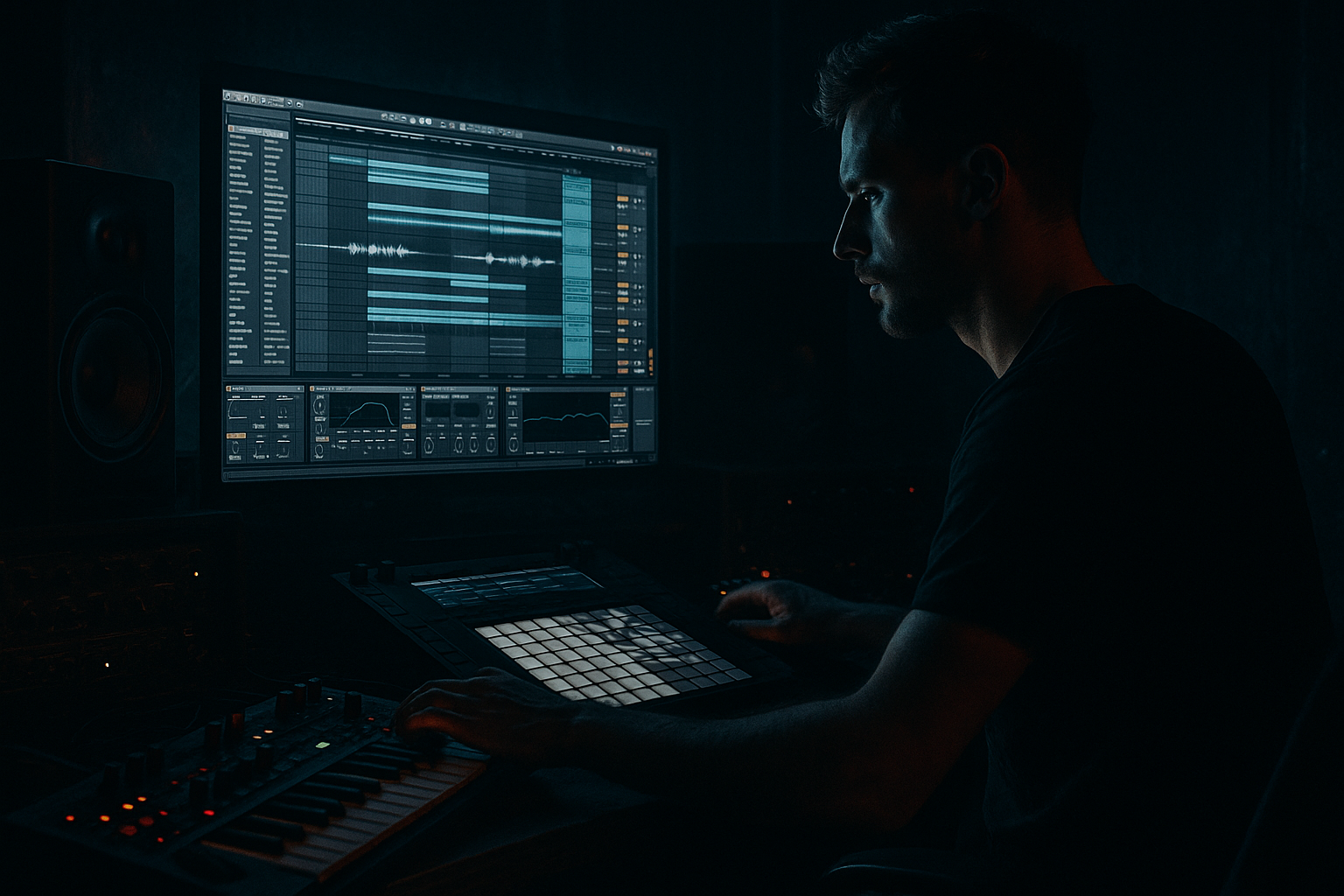
Main tutorial
Funky Drummer Workflow: Atmosphere Resample in Ableton Live 12 (Oldskool Jungle / DnB) 🎛️🌫️
Skill level: Beginner
Category: Mastering (creative resampling + “print” workflow for glue, vibe, and final polish)
---
1) Lesson overview
Old jungle and early DnB often feels bigger than the parts: breaks, bass, and little stabs get fused together by gritty rooms, tape-ish compression, and resampled ambience. In Ableton Live 12, you can recreate that classic “printed-to-a-room” vibe by resampling a controlled atmosphere layer from your drums, music, and FX — then blending it back like a secret glue track.
This lesson shows a practical, repeatable workflow to generate and resample atmospheric “air”, shape it, and use it during mastering to make your track feel cohesive and era-authentic.
---
2) What you will build
You’ll build a resampled atmosphere bus that:
- Captures breakbeat room tone + tails + dirt (think Funky Drummer in a smoky warehouse)
- Sits under your mix as a constant bed of movement
- Glues the master with controlled compression + subtle saturation
- Adds oldskool depth without washing out the kick/snare
- Use a Return (`A: ATMOS`) for processing
- Then resample to `ATMOS PRINT` for “commit + master vibe”
- ✅ Breakbeat (Funky Drummer chops, Amen layers, ghost hits)
- ✅ Percussion and hats (tasteful; too much makes hiss soup)
- ✅ Short stabs / chord hits (very oldskool when smeared)
- ✅ FX hits (rewinds, impacts, vinyl noise bursts)
- ❌ Sub bass (keeps low end clean)
- ❌ Punchy kick transient (unless you want big pumping room)
- Intro: Start with atmosphere only + vinyl noise + distant break ghost
- Drop: Reduce it slightly right at impact so the drums punch, then bring it back
- Breakdown: Filter it down (Auto Filter LP to ~2–4 kHz) for tension
- Second drop: Add a new atmosphere print (record another pass with slightly different settings) for progression
- `ATMOS DARK` (low-passed, gritty)
- `ATMOS BRIGHT` (slightly more top, for lift in second drop)
- Creates a controlled glue layer that behaves consistently on the master
- Prevents you from over-compressing the actual master bus to get vibe
- Lets you commit and mix into a stable “recorded space” like old hardware chains
- Limiter (stock Limiter): just catch peaks
- Don’t smash it; let the vibe come from the atmosphere print.
- Add subtle noise texture:
- Reverb into saturation (not the other way around):
- Multiband Dynamics (careful):
- Tuned “dread” resonance:
- Print multiple passes for evolution:
- You built a dedicated atmosphere chain using stock Live 12 devices (EQ Eight → Hybrid Reverb → Saturator → Glue Compressor).
- You resampled that vibe into a printable audio layer for control and consistency.
- You shaped the print with EQ/compression so it sits under the mix like classic jungle glue.
- You learned arrangement moves that make the atmosphere feel intentional, not accidental.
End result: A more rolling, lived-in, jungle master — with that “the break is inside a space” vibe.
---
3) Step-by-step walkthrough
A) Session setup (so resampling is painless)
1. Group your drums
- Put your break(s) + one-shots into a Drums Group (Cmd/Ctrl+G).
- Name it: `DRUMS`.
2. Create a dedicated Atmos Return or Bus
Two good options:
- Return Track method (easy to blend): Create Return track `A: ATMOS`.
- Audio Track method (best for resampling/printing): Create an Audio track named `ATMOS PRINT`.
Recommendation: Use both:
---
B) Build the “ATMOS” processing chain (stock devices) 🌫️
On Return A: ATMOS, build this chain in order:
1. EQ Eight (clean up before reverb)
- High-pass filter: 150–250 Hz, 24 dB/oct
- Optional dip: 2–5 kHz -2 to -4 dB (tames harsh hats)
- Optional low-pass: 10–14 kHz (keeps it dark/old)
2. Hybrid Reverb (the space)
Choose a dark room or warehouse vibe. Two starting points:
Option 1: Room glue (subtle)
- Algorithm: Room
- Decay: 1.0–1.8 s
- Pre-delay: 10–25 ms
- Early Reflections: up a bit (helps “break in a room”)
- Color/Filter: darken so it’s not shiny
Option 2: Jungle haze (bigger)
- Convolution: pick a Warehouse / Hall IR
- Decay: 2.0–3.5 s
- Pre-delay: 0–15 ms (more smear = more oldskool)
- Filter the reverb return (important!)
3. Saturator (dirt + density)
- Mode: Soft Clip ON
- Drive: 2–6 dB
- Output: pull down to match level
Goal: harmonic thickness, not obvious distortion.
4. Glue Compressor (movement + pump)
- Attack: 3 ms
- Release: Auto (or 0.3s if you want a “breathing” feel)
- Ratio: 2:1
- Threshold: aim for 1–3 dB gain reduction on loud sections
This is a classic “print bus” feel.
5. Auto Filter (optional motion)
- Filter type: Low-pass
- Frequency: 6–12 kHz
- Add subtle LFO:
- Amount: small (a few %)
- Rate: 1/8 or 1/4 (sync)
This makes the atmosphere move with the groove. 🥁
Return level tip: Start with Return send from drums at -18 to -12 dB. You want it felt, not heard.
---
C) Send only the right things to ATMOS (classic jungle selection)
From your tracks, send selectively:
Avoid sending:
Technique:
If your break is on a Drum Rack, you can also create a post-FX send by placing the send after transient shaping. Keep it simple for now: just use the track send.
---
D) Resample (“print”) the atmosphere like a pro ✅
Now we commit the vibe so it behaves like a single piece of audio.
1. Create an Audio Track named `ATMOS PRINT`
2. Set Audio From to:
- `A: ATMOS` (if Ableton allows selecting the Return directly), or
- Create an ATMOS BUS Group and route that to the print track.
If direct Return capture isn’t available in your routing, do this:
- Make an Audio Track named `ATMOS BUS`
- Set `ATMOS BUS` input to Resampling
- Solo Return `A: ATMOS` (and anything else you want printed)
- Record into `ATMOS PRINT`
3. Set monitoring:
- `ATMOS PRINT` Monitor: Off (prevents feedback/doubling)
4. Arm `ATMOS PRINT`, then record 8–16 bars of your busiest section (usually the drop).
5. Consolidate (Cmd/Ctrl+J) into a clean clip.
You now have a single atmosphere stem you can treat like a mastered layer.
---
E) Shape the printed atmosphere so it sits in the master 🎚️
On `ATMOS PRINT`, use this simple mastering-friendly chain:
1. EQ Eight
- HP: 200–350 Hz (push higher if your mix gets muddy)
- Optional gentle shelf down: >10 kHz -1 to -3 dB
- If boxy: dip 300–600 Hz -2 dB
2. Compressor (or Glue Compressor)
- Ratio: 2:1
- Attack: 10–30 ms
- Release: 100–300 ms
- GR: 1–2 dB max
This stabilizes the bed so it doesn’t jump around.
3. Utility (mono control)
- Try Width 80–110%
- Consider Bass Mono by using EQ (not Utility) since Utility doesn’t do freq-dependent mono. Beginner-friendly: just HP higher.
4. Set level in the mix:
- Bring the `ATMOS PRINT` fader all the way down
- Slowly raise until you miss it when muted
Typical range: -24 to -12 dB, depends on how dense it is.
DnB reality check: If your snare loses crack, the atmosphere is too loud or too bright.
---
F) Arrangement ideas (oldskool jungle vibes) 🧩
Use the printed atmosphere like an arrangement tool:
- Fade in over 8–16 bars
Classic trick: Print two versions:
---
G) How this fits “Mastering” (without ruining your mix) 🧠
This workflow is “mastering-adjacent” because it:
If you already have a master chain, keep it simple:
---
4) Common mistakes
1. Sending sub bass into the reverb → low-end fog and weak master
- Fix: HP your ATMOS chain aggressively (200–350 Hz)
2. Too bright atmosphere → hissy, modern-sounding wash
- Fix: Low-pass around 10–14 kHz, reduce hat sends
3. Printing with monitoring ON → phasing/doubling
- Fix: `ATMOS PRINT` Monitor OFF while recording
4. Over-compressing the ATMOS → pumping that fights the groove
- Fix: 1–3 dB GR on return, 1–2 dB on print
5. Atmos too loud → snare loses impact and mix feels small
- Fix: turn it down until it’s “felt,” then mute/unmute to confirm
---
5) Pro tips for darker/heavier DnB 🖤
Use Vinyl Distortion (very low) or a noise sample after the reverb to get that gritty air. Keep it quiet.
Saturating the reverb tail makes it dense and old. Great for jungle.
If your atmosphere has nasty upper mids, use Multiband Dynamics gently:
- Only tame the high band a touch (1–2 dB)
- Avoid heavy upward compression (gets harsh fast)
Add a very subtle resonant peak with Auto Filter:
- Band-pass, gentle resonance
- Tune around 150–300 Hz (but keep it HP’d overall so it doesn’t clash)
Slightly change reverb decay or filtering and print again for the second drop.
---
6) Mini practice exercise (15–25 minutes) 🧪
1. Load or create a simple loop:
- Funky Drummer-style break (8 bars)
- Simple sub (sine or Reese)
- One stab or pad hit every 2 bars
2. Set up `A: ATMOS` with:
- EQ Eight HP 250 Hz
- Hybrid Reverb Room, Decay 1.5s
- Saturator Drive 4 dB Soft Clip
- Glue Compressor 2:1, 2 dB GR
3. Send only:
- Break: send at -12 dB
- Stab: send at -18 dB
- No bass send
4. Print 8 bars to `ATMOS PRINT`, then:
- HP it at 300 Hz
- Low-pass at 12 kHz
- Blend it in quietly
5. A/B test:
- Mute `ATMOS PRINT` during the drop
- If the loop feels flatter and less “real,” you nailed it.
---
7) Recap ✅
If you tell me your tempo (e.g., 160/165/172) and whether you’re using Amen layers or mostly Funky Drummer, I can suggest a tailored ATMOS chain and exact filtering points for your specific drum tone.

