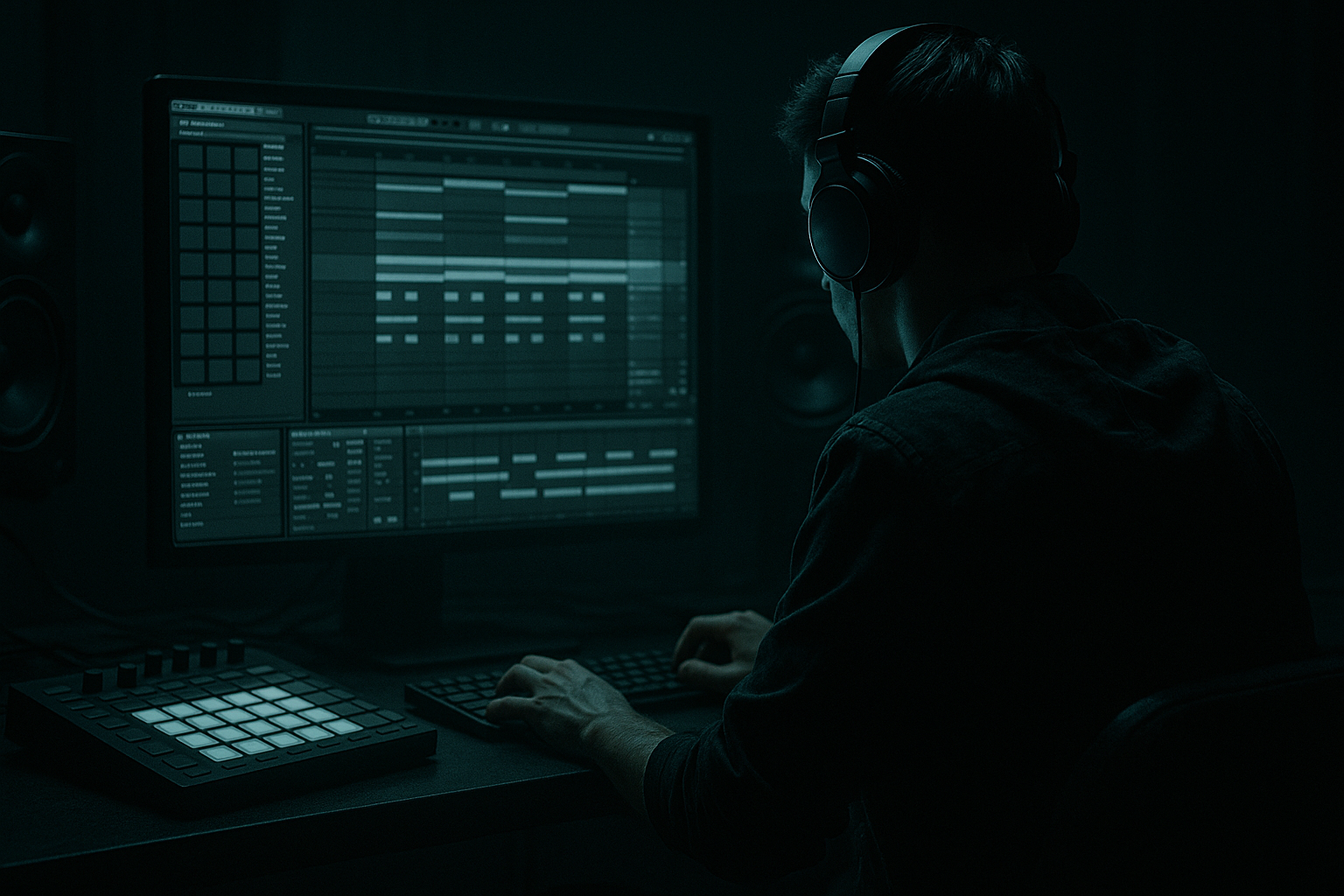
Main tutorial
Funky Drummer: Amen Variation Layer for Ragga-Infused Chaos in Ableton Live 12
1. Lesson overview
In this lesson, you’ll build a funky drummer / amen-style layer that sits on top of a main drum and bass breakbeat and adds that ragga-infused, chaotic, gritty jungle energy without wrecking the groove. We’re aiming for controlled mayhem: extra movement, ghost hits, shuffled texture, and a slightly deranged top-end that still works in a modern DnB mix. 🥁⚡
This is especially useful in:
- Break-heavy DnB
- Jungle / ragga jungle
- Rolling DnB with break layers
- Drop sections needing extra urgency
- Builds and second drops
- kick
- snare
- hats
- sub-friendly, tight low end
- amen-type break
- funky drummer-style break
- ghost-note-heavy percussion accents
- add swing and syncopation
- create ragga-style shuffle and pressure
- fill gaps between main hits
- provide crunchy high-mid texture
- help the beat feel more “human” and urgent
- a solid modern DnB drop
- with classic jungle break attitude
- and a rough, lively top layer that can carry transition energy 🔥
- a processed amen
- a tight one-shot drum pattern
- a programmed kick/snare/hats groove
- classic amen break
- funky drummer break
- any live drum loop with ghost notes and hat chatter
- Enable Warp
- Set warp mode to Complex Pro for full loops
- If the break is being sliced later, you can leave it cleaner and chop manually
- Right-click and choose Warp From Here (Straight)
- Adjust the first downbeat carefully
- Align the break to the grid without flattening the swing too much
- Right-click the break clip
- Choose Slice to New MIDI Track
- Slice by:
- Transient slicing for natural movement
- Then manually reprogram the chops in MIDI for variation
- mute hits
- reorder ghost notes
- create call-and-response fills
- accent snare flams and reverse-type tension
- fill between snares
- add off-grid hat chatter
- emphasize snare pickups
- create syncopation at the end of bar 2 or bar 4
- Main snare stays on 2 and 4
- Amen layer adds:
- just before snare hits
- after kick hits
- in the last 1/16 before the bar repeats
- around bar 2 for more movement
- Vary note velocities
- Move some ghost notes slightly off-grid
- Keep main accents tight
- Let tiny hits sit a few milliseconds behind or ahead
- Strong snare accents: velocity 100–127
- Ghost notes: velocity 25–70
- Hats/shuffles: alternate velocities in a repeating pattern
- High-pass at 150–250 Hz
- Small cut around 300–500 Hz
- Gentle boost around 6–10 kHz
- Drive: 10–25%
- Crunch: 5–15%
- Boom: usually low or off for this layer
- Transients: slightly up for attack
- Damp: to smooth harshness if needed
- weight
- grit
- controlled saturation
- glue
- Drive: 2–6 dB
- Soft Clip: on
- Try Analog Clip or Warm Tube style curves
- Ratio: 2:1 to 4:1
- Attack: 10–30 ms
- Release: Auto or 50–120 ms
- Aim for 2–4 dB gain reduction
- narrow stereo if the layer is too wide
- reduce gain for balance
- mono the low-mid content if necessary
- Dry chain
- Dirty chain
- Saturator
- Redux
- Drum Buss
- EQ Eight
- Redux: 8–12 bit reduction, subtle amount
- Saturator: 4–8 dB drive
- EQ Eight: cut low end aggressively
- Drum Buss: push drive for grit
- texture
- crunch
- urgency
- Low-pass the break layer during builds
- Open it up into the drop
- Automate resonance slightly for tension
- Low-pass filter
- Frequency automation from 2–5 kHz in a build up to full open at the drop
- Resonance: modest, not squealy
- Drum Buss drive
- Saturator drive
- Reverb send
- Delay send
- filtered amen chops
- only ghost notes and hats
- lots of space
- maybe one snare fill every 4 or 8 bars
- introduce more chopped movement
- automate filter opening
- increase distortion slightly
- add snare rolls or reverse hits
- full layer in
- strongest chops on the last half of the phrase
- more syncopation under the bassline
- switch the chop pattern
- add extra stutters
- reverse a few hits
- drop in a new fill every 8 bars
- 80–120 Hz: kick/sub overlap
- 150–300 Hz: drum body and bass mud zone
- 1–4 kHz: snare crack and bass aggression
- 6–10 kHz: hats, break shimmer, bass fizz
- cut some break layer body around 200–400 Hz
- keep the amen mostly in the upper percussion range
- be more conservative with the break’s high mids
- use a dynamic EQ approach if needed, or automate EQ manually
- EQ high-pass aggressively
- add Transient shaping with Drum Buss
- tuck it low in the mix
- one main drum pattern
- one amen variation layer
- one filtered fill variation
- Version A: cleaner rolling DnB
- Version B: ragga-jungle chaos with more chop stutters and distortion
- keep a strong main drum foundation
- use the amen layer for movement, swing, and texture
- process it with EQ Eight, Drum Buss, Saturator, Compressor, Utility
- use automation and arrangement changes to keep it evolving
- protect the snare, kick, and bass relationship so the track still hits hard
We’ll use Ableton Live 12 stock tools to chop, layer, process, and arrange the break so it feels alive but still mixable.
---
2. What you will build
You’ll create a two-layer drum system:
Layer 1: Main foundation
A clean, punchy DnB drum loop:
Layer 2: Amen variation layer
A chopped and processed break layer derived from:
This layer will:
Final result
A drum bus that sounds like:
---
3. Step-by-step walkthrough
Step 1: Choose your source material
You need two break sources:
A. Main break or drum loop
Use something clean and strong:
B. Amen variation source
Use a break with lots of transient detail:
If you’re working in Ableton Live 12, drag both into separate audio tracks or into Drum Rack if you want to slice them later.
---
Step 2: Warp the break correctly
For the amen variation layer, timing matters.
Recommended warp approach
If the loop has strong transients:
Tip
Don’t over-quantize the life out of it.
The goal is tight enough for DnB, but still gritty and human.
---
Step 3: Slice the amen into playable chunks
Use Slice to New MIDI Track:
- Transients
- 1/8 notes
- 1/16 notes, if you want more control
Best choice for this style
For jungle-style variation, use:
This gives you flexibility to:
---
Step 4: Build a rhythm that supports the main drum pattern
Now make the amen layer behave like a supporting percussion instrument, not a second full drum kit.
Basic strategy
Keep the main kick/snare dominant, then let the amen layer:
Example bar logic
In a 2-bar DnB loop:
- ghost snares before the main snare
- chopped hats between kick hits
- tiny break stutters into bar transitions
Good rhythmic zones
Try placing chops:
---
Step 5: Humanize the chops
Use MIDI note velocity and timing to make it breathe.
In the MIDI editor:
Practical approach
Important
If every chop is the same velocity, it sounds like a loop.
If you vary it intelligently, it sounds like a drummer losing control in the best possible way 😈
---
Step 6: Process the layer for texture, not dominance
This is mixing, so the break layer must support the beat.
Suggested stock device chain for the amen variation layer
1. EQ Eight
Use this first to carve space.
Recommended starting points:
- remove low-end clutter
- reduce boxiness
- bring out snare crack and hat air if needed
2. Drum Buss
This is one of the best Ableton devices for DnB drum layers.
Suggested settings:
Use it to add:
3. Saturator
Add character after Drum Buss or before it depending on taste.
Useful settings:
This helps the break cut through a dense bassline.
4. Compressor or Glue Compressor
Tame peaks and keep the layer consistent.
Suggested starting point:
This keeps the break lively but not spiky.
5. Utility
Use Utility to:
---
Step 7: Use parallel processing for aggression
Instead of destroying the main layer, create a parallel chain.
How to do it in Ableton
Create an Audio Effect Rack on the amen layer and split into:
Dirty chain example
Add:
Suggested dirty chain settings
Blend the dirty chain quietly under the dry chain until it just adds:
This is excellent for ragga-jungle energy without turning the mix to mud.
---
Step 8: Add movement with Auto Filter and modulation
For sections where you want the break layer to evolve, use Auto Filter.
Practical filter moves
Starting points
You can also modulate:
This makes the break layer feel alive in arrangement.
---
Step 9: Glue it with a bus chain
Route your drums to a Drum Bus or Group.
Suggested drum bus chain
1. EQ Eight
- remove low rumble below 25–30 Hz
2. Glue Compressor
- ratio 2:1
- attack 10 ms
- release auto
- 1–2 dB gain reduction
3. Saturator
- subtle drive for thickness
4. Limiter
- only if needed for safety
This bus should make the drum layers feel like one unit.
Important mixing rule
Don’t let the amen layer fight the snare.
If the main snare gets smaller, reduce the break layer around 180–250 Hz and 1–3 kHz as needed.
---
Step 10: Shape arrangement like a DnB producer
The amen variation layer should not play the same way all the time.
Arrangement ideas
#### Intro
#### Build
#### Drop
#### Second drop
DnB arrangement trick
Keep the break layer changing every 4 or 8 bars so it doesn’t loop too predictably.
---
Step 11: Combine with bass without clashing
Since this is mixing, the break layer must live under a heavy bassline.
Key frequency zones to watch
Practical approach
If the bass is strong in the mids:
If the bass is very distorted:
Ableton stock tool suggestion
Use Multiband Dynamics carefully if the break layer gets too spiky, but don’t overdo it.
This can help tame harsh highs in the loop while preserving punch.
---
4. Common mistakes
1. Over-layering too many breaks
One main break layer and one variation layer is often enough.
Too many break loops = muddy transients and no punch.
2. Letting the amen own the low end
The amen layer should usually be high-passed.
If it carries too much low-frequency content, it will fight the kick and bass.
3. Quantizing all the swing away
DnB needs tightness, but jungle attitude comes from controlled looseness.
Don’t flatten the groove completely.
4. Over-compressing the break
If the layer stops breathing, it becomes boring.
You want movement and occasional spikes.
5. Ignoring snare priority
The snare is king in drum and bass.
If the break layer masks the main snare, the groove loses authority.
6. Too much distortion in the wrong place
Keep heavy saturation mostly on the mid/high texture, not the sub or kick.
---
5. Pro tips for darker/heavier DnB
Tip 1: Use the amen as a ghost texture
For dark rollers, the break layer doesn’t need to be loud.
A quiet, crunchy amen behind the main beat can add tension and speed perception.
Tip 2: Layer a transient-only version
Duplicate the amen layer and remove body:
This gives more snap without clutter.
Tip 3: Use reversed fragments
Reverse short hit groups into the snare or the drop.
This creates a classic jungle “pull” effect.
Tip 4: Sidechain the break layer to the kick and snare
Use Compressor with sidechain input from the kick/snare bus if the break is too busy.
This keeps the foundation clear while preserving excitement.
Tip 5: Automate a lo-fi crush only in fills
Use Redux or Saturator only on transition bars.
This makes fills explode without making the whole track harsh.
Tip 6: Put the break layer through a return with delay
A short Ping Pong Delay or Echo send can make chopped breaks feel wider and more psychoactive.
Keep feedback low and filter the return heavily.
---
6. Mini practice exercise
Goal
Create a 4-bar DnB drum loop with:
Exercise steps
1. Import a clean break and slice it to MIDI.
2. Program a simple 2-step DnB foundation.
3. Add the amen layer only on:
- bar 2 last beat
- bar 4 last beat
- a few ghost notes before the snare
4. Process the amen layer with:
- EQ Eight
- Drum Buss
- Saturator
- Utility
5. Automate Auto Filter on the amen layer:
- closed in bars 1–2
- open in bars 3–4
6. Bounce the loop and listen:
- Does the main snare stay strong?
- Is the layer adding motion, not clutter?
- Does the groove still feel fast and dangerous?
Bonus challenge
Make two versions:
Compare which one works better with a bassline.
---
7. Recap
You’ve now built a practical amen variation layer for funky, ragga-infused DnB chaos in Ableton Live 12. The key ideas were:
If you get the balance right, this technique gives you that classic jungle spirit with a modern DnB mix footprint. That’s the sweet spot: energy, grit, and control 🥁🔥
If you want, I can also turn this into a device-by-device Ableton Live chain preset guide or a bar-by-bar MIDI pattern example for the amen layer.

