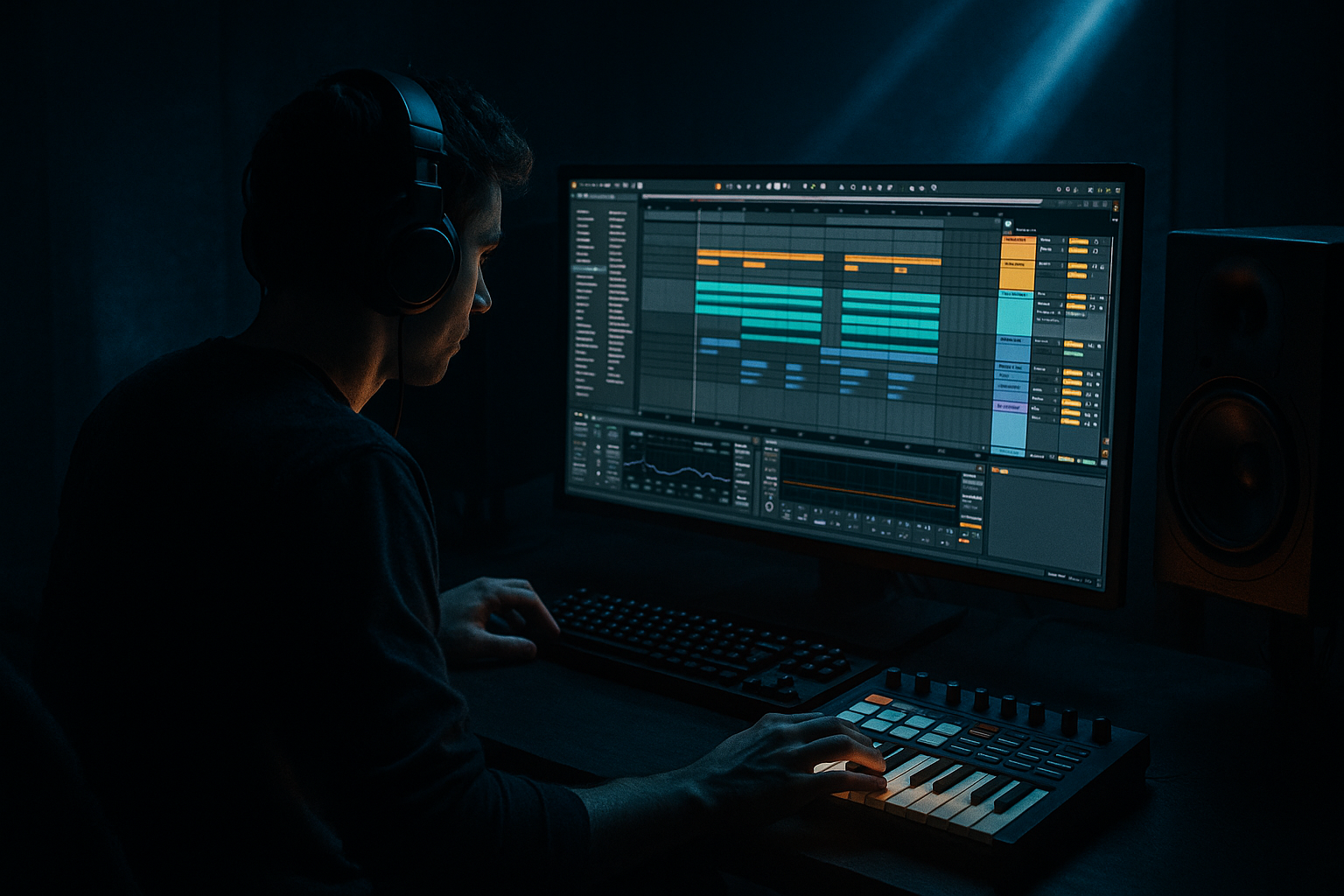
Main tutorial
Formula for Transitions with Modern Punch + Vintage Soul (Ableton Live 12)
Beginner | Atmospheres | Jungle / Oldskool DnB vibes 🥁🌫️
---
1. Lesson overview
In jungle/DnB, transitions aren’t just “whooshes”—they’re mini-stories that carry energy from one section to the next. The classic sound is dusty, emotional, and ravey, but modern DnB demands punch, clarity, and impact.
In this lesson you’ll learn a reliable transition formula you can reuse in any track:
Vintage Soul Atmosphere (texture + space)
+ Modern Punch (impact + control)
= DnB transition that feels authentic and hits hard 🔥
We’ll build this using stock Ableton Live 12 devices, with practical settings and an arrangement you can drop into your own tunes.
---
2. What you will build
A 16-bar transition leading into a drop (or into a new phrase) with:
- Vintage-style atmosphere bed (tape-ish noise, vinyl feel, room tone)
- Riser built from resampling (so it feels “from the track,” not generic)
- Oldskool jungle FX (dubsiren-ish tone, pitched breaks, delay throws)
- Modern impact system (sub drop + punchy hit + controlled tail)
- A clean “hole” before the drop (so the drop smacks)
- Wavetable: choose a mellow wave; set Unison 2–4, low Amount
- Auto Filter: Low-pass, Frequency around 3–6 kHz, slight Drive
- Hybrid Reverb: Predelay 10–25 ms, Decay 2.8s, Mix 15–25%
- Saturator: Soft Clip ON, Drive 2–6 dB
- Utility: Bass Mono ON (important for DnB)
- Add a vinyl/noise layer:
- Put Auto Filter after the clip:
- Add Echo (or send to Dub Delay return):
- Osc A: Sine (or Triangle)
- Envelope: short-ish attack, medium release
- Add Pitch Envelope:
- Play 1–2 notes in bars 13–16
- Automate the filter opening slightly and increase delay send into bar 16
- Mute most elements for 1/8 to 1/4 note right before bar 17
- Keep only a reverb/delay tail
- MIDI track with Operator
- Sine wave
- Pitch automation: -12 to -24 semitones over 200–400 ms
- Add Saturator with Soft Clip ON (light)
- ATM BED fades in
- RESAMPLE FX starts quietly (filter closed)
- Small drum edits (optional): hats thinning out
- RESAMPLE FX filter opens
- Dub delay send increases
- Add a subtle “reverse” hit into bar 9 or 13 (classic)
- Add SIREN FX hits (1–2 notes)
- Increase intensity: more reverb tail, higher riser pitch
- Bar 16: remove low end from music with Auto Filter (see below)
- Beat 4: create the “hole”
- Impact hits at bar 17
- Start HP at 0–20 Hz
- Rise to 120–200 Hz in the last 1–2 beats before the drop
- Too much reverb on everything → the drop feels weak and cloudy.
- Risers with full sub content → transition rumbles and masks the impact.
- No “hole” before the drop → your drop won’t feel like a drop.
- Overly bright atmospheres → not jungle, more EDM.
- Impact too long → it overlaps the first kick/snare and smears punch.
- Reese-shadow transition:
- Print + destroy (oldskool workflow):
- Use Roar for controlled nastiness:
- Dark space:
- Pre-drop snare tension (classic):
- Build vintage soul with a filtered atmosphere + noise texture
- Create authenticity by resampling your own audio into a riser
- Add jungle character via siren/dub delay throws
- Deliver modern punch using a controlled impact stack + a pre-drop “hole”
- Glue everything with subtle bus saturation/compression and smart EQ
Result: a transition that sounds like 1994 energy with 2026-level weight and control.
---
3. Step-by-step walkthrough
Step 0 — Prep your session (DnB-friendly setup)
1. Tempo: 165–175 BPM (try 170 BPM).
2. Sections: mark a simple structure:
- Bars 1–8: build
- Bars 9–16: intensify + pre-drop
- Bar 17: drop hits (or new section)
3. Add return tracks:
- Return A: “Dub Delay”
- Echo: Time 1/4 or 1/8, Feedback 35–55%
- Filter: HP around 200–400 Hz (keep low end clean)
- Return B: “Rave Verb”
- Hybrid Reverb: Algorithmic, Decay 2.5–4.5s
- HP 250–500 Hz, LP 8–12 kHz
This keeps your main tracks clean and makes transitions easy.
---
Step 1 — Build a “vintage soul” atmosphere bed (8–16 bars)
Create a MIDI track called ATM BED and load:
Device chain (stock):
1. Wavetable (or Analog) → simple sine/triangle pad
2. Auto Filter
3. Hybrid Reverb
4. Saturator
5. Utility
Settings (quick starting points):
Make it feel oldschool:
- Audio track: drop in a vinyl crackle/room tone sample OR use a quiet noise sample.
- EQ Eight: high-pass at 200 Hz, gentle dip around 3–5 kHz if harsh.
- Auto Pan (subtle): Amount 10–20%, Rate 0.10–0.30 Hz.
✅ Goal: A hazy “air” that sits behind everything, not a loud pad.
---
Step 2 — Create a transition riser from YOUR track (resampling trick)
This is how you get vintage authenticity: you “print” your own audio and manipulate it like old jungle heads did with samplers.
1. Pick a short 1-bar phrase from your break or pad (or both).
2. Resample it:
- Create a new audio track: RESAMPLE FX
- Set Input to Resampling
- Arm and record 1–2 bars of your loop
3. Now warp it into a riser:
- Double-click the recorded clip
- Enable Warp
- Warp mode:
- For crunchy jungle: Beats mode, Preserve 1/16 or 1/8, Transients
- For smoother: Complex Pro (but Beats often sounds more “oldskool”)
4. Create the rise:
- Add clip envelope for Transpose: rise from 0 to +12 (or +7) over 8 bars
- Or automate Grain Size / warp feel by switching modes if needed
Add movement + modern control:
- Automate LP cutoff from 2 kHz → 16 kHz over 8 bars
- Increase send gradually toward the drop
✅ This makes the riser feel like it belongs in the tune (not a random FX pack).
---
Step 3 — Add a “classic jungle tension” layer (dubsiren / rave tone)
Create a MIDI track: SIREN FX
Operator is perfect here.
Operator settings (simple):
- Pitch Env Amount: +12 to +24
- Decay: 200–600 ms (for “pew” movement)
FX chain:
1. Saturator (Drive 3–8 dB, Soft Clip ON)
2. Auto Filter (band-pass around 800 Hz–3 kHz)
3. Echo (Ping Pong ON, 1/8 or 1/4)
4. Send to Rave Verb (Return B) lightly
Arrangement move:
✅ This gives “rave DNA” without clutter.
---
Step 4 — Make the “modern punch” impact (the drop will hit harder)
A proper DnB transition needs impact and space management.
#### A) The “hole” (silence trick)
In bar 16, beat 4, make a tiny gap:
This is huge. The ear perceives the drop as louder. 🎯
#### B) Add a clean impact stack
Create audio track: IMPACT
Layer 2–3 sounds:
1. Short punch hit (kick hit, slam, snare impact)
2. Sub drop (very short sine fall)
3. Optional: Noise burst (filtered white noise)
Sub drop (stock method):
Impact processing chain (on IMPACT bus):
1. EQ Eight
- HP at 25–30 Hz (remove sub-rumble)
- Tiny dip around 200–400 Hz if muddy
2. Drum Buss
- Drive 5–15%
- Boom 0–10% (careful—DnB subs are already busy)
3. Limiter
- Ceiling -0.3 dB
- Just catching peaks (1–3 dB GR)
✅ You get a loud, modern hit that still feels controlled.
---
Step 5 — “Vintage soul” glue: make it feel sampled, not sterile
To marry vintage + modern, we add character on the transition group—lightly.
Group your transition elements (ATM BED, RESAMPLE FX, SIREN FX, IMPACT tails) into TRANSITION BUS.
TRANSITION BUS chain (subtle, stock):
1. Roar (optional but great in Live 12)
- Use a gentle saturation preset or set Drive low
- Filter slightly rolled off (keep it warm)
2. Glue Compressor
- Attack 10 ms
- Release Auto
- Ratio 2:1
- Aim for 1–2 dB gain reduction
3. EQ Eight
- Gentle high-shelf down -1 to -3 dB above 10 kHz (vintage top)
4. Utility
- Width slightly wider (110–130%) ONLY above ~200 Hz (keep subs mono)
✅ This keeps your transition vibey but not messy.
---
Step 6 — Arrangement template (copy/paste formula)
Here’s a reliable 16-bar jungle DnB transition layout:
Bars 1–8:
Bars 9–12:
Bars 13–16:
Extra punch trick (low-end cleanup):
On your music/break bus, automate Auto Filter HP:
This clears space so the drop bass + kick land hard.
---
4. Common mistakes
Use returns, filter your reverb (HP!), and automate sends.
High-pass most FX at 100–200 Hz.
Always create a micro-gap.
Roll off highs gently and add subtle saturation.
Tighten tails or gate them.
---
5. Pro tips for darker/heavier DnB 🖤
Use Operator/Wavetable reese (two detuned saws), but filter it low and automate it opening slightly. Keep it subtle—more “threatening presence” than melody.
Freeze/Flatten your RESAMPLE FX, then chop it like a break. Pitch bits up, reverse others, and throw short delays.
Add Roar on the TRANSITION BUS with mild drive and a low-pass. It adds density without harshness.
Hybrid Reverb with darker EQ (LP at 6–9 kHz) gives that cavern feel without fizzy air.
Add 1-bar snare build in bar 16 with increasing velocity and a small pitch rise. Keep it tight, don’t wash it out.
---
6. Mini practice exercise (15 minutes)
1. Create a blank set at 170 BPM.
2. Build:
- One break loop
- One simple bass note on the drop (bar 17)
3. Make a 16-bar transition using only:
- ATM BED (pad + noise)
- RESAMPLE FX riser (printed from your break)
- One SIREN FX note in bars 15–16
- One IMPACT at bar 17
4. Must include:
- HP automation on music bus in the last 2 beats
- A 1/8-note hole before bar 17
Export 8 bars before + 8 bars after the drop and listen on headphones:
Does the drop feel louder even if the meter isn’t much higher? That’s the goal.
---
7. Recap
You now have a repeatable transition formula for jungle/DnB in Ableton Live 12:
If you want, tell me what kind of drop you’re writing (amen smash, rollers, atmospheric jungle, techstep) and I’ll tailor a transition chain + 16-bar arrangement specifically for that style.

