Main tutorial
Lesson Overview
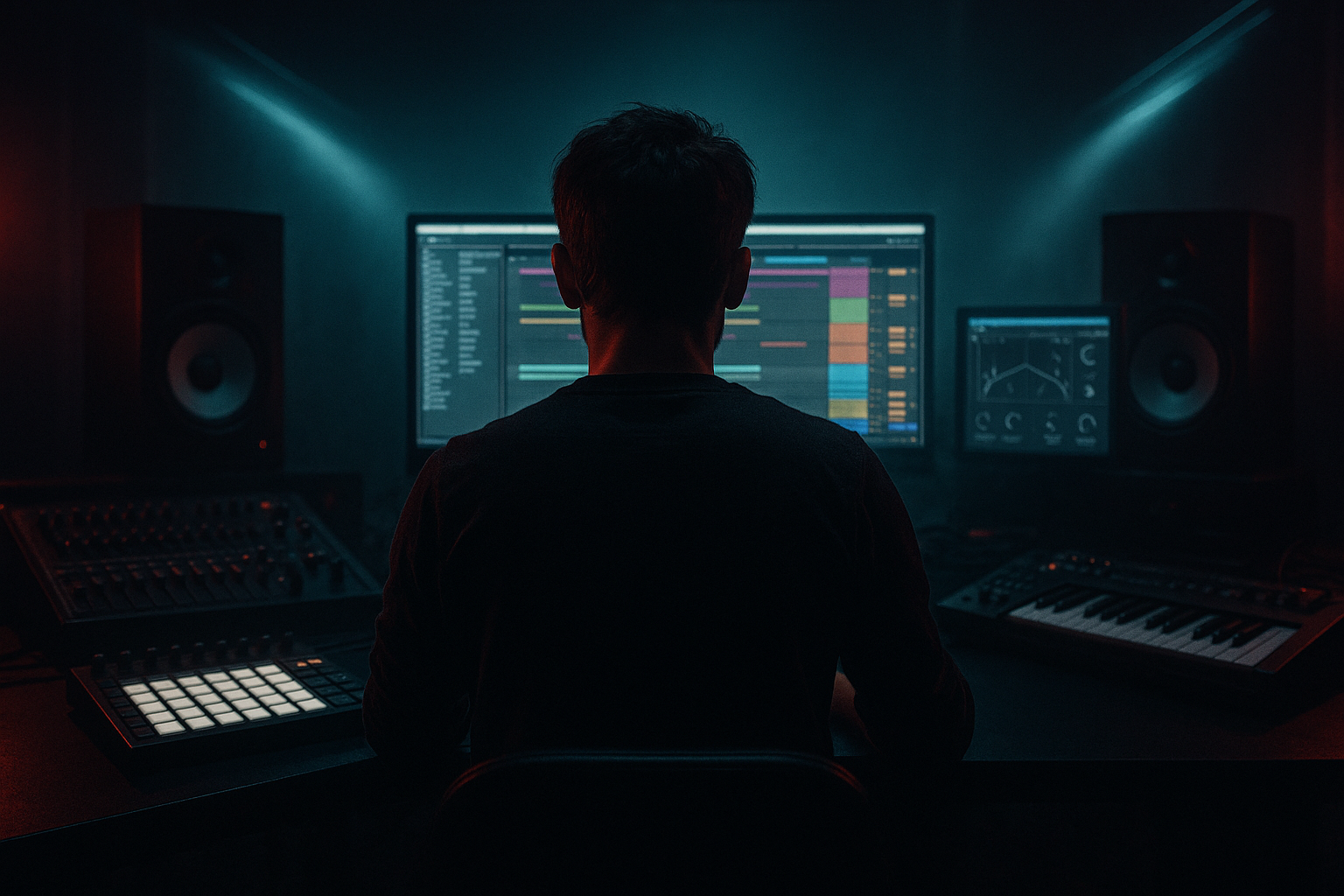
The goal of this lesson is to build a formula for amen variation that feels right at home in a smoky warehouse DnB set: gritty, human, slightly unstable, and always moving forward. In Drum & Bass, the Amen is rarely just “loop the break and go.” The real energy comes from variation, micro-edits, FX, and arrangement pressure. That’s what turns a static break into something that sounds like it’s rolling through fog, concrete, and late-night sub pressure.
This technique sits mainly in the drum and FX lane, but it affects the whole track: bass call-and-response, tension before drops, switch-ups in the second 16 or 32 bars, and breakdown-to-drop transitions. If you’re making rollers, jungle-leaning cuts, darker liquid, or warehouse-focused neuro-adjacent DnB, learning a repeatable amen variation formula will help your tracks feel more intentional and less loop-based.
Why this matters: an amen played flat can sound nostalgic, but an amen shaped with variations sounds like a record. Real tracks breathe through small changes in ghost notes, fills, filter motion, reverb throws, reverse hits, and stereo/mono contrast. In Ableton Live 12, you can do all of this with stock devices and fast editing. The result is a break that stays dangerous without cluttering the mix.
What You Will Build
You’re going to build a 4- to 8-bar Amen variation system for a smoky warehouse DnB section. The finished result will include:
- A main Amen loop with tight transient shaping
- Two or three variation layers:
- FX that create space and movement:
- Arrangement-ready variations you can drop into:
- Over-editing every bar
- Too much top-end brightness
- Leaving the break too dry
- No low-end separation from the bass
- Using too much reverb on the full break
- Quantizing the soul out of the break
- Layer a short, mono room with the break
- Use Drum Buss transient shaping to create “bite”
- Automate saturation only on phrase transitions
- Keep the bass and break in different lanes
- Try mono for the core break, width for the smoke
- Use call-and-response between break and bass
- Don’t fear negative space
- a ghost-note lift
- a fill / turnaround edit
- a filtered or degraded “smoke” version
- short room ambience
- reverse swells
- tension risers
- occasional tape-style grit and saturation
- intro tension
- pre-drop build
- 16-bar movement
- 4-bar switch-up
- last-bar fill into the next phrase
Musically, this should feel like a broken, syncopated break pattern riding over a sub-heavy roller bassline, with enough grime and motion to keep the dancefloor locked in.
Step-by-Step Walkthrough
1. Start with a clean Amen chop and place it in a 2-bar loop
Drag your chosen Amen break into an audio track in Ableton Live 12 and set the clip to a tight 2-bar loop at your project tempo, ideally somewhere in the 172–174 BPM range for classic DnB feel. If the break is not already warped well, use Warp in Beats mode and tighten the transients so the kick and snare land cleanly.
In the Clip View:
- Turn on Loop
- Use Warp Marker adjustment to keep the break locked
- Try Beats mode with preserve/transient settings around 1/16 or 1/8 for punchy drum content
- If the break feels too stiff, nudge a few sliced hits slightly off-grid later in the process
Keep this first version simple. Your job is not to over-edit immediately. You want a stable reference so later variations actually feel like movement.
Why this works in DnB: the Amen is already rhythmically dense. A clean, locked base lets you control the groove changes intentionally instead of fighting timing drift or over-processing.
2. Slice the break into playable hits for fast variation control
Right-click the Amen clip and choose Slice to New MIDI Track. Use a slicing preset that gives you enough control for kick, snare, hats, and ghost hits. In Live 12, this workflow is ideal because it turns the break into a performance-ready kit without losing the organic feel.
Once sliced:
- Rename the track clearly, e.g. `Amen Slices`
- Group related hits if needed: kick, snare, hats, ride, ghost
- Program a basic 2-bar phrase using:
- main kick/snare anchors
- 2–4 ghost hits
- 1–2 tiny pickup notes before the snare
- occasional hat or ride variations on the offbeats
Keep the base pattern close to the original Amen phrasing, but begin to shape it toward your track. A good intermediate target is:
- Bars 1–2: standard anchor groove
- Bar 2 last beat: small fill or pickup
- Repeat with one change every 2 bars
Useful note: don’t fill every gap. Smoky warehouse vibes often come from negative space as much as drum detail.
3. Create a variation formula: anchor, lift, switch, reset
Use a simple repeatable structure for your Amen edits. Think of it as a four-part loop:
- Anchor: main break phrasing, stable groove
- Lift: add ghost notes or hat roll
- Switch: small fill, snare drag, or reverse hit
- Reset: return to the core loop so the listener doesn’t lose the floor
Program this over 4 bars:
- Bar 1: mostly original groove
- Bar 2: add one extra ghost snare or hat stab
- Bar 3: remove a hit for tension, or duplicate a kick for propulsion
- Bar 4: add a fill into the next phrase
A strong DnB-specific rule: vary one major drum element per 2 bars, not everything at once. If you change kick, snare, hats, and spacing all at the same time, the break loses its identity.
For smoky warehouse energy, let the groove feel slightly “played,” not quantized to death. Small timing offsets of just a few milliseconds can make the loop feel more human, especially on ghost notes.
4. Shape the break with stock Ableton FX: Drum Buss, Saturator, and EQ Eight
Now put the break into a Drum Group or Drum Rack bus and shape it with stock devices.
Suggested chain on the break bus:
- EQ Eight
- High-pass gently around 25–35 Hz if the break has sub rumble
- Small cut around 250–400 Hz if the break feels boxy
- Tame harsh hats around 7–10 kHz only if needed
- Drum Buss
- Drive: 5–20%
- Crunch: subtle, around 5–15%
- Boom: use lightly or not at all if your sub is already strong
- Transients: adjust to sharpen the snare or soften the hats
- Saturator
- Soft Clip on
- Drive: 2–6 dB for edge
- Keep output compensated
If you want a dirtier warehouse character, add Redux very lightly or use Saturator with a hotter drive and then tame with EQ. But keep the break punchy. Over-grit kills the snap that makes jungle edits feel alive.
Why this works in DnB: the Amen needs presence to cut through dense bass design. Controlled saturation brings the break forward without requiring huge volume, which helps maintain headroom for the sub and reese layers.
5. Build a “smoke layer” with reverb throws and filtered ambience
This is where the warehouse vibe really appears. Create an Audio Effect Return with:
- Reverb
- Decay Time: around 1.2–2.8 s
- Pre-Delay: 10–25 ms
- Low Cut: around 200–400 Hz
- High Cut: around 6–9 kHz
- Echo
- Short delay times like 1/8 or 1/16 dotted
- Feedback low to moderate, around 15–30%
- Filter the repeats so they don’t dominate
- Optional Auto Filter
- Low-pass automation for tension sweeps
Send only selected hits to this return:
- snare accents
- ghost snare rolls
- the last hat of a phrase
- a fill hit before a drop
Use send automation sparingly. A little reverb throw on the last snare of bar 4 can create that “room opens up” sensation without washing out the break.
For darker warehouse cuts, keep the reverb nearly monochrome: short, gritty, and filtered. You want concrete, not cathedral.
6. Automate filter and decay movement across 8 or 16 bars
Use automation to make the Amen evolve instead of simply repeat. In Arrangement View, automate:
- Auto Filter frequency
- Drum Buss transients
- Reverb send amount
- Saturator drive
- Utility gain for occasional dropouts or micro-breakdowns
Example 16-bar flow:
- Bars 1–4: dry and punchy
- Bars 5–8: low-pass slightly, reduce high-end brightness, add subtle reverb throws
- Bars 9–12: bring back hats, increase snare ghost detail, add one fill
- Bars 13–16: open the filter, increase energy, and prepare a transition
Practical settings:
- Auto Filter low-pass around 12–16 kHz for gentle darkening
- Resonance kept modest, usually under 20%
- Utility on the drum bus for quick level automation if the fill needs to “speak” more
This is very effective in a track where the bassline is already active. When the drums darken and brighten in phases, the listener perceives arrangement progression even if the harmonic content stays minimal.
7. Add a last-bar fill and a transition hit for arrangement glue
Your Amen variation formula should always include a turnaround. In DnB, the last bar before a phrase change is where you can signal a new section, a drop, or a bass switch.
Build one of these in bar 4, 8, 12, or 16:
- a snare flam
- a quick tom-style edit from sliced break hits
- a reversed snare into the downbeat
- a short silence before the one
- a crash or metallic impact layered quietly
In Ableton:
- Duplicate the last bar
- Cut one kick or hat to create space
- Add a reversed audio slice before the snare
- Use Fade Handles on the audio clip so the reversed hit blends cleanly
Good arrangement context example: if your bassline is a call-and-response reese roller, let the Amen fill occupy the tail of the response. That way the drums help “speak” the transition instead of the bass doing all the work.
8. Use resampling for a more authentic smoky texture
Once the break loop feels right, resample it to audio. This is a major intermediate move because it lets you commit to the vibe and work faster.
Procedure:
- Route the break group to a new audio track
- Record 4 or 8 bars
- Consolidate the best phrase
- Re-edit small details in audio view
Then add:
- Warp Mode: Complex Pro only if necessary for certain stretched textures
- very light Auto Filter
- subtle Frequency Shifter for movement on a return or background layer
- occasional Simpler-style chop logic if you want tiny pitched fragments
The resampled break can be used as a secondary layer underneath the main sliced break. Blend it quietly so it feels like room tone and tape haze, not another full drum kit.
This is especially effective for smoky warehouse vibes because real clubs and real old-school systems are not clinically clean. A second resampled layer gives your drums a sense of physical space and “recorded history.”
Common Mistakes
- Fix: keep 70–80% of the groove stable and change only one main element at a time.
- Fix: soften hats with EQ Eight or reduce high shelf energy on the break bus. Warehouse DnB usually benefits from controlled highs, not glossy EDM sparkle.
- Fix: add short, filtered ambience on selected hits. Don’t drown the break, just give it a room to live in.
- Fix: high-pass the break if needed and make sure the sub is clean and mono. The Amen should punch above the sub, not compete with it.
- Fix: send only snare accents or fill notes to reverb. Keep the core loop tight.
- Fix: leave micro-timing variations on ghost notes and fills. Even a tiny push-pull can make the groove breathe.
Pro Tips for Darker / Heavier DnB
- A tiny room reverb with a low cut around 250–400 Hz adds realism without washing the transients.
- Slightly increase transients on the snare hits and reduce them on extra hat clutter so the groove stays aggressive.
- A small drive lift in the last bar can make the fill feel more urgent.
- If your bass is mid-heavy and animated, simplify the Amen variation. If the break is busy, let the bass hold longer notes.
- Keep the main break centered or mostly mono, then place ambience, reverb returns, or textured layers wider.
- In darker rollers, a gap in the bass can be filled by a ghost snare or a chopped hat figure. That interplay is a huge part of tension.
- A dropped kick or missing snare can feel heavier than another fill if it creates anticipation.
Mini Practice Exercise
Spend 10–20 minutes building a two-version Amen system:
1. Load an Amen break and loop 2 bars.
2. Slice it to a MIDI track and program a basic groove.
3. Create two variations:
- Variation A: add ghost notes and one snare fill
- Variation B: remove one kick, add a reversed hit, and slightly darken the loop with Auto Filter
4. Add a return with Reverb and send only the last snare of each 4-bar phrase.
5. Resample 4 bars of each variation to audio.
6. Arrange them as:
- 4 bars A
- 4 bars A with fill
- 4 bars B
- 4 bars A reset
7. Check it with a simple sub or reese bassline.
Goal: make the two variations feel like part of one record, not two different beats. Focus on whether the change feels like forward motion rather than random detail.
Recap
The formula is simple: anchor the Amen, vary one element at a time, use FX for atmosphere, and automate the movement across phrases. In Ableton Live 12, stock tools like Slice to New MIDI Track, Drum Buss, Saturator, EQ Eight, Auto Filter, Reverb, and Echo are enough to build a smoky warehouse break that feels authentic and performance-ready.
For DnB, the key is balance: enough variation to stay alive, enough stability to keep the floor locked. If your Amen sounds like it’s breathing through concrete while the sub stays clean underneath, you’re on the right track.

