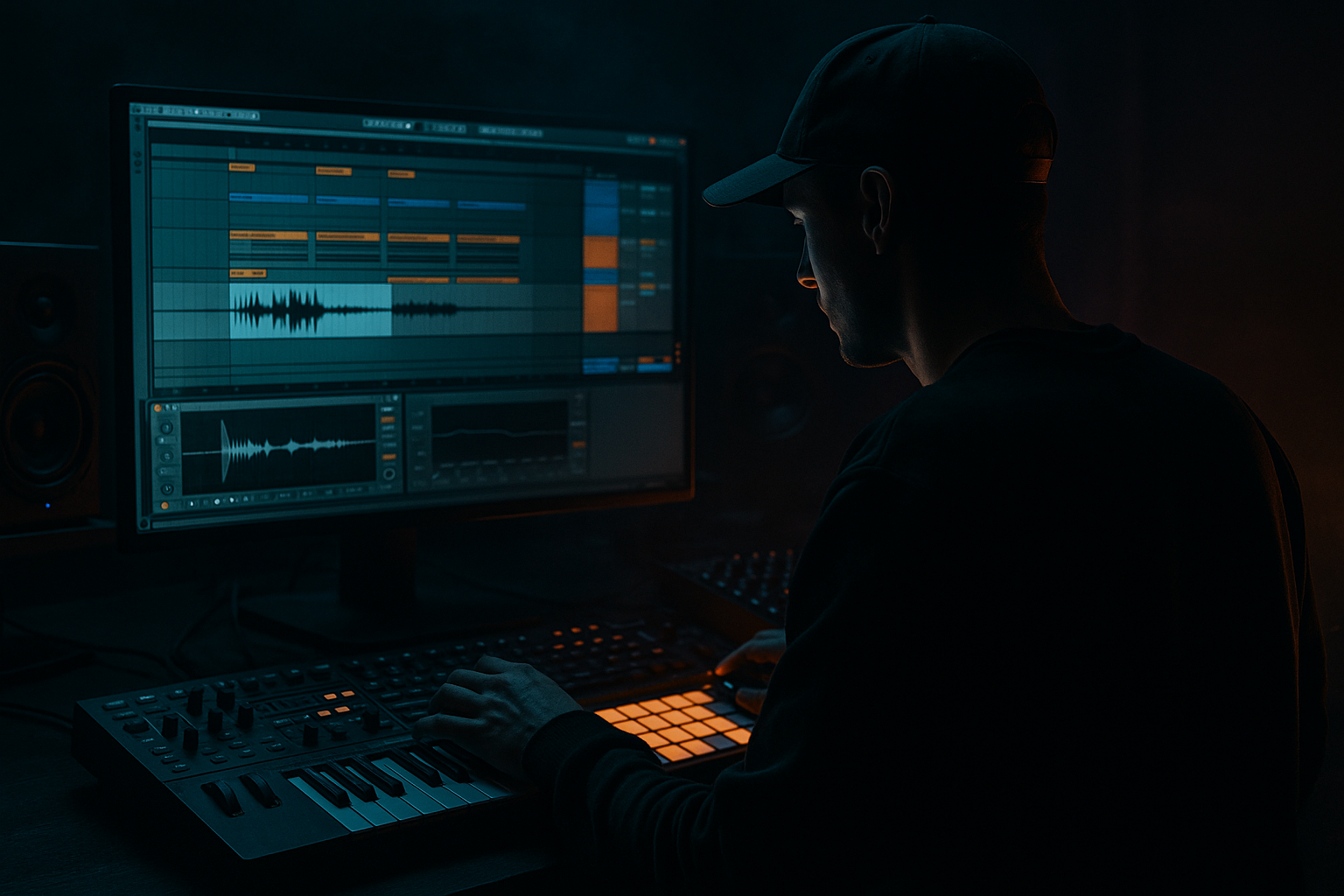
Main tutorial
Lesson Overview
This lesson is about turning a chopped vinyl texture into a controllable, performance-ready bassline layer using Ableton Live 12 macro controls. The goal is not to make a “lo-fi sample loop” sit there like wallpaper — it’s to make the texture behave like a living part of a jungle or oldskool DnB arrangement: breathing with the drums, opening up in fills, tightening in the drop, and adding grit without smearing the sub.
Where this lives in a DnB track: usually as a mid-bass / texture layer above a clean sub, or as the main character in a stripped-back jungle roller where the chopped vinyl becomes part of the groove identity. It also works as a transition device between sections, especially in intros, 8-bar switch-ups, and second-drop variations.
Why it matters musically and technically: chopped vinyl has instant scene-setting power, but it can go muddy fast. Macro control lets you keep the raw personality while making the part playable in arrangement. You can shape the amount of grit, filter movement, stereo width, and rhythmic gating from one instrument rack instead of juggling multiple clips and automation lanes. That means faster decisions, better control over low-end clarity, and a more “hands on deck” feel when you’re building the drop.
Best suited to: jungle, oldskool DnB, rollers with dusty character, halftime-to-stepper hybrids, and darker dancefloor material that wants vinyl texture without losing punch. By the end, you should be able to hear a chopped vinyl bass texture that feels animated, musical, and DJ-friendly — one that can sit with drums and sub without swallowing the kick/snare conversation.
What You Will Build
You’ll build a sampled vinyl chop instrument in Ableton Live that can behave in several ways from a single Macro page:
- a gritty, chopped bass-texture loop with rhythmic movement
- a darker, filtered version for intros and breakdowns
- a more aggressive, saturated version for the drop
- a controlled stereo/mono hybrid that stays stable in the low end
- a performance-friendly rack you can automate or record live in an arrangement
- Use the vinyl texture as a midrange “throat,” not the sub foundation. Let the sub stay clean and stable underneath so the texture can sound dangerous without destroying the room.
- If the chop needs more menace, push resonance at the filter only until it starts speaking, then stop. Too much resonance turns heavy into annoying fast.
- A tiny amount of Redux can create aggressive grain, but keep it subtle. The goal is worn edge, not digital collapse.
- Resample your best macro movement and manually edit the audio for fills. A printed reverse tail into the snare can hit harder than endless automation.
- For darker rollers, keep the texture more centered and reduce top-end air. The danger should come from rhythm and harmonic grime, not brightness.
- If you want an oldskool jungle edge, emphasize swing and note placement more than distortion. The groove should feel slightly human and forward-pulling, not grid-locked.
- In the second drop, change the macro story instead of the notes: more cutoff, more drive, or a tighter stereo field can make a repeated phrase feel like a new weapon.
- Use only stock Ableton devices
- Use one vinyl sample source
- Make a 2-bar MIDI phrase no longer than 8 notes per bar
- Create at least 4 macro assignments
- Check the sound in mono before finishing
- one playable rack
- one resampled audio phrase
- one 8-bar arrangement idea showing a filtered intro into a fuller drop
- Does the pattern leave room for the snare?
- Does the macro movement change the attitude without destroying the groove?
- Does the part still work when summed to mono?
Sonically, it should feel dusty, chopped, and slightly unstable — but still deliberate. The rhythmic feel should lock into a DnB grid rather than floating like a hip-hop loop. In the track, it should function as a bassline character layer, not just a sample playing in the background.
Success sounds like this: the vinyl texture is clearly audible, but it doesn’t blur the sub or fight the snare; the chop pattern creates momentum; and when you move the macros, the part can shift from restrained and moody to energetic and rude without rebuilding the sound.
Step-by-Step Walkthrough
1. Set up the source so the chop has usable bass character, not random noise.
Start with a short vinyl sample that has a clear tonal center, a dusty transient, or a little off-grid musicality — a spoken phrase, a chord stab, a pitched hit, a bassy record chop, or a phrase with room tone and crackle. Drag it into Simpler on a MIDI track.
In Simpler, use Slice mode if you want the sound to behave like a rhythmic chop instrument, or Classic if you want to play a single region and modulate it more continuously. For this lesson, Slice mode is usually the fastest route because jungle and oldskool DnB often rely on chopped rearrangement. If the sample is long and messy, slice by transients. If it’s already short and gritty, slice by beat.
What to listen for: do the slices have enough low-mid weight to feel like part of the bass system, or are they just top-end dust? If the source has no body, you’ll spend the whole lesson trying to fake weight later.
Helpful starting move: in Simpler, keep Warp off for some source types if the sample already sits near the tempo and has the right feel. If the groove collapses, you can turn Warp on later, but keep an ear on transient smear.
2. Build a clean rhythmic pattern first, before any macro trickery.
Program a 1-bar or 2-bar MIDI pattern that uses the slices like a bassline phrase, not a straight loop. Think of the vinyl chop as a call-and-response device with the kick and snare. A useful oldskool pattern might hit on the “and” after 1, then answer around beat 2 or the pickup into 3. Leave space around the snare unless the sample is specifically reinforcing the backbeat.
In a jungle context, a good starting pattern is often sparse: 4 to 8 notes in a bar with deliberate rests. In a darker roller, you can repeat a 2-note cell and use macro movement to create evolution.
What to listen for: does the pattern leave room for the snare to speak? If the chopped texture makes every bar feel crowded, it will flatten the drop.
Workflow tip: loop just 2 bars while designing. You want the pattern short enough to judge movement, but long enough to hear whether the texture repeats like a real phrase.
3. Turn the instrument into a macro-controlled rack.
Wrap Simpler in an Instrument Rack. Map the most useful performance parameters to eight Macros so you can shape the chop without opening multiple devices every time. A strong starting macro layout is:
- Macro 1: Filter Frequency
- Macro 2: Filter Resonance
- Macro 3: Saturator Drive
- Macro 4: Sample Start / Slice Position
- Macro 5: Volume or Utility Gain
- Macro 6: Pan or Width-related control if you’re using a stereo-friendly stage after the mono core
- Macro 7: Reverb Send or Reverb Dry/Wet
- Macro 8: Delay Dry/Wet or a lo-fi movement control
Use stock devices only. A realistic chain is: Simpler → Auto Filter → Saturator → Utility. If you want more character, add Redux very lightly before Utility, or a Glue Compressor after the texture if it needs level control.
Why this works in DnB: the groove is often built from a few parts doing a lot of work. Macros let you shape texture in real time across 8 or 16 bars, which is exactly how oldskool and jungle phrases feel alive — they evolve without becoming a completely new part every bar.
4. Shape the core tone with Auto Filter and Saturator before you chase extra movement.
Put Auto Filter after Simpler and Saturator after that. Use Auto Filter as the main tone-shaping device, not just an effect. Start with a low-pass or band-pass depending on the vibe:
- For murky jungle pressure: low-pass around 200 Hz to 1.5 kHz range depending on the sample
- For more audible oldskool bite: band-pass or a low-pass with a brighter cutoff
Add a touch of resonance, but keep it controlled. A resonance value around the mid zone can give the chop a talking quality, but if it gets too peaky it will turn into a whistle that dominates the bar.
On Saturator, start modestly. A drive range of roughly 1 to 4 dB is often enough to make dusty chops feel present. If you want more menace, push it harder, but compensate with output level so you’re not confusing “louder” with “better.”
What to listen for: the sample should gain density and attitude without losing its rhythmic edges. If the attack disappears, you’ve over-saturated or filtered too aggressively.
Decision point — A versus B:
- A: darker, more underground, more “submerged” texture. Use a lower filter cutoff, less high end, and a touch more saturation. Best for intro drops, stripped-back rollers, and shadowy jungle.
- B: more present and crunchy, with the chop audible on smaller systems. Raise the cutoff, reduce resonance slightly, and keep saturation more transparent. Best when the vinyl layer needs to cut through full drums.
5. Add movement with macro-linked modulation, but keep it narrow enough to stay DJ-usable.
The trick is movement without losing the bassline’s identity. Map Macro 4 to sample start if the source works like a pitched slice. Use small ranges so the macro can “lean” the chop forward or back without turning it into random glitch.
If you’re using Auto Filter, you can automate cutoff across the section, but keep the range musical:
- intro/break: filter lower, maybe sweeping from closed to mid-open
- drop: open just enough to expose the grit
- second drop: slightly different cutoff or resonance so it doesn’t repeat identically
A useful macro concept is to map one macro to two or three subtle destinations at once:
- cutoff slightly upward
- Saturator drive slightly upward
- Utility gain slightly downward or upward to keep output stable
This creates a “more intense” position without blowing up the level. That’s a real DnB move because it preserves the low-end system balance when you move from 1st drop to 2nd drop.
Stop here if the groove already feels strong. Don’t force extra modulation just because the rack has space. In DnB, a stable, characterful loop is often more dangerous than a constantly mutating one.
6. Tighten the low end and mono compatibility before making it wider.
Chopped vinyl textures often have random stereo information, rumble, and phase smear. In a bassline context, that can wreck kick/sub separation. Use Utility to narrow or collapse the lowest part of the texture.
Practical move:
- Keep the actual sub on a separate clean layer if you need true low-end weight
- High-pass the vinyl texture if it contains uncontrolled lows
- If you keep some low-mid body in the chop, make sure the bottom is stable and not wandering in stereo
A good working range for the high-pass on the texture layer might be somewhere around 80 to 180 Hz, depending on how much fundamental is already in your sub layer. If the vinyl sample is acting as the whole bassline and not just texture, be more conservative — but check mono carefully.
What to listen for: when you collapse to mono, does the part still feel solid, or does it hollow out? If mono makes it vanish, the texture was relying too much on width instead of actual musical substance.
Fix if needed: use Utility to reduce width, remove extreme low frequencies with EQ Eight, and keep the more unstable stereo content higher up the spectrum.
7. Resample the best pass and turn it into arrangement-ready material.
Once the macro behavior feels good, commit the best version to audio. This is where the idea becomes a real DnB part instead of an endless loop.
Record the instrument’s performance into a new audio track, or freeze and flatten if that’s your preferred workflow. Commit especially if you’ve moved macros in a way that creates a standout fill, a drop variation, or a transition phrase. You want the best accidental moments captured.
Why commit: chopped-vinyl bass ideas often sound best when they’ve been printed and edited as phrases. In DnB arrangement, that lets you carve out the 8-bar structure with intention instead of over-automating a live rack forever.
Workflow efficiency tip: name your audio takes by function — “vinyl_drop_A,” “vinyl_fill_8b,” “vinyl_intro_closed” — so you can audition quickly when structuring the tune.
8. Edit the resample into a 8-bar or 16-bar phrase with clear DnB punctuation.
Use the printed audio to shape tension and release. A strong oldskool-style structure often works like this:
- bars 1–4: filtered, restrained texture with minimal top end
- bars 5–8: open the filter or bring in a more aggressive chop
- bar 8: leave a gap, reverse the last hit, or let the tail feed the snare pickup
- bars 9–16: either repeat with a variation or introduce a second macro state
This is where the vinyl texture becomes arrangement language. It’s not just bass tone; it’s a phrase marker.
A useful arrangement example: in the first drop, keep the chop mostly midrangey and sparse, then on bar 9 introduce a more open version with a slightly wider stereo field. On the second drop, keep the same rhythm but switch the macro positions so the texture is darker in the first 4 bars and more aggressive in bars 5–8. That gives DJs and dancers a clear “same idea, escalated” payoff.
9. Check the idea against drums and sub in context, not in solo.
Put the vinyl bass layer against the kick, snare, and sub. This is the point where you decide whether the chopped texture is a bassline or just a cool sound.
The kick should still hit cleanly. The snare should retain its front edge. The sub should remain the anchor, not get masked by mid-bass clutter. If the chop is exciting in solo but weak in the full drop, don’t keep polishing the solo tone — fix the relationship.
What to listen for:
- Does the snare still crack through the groove?
- Does the kick feel smaller when the chop enters?
- Does the chopped texture add forward motion, or does it flatten the swing?
If the answer is “flat,” reduce the note density, shorten the release, or narrow the filter band so the texture feels more like punctuation than a blanket.
10. Choose one of two valid flavors and finish the rack around that identity.
At this point, choose your final direction:
- A: “Dusty and haunted” — lower filter cutoff, more resonance, subtle saturation, tighter stereo, more room for sub and drums
- B: “Rude and animated” — slightly brighter cutoff, more drive, more macro movement, and stronger chop articulation
Neither is objectively better. The right choice depends on whether the track needs atmosphere and depth or bite and urgency. The key is to commit to one character and let the arrangement support it.
Finish the rack by setting macro ranges so the extreme positions are still usable. If the top end gets too spiky at maximum drive, back it off. If the minimum filter setting makes the part disappear, raise the floor so the rack always plays like a bassline, not a filtered mistake.
Common Mistakes
1. Making the vinyl chop too wide in the low end
Why it hurts: phasey stereo low mids can collapse the groove in mono and weaken the drop.
Fix: use Utility to narrow width, high-pass the layer with EQ Eight, and keep the true sub on a separate mono track.
2. Over-filtering until the sample becomes empty
Why it hurts: the part loses its rhythmic identity and stops functioning as a bassline layer.
Fix: raise the filter cutoff or switch from low-pass to band-pass so the chop keeps a recognizable core tone.
3. Saturating before the level is under control
Why it hurts: the texture gets louder and harsher, but not necessarily better.
Fix: trim input gain before Saturator and use output compensation so you judge tone, not volume.
4. Using too many notes in the pattern
Why it hurts: the vinyl texture fights the drums, especially the snare, and the groove loses dancefloor space.
Fix: delete notes until the phrase breathes. In DnB, space is part of the bassline.
5. Letting random slice selection create a “sample collage”
Why it hurts: the part can feel unfocused and disconnected from the track’s rhythmic logic.
Fix: reduce the slice pool, anchor the pattern around a few repeated hits, and use macros for variation instead of random clutter.
6. Ignoring mono compatibility until the mix stage
Why it hurts: the texture may sound big in stereo and vanish on club systems or summed playback.
Fix: check Utility in mono while the idea is still being built, and simplify the stereo content before final arrangement.
7. Automating everything when the arrangement only needs two or three states
Why it hurts: too much movement blurs the section identity and makes the drop less readable.
Fix: define a closed, medium, and open macro position, then reuse them strategically across the track.
Pro Tips for Darker / Heavier DnB
Mini Practice Exercise
Goal: build a macro-controlled chopped-vinyl bass texture that can function in a 16-bar DnB drop.
Time box: 15 minutes.
Constraints:
Deliverable:
Quick self-check:
Recap
Build the chopped-vinyl idea as a bassline layer, not a novelty loop. Keep the rhythm sparse enough for DnB drums to breathe. Use Ableton Macros to control tone, grit, movement, and level from one rack. Resample the best pass, edit it into phrases, and check it in context with kick, snare, and sub. If it stays dirty, musical, and mono-stable while still feeling alive across the drop, you’ve got the right kind of jungle oldskool pressure.

