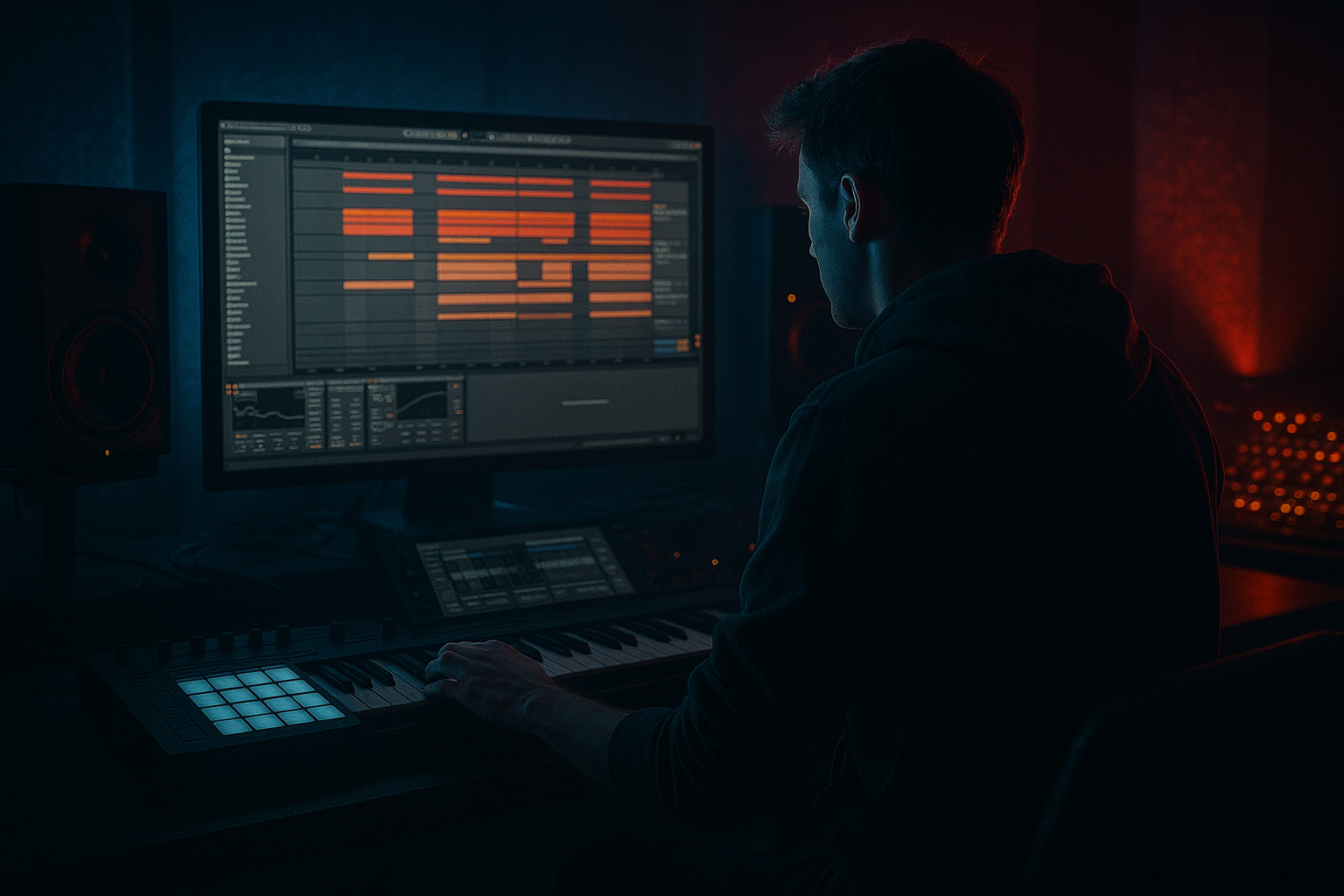
Main tutorial
Field‑Recording Transitions From Scratch (Smoky Late‑Night DnB) 🌫️🖤
Ableton Live • Beginner • FX / Transitions
---
1. Lesson overview
Field recordings are cheat codes for atmosphere in drum & bass: rain on concrete, train stations, neon buzz, distant chatter—then you shape them into transitions that pull the listener into the next 16 bars.
In this lesson you’ll learn a repeatable Ableton Live workflow to turn a raw field recording into smoky late‑night transition FX that fit rolling DnB / jungle: uplifters, downlifters, swells, “whoosh” passes, and gritty stop‑downs.
---
2. What you will build
You’ll create a small “transition toolkit” made from one field recording:
1. Smoky Riser (1–2 bars): breathy, filtered, widening, tension‑building
2. Noir Downlifter (1 bar): dropping into the drop with a dark tail
3. Passing Whoosh (half bar): quick stereo movement for fills
4. Transition Stop (1 beat): gritty “tape stop” style moment before impact
All built using stock Ableton devices:
EQ Eight, Auto Filter, Reverb, Echo, Saturator, Corpus, Redux (optional), Utility, Compressor/Glue, Grain Delay, Auto Pan.
---
3. Step-by-step walkthrough
Step 0 — Pick the right source 🎙️
Choose a recording with consistent texture (not too many sudden loud events):
- Rain, car interior noise, subway ambience, street hiss, fluorescent hum, distant crowd.
- Avoid super loud transient spikes (doors slamming) unless you want jump-scare energy.
- BPM: 174 (typical rolling DnB)
- Create a new Audio Track named: `FIELD FX SOURCE`
- Drag in your field recording
- HP (High‑Pass) around 120–250 Hz (24 dB/oct)
- Optional notch: if there’s a harsh ring, dip 2–4 kHz by -2 to -5 dB (Q ~ 3–6)
- Drive: 2–6 dB
- Soft Clip: ON
- If it gets fizzy, reduce Drive and add more later with reverb/echo.
- Filter type: Lowpass (LP)
- Resonance: 10–25% (a little “whistle” = tension)
- Map the Frequency to macro/automation later.
- Sync: ON
- Time: 1/8 or 1/4 (try 1/8 for rolling energy)
- Feedback: 25–45%
- Filter: HP ~ 300 Hz, LP ~ 6–10 kHz
- Stereo: 120–160% (subtle width)
- Decay: 2.5–6.0 s
- Pre‑Delay: 10–25 ms
- Lo Cut: 250–500 Hz
- Hi Cut: 6–10 kHz (darker mood)
- Dry/Wet: 15–35% (don’t drown it—unless it’s a swell)
- Use this for gain staging and width:
- Auto Filter Frequency:
- Auto Filter Resonance:
- Reverb Dry/Wet:
- Utility Width:
- Track Volume:
- Insert Auto Pan (before Reverb)
- Auto Filter Frequency: start high (10–12 kHz) → end low (400–800 Hz)
- Reverb Dry/Wet: start 35% → end 15% (so it “falls inward”)
- Utility Gain: fade down in the last 1/4 bar to leave room for kick/sub
- Insert Corpus (optional but very DnB‑useful)
- EQ Eight: HP 250 Hz
- Auto Filter: automate frequency quickly up or down
- Echo: 1/16 or 1/8, Feedback 15–25%
- Utility: automate Width briefly wider, then back
- Add Grain Delay (before Reverb/Echo)
- Bars 1–16 (Intro): sparse field noise bed (lowpassed)
- Bars 15–16: your 2‑bar riser + snare build
- Drop at 17: hard cut + impact
- Bars 33–48 (Second phrase): add passing whooshes every 4 bars
- Bar 48: downlifter into breakdown
- Bar 64: transition stop right before final drop
- Too much low end in the field recording: it will fight your sub and kick. High‑pass early.
- Over-widening everything: super wide risers can collapse in mono. Check with Utility (Width 0%) occasionally.
- Over-reverb: long tails can smear your drop. Automate reverb down or cut tails with fades.
- No gain staging: field FX can sneakily clip once you add saturation + reverb. Watch levels.
- Random transitions with no phrasing: DnB loves structure—place FX on 4/8/16-bar points.
- Make it “smoky,” not “bright”:
- Sidechain your field FX to the kick/snare:
- Resonant tension without pitch risers:
- Use reverb throws sparingly:
- Layer with a quiet vinyl/hiss bed:
- Field recordings become DnB transitions through filter automation, controlled saturation, dark reverb/echo, stereo movement, and clean arrangement placement.
- The winning formula for smoky late-night moods: high-pass → texture/grit → filter sweep → space → width → cut at impact.
- Use transitions on 4/8/16-bar landmarks so they feel intentional and rolling.
Ableton Setup
Quick cleanup
1. Add Warp (on by default).
2. Set Warp Mode: Complex Pro (good for ambience/time‑stretching).
3. Adjust Seg. BPM or stretch it so the part you like sits cleanly over 1–2 bars.
> Tip: Find a 2–4 second “steady” chunk with nice texture. Loop it.
---
Step 1 — Prep a “Transition Bus” chain (your base tone)
On `FIELD FX SOURCE`, add this chain in order:
1) EQ Eight
- DnB subs + kicks need space; field noise lives above.
2) Saturator (for smoky grit)
3) Auto Filter (movement maker)
4) Echo (late‑night space)
5) Reverb (fog)
6) Utility
- Gain: adjust so it sits under drums (usually -10 to -18 dB)
- Width: automate 80% → 140% on risers
> This chain is your “smoke machine.” Now we’ll automate it into transitions.
---
Step 2 — Build a 2‑bar Smoky Riser 🌫️⬆️
Goal: a subtle, tense uplift into a drop or phrase change.
1. Duplicate the audio clip to a new track: `FIELD RISER`
2. Set clip length to 2 bars (at 174 BPM: ~2.75 sec).
3. Add automation (Arrangement View is easiest):
Automation lanes to draw
- Start low: 300–600 Hz
- End high: 8–12 kHz
- Use a slow curve upward (more dramatic near the end)
- Start: 10%
- End: 25–35% (don’t go too squealy)
- Start: 15–20%
- End: 35–55% (adds lift without adding “pitch”)
- Start: 90–100%
- End: 140–160%
- Start: lower
- Rise into the last 1/2 bar
- Then hard cut at drop (classic DnB tension)
Add a subtle “shimmer movement”
- Rate: 0.10–0.30 Hz (slow)
- Amount: 10–25%
- Phase: 180° (wider feel)
> Placement idea: Use this in the last 2 bars before the drop, layered under a drum fill and a snare build.
---
Step 3 — Make a 1‑bar Noir Downlifter 🕳️⬇️
Goal: the opposite energy—something that collapses into darkness (perfect after impacts or at phrase ends).
1. Duplicate `FIELD RISER` to a new track: `FIELD DOWNLIFTER`
2. Reverse the audio clip (Clip View → Reverse)
3. Set length to 1 bar (or 2 bars if you want longer tail)
Automation
Add weight without sub
- Preset: start with something like a subtle resonator feel
- Tune: around 80–200 Hz (but keep low cut in Reverb/EQ so it doesn’t fight sub)
- Mix low: 5–15%
> Placement idea: End of a 16‑bar phrase into a breakdown, or right after a big snare hit.
---
Step 4 — Create a quick Passing Whoosh (half‑bar) 💨
Goal: micro‑transitions for fills and edits (jungle-style fast movement).
1. New track: `FIELD WHOOSH`
2. Take a tiny slice of the field clip (100–300 ms)
3. Turn Warp ON and stretch it to 1/2 bar (or 1/4 bar for faster)
FX chain (simple + punchy)
Optional: Grain Delay for grime
- Dry/Wet: 5–12%
- Frequency: 1–2 kHz
- Pitch: -12 or +12 (tiny wet amount only)
- Random Pitch: low
> Placement idea: on bar 4 or bar 12 as a call‑and‑response with a snare ghost or vocal chop.
---
Step 5 — Make a Transition Stop (1 beat “tape stop” vibe) ⏹️
Goal: kill momentum for a split second before the drop. Great in heavy DnB.
Method A (Beginner-friendly): Reverb freeze + cut
1. Take a short field clip (or even your riser tail).
2. Add Reverb with a big tail:
- Decay 6–10s, Dry/Wet 40–60%
3. Automate:
- In the last 1/8 beat before the drop, quickly raise Dry/Wet and/or Decay
- Then hard mute the track at the drop
This creates a “suction” moment—like the room inhales.
Method B (More “stop”): Redux + Filter sweep
1. Add Redux (light touch)
- Downsample: 2–8
- Bit Reduction: 8–12 (subtle)
2. Automate Auto Filter to close down rapidly to ~300–600 Hz.
3. Hard cut at the drop.
> Placement idea: last beat of bar 16 before the drop, combined with a snare flam.
---
Step 6 — Arrange like DnB: where transitions actually go 🧱
A reliable 174 BPM rolling layout:
Keep transitions supporting drums and bass, not stealing the spotlight.
---
4. Common mistakes
---
5. Pro tips for darker/heavier DnB 🖤🔧
Use Reverb Hi Cut 6–8 kHz and Echo filtering to keep it noir.
Add Compressor on the FX track
- Sidechain input: Kick (or Drum Bus)
- Ratio: 3:1–6:1
- Attack: 5–15 ms
- Release: 80–180 ms
Keeps transitions moving with the groove.
Automate Auto Filter Resonance + slight Saturator Drive increase near the end. It feels like pressure building.
Automate Reverb Dry/Wet up only on the last 1/4 bar, then cut. That “tail gap” is super professional in DnB.
A lowpassed texture under the whole intro makes your transitions feel “glued” to the world.
---
6. Mini practice exercise (10–15 minutes) 🧪
1. Import one field recording (rain/city/train).
2. Build the base chain: EQ Eight → Saturator → Auto Filter → Echo → Reverb → Utility.
3. Make:
- 2-bar riser (filter up + widen + slightly more reverb)
- 1-bar downlifter (reverse + filter down + fade out)
4. Place them:
- Riser on bars 15–16
- Downlifter on bar 32
5. Bounce/export a 16-bar loop and listen on:
- headphones
- low volume
- mono (Utility width 0%)
Make sure the transitions still feel good without gimmicks.
---
7. Recap ✅
If you tell me what kind of field recording you have (rain, train, street, club hallway, etc.) and your drop style (liquid roller vs. heavy neuro-ish), I can suggest exact automation curves and a transition layout for your next 64 bars.

