Main tutorial
1. Lesson Overview
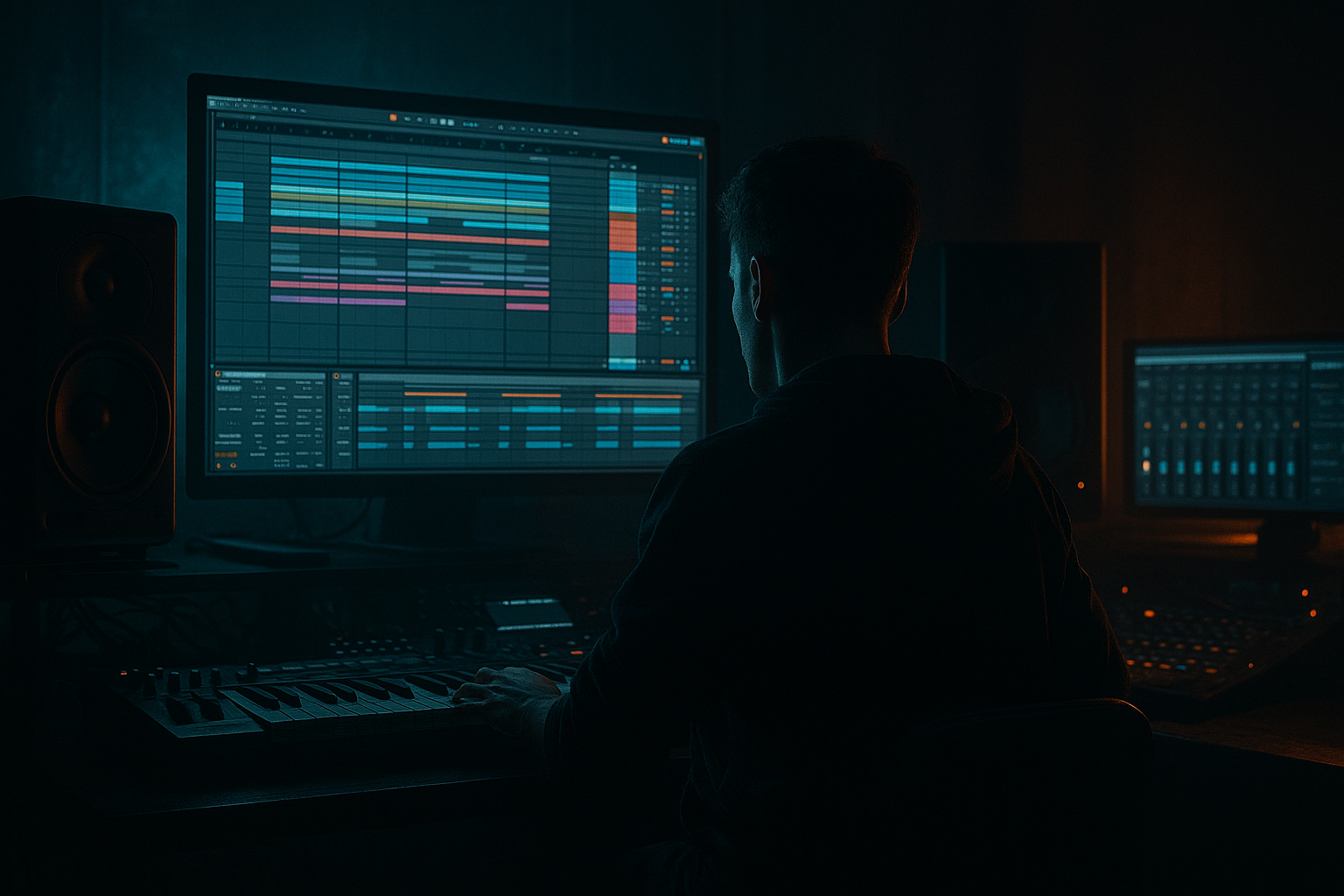
This lesson teaches the "Ellis Dee approach: rebuild a breakbeat intro in Ableton Live 12 for classic drum and bass drive". We’ll take an existing break (think Amen/Apache-style), slice and rearrange it, add pitch/timbre movement, build a driving 2–4 bar intro that opens into the main groove, and process the drum bus with stock Ableton devices for punch and momentum — all using Live 12 workflow (Slice to MIDI, Drum Rack/Simpler, Auto Filter, Drum Buss, Glue Compressor, Saturator, Utility, EQ Eight, and Sends).
2. What You Will Build
- A 2–4 bar breakbeat intro that evolves and creates classic DnB drive (for 170–176 BPM).
- A sliced Drum Rack MIDI version of the break with custom hits and pitched slices.
- Parallel-compressed drum bus with saturation for glue and punch.
- Filter/width automation and subtle repeats/delays to build tension without masking the kick/snare.
- Two return chains (short reverb and ping-pong delay) to taste for space.
- Over-filtering: Cutting too much mid/high content can kill the attack; let transient shaping and compression do the punching, not only filtering.
- Phase problems: When layering original audio and sliced pitched layers, don’t forget to check mono; large detune/pitch shifts can cause phase cancellation.
- Over-doing reverb/delay: Big tails on snares in a DnB intro will smear the transient drive. Use short decay times and sends rather than inserting large reverbs on the drum bus.
- Heavy compression without parallel blend: Squashing dynamics removes momentum. Use parallel compression and moderate glue settings.
- Too much automation at once: If you automate cutoff, width, saturation, and repeats simultaneously, the result becomes cluttered. Automate one or two parameters as main drivers.
- Use “Slice to New MIDI Track” in transient mode for Ellis Dee-style micro-edit chops. Keep some original accents to retain character.
- For snare presence, duplicate the snare slice to another pad and high-pass it aggressively (300–800 Hz) then add a small amount of saturation — this crisps the snap without muddying lows.
- Create a short “pre-drop ghost” — an isolated half-bar of quiet hits (low velocity) that gets a sharp gate-opening when the Auto Filter opens; this accentuates the arrival of the full break.
- Use tiny pitch bends (automation of Simpler Transpose Envelope) on repeated slices to simulate tape-pitch movement used in classic edits.
- Save your Drum Rack as an Instrument Rack with chains for dry/pitched/patterned variations so you can quickly swap into other projects.
- Set Live to 174 BPM. Import a 1–2 bar Amen-style break.
- Warp and Slice to New MIDI Track using 16th transient slicing.
- Program a 2-bar MIDI pattern: main snare on 2/4, ghost snare rolls on the “e” of beats, off-beat hats, and a few pitched slice hits.
- Add Auto Filter to Drum Rack and automate cutoff from 250 Hz → 6 kHz over the 2 bars.
- Group drums to a Drum Bus. Add Drum Buss (Drive 2 dB, Transient +10–15%), Glue Compressor (2:1, attack 8 ms), and a Saturator with Drive 3 dB.
- Create a return with Glue Compressor + Saturator for parallel compression; send the Drum Bus to it and set return blend ~10–20%.
- Export a 2-bar loop and compare before/after processing. Tweak to keep the kick defined and the snare snapped.
3. Step-by-Step Walkthrough
Note: this walkthrough assumes basic Ableton Live 12 knowledge (arranging clips, right-click menus). Use stock devices only.
Preparation
1. Set your Live tempo to typical DnB tempo (e.g., 174 BPM). Drop a breakbeat audio file into an audio track (a one-bar Amen or similar works well).
2. Warp the break to song tempo: double-click clip → enable Warp → set Warp Mode to “Beats” or “Complex Pro” if you need time-stretching. Make sure downbeats line up with the grid (set a transient marker at the first hit).
Slice and create Drum Rack
3. Right-click the clip → Slice to New MIDI Track. In the dialog choose “Transient” or “Warp Marker” slicing and set the slice to 16th/8th according to how granular you want it (Ellis Dee-style edits often use tight transient slices: 16th). This creates a Drum Rack where each slice is in a Simpler.
4. Open the new MIDI track and inspect slices. Rename/organize pads you’ll use (kick, snare, hat, ghost snare, fill hits).
Create the intro MIDI pattern
5. Program an initial 2-bar MIDI clip that replays the slices in a new arrangement — emphasize the snare hits on 2 & 4, but include ghosted snare rolls, off-beat hats, and occasional pitched slice hits for interest. Make a separate layer for a 1/16 triplet roll or ghost snare to imply momentum.
6. Use Velocity to humanize: draw varied velocities (use velocity editor) so repeated hits feel less robotic. Slight timing nudges (shift by ±10–30 ms using the Groove Pool or manual nudges) add swing. Load a DnB groove from the Groove Library or extract groove from another break (Groove Pool -> Extract).
Pitch and timbre movement (Ellis Dee approach)
7. For movement, duplicate the Drum Rack track (Cmd/Ctrl+D). On the duplicate, transpose specific Simpler slices using the Transpose control (±1–7 semitones) to create melodic hits. Lower level of pitched layer to taste and place behind the main drum to avoid phase/muddying.
8. Create subtle detune or LFO motion with Simpler’s Transpose Mod (or use Pitch setting automation) so certain hits rise slightly over the 4-bar intro — small changes are key (1–3 semitones).
Filtering and opening
9. Place an Auto Filter on the Drum Rack master (device chain output). Start the intro with a low-pass (24 dB slope) cutoff around 200–400 Hz and automate the Cutoff frequency to slowly open towards 4–8 kHz over the intro (draw automation across 2–4 bars). Add a slight resonance (1–2) to emphasize presence.
10. For an Ellis Dee classic feel, leave the low-end (kick) present while filtering highs: use EQ Eight after the Filter to apply a gentle LOW SHELF boost at ~60–80 Hz (+2–4 dB) and a slight dip around 300–500 Hz if the break sounds muddy.
Drum bus glue and transient shaping
11. Create a Drum Bus: route all drum channels to a Drum Bus group (right-click → Group Tracks). On the Drum Bus insert:
- EQ Eight (clean up sub frequencies with a HP at ~30–40 Hz if needed),
- Drum Buss: Drive 1–4 dB, Boom 0–8% for body, Transient for coarse shaping,
- Glue Compressor in parallel: set ratio 2:1, attack 3–10 ms, release auto/100 ms, threshold to achieve ~2–4 dB gain reduction.
12. For stronger transient emphasis on hits during the intro, automate the Drum Buss “Transient” knob up slightly at the moment of the drop, or use a duplicate Drum Bus send with Transient Shaper (if available) and blend.
Parallel compression and saturation
13. Send the Drum Bus to a Return track (Resample/Return A). On the Return: Glue Compressor (harder settings: ratio 4:1, attack 1–5 ms, threshold for 6–10 dB gain reduction) followed by Saturator (Drive 2–6 dB, Soft Clip enabled). Keep the return level low (blend to taste) and assign the Drum Bus send level to taste (start around -10 to -6 dB and adjust).
Space without washing out the kick/snare
14. Create two return chains: short room Reverb (Reverb device, Decay 0.6–1.5 s, Dry/Wet 10–20%) and a ping-pong Echo (Echo device, 1/8–1/16 with feedback 15–30%, Dry/Wet 10–20%). Send only ghost snares/hat sequences to reverb and keep main snare/kick dry.
Small edits and texture
15. Use Clip Gain and audio fades: for each slice, adjust Clip Gain to balance loudness before device processing. Use small fades (drag the clip fade handle) to avoid clicks on chopped hits.
16. For tiny rhythmic interest, add a subtle Beat Repeat (set interval 1/16, grid 1/8, variation small) on a duplicated drum channel or on an aux channel and automate its device on/off to accent the last bar of the intro.
Stereo and mono checking
17. Add a Utility on the Drum Bus after processing. Automate Width from ~60% in the intro to 100% as the break opens, but reduce to 0–40% to mono-check bass-heavy elements. Periodically toggle this to ensure no phase cancellation.
Arrange and finalize
18. Consolidate (Cmd/Ctrl+J) the intro clips once satisfied. Label automation lanes (Auto Filter cutoff, send levels, return Wet/Dry) for clarity.
19. Before saving, listen at low volume and in mono. Tweak EQ and compression to keep kick presence and snare snap through the automation sweep.
4. Common Mistakes
5. Pro Tips
6. Mini Practice Exercise
Time: 30–45 minutes
7. Recap
This lesson applied the "Ellis Dee approach: rebuild a breakbeat intro in Ableton Live 12 for classic drum and bass drive" by slicing a break into a Drum Rack, programming an intro MIDI pattern, adding pitch/timbre movement, using Auto Filter automation to open the arrangement, and shaping the drum bus with Drum Buss, Glue Compressor, and parallel saturation — all using stock Ableton devices. Focus on small, musical edits: velocity variation, subtle pitch changes, parallel compression, and restrained reverb/delay to keep the drive intact. Practice the mini exercise to internalize the flow and you’ll be able to recreate classic intro energy and momentum suitable for DnB drops.

